
The high-ticket managed Wi-Fi market is essentially a war against the "middle-mile" frustration of the modern remote professional. Clients aren't paying for hardware; they are paying for the elimination of the "Zoom-freeze" phenomenon. To build a successful service, you must transition from being a technician to an infrastructure engineer, a process similar to the strategies found in How to Build a Sustainable $15k/Month AI Automation Agency by 2026, where systems are scaled to ensure reliability for high-stakes environments. This requires moving beyond plug-and-play consumer mesh kits and into the territory of managed ecosystems, proactive monitoring, and aggressive physical layer optimization.
Building a managed Wi-Fi service requires a shift in perspective, much like the innovation discussed in Why E-commerce Giants Are Ditching Warehouses for 3D On-Demand Manufacturing, where practitioners move away from legacy methods toward smarter, environment-specific infrastructure. Whether it’s an apartment in a dense urban core plagued by 2.4GHz interference or a sprawling suburban home with signal-attenuating drywall, your role is to provide a "deterministic" wireless experience.
The Failure of "Prosumer" Expectations
The biggest mistake operators make is relying on the marketing claims of consumer mesh systems. When a manufacturer claims "covers 5,000 square feet," they are talking about a vacuum-sealed laboratory environment, not a home with granite countertops, smart fridges, and neighbors running six competing SSID signals on the same channels.
In the real world, the "mesh" backhaul—the invisible thread connecting your nodes—is the most common point of failure. If you are using wireless backhaul, you are effectively cutting your available bandwidth in half (or worse) with every hop. For remote workers, this is death by a thousand latency spikes.
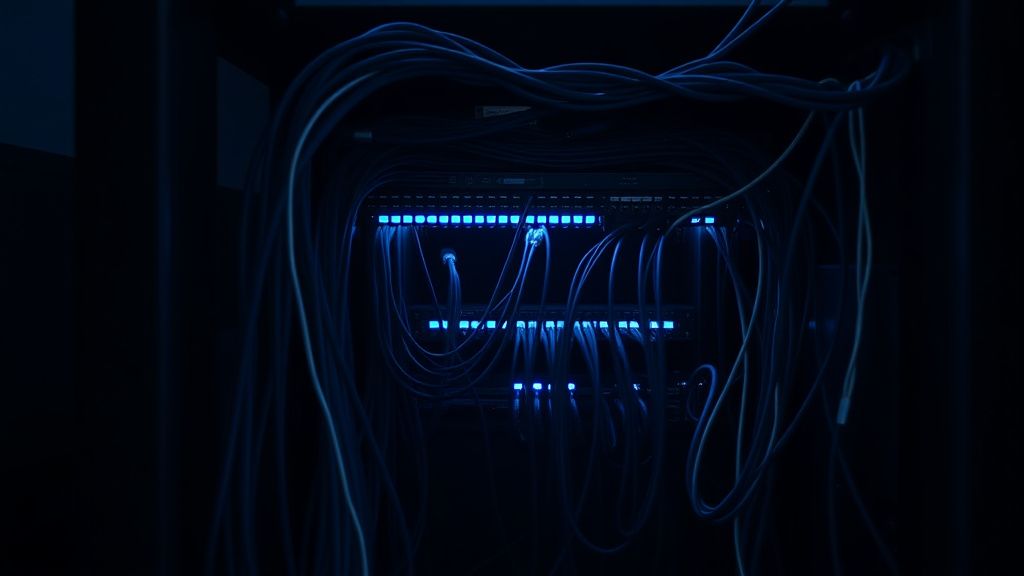
The "Hardwired-First" Mandate
If you want to charge a premium, you must enforce a "hardwired backhaul" policy. This means the primary mesh nodes must be connected via Cat6 or MoCA (Multimedia over Coax) adapters. Wireless mesh is for convenience; wired backhaul is for business-grade reliability. If you cannot pull cable, you must deploy high-gain dedicated backhaul radios or specialized tri-band systems that allow for a "hidden" radio frequency specifically for node-to-node communication, isolated from the client devices.
Operational Reality: The "Support Nightmares" You Need to Anticipate
When you move to a managed model, you are signing up for high-level support, a transition many professional service providers are making today, similar to the shift described in Why Dividend Investors Are Shifting to Tokenized PropTech REITs. The most common issues aren't hardware defects; they are environmental and user-driven, a reality check that is just as vital as understanding the complexities of launching a business, as detailed in Beyond the Hype: The Reality of Scaling an Autonomous AI Micro-SaaS to $5k MRR.
- The Smart Home Collision: Clients will add an IoT device—a "smart" toaster or a cheap light bulb—that broadcasts on 2.4GHz and creates broadcast storms, effectively blinding your carefully tuned Wi-Fi.
- Update Instability: Firmware updates are the silent killer of managed networks. A "stable" release can break DHCP leases or cause roaming handoff loops overnight.
- Client Device Stubbornness: Not all client hardware plays nice with fast-roaming standards like 802.11r/k/v. You will inevitably find an expensive laptop that refuses to "let go" of a weak node, forcing it to stick to a distant AP instead of roaming to the one five feet away.
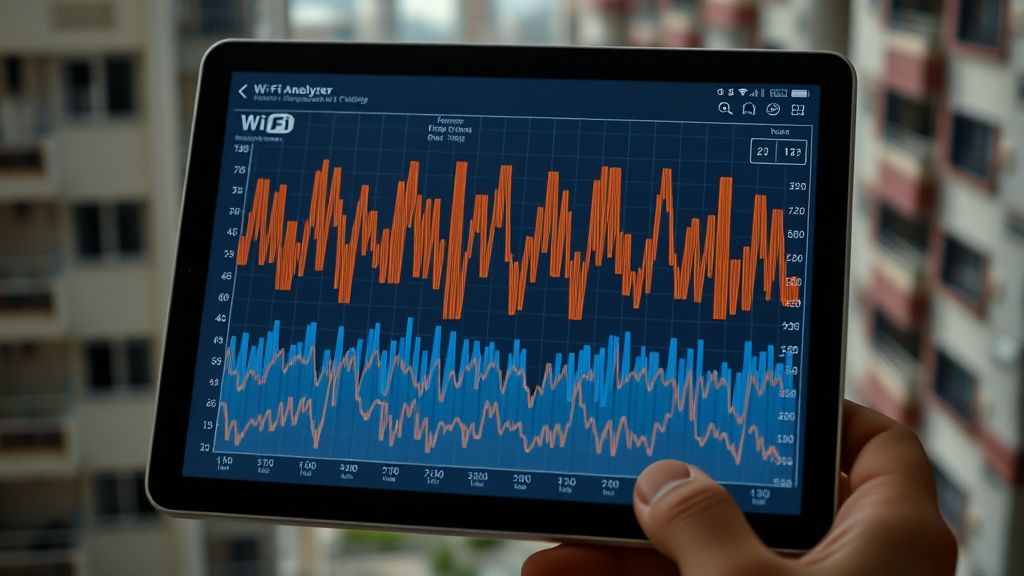
Field Report: The "Basement Office" Disaster
A few years ago, an MSP I consulted for attempted to deploy a standard Wi-Fi 6 mesh system in a large, historic home with thick stone walls. On paper, the layout was perfect. In reality, the signal couldn't penetrate the walls, and the "roaming" between nodes was catastrophic. During a high-stakes investor call, the client's laptop switched nodes three times, resulting in a three-second drop each time—exactly long enough for the video feed to freeze and the audio to glitch.
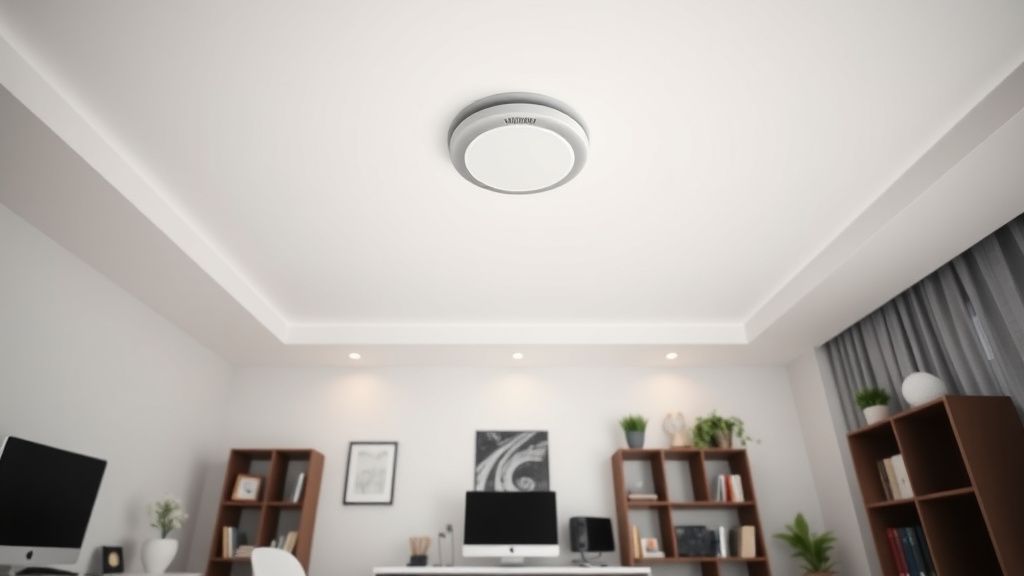
The Lesson: We had to pivot to a wired-backhaul architecture using ceiling-mounted access points rather than shelf-top mesh nodes. We learned that "mesh" as a concept often fails where "distributed antenna systems" succeed. If you are selling to remote workers, sell them on hardwired infrastructure, not just "better Wi-Fi."
Balancing Monetization and Trust
The "High-Ticket" aspect of your service doesn't come from the routers; it comes from the dashboard. Clients will pay a monthly recurring revenue (MRR) fee if they know you are monitoring the network's health before they notice a failure.
Use platforms that allow for remote visibility into signal strength, noise floors, and connected devices. If a client’s VPN tunnel starts dropping packets, you should be able to identify if it’s a local interference issue (e.g., the neighbor’s new microwave) or a WAN issue (e.g., ISP fiber degradation) before the client even opens a support ticket.
The Counter-Criticism: Is "Managed" Just Another Term for Overcharging?
There is a growing chorus of skepticism in tech circles—particularly on forums like Reddit’s r/homelab and various networking Discord servers—regarding the "Managed Wi-Fi" trend. The critique is simple: modern Wi-Fi 7 gear is so robust that managed services are becoming an unnecessary tax on users.
Critics argue that by forcing proprietary cloud-managed hardware on clients, you are creating a "walled garden." If the provider goes bust or stops supporting the hardware, the client is left with expensive, useless plastic bricks.
My take: This critique is valid. To be a top-tier provider, you must avoid "vendor lock-in." Favor hardware that can be managed locally or through open-standard protocols (like UniFi, Omada, or even OpenWRT-based solutions) rather than systems that die if the vendor's cloud server goes offline. True value comes from your expertise in tuning the environment, not from the specific brand of access point you bolt to the ceiling.
Navigating the "Workaround Culture"
You will encounter clients who have their own "hacks"—cheap Wi-Fi extenders they bought on Amazon, or secondary routers they’ve set up in a "double-NAT" configuration that ruins everything.
Your policy must be firm: To provide a service-level agreement (SLA) on your managed Wi-Fi, you must have total control of the network. If the client insists on using their own hardware, they lose the guarantee. Most high-ticket clients, once they understand the trade-off, will happily surrender control to get the stability they need.
The Technical Edge: Managing Interference
In high-density environments, channel management is your most important tool.
- Channel Width: Don't default to 160MHz just because the box says it’s faster. In a busy neighborhood, 160MHz is a recipe for collision. Stick to 40MHz or 80MHz for higher stability.
- Airtime Fairness: Ensure your managed settings favor modern Wi-Fi 6/7 clients and throttle older, slower devices that "hog" the airtime (often referred to as the "slowest-device-first" problem).
- Band Steering: Aggressively push capable devices to 5GHz or 6GHz bands. If a device is capable of 6GHz, get it off the saturated 2.4GHz/5GHz bands at all costs.
Scaling the Business: Operations over Hardware
If you want this to be "evergreen," treat it like a SaaS product.
- Onboarding: Conduct a physical site survey (virtual or in-person). Map the RF dead zones.
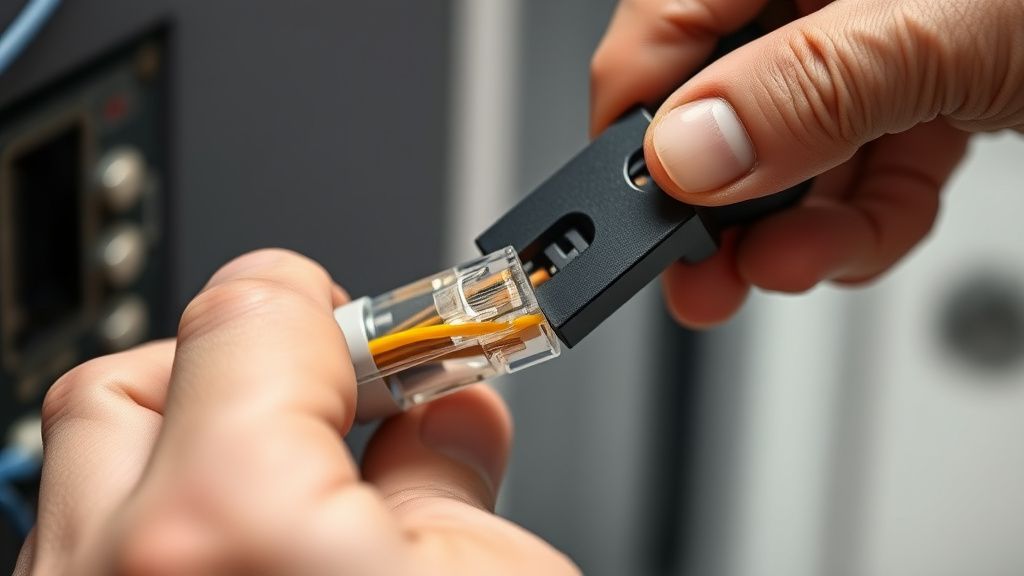
- Documentation: Maintain a living document of every client's network topology. If you need to debug a problem at 2:00 AM, you shouldn't be guessing where the cables go.
- Proactive Alerts: Set up alerts for "WAN drops" and "High Retransmission Rates." If the retries hit a certain threshold, it’s a sign of interference. Reach out to the client before they reach out to you: "Hey, we noticed some interference in your home office. We’ve adjusted your channel settings remotely." This level of service justifies the premium.