The professionalization of the home network has finally reached its breaking point. We are currently witnessing a bizarre, albeit lucrative, phenomenon: the birth of the "Network Concierge." High-end tech consultants are increasingly billing thousands of dollars for services like Stop Resetting Routers: How Tech Pros Are Charging Premium Fees for Wi-Fi 7 Optimization, shifting tasks that were once the domain of a tech-savvy teenager into a lucrative professional service. But with the rollout of Wi-Fi 7 (802.11be), the complexity threshold has shifted from "plug and play" to "industrial-grade configuration," creating a massive gap between what manufacturers promise and what users actually experience.
The core of the problem is that Wi-Fi 7 is not just a faster version of Wi-Fi 6E. It introduces Multi-Link Operation (MLO), Puncturing, and 320MHz channels. These are powerful tools that, if misconfigured or left to "auto" settings in a dense urban environment, collapse under their own weight. This is where the consultants step in. They aren't just plugging in cables; they are conducting RF spectrum analysis, managing backhaul interference, and navigating the proprietary "walled gardens" of enterprise-lite equipment.

The "Auto" Fallacy: Why Your $800 Router Needs a Human
Most consumer-grade Wi-Fi 7 systems—think TP-Link Deco BE series or Asus ROG Rapture line—are sold with the promise of "AI-driven optimization." In practice, these algorithms are often reactive. They shift channels when interference spikes, which causes a micro-drop in connectivity. For a standard user browsing Instagram, this is a blip. For a remote executive on a high-stakes Zoom call or a household with 60+ smart IoT devices, it is a catastrophic event.
Consultants are charging premium fees (often ranging from $1,500 to $5,000 for a site audit and setup) to disable these "auto" features. They are hard-coding channel widths, manually assigning DFS (Dynamic Frequency Selection) channels to avoid radar interference, and—most importantly—setting up VLANs (Virtual Local Area Networks) to isolate IoT "garbage" from high-priority traffic.
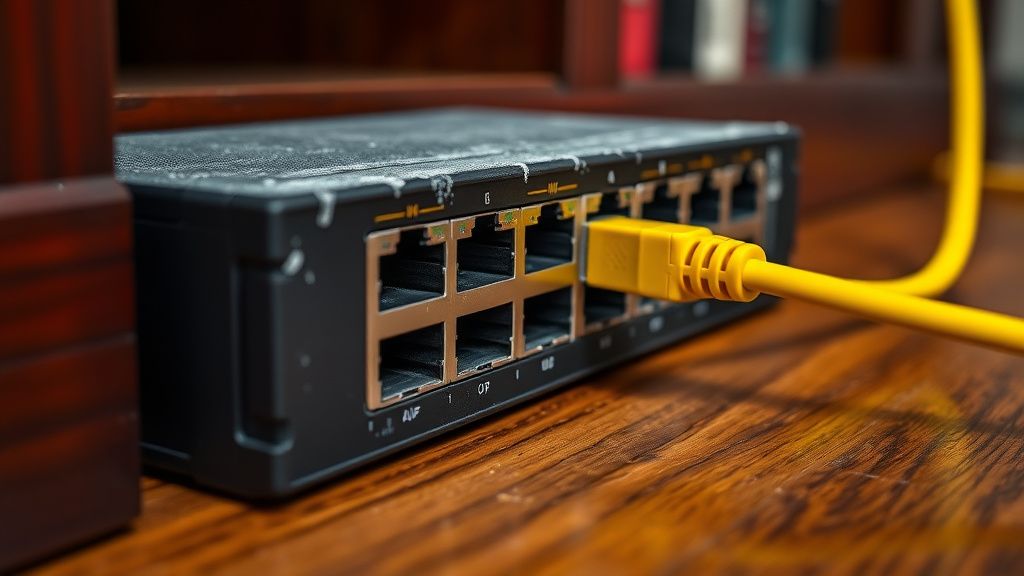
"The industry has been lying to consumers about the 'mesh' experience," says one consultant who requested anonymity due to NDAs with high-net-worth clients. "They sell these nodes as magic boxes. But if you have a 6,000-square-foot house with concrete walls, your nodes are fighting each other. I spend half my time just fixing the backhaul—literally pulling Cat6A cables because wireless backhaul is a failure waiting to happen."
Real Field Report: The "Smart Home" Crash
In a recent engagement in a suburb of Seattle, I observed a consultant struggling with a client's "all-in" Wi-Fi 7 smart home. The home utilized a top-tier tri-band mesh system. The issue? The smart blinds, the doorbell, and the security cameras were constantly "dropping."
The consultant’s analysis revealed a classic edge-case: the 6GHz band was being used for the backhaul between nodes, but the walls were too dense, causing the signal to drop to 5GHz intermittently. The system would then "re-negotiate" the backhaul connection every 40 minutes, causing a 3-second network blackout across the entire property. The solution wasn't a software update; it was re-wiring the master bedroom to force a wired Ethernet backhaul, effectively bypassing the very "mesh" capability the client had paid for. The total cost to the client? $3,200 for a two-day onsite integration.
The Economics of Complexity
Why is this happening now? Because the "Internet of Things" has become the "Internet of Failure." We have stuffed our homes with devices that use substandard Wi-Fi chipsets. Many $50 smart light bulbs don't handle fast-roaming (802.11r/k/v) protocols correctly. When a router tries to steer them to a different access point, they simply disconnect and refuse to rejoin.
Consultants are essentially acting as human firewalls for these devices. By setting up SSID segmentation—creating one network for "dumb" 2.4GHz IoT devices and another for high-bandwidth 5GHz/6GHz gear—they are manually performing the work the router's firmware should theoretically be doing. They are monetizing the failure of manufacturers to create universal standards that actually work together.
Counter-Criticism: The "Gatekeeping" Debate
There is a rising backlash within the enthusiast communities on platforms like r/HomeNetworking and various Discord servers. Critics argue that these high-fee consultants are engaging in "gatekeeping" and "obfuscation."
The argument goes like this: By creating overly complex, proprietary configurations that only they know how to manage, these consultants create "vendor lock-in." If a client needs a password reset or a device added, they have to pay a "retainer fee."
"I've seen these 'pro' setups," notes one prominent contributor on a technical forum. "They use enterprise gear like Ubiquiti or Ruckus in homes where a decent $300 router would suffice if the user just moved the box away from the microwave. It’s professional-grade overkill sold to people who don't know the difference between a ping and a packet loss."
This is a valid point. There is an entire sub-industry built on the fear of "buffering." Consultants leverage this anxiety to upsell complex infrastructure that the client is ultimately unable to maintain. When the inevitable firmware update bricks a custom firewall rule, the client is forced to pay for another house call.
The Technical Debt of Wi-Fi 7
Wi-Fi 7 is significantly more sensitive to environment than its predecessors. The 6GHz band, while vast and empty, has terrible penetration capabilities. Using it for anything other than point-to-point line-of-sight is a struggle. Consultants are now spending more time on "Spectrum Auditing"—using tools like Ekahau or NetSpot—than actually configuring hardware.
The reality is that we are in a transitional period. Manufacturers are pushing "Wi-Fi 7" as a marketing bullet point to sell hardware, while the underlying physical reality of signal propagation remains unchanged. Physics dictates that 6GHz signals do not like walls. No amount of "AI optimization" can change the fact that a concrete wall attenuates high-frequency radio waves.
Infrastructure vs. Vanity
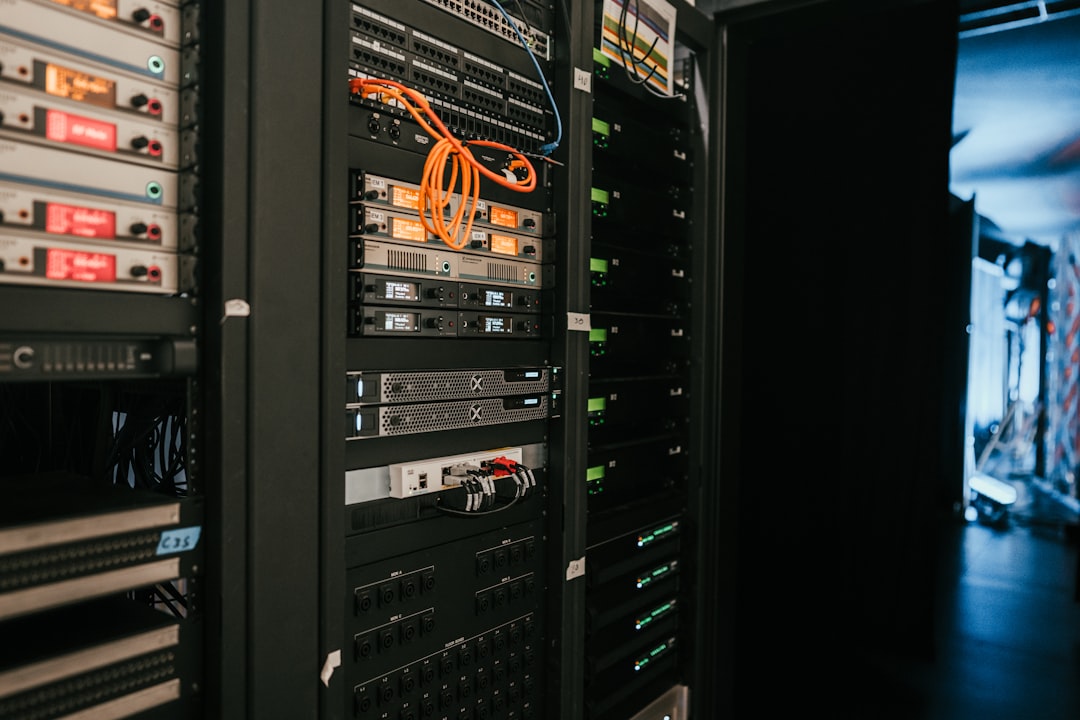
The most successful consultants are the ones who refuse to touch the "shiny" new features and instead focus on what is boring: physical cabling and stable power. You will notice a recurring theme in the best "home networking" setups: they don't rely on fancy mesh roaming; they rely on wired access points (WAPs) ceiling-mounted in every room.
The consultants charging the most are the ones telling their clients: "Turn off the wireless backhaul." It is the ultimate irony of the Wi-Fi 7 era: the best way to use the newest, fastest wireless technology is to not use it at all for your backbone.
Scaling Issues and Maintenance Nightmares
Scaling is the silent killer of these setups. A home network with 10 devices is trivial. A home network with 80+ devices—a mix of Lutron switches, Sonos speakers, Apple TVs, and work-from-home laptops—is a broadcast storm waiting to happen.
Consultants are now implementing managed switches (like those from UniFi or MikroTik) into residential settings. This introduces a new failure point: the learning curve. If the ISP changes the gateway, or if there is a double-NAT issue, the average homeowner is completely lost. The documentation provided by these consultants is often sparse or non-existent, intentionally ensuring a cycle of dependency.
The Future of the "Consultant"
Will this market persist? As routers become smarter and "Self-Healing Networks" move from marketing buzzwords to actual, reliable features, the need for human intervention should logically decrease. However, history suggests otherwise. As tech gets more complex, the "abstraction layer" required to manage it grows. We are moving toward a future where the home network is considered a utility, like plumbing or electricity, and will likely require professional, ongoing maintenance contracts.
Why does my new Wi-Fi 7 router have worse range than my old Wi-Fi 5 router?
This is a classic symptom of the shift to higher frequencies. Wi-Fi 7 makes heavy use of 6GHz, which has excellent throughput but extremely poor wall penetration. Your old router likely operated on 2.4GHz, which travels through walls easily but is incredibly crowded. You aren't losing signal; you are losing "penetration."
Should I pay for a "Pro" network installation?
Only if you have a large property (3,000+ sq ft) or a high density of devices (50+). If you live in an apartment or a standard house, you are better off learning how to perform a simple site survey with a free app and moving your router to a central, unobstructed location.
Why do my smart devices keep disconnecting?
Most IoT devices are built on low-cost, 2.4GHz-only chipsets that struggle with "Band Steering." Your router is likely trying to force them onto a faster 5GHz or 6GHz network that they don't support. The "fix" is often creating a dedicated 2.4GHz-only SSID that is hidden from your main devices.
Is Wi-Fi 7 really worth the upgrade right now?
For most users, no. Unless you have a gigabit-plus internet connection and move massive files (4K/8K video editing) wirelessly, the benefits of Wi-Fi 7 are currently dwarfed by the cost of hardware and the instability of early-firmware releases.
What is the biggest "Red Flag" with network consultants?
If they refuse to give you the login credentials for your router or if they insist on proprietary, "subscription-only" hardware. You should always own your network infrastructure. If a consultant tries to trap you in a vendor ecosystem that requires a monthly fee to manage, run the other way.
of the Operational Reality The "Wi-Fi 7 Premium" is a tax on complexity. While the hardware is undeniably impressive, the deployment of such systems in residential environments is currently plagued by over-promising and under-delivering. We are in a "wild west" phase where the lack of universal standards for IoT connectivity makes the network engineer a necessary, if expensive, luxury.
Ultimately, the best network is the one you understand. If you find yourself needing to pay a third party to manage your router, you aren't just buying "optimization"—you are buying the convenience of not having to deal with the inherent, messy, and fundamentally broken nature of modern consumer wireless standards. The consultants aren't fixing the Wi-Fi; they are managing the chaos we’ve allowed into our homes in exchange for "smart" lightbulbs and voice-controlled coffee makers.
Be wary of the "total home optimization" pitch. Most of the time, the fix isn't a premium consultant; it’s an Ethernet cable, a static IP, and the patience to configure your own local area network. If you do hire a consultant, ensure that they are handing over the keys to the kingdom—full admin access, documentation of every VLAN, and a diagram of your infrastructure. Anything less is not a service; it’s a leash.