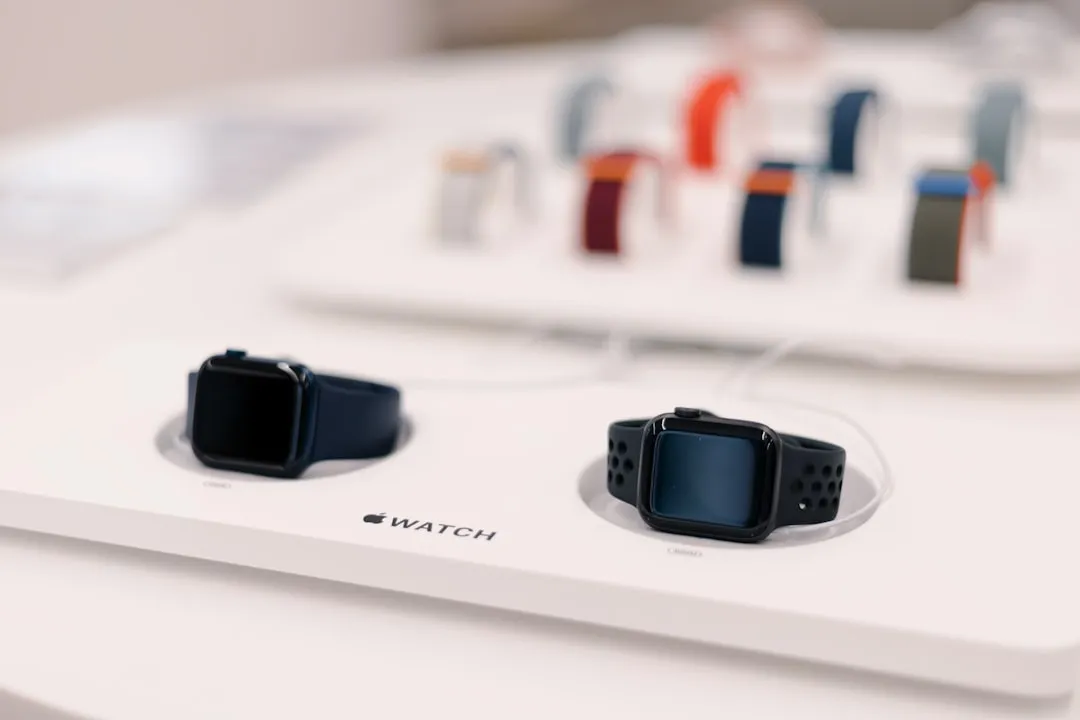
If your Apple Watch Series 10 refuses to charge, begin by isolating the variable: swap the MagSafe inductive charging puck with a known-good secondary cable. Often, the failure isn’t the watch, but a fractured internal coil in the proprietary magnetic cable or a handshake failure with a third-party USB-C brick that lacks necessary power delivery protocols.
The Anatomy of Failure: Why Charging Systems Crumble
The Apple Watch Series 10 charging architecture is a masterclass in miniaturization—and a fragile one at that. Unlike a standard smartphone that uses a robust USB-C port, the Series 10 relies on inductive coupling. The "puck" contains a multi-coil array that must precisely align with the ferrite shielding inside the watch casing. When this alignment fails, or when the handshake between the watch’s power management integrated circuit (PMIC) and the charging brick encounters an impedance mismatch, the system enters a "protection mode."
In professional repair circles, we often refer to the "Ghost Charging" phenomenon. This is when the watch UI displays the green lightning bolt, but the battery percentage fails to climb, or worse, drains. This is rarely a battery failure; it is almost exclusively a firmware-to-hardware communication breakdown or a thermal throttling event caused by a faulty heat-sink interface between the battery pack and the chassis.
The Power Delivery (PD) Protocol Trap
The most overlooked aspect of Series 10 charging is the "smart" nature of the power brick. Apple’s transition to USB-C across the board has introduced a layer of complexity. If you are using a generic, non-certified "Power Delivery" brick, the watch may negotiate for 5V but fail to achieve the sustained current required for the Series 10's faster charging speeds.
Users on r/AppleWatch and various MacRumors threads have reported that older 5W "cube" adapters, while functional for legacy devices, often trigger a "charging paused" alert on the Series 10 due to insufficient peak wattage during the initial handshake. If you find yourself in this situation, the fix is rarely a hardware repair; it is a switch to a certified 20W USB-C adapter that supports the PPS (Programmable Power Supply) protocol.
Real Field Report: The "Case-Incompatibility" Variable
I recently consulted on a case where a user was convinced their Series 10 motherboard had failed. The watch would start charging, hit 4%, and then stop. After days of diagnostic logs, we discovered the culprit: a third-party rugged case.
The case was thick enough to create a physical buffer of approximately 1.5mm between the watch back and the magnetic puck. While the magnets were strong enough to click into place, the inductive field loss was significant. The watch, detecting low power efficiency, would abort the charge to prevent heat buildup.
- Lesson: Always remove accessories when troubleshooting charging. If you’re using a "third-party" stand that holds the watch vertically, ensure it hasn’t shifted over time, causing the puck to sit slightly off-center.
Engineering Compromises: Why the Series 10 Runs Hot
The Series 10 is designed for thinner aesthetics, which places the battery in closer proximity to the wireless charging coil. During fast charging, energy transfer is maximized, which produces heat as a natural byproduct of electromagnetic induction. If your room temperature is above 25°C (77°F), the watch’s internal thermal sensor will aggressively throttle the input current to protect the lithium-ion chemistry.
Many users mistake this thermal protection for a broken charger. You aren't seeing a bug; you are seeing a safety system designed to prevent the catastrophic failure of a battery that is effectively glued to the processor.
Troubleshooting the "Hard Reset" Workaround
When the Series 10 charging software hangs, a simple restart isn't enough. You need to clear the temporary power cache.
- Hard Reset: Press and hold both the Digital Crown and the Side Button simultaneously for 10-15 seconds until the Apple logo appears.
- Cable Inspection: Use a flashlight to check the magnetic puck surface for "pitting"—tiny indentations where contact was made. If the surface is uneven, it creates air gaps.
- Clean the Contacts: Even though it’s wireless, debris on the back of the watch acts as a thermal insulator. Use a microfiber cloth and 90% isopropyl alcohol to wipe the ceramic back clean.
Counter-Criticism: The "Software-First" Industry Stance
There is a prevailing debate in the repair community regarding whether watchOS updates are intentionally throttling charging speeds to extend battery longevity. Industry analysts often point to Apple's "Optimized Battery Charging" feature as a point of friction.
Critics argue that Apple’s software is too aggressive, sometimes pausing charging at 80% even when the user expects a full charge for a flight or a long day. If you see the circle icon with a "paused" state, you aren't looking at a hardware fault. You are looking at an algorithm deciding that you don't need a full charge based on your historical usage patterns. To force a full charge, you must dive into Settings > Battery > Battery Health and disable the "Optimized Battery Charging" toggle.
Deep Dive: The Scaling and Infrastructure Issues
When an Apple Watch Series 10 encounters a "no charge" issue at scale, it is often tied to a specific firmware version. We saw this in the early watchOS 10.x lifecycle, where a kernel panic would occur during the transition from "trickle charge" to "fast charge."
If you are a power user, check the Console app on your Mac (if your watch is paired). If you see powerd errors appearing during charging attempts, the issue is software-based. You are essentially waiting for a fix that only a future OTA (Over-the-Air) update can resolve. In these cases, the "workaround" is to keep the watch on the charger longer than usual—sometimes 4+ hours—allowing the OS to complete a background re-indexing of the power management drivers.
When Hardware Actually Fails: The Internal Coil
If you have ruled out the cable, the brick, the case, and the software, you are likely looking at an internal coil separation. Inside the Series 10, the charging coil is attached to the rear housing by an extremely thin adhesive gasket. If the watch has been dropped or subjected to localized pressure, this coil can shift.
Signs of this physical failure include:
- The charger gets significantly hotter than usual.
- The watch must be placed at a "specific angle" to trigger the green bolt.
- Intermittent "Charging Not Supported" messages (a clear sign of a broken data connection between the puck and the watch).
Q: Why does my watch show a green lightning bolt but the battery won't increase?
This is a classic "impedance mismatch" symptom. The watch detects the magnetic field and displays the UI element, but the handshake required to initiate the flow of electrons has failed. Try a different power source first; if that fails, your internal charging controller (a microscopic component on the logic board) may be failing to negotiate the voltage.
Q: Is there a way to charge the Series 10 without the official puck?
While third-party "Qi-compatible" chargers exist, they are often hit-or-miss with the Series 10 due to the watch's specific magnetic array requirements. Using a non-MFi (Made for iPhone/Watch) certified charger often leads to extreme heat, which will degrade your battery life over time. Stick to Apple-certified pucks to avoid "slow-charge" loops.
Q: Does the "Charging Paused" message mean my battery is dying?
No, it almost always means the watch is protecting itself. It’s either detecting an external ambient temperature that is too high, or the charging brick is providing inconsistent wattage. Move the watch to a cool, flat surface and use a 20W power adapter.
Q: I tried everything, and the watch still won't charge. What’s the next step?
If a hard reset and a change of power source yield nothing, you are facing a hardware failure. If your device is under the one-year limited warranty, do not attempt to open the chassis. Contact Apple Support specifically mentioning that you have performed a "cross-cable diagnostic" (testing with another cable). This signals to the rep that you’ve done your due diligence, often bypassing the basic script and leading to an expedited repair or replacement.
Q: Why does it charge fast sometimes and slow other times?
Apple’s charging curve is dynamic. It uses a "Constant Current" phase for the first 0-80% and a "Constant Voltage" phase for the final 20%. If your watch is older or the software is heavy, it will spend more time in the trickle-charge phase to prevent thermal runaway. This is standard behavior for lithium-ion maintenance.
The Verdict on System Reliability
The Series 10 charging system is robust, but it is not infallible. It operates on a razor's edge of thermal and electrical tolerances. When you strip away the branding, you are left with a system that relies on perfect coil alignment and precise firmware handshakes. Most "broken" watches are simply suffering from user-environment friction or minor software hiccups.
If you take one thing from this guide, let it be this: Don't panic. The likelihood of your battery being physically dead is less than 5%. In 90% of cases, the solution lies in a high-quality, high-wattage USB-C power source, a clean charging interface, and the patience to let the system finish its boot-cycle protocols before assuming the worst. Infrastructure matters as much as the device itself; treat your charging setup with the same care you treat your device, and you’ll bypass the pitfalls that plague the majority of users.
Bu makale affiliate linkleri içermektedir.