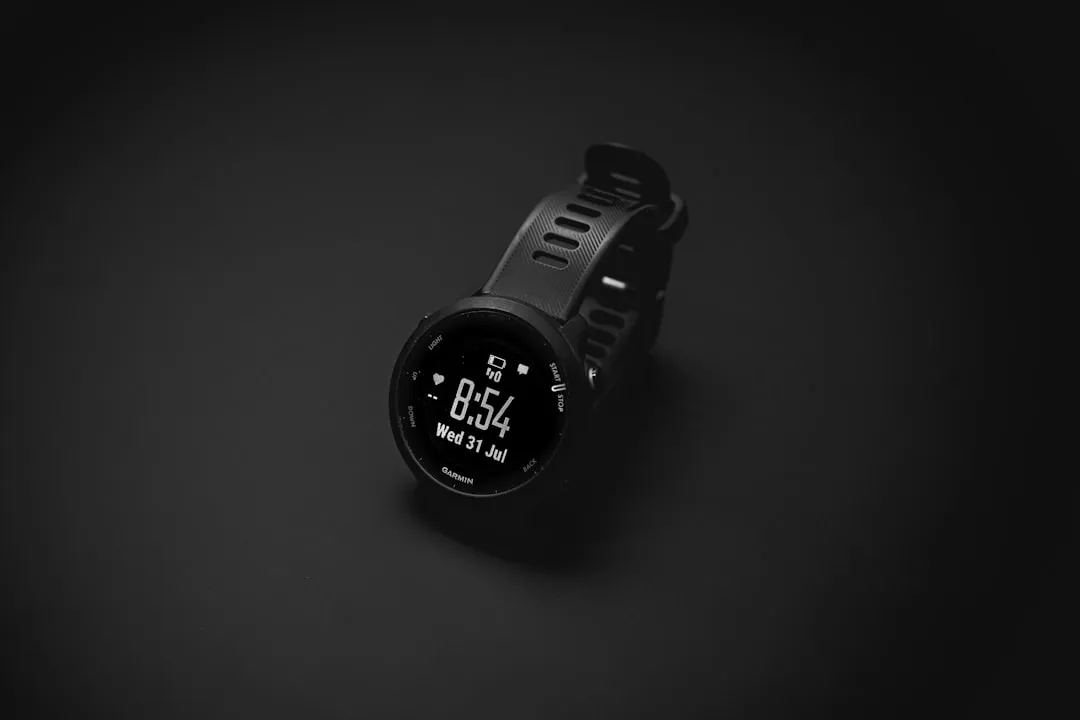
If your Garmin Fenix 8 is reporting erratic heart rate data, the issue is rarely a hardware defect; it is almost always a struggle between optical sensor physics and human physiology, a challenge also faced by other dedicated heart rate monitors when they fail to connect or sync properly. To restore accuracy, prioritize a snug (but not tourniquet-tight) band placement, clean the sensor array of salt buildup, and ensure your watch is positioned 2-3 centimeters above the wrist bone.
When you invest in a flagship multisport wearable like the Fenix 8, you aren’t just buying a watch; you’re buying a biometric data platform that sits on the precarious edge of modern sensor miniaturization (though sometimes even core features like Garmin Fenix 8 GPS tracking can face issues). The Elevate Gen 5 optical heart rate (OHR) sensor array on the Fenix 8 is, on paper, the most sophisticated implementation of photoplethysmography (PPG) currently available to the public. Yet, the forums on Reddit’s r/Garmin and various athlete-centric boards remain flooded with users complaining about "cadence lock," "dropouts during HIIT," and "wildly inflated base heart rate readings," issues not uncommon across advanced wearables, where even devices like the Oura Ring Gen 4 can struggle with sleep data and connectivity.
The discrepancy between the marketing promise of "clinical-grade tracking" and the messy, chaotic reality of a sweaty, oscillating wrist is where the actual user experience lives.
The Physics of PPG: Why Your Fenix 8 Gets Confused
At its core, your Fenix 8 uses PPG—a technique that shines light (green for standard HR, red/infrared for pulse ox) into the skin to detect changes in blood volume. The sensor measures how much of that light is reflected back. When your heart beats, your blood vessels expand, absorbing more light. It sounds simple, but it is an architectural nightmare for software engineers.
The system relies on a signal-to-noise ratio that is constantly being assaulted by your movement. When you run, your arm swings, your skin compresses, and the watch shifts slightly. If your stride frequency (cadence) matches your heart rate, the algorithm—which is trying to filter out "noise"—can accidentally lock onto your cadence instead of your heart rate. This is the infamous "cadence lock," and no amount of software updates can completely solve a hardware-level optical interference issue.
Operational Realities: The "Snugness" Paradox
The most common point of failure for Fenix 8 users is the "goldilocks" fit of the strap. If you wear the watch too loose, external light leaks into the sensor, washing out the signal. If you wear it too tight, you physically compress the capillaries in your wrist, restricting blood flow and giving the sensor a "dampened" or lagging reading.
Experienced Garmin users on the Garmin Forums often point to the "two-finger rule," but for a high-intensity athlete, this is insufficient. When performing HIIT or CrossFit, the watch needs to be tighter than it is while sleeping. Many serious athletes have adopted a two-strap strategy: a nylon loop or elastic band for daily wear, and a dedicated silicone band for workouts that can be tightened precisely without creating pressure points.
Analyzing the "Cadence Lock" Controversy
If you navigate to the Garmin developer forums or look at GitHub repositories focused on heart rate variability (HRV) analysis, you will find a recurring debate: is the sensor failing, or is the software filtering too aggressive?
The Fenix 8’s internal algorithms use complex signal processing to interpret the incoming light data. When you initiate a high-intensity session, the software "expects" a certain pattern. If the sensor sees a sudden jump that doesn't align with the expected trend, it might reject that data as an artifact, leading to a "frozen" heart rate reading that refuses to update for several minutes. This is a deliberate design choice—a "smoothing" filter intended to prevent erratic spikes—but it creates an operational nightmare for athletes doing interval training where precision is everything.
Common Failure Points in Real-World Usage:
- Cold Weather Vasoconstriction: In sub-zero temperatures, your body pulls blood away from the skin's surface. PPG sensors struggle because there is simply less perfusion to track.
- Tattoo Interference: Heavy, dark-ink tattoos—particularly black and blue pigments—can obstruct the green light path, causing the watch to lose the signal entirely.
- The "Sweat Bridge": In hot, humid conditions, a layer of sweat can act as a prism, refracting the light and causing the sensor to receive inconsistent reflections.
Beyond the Sensor: When to Admit Defeat
There is a segment of the user base—those performing high-intensity interval training, functional fitness, or explosive sports—who will never be satisfied with wrist-based optical tracking. It is a fundamental limitation of the form factor.
If your Fenix 8 fails to track your heart rate accurately during sprints, rowing, or weightlifting, it is not necessarily a bug; it is a limitation of physics. At this level of exertion, the only reliable way to track heart rate is through an electrical sensor (ECG/EKG), which is exactly what a chest strap provides.
Case study: A thread on Hacker News regarding wearable data integrity highlighted a user who claimed their Fenix 8 showed a resting heart rate of 140bpm during a heavy kettlebell session, while their chest strap confirmed it was actually 175bpm. The Fenix was lagging by nearly 30 seconds due to the watch's internal smoothing logic. This isn't a "broken" sensor; it's a sensor trying to guess the trend of your heart rate rather than measuring the electrical impulse of your heart.
Infrastructure and Ecosystem: Garmin Connect’s Data Management
The way the Fenix 8 handles your heart rate data within the Garmin Connect ecosystem can also be a point of friction. Garmin often applies "post-processing" to your heart rate data after the activity is synced. If you notice a "clean" graph on your app that doesn't match the chaotic reading you saw on the watch face during the run, you are seeing the result of Garmin’s cloud-side smoothing algorithms.
This raises a transparency issue: users are often presented with a sanitized version of their performance, which can mask hardware issues. If the watch consistently loses tracking for 2-3 minutes during a run, and that data is "filled in" by the cloud algorithm, you may never realize your sensor was failing in the first place until you perform a high-stakes activity where accuracy is critical.
Optimization Techniques: A Proactive Guide
To mitigate these issues, you must treat your Fenix 8 as a scientific instrument that requires maintenance.
- The "Pre-Warm" Strategy: When moving from a warm environment to a cold one, or vice versa, your skin temperature affects blood flow. Allow the sensor 5 minutes to stabilize after starting your watch, or better yet, perform a "warm-up" activity for 10 minutes before the actual data collection starts.
- Sensor Sanitization: Use a mild soap (not a harsh solvent) to clean the optical glass. Micro-scratches on the sensor array are rare, but a film of sunscreen or body lotion will definitely ruin your HR readings.
- The "Opposite Wrist" Experiment: If you consistently see bad data on your left wrist, try the right. Some users have found that the slightly different anatomy of the right wrist, or the way the arm naturally swings, can solve cadence lock issues entirely.
- Hardware Reset: If the sensor appears "dead" (the lights are not pulsing or flashing), a soft reset by holding the light button for 15 seconds can force a power cycle of the sensor sub-system.
Counter-Criticism: The "It Just Works" Fallacy
There is a common refrain among brand evangelists: "My Fenix 8 is flawless; you must just be wearing it wrong." This is a dangerous oversimplification. While user error is a factor, Garmin’s decision to move to the Elevate Gen 5 sensor was accompanied by significant software changes that have caused regressions in stability for some users.
Community reports on the Garmin Support forums (specifically under the Fenix 8 sub-board) have highlighted instances where specific firmware versions broke HR accuracy for users who previously had perfect performance. This suggests that the "operational reality" is a moving target. What works today with Firmware 12.xx might be "broken" tomorrow by an update that changes the threshold of the heart rate filtering algorithm.
FAQ
Why does my Fenix 8 show a lower heart rate than my chest strap?
Does a screen protector impact the Heart Rate Sensor?
Why is my Fenix 8 HR data "choppy" or fragmented?
Is the Elevate Gen 5 sensor worse than previous generations?
Can I fix "Cadence Lock" with settings?
Conclusion: Living with the Limitation
The Garmin Fenix 8 is an incredible tool, but it is not a magic wand. Understanding its limitations is the first step toward getting the most out of your training data. If you are training for a PR or tracking recovery for professional-level performance, accept the wrist-based sensor for what it is: a daily activity and lifestyle tracker. For the intensity of the workout, invest in the hardware that was built to solve the physics problem—a chest strap.
By managing your expectations and maintaining your hardware, you bridge the gap between marketing hype and the gritty, real-world data you actually need to improve.