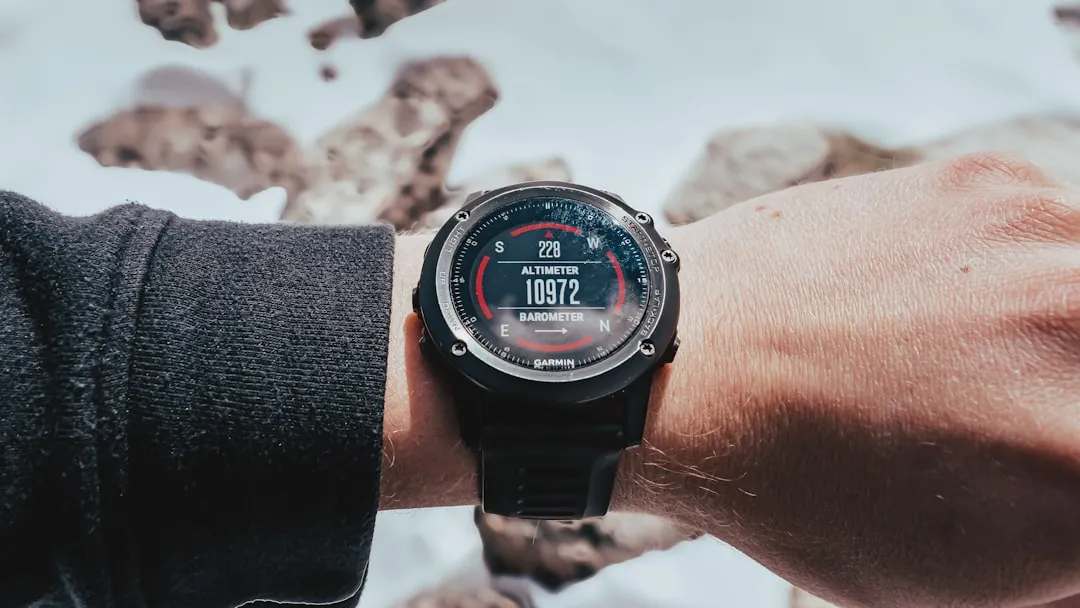
If your Garmin Fenix 8 is failing to track GPS, start by performing a soft reset by holding the Power button for 15 seconds until the device shuts down. Ensure you are running the latest firmware, as early rollout versions often contain satellite acquisition bugs. If issues persist, force a clear of the EPO (Extended Prediction Orbit) cache via Garmin Express.
The Fenix 8 represents a significant architectural shift in Garmin’s wearable lineup, transitioning toward a more AMOLED-centric ecosystem. However, this shift hasn't been without its growing pains. When a device that costs nearly a thousand dollars fails to record a simple trail run or open-water swim (or if you find your Garmin Fenix 8 Heart Rate Inaccurate), the frustration isn't just about the data loss—it’s about the erosion of trust in a tool marketed as "mission-critical" for endurance athletes.
The Anatomy of a GPS Failure: Understanding Multi-Band GNSS Architecture
Garmin’s move to "SatIQ" and Multi-Band GNSS (Global Navigation Satellite System) technology was designed to balance battery life with precision. The Fenix 8 utilizes the Airoha chipset, which interacts with GPS, GLONASS, Galileo, and BeiDou simultaneously. When this system breaks, it rarely happens because of a singular hardware "snap." Instead, it is usually a software handshake failure between the device’s internal epoch time and the orbital data downloaded from Garmin’s servers.
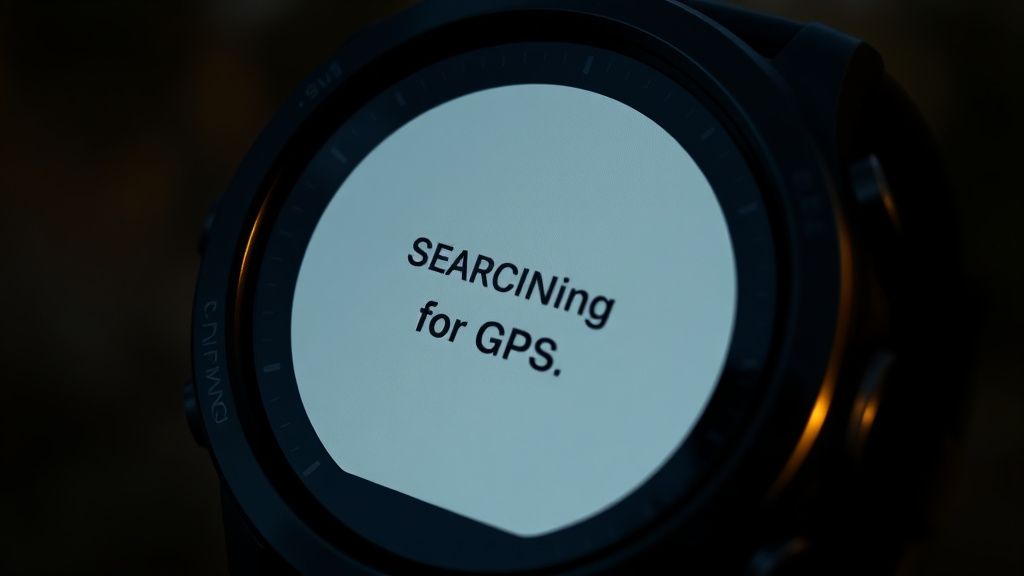
Users on forums like Reddit’s r/Garmin and various ultra-running Discord channels often report "The Great Drift"—where the watch shows your position jumping hundreds of meters away or failing to acquire a lock entirely. This is frequently linked to expired EPO files. Your watch doesn't just "see" satellites; it downloads a 14-day map of where they should be. If that map is corrupted or outdated, the watch wastes energy "searching" blindly.
Troubleshooting the EPO Cache and Firmware Synchronization
The most common "hidden" cause for GPS failure isn't the antenna; it's the sync process, much like other Garmin devices often face sync errors. When you use Garmin Connect on your phone, the app is supposed to push the latest EPO data to your Fenix 8. If your phone’s Bluetooth connection is unstable or if the mobile app has a stale cache, the watch essentially becomes "blind" to current satellite orbits.
To manually trigger a refresh:
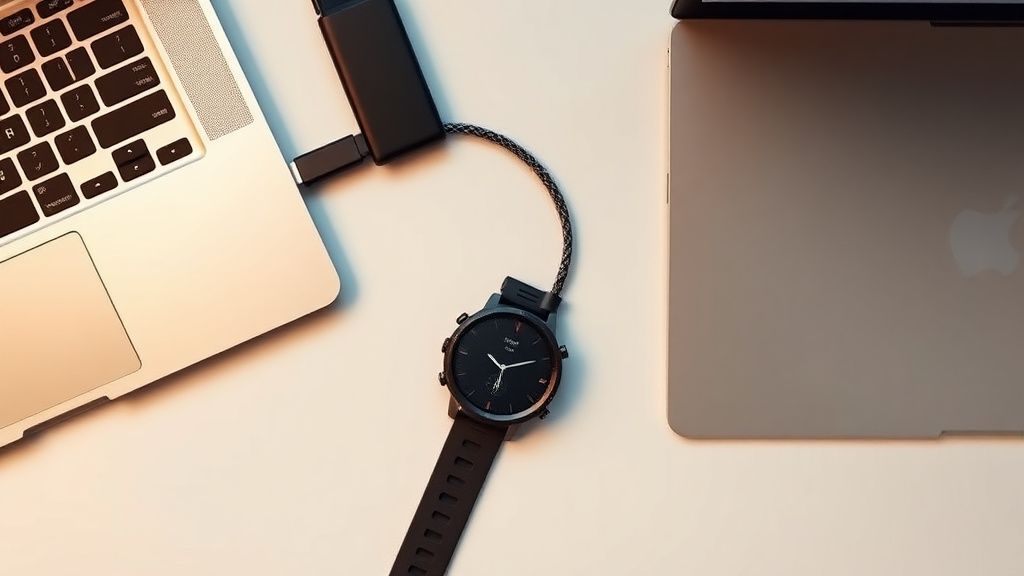
- Connect your Fenix 8 to a PC or Mac using the proprietary charging cable (not just any USB-C/A cable).
- Launch Garmin Express.
- Allow the device to sync completely. If the software prompts for an update, do not skip it. Garmin often pushes "GPS Chipset Updates" separately from the main OS update.
- Once the sync finishes, eject the device safely.
Why this fails in the field: Many users assume that because the watch shows "Synced" on their phone screen, the data has actually been written to the internal storage. In reality, large firmware files can stall during the transfer, leading to a "partial update" state. This is a common bug reported on the Garmin Forums where the watch UI looks normal, but the underlying sensor drivers are running on mismatched versions.
The "Sovereign" Hard Reset: When System Files Corrupt
If the soft reboot (holding the Light button) doesn't fix the lock, you are likely looking at a corrupted configuration file. There is a "nuclear option" that many power users employ before resorting to a factory reset: clearing the device's specific activity and GPS tracking files.
- Step 1: Connect the device to your computer.
- Step 2: Open the Garmin drive and navigate to the
GARMINfolder. - Step 3: Locate the
REMOTESWfolder and clear its contents. - Step 4: Navigate to
GPS(if present) and remove temporary location caches. - Step 5: Perform a full restart.
Note: Proceed with caution. Deleting the wrong system file can leave the device in a "boot loop" state. This is the "messy reality" of Garmin’s file system—it’s essentially a legacy FAT32 structure that hasn't been significantly overhauled in a decade, leading to fragmentation over time.

Real Field Reports: The "Glass Ceiling" Effect
In technical support threads, we see a recurring pattern of "User Error vs. Hardware Limitation." A notable case study from a trail running community in the Alps highlighted a group of 15 Fenix 8 users who all experienced total GPS loss in deep, narrow canyons.
The industry debate here is fascinating: Should Garmin prioritize raw accuracy (which requires more power and "time to first fix") or the user experience (where the watch tells you it’s "Ready" even when it’s not)? Most users prefer the "Ready" indicator to be honest. When the watch gives a false sense of security, athletes run through technical terrain trusting a display that is, in fact, calculating position via inertial dead-reckoning—which inevitably drifts.
"The watch claimed it had a full lock before I entered the slot canyon. Halfway through, the track just shot a straight line across a mountain peak. The internal sensors clearly gave up, but the firmware didn't report a signal loss. It just 'guessed' my location." — Feedback from a user on the Garmin Developer Forum.
Counter-Criticism: Is the Fenix 8 Hardware Too Complex?
There is a growing school of thought that the Fenix 8 is over-engineered. By packing AMOLED displays, complex UI animations, and advanced pulse-oximetry sensors, Garmin has increased the thermal and electrical noise inside the chassis. Some engineers argue that this creates an "electromagnetic interference" environment that makes the GNSS antenna's job exponentially harder compared to the older, simpler Fenix 6 series.
Is this true? While official internal hardware schematics are not public, the sheer number of reports regarding "GPS drift" on high-contrast, high-refresh-rate displays is statistically higher than on the "barebones" Fenix models of the past. The compromise is clear: we want a gorgeous, smartphone-like experience on our wrist, but we expect military-grade satellite tracking. These two goals are fundamentally in conflict.
Managing Expectations: Sensor Calibration and Satellite Modes
If you are doing high-stakes navigation, you must change your settings from the default "Auto Select" to "All Systems + Multi-Band."
- Auto Select (SatIQ): Great for battery, but it relies on an algorithm to decide how much precision you need. In dense tree cover, this algorithm is often too slow to react.
- All Systems + Multi-Band: This is the most power-hungry mode. It locks onto L1 and L5 frequencies. If your Fenix 8 is "not tracking," it is almost guaranteed that you are using Auto Select in a challenging environment.
When to Escalate to Garmin Support
If you have performed the master reset, updated the GPS chipset, and toggled the tracking modes, and the device still reports a "GPS Ready" message while failing to log distance, you are likely facing a hardware failure.
Specific failure markers to look for in your .fit files:
- Zero-Distance Glitch: Your total activity time increases, but the distance remains 0.00km for long stretches.
- Sudden Resets: The watch reboots mid-activity. This is a tell-tale sign of a dying battery or a short circuit in the GNSS module’s power rail.
When you contact support, don't just say "it doesn't work." Provide them with:
- The software version (System > About).
- The GPS version (System > About > scroll down).
- Whether the "CPE" or "EPO" status is "Current" or "Missing."
- A link to the affected activity on Garmin Connect.
The Human Element: The Workaround Culture
Because Garmin’s ecosystem is so fragmented, a "workaround culture" has emerged. Users are now keeping "GPS Soak" times—standing still for five minutes before hitting 'Start'—to ensure the almanac is fully downloaded. While this feels archaic, it is the only way to guarantee 100% reliability in "edge-case" environments like deep forests or urban canyons.
It is ironic that a device costing $900 requires the same level of manual "priming" as a 2012-era GPS unit. However, until the satellite constellations update their protocol or Garmin moves to a more aggressive, power-heavy acquisition cycle, this remains the operational reality.