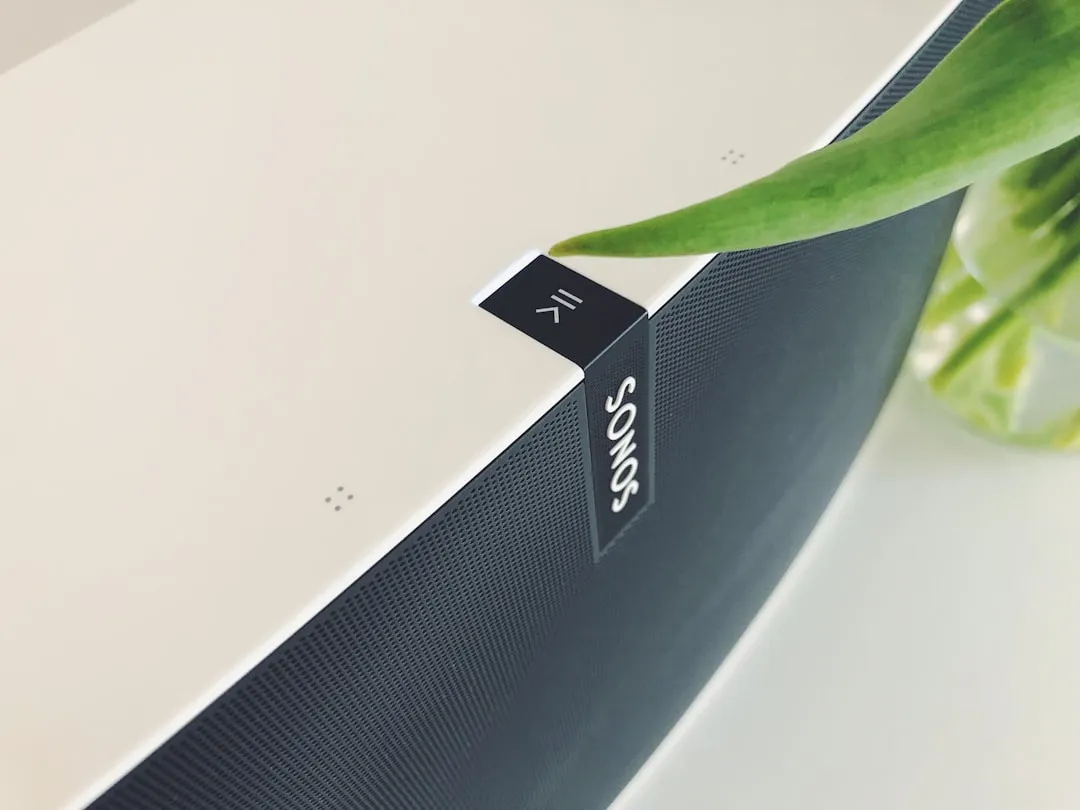
If your Sonos Era 300 is dropping connection, start by checking your 2.4GHz/5GHz band steering settings on your router, as the Era 300’s sophisticated spatial audio processing requires a stable, high-bandwidth handshake. Often, the issue isn't the speaker itself, but packet loss caused by network congestion or an overloaded DHCP table. Perform a power cycle, then verify your "WM:0" or "WM:1" status in the app.
The Era 300 is an anomaly in the consumer audio space. It is a device that demands a near-enterprise level of network hygiene, yet it is marketed to the average household user who likely runs a single ISP-provided router in a crowded suburban apartment. When the connection drops, it isn't always a "broken" device; it is a fundamental clash between high-bitrate spatial audio delivery and the chaotic, interference-prone reality of the modern home Wi-Fi environment, a common challenge when any device, such as a Kindle Paperwhite, won't connect to Wi-Fi.
Understanding the Spatial Audio Network Payload
To understand why the Era 300 struggles where an old Play:1 might have sailed, you have to look at the data payload. The Era 300 supports Dolby Atmos. Streaming high-resolution, multi-channel spatial audio isn't just about sending a stereo signal; it involves constant synchronization across the mesh, much like the intricate data synchronization required for devices such as an Oura Ring Gen 4 that isn't syncing.
When your connection drops, it is frequently due to "buffer starvation." If your router’s CPU spikes while managing other IoT devices, the Era 300—which is sensitive to latency—will simply drop the packet to maintain sync, leading to the dreaded "Unable to play" error or a total disappearance from the app.
The DHCP Lease and IP Address Conflict Conundrum
One of the most persistent, undocumented "invisible" failures in Sonos ecosystems is IP address fragmentation. If your router is configured with a short DHCP lease time—common in many ISP-issued units—your Era 300 may constantly lose its handshake when the lease renews.
Professional installers swear by one rule: Assign a Static/Reserved IP address to every single Sonos device via your router's interface.
If you are using a mesh system like Eero, Orbi, or Ubiquiti UniFi, the "Fast Roaming" or "Band Steering" features are often the primary culprits. While these features are designed to optimize mobile device connectivity, they wreak havoc on Sonos. The Era 300, despite being a modern Wi-Fi 6-capable device, does not handle the "hand-off" between mesh nodes gracefully. It prefers to lock onto a single node. If your mesh system decides to move the speaker from the kitchen node to the living room node, the connection will drop, and the speaker may take up to 60 seconds to re-authenticate—or fail entirely.
Field Report: The "UniFi-Sonos" Tug-of-War
In the r/Ubiquiti and r/Sonos communities, there is a recurring thread titled something along the lines of "Sonos disappears after UniFi update."
The operational reality here is that enterprise-grade gear often blocks mDNS (multicast DNS) packets by default to save bandwidth. Sonos relies heavily on mDNS to communicate between your phone (the controller) and the speaker. If your router treats your Sonos as a "low-priority" device, it will drop these broadcasts.
The Fix: You need to enable "Multicast Enhancement" (often called IGMP Snooping) in your controller settings. Without this, your app will show the Era 300 as "Offline" even though the speaker is perfectly connected to the internet and might even be playing music, a frustrating issue similar to when your Ring Doorbell Pro 2 keeps going offline. This is a classic "broken promise" of modern smart home tech: the UI says one thing, the packet logs say another.
Assessing Router Interference and Channel Congestion
We live in an age of spectral crowding. If you live in an apartment complex, your Era 300 is fighting for airtime with twenty other Wi-Fi networks.
- Check your channel width: If your 2.4GHz network is set to "Auto" channel width, it might be hopping onto channels 1, 6, or 11, which are the only non-overlapping channels. However, if your router is wide-open to interference, the packet loss will increase.
- The 5GHz preference: While the Era 300 supports 5GHz, it can be fickle. If your router is pushing the speaker to the 5GHz band, which has poor wall penetration, even a solid mahogany door can cause a 20dB drop in signal strength, leading to audio stutter.
The "SonosNet" Myth vs. Reality
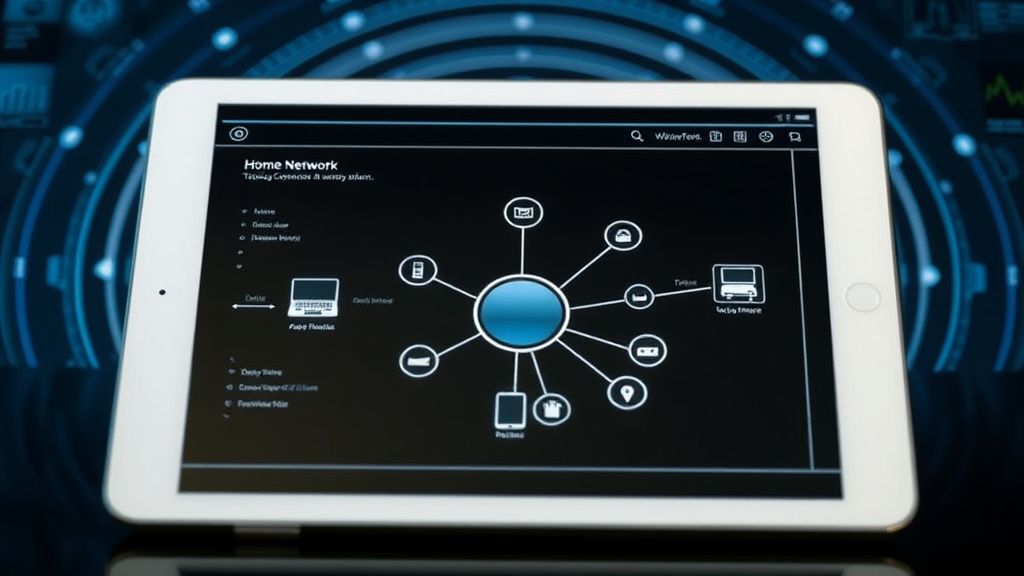
For years, the gold standard for Sonos reliability was SonosNet—the proprietary mesh network created when you plugged one speaker directly into your router via Ethernet.
- The Conflict: Many new Sonos products, including some revisions of the Era series, are being designed to favor standard Wi-Fi over the older SonosNet mesh.
- The Problem: If you try to force an Era 300 onto an aging SonosNet environment, you might experience severe "stuttering" or the speaker simply refusing to join the group. Sonos has not been entirely transparent about the phasing out of SonosNet in favor of pure Wi-Fi 6/BLE (Bluetooth Low Energy) provisioning. This creates a "fragmented ecosystem" where your older speakers might work flawlessly on a bridge, but your Era 300 keeps falling off the network.
Troubleshooting Workflow: The "Human" Approach
Don’t immediately jump to a factory reset. A factory reset on a Sonos product is a destructive act; it nukes your Trueplay tuning and your historical logs. Instead, follow this diagnostic hierarchy:
- Step 1: The Power Cycle. Pull the plug for 30 seconds. This forces the device to dump its current cache and clear its arp table entries.
- Step 2: The Router Audit. Log into your router. Does the Era 300 have a static IP? Is it on a 2.4GHz or 5GHz band? (Try to force it to 2.4GHz if it’s currently on 5GHz to see if the range improves).
- Step 3: Controller Isolation. Are you using the official Sonos app? Are there other controllers (like a Mac or a PC) connected? Sometimes, a "stuck" controller app on an old iPad can constantly broadcast conflicting commands to the speaker, causing it to "reboot" its session.
- Step 4: The Interference Sweep. Use an app like WiFi Analyzer on Android (or a similar tool on PC) to check if your neighbors have recently added new high-power access points. If they have, you may need to manually change your Wi-Fi channel in your router settings.
The "Workaround" Culture: Why We Do What We Do
Internet forums are filled with "hacks" because manufacturers rarely document the edge cases. One common workaround for Era 300 connectivity issues involves putting the speaker on a "Guest Network" that is isolated from the main traffic of the house. While this seems counter-intuitive—since you want your controller to see the speaker—it prevents the speaker from being bogged down by broadcast traffic from other devices (like cheap smart bulbs or printers) that flood the network with "discovery" packets.
However, this creates a security/usability tradeoff. If your phone is on the Main network and the speaker is on the Guest network, they cannot talk to each other without advanced firewall rules (mDNS reflection). This is not for the faint of heart, but it is the "nuclear option" for those whose Sonos systems drop every time they turn on their microwave (which, notoriously, operates on the 2.4GHz spectrum).
Critical Analysis: The Scaling Problem
The fundamental tension in the Sonos ecosystem is that it is a consumer product trying to perform enterprise networking.
Most users have no idea how their router handles packet prioritization (QoS). If your router’s Quality of Service settings aren't set to prioritize audio streams, the Era 300 will lose its spot in the queue whenever someone in your house starts a large file download or a 4K video stream. The speaker doesn't "know" it's being deprioritized; it just assumes the connection is lost and disconnects.
Why does my Era 300 work fine for hours and then suddenly disappear?
This is almost certainly an IP address lease expiration or a channel switch by your router. When the lease expires, the device attempts to re-handshake. If there is even a millisecond of congestion, the Era 300’s firmware may time out and enter a "disconnected" state rather than retrying immediately. Assigning a static IP in your router's DHCP settings almost always eliminates this specific behavior.
Does the Era 300 require a Wi-Fi 6 router?
It does not strictly require one, but it is optimized for it. If you are running a Wi-Fi 5 or older router, the Era 300 might struggle with the bandwidth required for high-resolution spatial audio. If you have a very large home and a weak router, the Era 300 will feel the "latency tax" much more than a traditional bookshelf speaker would.
Is the "Unable to Play" error always a network issue?
Not always, but 90% of the time, yes. Occasionally, it is a backend server issue with the streaming service (Spotify, Apple Music, etc.). Before you reset your router, check the Sonos Status Page. If everything is green there, the problem is local—either your network congestion or a specific DNS configuration error.
Should I hardwire my Era 300?
If you have a spare Ethernet port nearby, yes. However, you must use the official Sonos Combo Adapter (sold separately). Once hardwired, the speaker bypasses Wi-Fi interference entirely. This is the most reliable way to prevent drops, especially in multi-speaker setups where you have a "Surround" group.
Can my microwave or baby monitor affect the connection?
Yes. Both operate on the 2.4GHz band. If your Era 300 is connected via 2.4GHz, and you have an older microwave with poor shielding, the interference can cause a total signal drop within a 15-foot radius. Move the speaker at least 10 feet away from high-draw kitchen appliances to mitigate this.
Why do some users suggest disabling "Auto-Update"?
Many users on forums like GitHub and Reddit report that firmware updates can temporarily destabilize a network, especially if the update happens while the speaker is busy streaming. Disabling auto-updates allows you to install patches on your own terms, during a time when you aren't actively using the system, which avoids the "my system broke after an update" scenario.
Final Thoughts: The Reality of Modern Audio
The Era 300 is a brilliant piece of engineering, but it is a "needy" device. It is not a plug-and-play radio; it is a high-performance network node that requires a stable environment. The frustration many users feel is valid, but it is often directed at the wrong target. The speaker itself is usually functioning as designed—it is the chaotic, unmanaged home network environment that is the culprit.
If you approach the Era 300 not as a piece of audio gear, but as a mini-server that needs a dedicated lane on your home's digital highway, you will find that the drops cease to be a "recurring mystery" and become a manageable operational detail. Reliability, in this case, is not about the speaker's hardware; it is about the quiet, behind-the-scenes configuration of your router's IP management, channel selection, and packet prioritization.
Treat your network like the backbone of your entertainment system, and the Era 300 will reward you with the spatial depth it was designed to deliver. Neglect the network, and you will remain trapped in the cycle of resets, reboots, and the persistent, quiet annoyance of a system that refuses to stay connected.
Bu makale affiliate linkleri içermektedir.