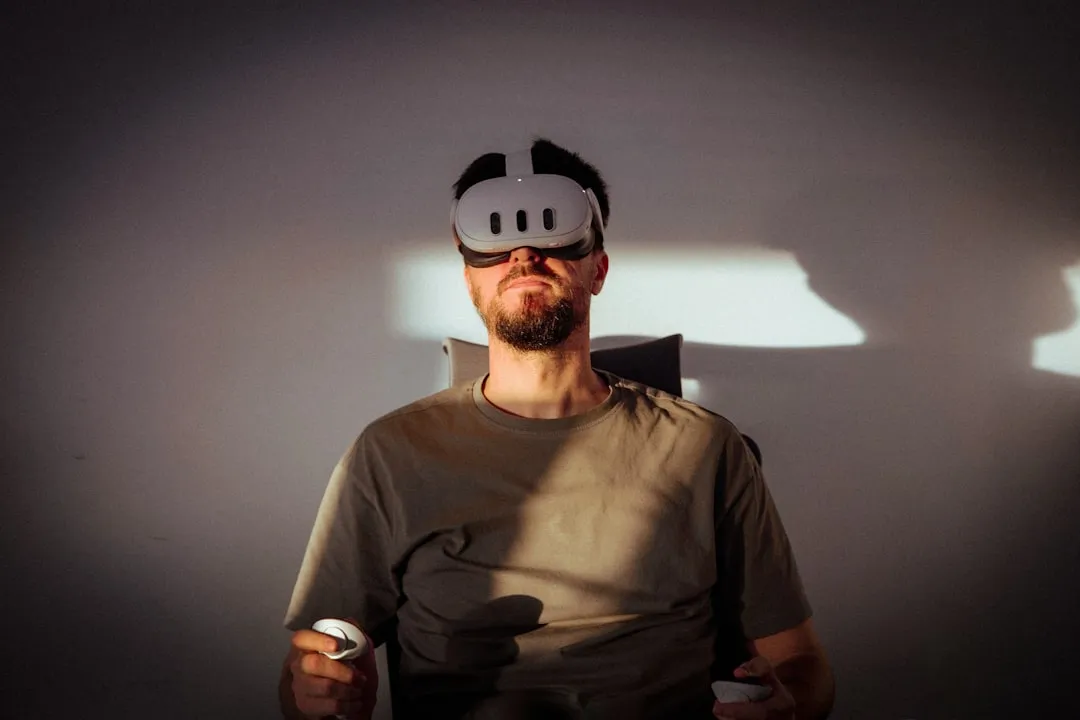
The Meta Quest 3, despite its generational leap in mixed reality capability, remains a captive to the inherent limitations of inside-out tracking. When those Touch Plus controllers stutter, freeze, or drift, it isn’t usually a sign of a "broken" device; it is a breakdown in the delicate dialogue between infrared emitters, CMOS sensors, and the spatial estimation algorithms running on the Snapdragon XR2 Gen 2 chipset. For the average user, this manifests as a "floating" hand in Beat Saber or a sudden loss of weapon tracking in Contractors.
To resolve these tracking stutters, we have to look past the surface-level "restart your headset" advice and peer into the operational reality of how optical tracking actually fails in home environments.
The Physics of Inside-Out Tracking and Infrared Interference
At the heart of the Quest 3’s tracking system are the four tracking cameras—two on the front-facing corners and two on the bottom—that constantly scan for the IR LEDs embedded in the Touch Plus rings. This is a computer vision problem, not just a hardware one.
When you experience "lag," you are likely experiencing one of three things:
- Occlusion: The cameras cannot see the infrared patterns on the controller ring.
- Frequency Collision: Ambient light sources (IR-heavy Christmas lights, plasma TVs, or intense direct sunlight) are washing out the markers.
- Algorithm Stalling: The SLAM (Simultaneous Localization and Mapping) system is struggling to reconcile the controller’s IMU (Inertial Measurement Unit) data with the optical stream, leading to a "hitch" as it recalibrates the controller's pose.
Environment Optimization: The "Invisible" Barriers
Most users blame the headset hardware, but the majority of tracking issues stem from the physical environment. Unlike older external sensor systems (like the Oculus Rift CV1), the Quest 3 expects a "feature-rich" environment to estimate its own position. If your play area is a sterile, white-walled room with no visual contrast, the headset experiences "tracking drift," which often feels like the controller is lagging because the entire world is micro-shifting around you.
- The Mirror Problem: Reflective surfaces are the silent killers of tracking. Mirrors, glossy tables, and large windows confuse the optical sensors by creating "ghost" infrared points.
- LED PWM Interference: Many modern "smart" bulbs use Pulse Width Modulation to dim. If the frequency of your room’s lighting syncs poorly with the Quest’s camera frame rate (usually 60Hz or 120Hz), you will perceive a subtle, rhythmic stutter.
- The Holiday Light Paradox: Users on Reddit’s r/OculusQuest frequently report tracking failures during the holiday season. Christmas tree lights, while pretty, are often high-output IR emitters that create a "blinding" effect for the Quest 3’s CMOS sensors.
Calibrating IMU and Controller Firmware
When standard environmental fixes fail, the issue often migrates to the IMU integration. The Touch Plus controllers use accelerometers and gyroscopes to predict movement between frames captured by the cameras. If these sensors are out of calibration, the "predictive" movement of the controller will conflict with the "correction" provided by the cameras.
The Workaround Cycle:
- Manual Unpairing/Repairing: Navigate to the Meta Quest app, remove the controller from the device list, and manually trigger the pairing process. This forces a fresh handshake between the headset and the controller’s radio.
- Battery Swap: Use high-quality 1.5V Lithium-ion AA batteries rather than 1.2V NiMH rechargeables. The voltage drop in traditional rechargeables can cause the controller’s internal processor to throttle, leading to latency in signal transmission.
- The "Cold" Reset: If the controller shows symptoms of "stuck" inputs or ghosting, remove the battery for exactly 60 seconds. This allows the capacitors in the controller to fully drain, clearing any potential state-lock in the firmware.
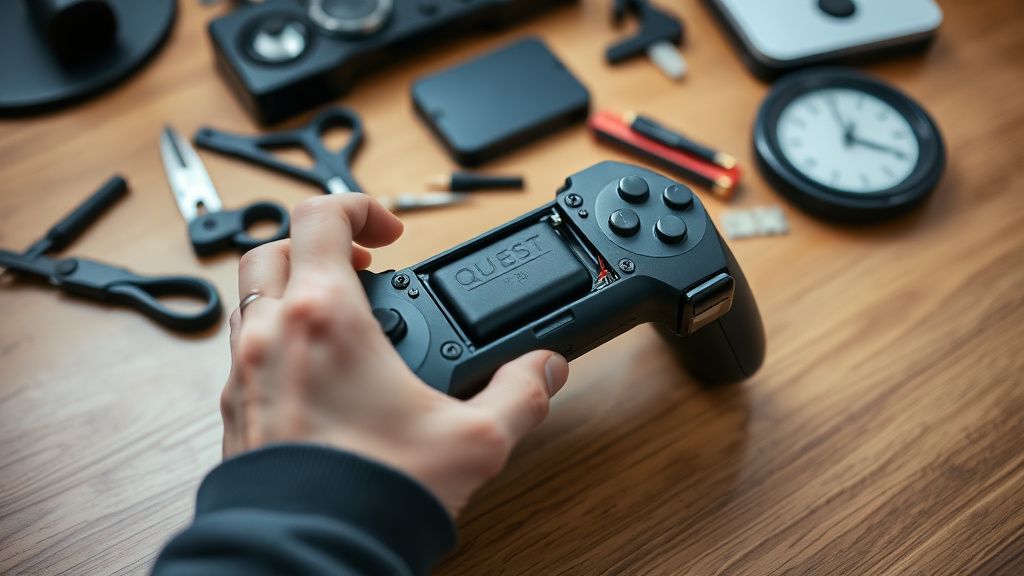
Deep Dive: Dealing with "Controller Jitter" and Drift
There is a specific phenomenon known as "controller jitter" where the virtual hand shakes despite the user's hand being still. This is almost exclusively an algorithmic confidence issue. If the Quest 3’s processor is under heavy load—perhaps running an unoptimized mixed reality app or streaming PCVR via Air Link—the priority for the tracking thread can be lowered.
Operational Reality Check:
- Air Link/Virtual Desktop Latency: If you are using PCVR, the "lag" you feel is often not tracking latency, but stream latency. If your router is not handling the packet delivery (UDP) efficiently, the controller's position data is being held up in the network buffer.
- The GitHub/Discord Consensus: On various developer forums and Discord servers like Oculus Dev, maintainers often suggest checking for "USB selective suspend" if the lag persists during wired Link sessions. The USB controller on your PC might be power-throttling the connection.
Real Field Reports: The Reality of "Perfect" Tracking
The marketing materials promise seamless tracking, but the reality is much messier. According to threads on the Hacker News VR sections and long-term user logs, there is an unavoidable "Edge-Case Ceiling."
"I spent three hours mapping my room to remove reflective points. Even then, when I reach behind my back to grab a virtual bow, the tracking dies for a millisecond. It’s not a hardware failure; it’s a design limit of front-facing cameras." — User comment from a mid-2024 tracking-troubleshoot thread.
This reveals the fundamental truth: The Quest 3 cannot track what it cannot see. Users who rely on "behind the back" movements will always experience a form of lag, as the system relies on dead reckoning (IMU estimation) until the camera catches the controller again.
Counter-Criticism: Is the Hardware to Blame?
There is a segment of the community that argues the Quest 3’s internal processing is simply too stressed to handle high-fidelity tracking while simultaneously rendering complex Mixed Reality environments.
The Argument: By pushing the resolution and the MR color passthrough, Meta is forcing the Snapdragon XR2 Gen 2 to fight for compute cycles. Tracking, which should be the highest priority, occasionally gets bumped in the task scheduler. The Counter: Meta’s engineers maintain that the tracking thread is isolated in a "secure" partition of the SoC. Yet, anecdotal evidence suggests that when the device hits high thermal loads, tracking stability tends to degrade—likely a thermal throttling side-effect of the internal components.
Troubleshooting Checklist: The Systematic Approach
If you are currently experiencing issues, proceed with this tiered diagnostic:
- Level 1 (The Quick Fix): Clean the external camera lenses with a dry microfiber cloth. A fingerprint on the lens acts as a diffusion filter, scattering the IR light the camera needs to see.
- Level 2 (The Environment Audit): Turn off all peripheral lights. Does the lag persist? If no, one of your lights is broadcasting in the IR spectrum.
- Level 3 (The Software Flush): Clear your Guardian history. Often, the headset stores outdated spatial data that conflicts with the current room layout, leading to "tracking lost" errors that manifest as controller lag.
- Level 4 (The Radio Interference Check): Disable your 2.4GHz Wi-Fi or move your router away from the play area. The Touch Plus controllers communicate on a 2.4GHz frequency; if your home network is congested, packet loss between the controller and the headset is inevitable.
Why "Firmware Updates" Are Both the Solution and the Problem
Meta frequently pushes "Controller Firmware" updates alongside headset OS updates. These updates are meant to refine the tracking algorithms, but they occasionally introduce "regression bugs."
A notable incident in the community involved a firmware release that caused a "dead zone" in the joystick, which users initially mistook for tracking lag. The distinction between hardware wear-and-tear (potentiometer drift) and firmware-induced latency is often indistinguishable to the user. Always check the official Meta Quest Release Notes before assuming your hardware has physically failed. If a sudden update broke your tracking, you are likely in a "wait-and-see" scenario until the next patch.
The Role of Third-Party Accessories
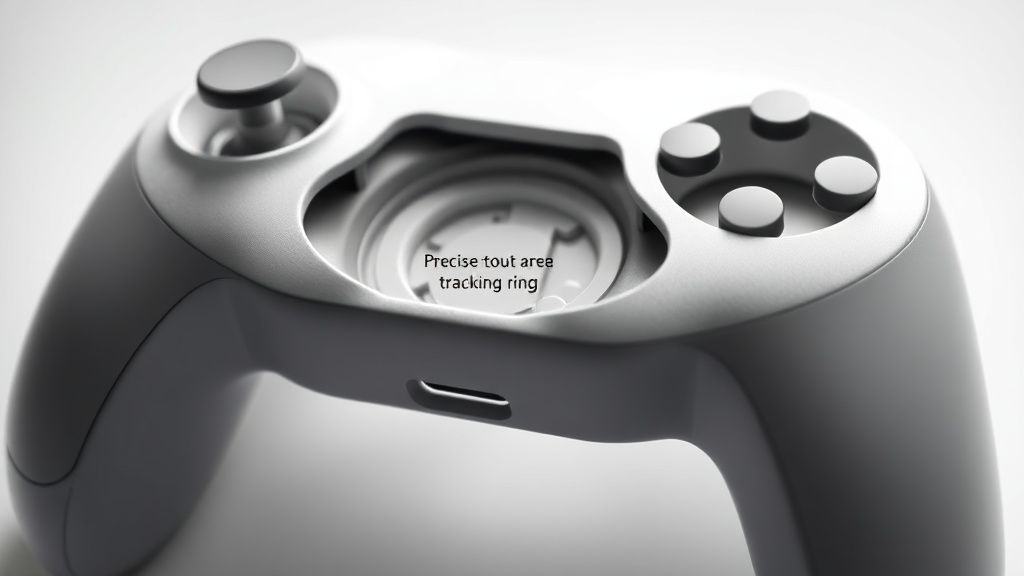
Be wary of "controller skins" or "grip covers." Many of these accessories are poorly designed and partially cover the IR LED clusters on the controller rings. Even a slight occlusion, invisible to the human eye, can drastically reduce the tracking frequency from 120Hz to something noticeably jittery.
If you are experiencing lag, strip your controllers back to factory stock. Remove the covers, remove the wrist straps, and test them in a neutral environment. You may find that your "pro-grip" was actually a "tracking-killer."
Advanced Analysis: Scaling and Infrastructure
When you move into larger play spaces or try to use the device in a "multi-user" scenario, you encounter scaling issues. More IR sources in a room lead to a higher noise floor. In professional settings—like enterprise training rooms—the Quest 3 often fails because the sheer number of controllers and headsets creates an "IR soup." For the home user, this translates to sporadic tracking lag when others are in the room, even if they aren't using VR.
Q: Why does my controller only lag when I'm playing games like Beat Saber?
A: Beat Saber requires high-frequency, low-latency tracking. The game's engine uses the controller's pose data for hit detection. If your controllers are struggling with IMU-to-Camera sync, the tiny discrepancies in position become magnified when you are swinging at high speeds. This is usually an environment issue (bad lighting) rather than a game issue.
Q: Is it possible my controller is physically broken?
A: Yes. If you have dropped your controller, the internal IR LED array may have cracked or shifted. While the controller might still pair, the cameras may not be able to "resolve" the pattern correctly. If you notice the lag only occurs when the controller is at a specific angle, you likely have a hardware failure in the LED array.
Q: Does "Tracking Lost" mean the same thing as "Tracking Lag"?
A: No. "Tracking Lost" is an absolute failure where the headset loses the controller entirely. "Lag" implies the system is still tracking, but with high latency. Lag is almost always an environment or network congestion problem, whereas "Tracking Lost" is usually an occlusion or hardware failure.
Q: Will buying new batteries fix everything?
A: Not if your environment is the problem, but it is the cheapest first step. Using high-output, constant-voltage Lithium-ion AA batteries significantly improves the consistency of the controller's internal radio transmission compared to standard alkaline batteries, which drop in voltage as they drain.
Q: Should I factory reset the headset to fix controller lag?
A: A factory reset should be your absolute last resort. It rarely fixes tracking lag unless the issue is a deeply corrupted system partition. Before resetting, try clearing your Guardian history and unpairing the controllers first. A factory reset effectively destroys your local maps and can lead to a long period of "re-learning" the room, which might temporarily make tracking feel worse.
The Verdict on Future-Proofing
As Meta moves toward even more complex MR experiences, the dependency on rock-solid tracking will only increase. We are reaching the limits of what 4-camera inside-out tracking can handle in a consumer environment. For the foreseeable future, the "fix" for tracking lag will remain a mixture of forensic environmental cleanup and rigorous device maintenance. The hardware is consistent, but our living rooms—with their varied light sources, mirrors, and digital noise—are chaotic, and that chaos will always find a way to leak into the tracking data.
Bu makale affiliate linkleri içermektedir.