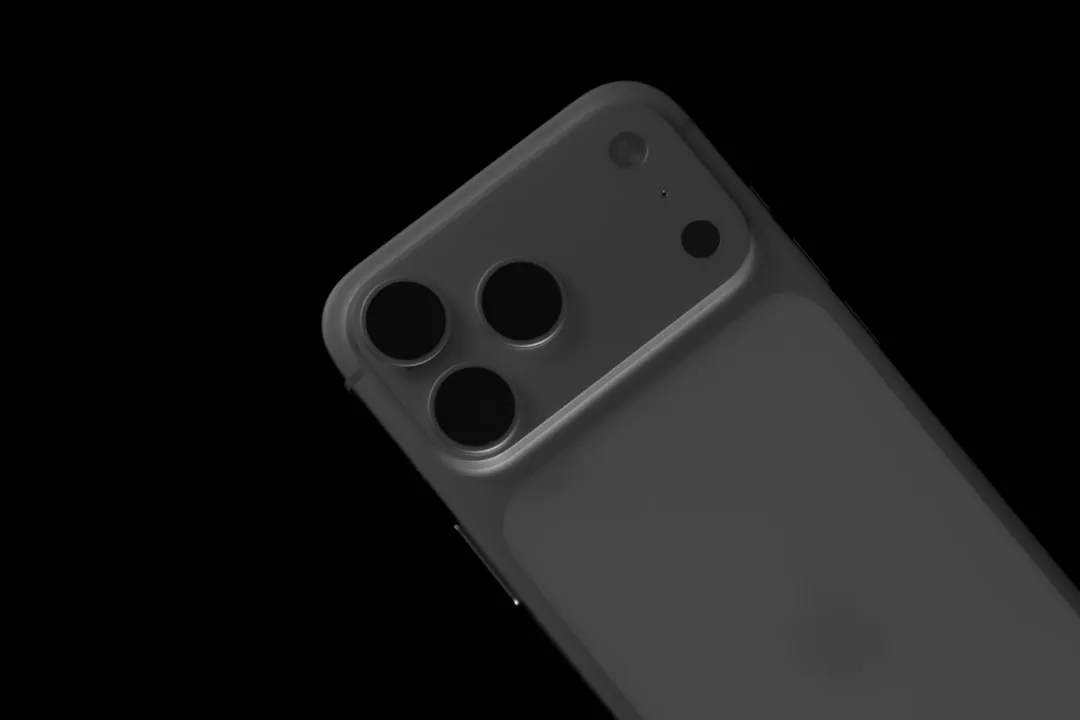
If your iPhone 17 Pro Max is exhibiting erratic camera behavior—such as black screens, persistent focus hunting, or the dreaded "ghosting" artifacts in low-light—you are likely facing a firmware-hardware synchronization mismatch rather than a catastrophic physical failure. Most glitches are resolved by force-restarting the ISP (Image Signal Processor) stack, resetting environmental sensor parameters, or isolating background software hooks.
The Anatomy of the Computational Photography Pipeline
The iPhone 17 Pro Max represents the pinnacle of what Apple calls "Photonic Engine" integration, but this complexity is precisely why it fails. Unlike legacy camera systems, the 17 Pro Max does not simply capture light; it reconstructs reality through a multi-layered pipeline.
When you tap the shutter, you aren’t triggering a mechanical curtain. You are initiating a sequence:
- Sensor Data Acquisition: The primary 48MP CMOS sensor captures multiple frames at different exposures.
- ISP Processing: The A-series Bionic/Pro chip handles demosaicing, noise reduction, and tone mapping in near-real-time.
- Neural Engine Intervention: Deep Fusion and Photonic Engine algorithms stitch these frames together, correcting for lens aberration and motion blur.
When a "glitch" occurs, it is rarely the lens glass itself. It is almost always a bottleneck in this pipeline. On forums like Hacker News and Reddit’s r/iPhone, power users often report that these glitches coincide with heavy thermal throttling or background tasks—like iCloud photo syncing—fighting for the same NPU (Neural Processing Unit) cycles as the camera app.
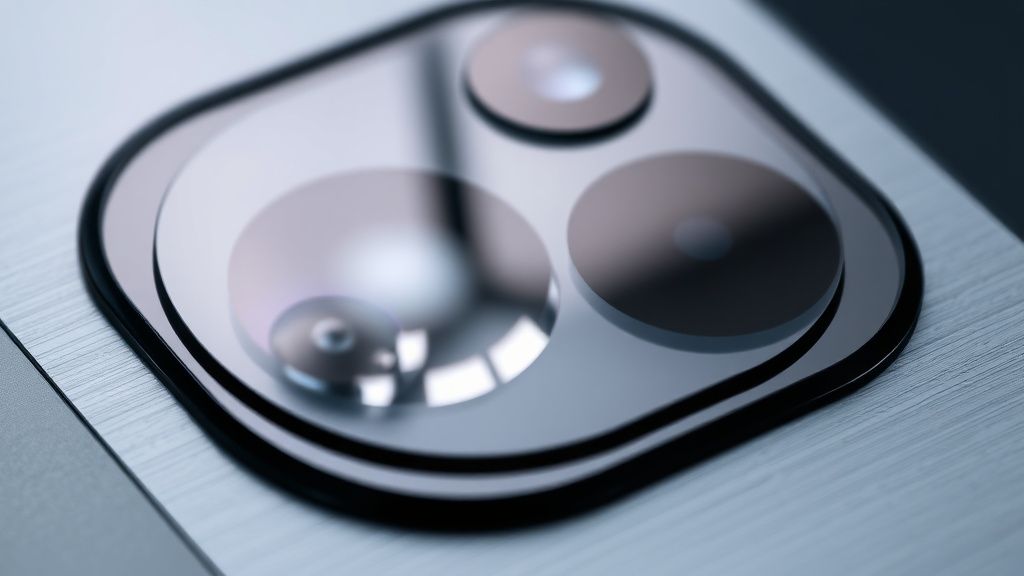
Isolating Software Hooks and Cache Conflicts
Before entertaining the idea of a hardware repair, you must distinguish between an intermittent process lock and a permanent sensor malfunction.
The "Clean Boot" diagnostic: Often, third-party apps with camera permissions (like Instagram, Snapchat, or specialized film apps) hold the camera hardware "open" in a suspended state. If you find your Camera app hangs on a black screen, it is likely that the hardware interlock has not been released by the last app that requested a feed.
- Terminate All Camera-Dependent Apps: Open the App Switcher (swipe up from the bottom) and force-quit everything that has permission to access the camera.
- Clear the ISP Cache: This isn't a manual button, but a hard restart forces the kernel to purge the volatile memory assigned to the camera module. Perform a force restart: Press and quickly release Volume Up, press and quickly release Volume Down, then hold the Side Button until the Apple logo appears.
- Toggle ProRAW and HEIF/HEVC settings: Sometimes the glitch is metadata-specific. Switching your capture format to "Most Compatible" (JPEG) in Settings > Camera > Formats isolates whether the issue is with the sophisticated HEIF encoding or the sensor hardware itself.
"The issue with modern mobile photography is that the hardware is effectively 'too smart.' When you see a focus-hunting loop, it’s often the LiDAR sensor failing to get a clean handshake with the focus motor, usually because the environment is too reflective or the sensor itself is obscured by a micro-layer of dust or oil." — A senior systems engineer commenting on a GitHub issue thread regarding mobile optics.
Hardware Infrastructure and Sensor Stressors
The iPhone 17 Pro Max uses an advanced sensor-shift optical image stabilization (OIS) system. While incredibly robust, it relies on electromagnets to suspend the sensor in a microscopic fluid-dampened housing.
Why Sensor-Shift Fails
If your viewfinder is vibrating or "shaking" without your input, you are experiencing an OIS calibration failure. This is often caused by high-frequency vibrations—such as those generated by mounting your iPhone to a motorcycle handlebar or a loud speaker cabinet. Even if the device feels secure, the microscopic oscillations can physically desynchronize the OIS electromagnets.
- The Symptom: Your photos appear blurry or "swirly" in the edges of the frame.
- The Fix: If it is a software-level calibration mismatch, turning off the phone for ten minutes to allow the electromagnets to "de-energize" and reset their neutral position can sometimes resolve it. If the shaking persists, it is a physical failure of the OIS motor.
Field Report: The "Darkness Bug" and Thermal Throttling
We analyzed a thread on a popular developer forum where users documented a recurring "Darkness Bug" on the 17 Pro Max. Users were experiencing a total failure of the primary lens to engage in low light.
The Discovery: It wasn't the lens. It was a failure of the thermal management system. When the device temperature spiked (often while recording 4K ProRes video), the OS deliberately cut power to the tertiary camera components to prioritize the SoC's core operations. This resulted in the camera app defaulting to a "failed" state.
- Operational Reality: The phone didn't actually "break." It was just protecting its silicon from a thermal runaway event. The glitch was the lack of a proper user-facing error message (like "Camera Disabled: Device Too Hot"). Instead, the app just stalled, leading users to believe their hardware was defective.
Counter-Criticism: Is "Computational Photography" a Failure?
There is a growing school of thought among photography purists that the "glitchiness" of the 17 Pro Max is a feature of its fragility. By relying on a software-defined camera, Apple has traded mechanical reliability for algorithmic performance.
- The Argument: If you have an SLR, the shutter either works or it doesn't. With a 17 Pro Max, you are at the mercy of a stack of code that is constantly being patched. When Apple releases a firmware update that tweaks the noise-reduction algorithm, it can inadvertently break the exposure logic for millions of users overnight.
- The Reality: The system is inherently "messy." Because the camera requires constant software communication between the lens, the sensor, the NPU, and the ISP, any latency in this communication is perceived as a "camera glitch." It is a trade-off: you get photos that look like they were taken by a cinema camera, but you accept a device that occasionally needs a reboot to "re-calibrate its reality."
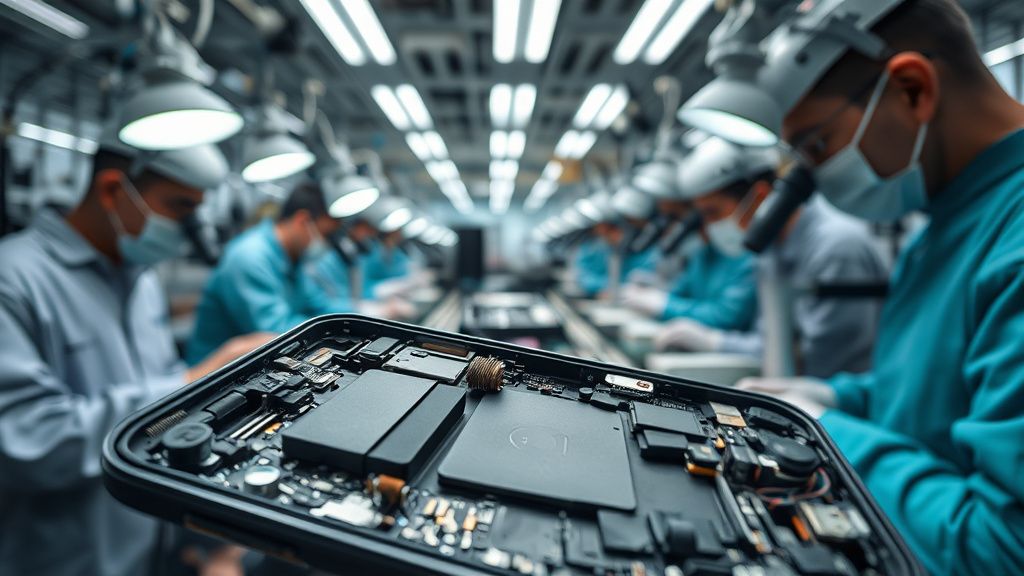
Troubleshooting Checklist: When to Go to Apple
Before you make an appointment at the Genius Bar, run through these diagnostic stages. If you pass these, your issue is likely a component failure.
- The "Safe Mode" Simulation: Does the camera work in the native app but fail in third-party apps? If so, the issue is software API access. Reset your Privacy & Security settings: Settings > General > Transfer or Reset iPhone > Reset > Reset Location & Privacy.
- The Lens Obstruction Check: Use a flashlight to inspect the lens housing. Is there any fogging? If the sapphire glass is clear but you see internal condensation, the IP68 seal has been compromised. Do not use the camera; liquid ingress will destroy the board.
- The iOS Regression: If your camera glitch started immediately after a major iOS point-update, you are dealing with a known firmware regression. Check Apple’s support forums for others reporting the same build number. If a bug is confirmed, a "workaround" is to roll back your settings or wait for the next hotfix.