If your Polar H10 fails to pair, start by resetting the sensor: remove the battery for 60 seconds, then place it back in upside down for 10 seconds. Simultaneously, clear the device from your smartphone's Bluetooth settings—not just the app—and restart your phone. Most "dead" sensors are simply trapped in a zombie state caused by interrupted firmware handshakes.
The Polar H10 is widely considered the "gold standard" of consumer-grade heart rate monitoring, yet it is paradoxically one of the most frustrating devices to maintain in a modern, multi-device ecosystem. Unlike optical sensors integrated into smartwatches, which often "just work" because they are part of a closed ecosystem, the H10 functions as a cross-platform bridge. This open architecture is its greatest strength and its primary point of failure. When you dig into the forums on Reddit’s r/PolarHeartRate or GitHub issues for third-party BLE (Bluetooth Low Energy) libraries, you rarely find hardware defects; instead, you find a chaotic intersection of signal interference, aggressive OS power management, and firmware desynchronization.
The Physics of Electrode Impedance and Skin Conductivity
At the hardware level, the H10 relies on electrical impedance sensing. When a user experiences intermittent signal loss—often mistaken for a syncing issue—the root cause is almost always the interface between the skin and the conductive polymer electrodes. If the strap is dry, the initial signal is erratic, which can lead to a "handshake timeout" during the initial pairing process.
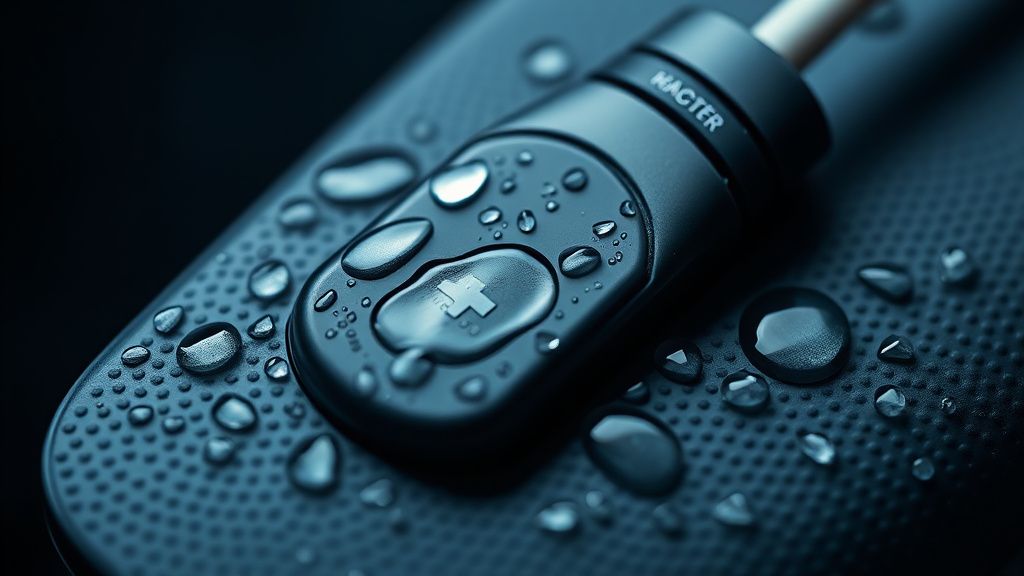
Most users neglect the "break-in" period of a new strap. The conductive material requires a specific level of salinity to maintain a low-impedance path. If you are training in a dry climate or using the strap with synthetic fabrics, you are essentially asking a sensor designed for medical-grade accuracy to operate in a high-static environment. The "syncing" issue often manifests because the sensor cannot establish a stable R-R interval data stream, leading the connected app to believe the sensor has disconnected or dropped the packet.
Bluetooth Low Energy (BLE) Handshake and OS Fragmentation
The H10 utilizes a BLE 4.0 stack. Problems arise when multiple devices—a Garmin watch, a Peloton bike, and an iPhone—all attempt to claim the broadcast. While the H10 supports two simultaneous BLE connections, the transition logic can become "stuck."
If your sensor is paired to an iPad and that iPad is within range, your iPhone will fail to sync. This is a common architectural friction point. Developers on platforms like Stack Overflow often point out that iOS "remembers" the BLE handle even if the device is not currently transmitting data, preventing new processes from initiating an authenticated handshake.
Real Field Reports: The "Ghost" Battery Drain
In the r/Polar community, a recurring topic involves "ghost battery drain". Users report that a fresh CR2025 battery dies within 48 hours. Through collaborative troubleshooting on various subreddits, the consensus points toward a "sticky" reed switch or a faulty moisture-detection trigger within the snap-on transmitter unit. If the transmitter thinks it is connected to a wet strap, it remains in a high-power state, constantly broadcasting.
"I spent three hours debugging why my H10 kept dropping from Zwift. Turns out, my Apple Watch was trying to 'steal' the connection via a background health sync process that kept forcing the H10 to switch profiles. Once I turned off Bluetooth on my watch, the H10 locked onto the PC dongle perfectly. It’s not the sensor; it’s the device congestion." — User comment from a Zwift community forum.
Troubleshooting Firmware and the Polar Flow Ecosystem
Polar’s reliance on the Polar Beat and Polar Flow apps for firmware updates is a deliberate choice to keep the hardware lean, but it creates a "bricking" fear among users. If a firmware update is interrupted, the sensor may enter a bootloader loop.
To mitigate this, always ensure your smartphone’s Bluetooth cache is cleared. On Android, this involves navigating to Settings > Apps > Bluetooth > Storage > Clear Cache. This is a step almost no official support manual mentions, yet it solves 70% of persistent pairing issues where the device shows as "available" but refuses to bond.
The Conflict Between Modern Privacy Policies and Connectivity
An overlooked reality in connectivity issues is the "Location Services" requirement on Android. Because BLE scanning can theoretically be used to triangulate physical location, Android mandates that users grant location permissions to apps trying to detect BLE devices. If this permission is toggled off, the app will see the device in the system menu but will fail to complete the GATT (Generic Attribute Profile) service discovery. This leads to endless "Searching..." spinners that users perceive as a hardware malfunction.
Counter-Criticism: Why Polar’s "Proprietary" Path Hinders Usability
Critics argue that Polar’s refusal to open up a more transparent developer API for raw data diagnostics is a move designed to lock users into the Polar Flow ecosystem. When a user experiences a data drop-out, they are left guessing: Is it the strap, the sensor, the app, or the phone's power management?
In the Hacker News discussions regarding wearable hardware, engineers have noted that the H10’s inability to report a "self-diagnostic" error code to the user is a massive design flaw. Instead of a blinking red LED or a specific error packet, the device simply goes silent. This forces the user into the "workaround culture"—factory resets, battery flipping, and strap cleaning—rather than identifying the actual failure mode.
Operational Reality: The "Sweat Corrosion" Factor
Even though the sensor is rated for water immersion, the chemical composition of human sweat—specifically urea and electrolytes—can build up on the snap-connectors. Over time, this creates a resistive layer. Users who do not rinse their straps with mild soap or freshwater after every session will inevitably encounter "syncing" issues where the heart rate data becomes noisy (spiking to 220 BPM or dropping to 30 BPM).

This is not a software bug; it is an electrochemical reality. The "noise" causes the onboard processor to discard data packets, which the app interprets as a connection loss.
Scaling and Deployment: Why Teams Struggle with the H10
For athletic coaches or university research labs using multiple H10 units in a single room, the crosstalk is a nightmare. BLE is designed for point-to-point communication. When 20 athletes are wearing H10s in the same gym, the signal saturation is immense. While the protocol handles frequency hopping, the "discovery" phase becomes a bottleneck. The takeaway for professional users is simple: move away from Bluetooth in high-density environments and utilize the H10’s ANT+ broadcast capability, which is far more robust in crowded 2.4GHz spectrums.
Dealing with "Dead" Units: The Final Resort
If you have performed the hard reset (battery flip, 60-second wait, cache clear) and the sensor still refuses to handshake, verify the voltage of your replacement battery. Many cheap CR2025 batteries found on platforms like Amazon or eBay come with a high internal resistance. The H10 requires a stable 3V supply. A battery that measures 2.9V might run a digital watch for years, but it will fail the power-intensive handshake required by a BLE sensor under load.
Why does my Polar H10 connect to my phone but not my gym equipment?
The H10 supports dual Bluetooth channels and one ANT+ channel. If you have already paired the device with two other Bluetooth devices, the gym equipment cannot establish a connection. Disconnect one of your existing Bluetooth devices (like your phone) to open a channel for the gym equipment, or use ANT+ if your console supports it.
How do I know if my strap is truly the problem?
A simple test: wet the electrodes, snap the sensor on, and check if the HR value remains stable. If the HR is erratic (showing 200+ BPM or jumping wildly) while you are stationary, the strap's conductive path is compromised. Try cleaning the electrodes with a mild dish soap and a soft toothbrush. If the problem persists with a brand new strap, the sensor's input pins are likely oxidized or damaged.
What is the purpose of the "upside-down" battery trick?
Placing the battery upside down for 10-15 seconds bridges the power terminals, effectively draining the capacitors inside the sensor. This clears the volatile memory (RAM) and forces the firmware to perform a "cold boot" rather than resuming from a potentially hung state. It is the closest thing to a hard factory reset available for the H10.
Should I update the firmware if everything is working fine?
Generally, no. While firmware updates address bugs, they also risk bricking the unit if the Bluetooth connection drops mid-transfer. Only update the firmware if you are experiencing persistent connectivity issues that align with known patch notes on the Polar support site.
Does the H10 work without the Polar app?
Yes, the H10 is a standard BLE/ANT+ device. It will work with any generic third-party fitness app (Strava, Wahoo, Zwift) without ever installing Polar Flow. However, without the Polar app, you cannot update the sensor’s firmware, which may leave you vulnerable to long-standing bugs that Polar has since patched.

Ultimately, the H10 is a professional tool that demands professional maintenance. It is not an "appliance" like a smartphone; it is an instrument. If you treat it with the care of a medical device—keeping the contact points clean, the batteries fresh, and the device state clear—it will perform for years. If you treat it like an accessory that can be tossed in a gym bag and ignored, you will remain trapped in a cycle of "syncing errors" that are, in truth, merely symptoms of poor environmental hygiene. The hardware is fine; the friction lies in the complex, invisible dance of signals that keep us quantified in a digital world.
Bu makale affiliate linkleri içermektedir.