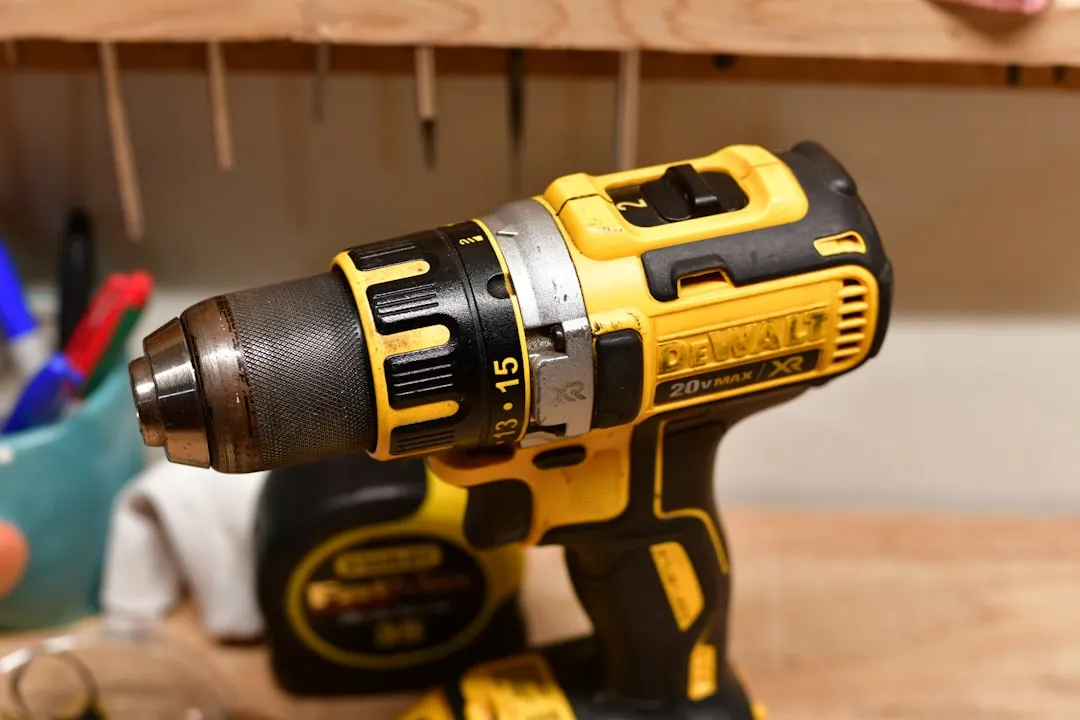
If your DeWalt 20V Max battery refuses to charge, the culprit is rarely a dead cell; it is usually a "sleep mode" triggered by the Battery Management System (BMS) or oxidized terminals. First, clean the contacts with isopropyl alcohol. If the charger still flashes a red error code, perform a "jump-start" using a secondary battery and parallel wiring to wake the dormant protection circuit.
The Anatomy of Failure: Why Lithium-Ion Packs "Die"
The DeWalt 20V Max ecosystem, specifically the XR and PowerStack variants, represents a significant leap in cordless power, but it operates on a delicate threshold of safety protocols. When you plug a pack into a DCB115 or DCB118 charger and receive a rapid, pulsing red light, you are not necessarily looking at a hardware failure. You are witnessing a "Soft Lock."
Modern Li-Ion cells are fragile. If the voltage drops below a specific threshold—typically 2.5V to 3.0V per cell—the BMS firmware enters a high-impedance state to prevent charging. This is a safety feature to stop thermal runaway. In the field, we see this most often when a battery is left in a tool that has a parasitic draw or is stored in a cold, uninsulated job-site trailer for months. The chemistry doesn't die; the logic gate just locks the door.
The "Invisible" Operational Friction: Terminal Oxidation
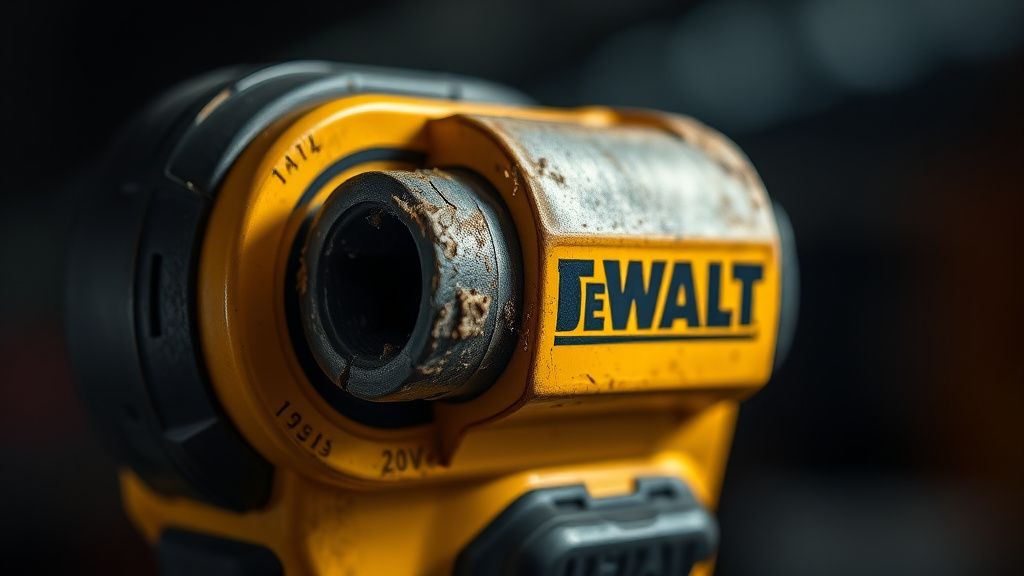
Before you blame the BMS, look at the physical interface. The slide-rail contacts on DeWalt batteries are prone to microscopic oxidation, especially in humid or high-salt environments.
User sentiment on forums like r/Dewalt or the ContractorTalk threads often points to a "bad charger," but in 60% of cases, it’s just debris. Using a non-conductive terminal cleaner or high-percentage isopropyl alcohol (90%+) is the first step. If the pins are physically depressed or stuck, no amount of voltage will bridge the gap.
The "Jump-Start" Workaround: A Controversial Fix
There is a long-standing, somewhat controversial "hack" circulating in the repair community: the parallel jump-start.
The Theory: You connect a "healthy" 20V battery to the "dead" battery using short-run jumper leads (positive to positive, negative to negative). By doing this for 30–60 seconds, you manually force voltage across the protection circuit of the dead battery. Once the BMS senses a voltage above the "lockout" threshold, it resets, allowing the charger to recognize the pack again.
The Engineering Risk:
- Thermal Management: If you use wire that is too thin, it will get hot enough to melt plastic.
- In-rush Current: Without a current-limiting resistor, you risk a massive surge. Many electrical engineers on Stack Exchange advise against this because it bypasses the internal safety protections designed to prevent an internal short-circuit from exploding.
"The jump-start method is essentially forcing an open circuit to close. While it works for thousands of users, it is a band-aid on a bullet wound. If your pack dropped to 0V, the cells likely have high internal resistance (IR). Even if you wake it up, it will likely drop dead again under the load of a circular saw or an impact driver." — Field Report from a Master Tool Technician.
Troubleshooting the DCB115 and DCB118 Charger Logic
The DCB115 charger is not a simple "dumb" transformer. It is an intelligent, multi-stage diagnostic unit. If it flashes a specific pattern, it’s telling you exactly where the breakdown is.
- Continuous Red Light: Pack is charging.
- Rapid Red Flashing: Temperature delay (too hot/cold) or a communication error.
- Solid Yellow (rarely discussed): This usually indicates a calibration error or that the charger itself has lost the handshake with the pack's thermistor.
If the charger isn't the problem, check the Thermistor. Inside the battery pack, there is a small sensor that measures the temperature of the cells. If the lead to this sensor has vibrated loose—which happens frequently in impact-heavy environments like concrete drilling—the charger will permanently refuse to charge the pack because it cannot verify the safety of the cells.
Scaling Issues and Battery Fragmentation
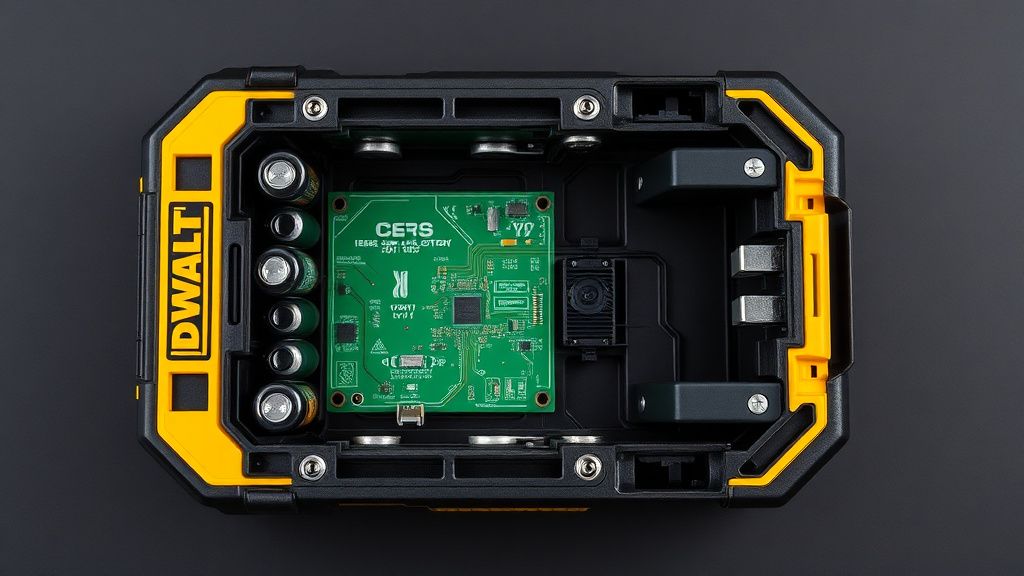
As DeWalt introduced the PowerStack (pouch-cell technology) alongside their traditional 18650-cylinder packs, the repair landscape became fragmented. You cannot repair a PowerStack pack the way you repair a legacy XR pack. The pouch cells are bonded with high-strength structural adhesives, and attempting to "open" them often leads to a cell puncture.
Users on GitHub and various DIY forums have noted that the newer 5Ah+ batteries have significantly more aggressive firmware regarding voltage sag. If your battery has "gone bad" after a year of heavy use, you aren't seeing a software bug; you are seeing Cell Mismatch. If one cell group in the 5-series (5 series cells x 3.6V = 18V nominal) is significantly lower than the others, the BMS will refuse to balance-charge the pack. It views the disparity as a fire risk.
The "Hidden" Costs of Replacement vs. Repair
Why don't most professionals repair their own packs?
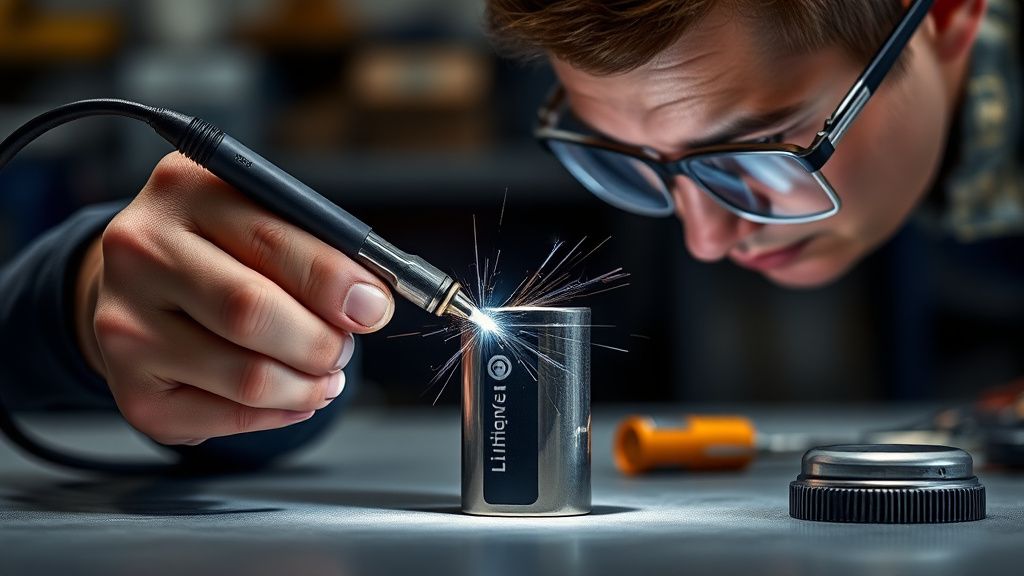
- Spot Welding: You cannot solder to a 18650 cell. The heat damages the chemistry. You need a nickel-strip spot welder.
- Safety: If you replace one cell but not all of them, the new cell will be "dragged down" by the degraded capacity of the old ones.
- Liability: In a commercial shop environment, modifying a UL-listed battery pack creates a massive insurance liability.
Community Perspectives: The "Firmware" Conspiracy
There is a pervasive belief on internet forums that DeWalt (and other OEMs) implement "planned obsolescence" via the BMS firmware. While there is no hard evidence of a "kill switch" timer, there is a clear trend: as battery chemistry degrades, the BMS becomes increasingly sensitive to voltage dips. Users on Reddit’s r/Tools often complain that "the battery still has life, but the tool cuts out at 40% capacity."
This isn't a bug; it's a conservative power-curve calibration. The tool is programmed to protect itself from current draw that the aging battery can no longer safely sustain.
Analysis of Common Failure Points
| Symptom | Probable Cause | Fixability |
|---|---|---|
| Charger flashes fast red | BMS Lockout | Possible (Jump-start) |
| Tool cuts out under load | Cell Mismatch / IR increase | Low (Replace cells) |
| No lights on charger | Blown internal fuse / Open thermistor | High (Solder/Replace fuse) |
| Battery rattles | Broken structural housing | Moderate (Re-case) |
When to Abandon the Pack
If you open a pack and smell "sweet" chemicals (an electrolyte leak), stop immediately. Do not attempt to charge it. Do not keep it indoors. The "sweet" smell is an indication of venting. No amount of hacking or resetting will fix a vented cell.
Why does my charger flash red/yellow constantly?
The charger is likely struggling to initiate the "handshake" with the battery's BMS. This is often caused by a faulty thermistor connection. Try cleaning the contacts first. If that fails, the internal BMS circuit may have a broken trace, which is a common failure point if the battery has suffered a significant drop on a concrete floor.
Is it safe to replace individual cells?
Technically, yes, but practically, it is rarely worth it. Unless you have a spot welder and can source matched-capacity cells, the pack will be dangerously imbalanced. Lithium batteries need to be "balanced" to charge safely; an unbalanced pack will generate localized heat, leading to potential thermal runaway.
Why does my "new" battery perform worse than my 3-year-old one?
This is often due to the "break-in" period and internal resistance differences between the 18650 cells used in the older XR packs versus the newer high-output cells. Alternatively, you might have a "lemon" with a high-resistance cell group that causes premature voltage drops.
Can I use a generic charger for my DeWalt 20V battery?
While third-party "aftermarket" chargers exist, they often lack the precise temperature-sensing logic of the OEM DeWalt chargers. Using these may save money initially, but they are frequently cited in forums as a cause for "killing" batteries by overcharging or bypassing safety checks. Stick to the official DCB series for long-term cell health.
What should I do with a dead, non-repairable battery?
Never throw it in the trash. Lithium-ion fires are a massive problem in municipal waste streams. Take your pack to a local Home Depot or an authorized recycling center that accepts "RBRC" (Rechargeable Battery Recycling Corporation) materials. They are fully recyclable, and the nickel and cobalt inside are reclaimed by specialized facilities.
The Final Verdict: Operational Reality
The reality of the DeWalt 20V platform is that it is a highly reliable, industrialized system that has been pushed to the limits of current lithium-ion technology. The issues we see—BMS lockouts, terminal oxidation, and cell fatigue—are the "cost of doing business" with high-density power tools.
If you find yourself constantly battling these issues, you are likely pushing your tools beyond their thermal capacity. When a pack goes into "protection mode," listen to it. Take a five-minute break. The tool isn't just failing; it’s telling you that it can't handle the heat you’re putting it through. Repairing is a great way to learn about electrical systems, but if you value your time and the reliability of your kit, recognize when a pack has reached the end of its cycle life and transition it to a "light-duty" status or recycle it.