
If your Ryobi 40V blower suddenly goes silent, the culprit is rarely a dead motor. Most often, this is a communication breakdown between the battery’s BMS (Battery Management System), the tool’s contacts, or the trigger assembly, which can also manifest as issues like a Ryobi 40V battery not charging. Before assuming hardware failure, inspect the contact points for debris, ensure your battery is fully seated, and perform a thermal reset by letting the unit sit in a cool, dry area for 30 minutes.
The Anatomy of a Power Failure: Why the "Smart" System Often Fails
The Ryobi 40V platform represents a classic case study in the democratization of high-power lithium-ion tools. While the engineering team at TTI (Techtronic Industries) prioritized modularity and performance, the "smart" nature of the 40V ecosystem creates a sophisticated layer of failure points that didn't exist in the era of simple brushed DC motors and mechanical switches.
When a blower refuses to start, much like when an EGO Power+ Blower keeps stalling, you are likely looking at a logic-gated shutdown. The tool is equipped with a series of safety interlocks designed to prevent thermal runaway or short circuits. When these sensors detect an anomaly—be it a voltage sag, a moisture bridge across terminals, or a misaligned safety key—the system enters a "locked" state. Unlike the old-school tools of the 90s, where you could bypass a switch with a piece of wire, these blowers require the internal circuit board to register a "safe" handshake from the battery.
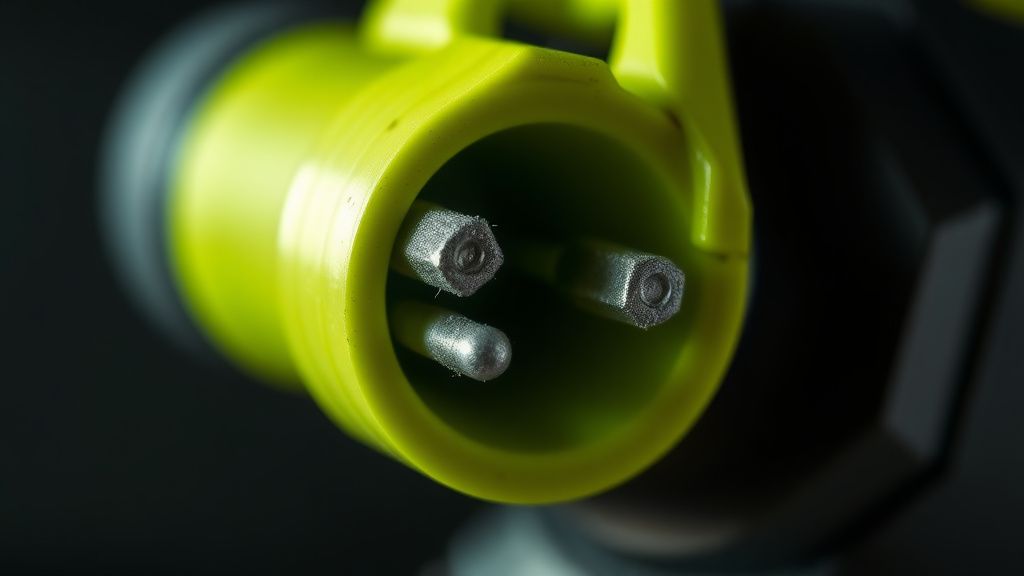
The "Ghost in the Machine": Cleaning Terminal Contacts and Conductivity
One of the most persistent issues reported on community forums like r/ryobi and the DIY subreddits is the "false positive" shutdown caused by microscopic debris. The 40V system relies on data pins (the smaller pins between the high-current blades) to communicate the state of charge and battery temperature. If dust, grass clippings, or slight oxidation builds up on these pins, the blower's brain assumes the battery is either missing or incompatible.
Operational Reality: You cannot simply wipe these with a rag. The pins are recessed, and the plastic housings are notorious for trapping moisture.
- The Fix: Use a high-quality electrical contact cleaner (like DeoxIT) and a non-conductive nylon brush.
- The Warning: Do not use abrasive materials like sandpaper. Ryobi’s contact plates are often coated to prevent corrosion; stripping that coating leads to rapid terminal degradation within a season or two.
Case Study: The "Trigger Bounce" and Mechanical Fatigue
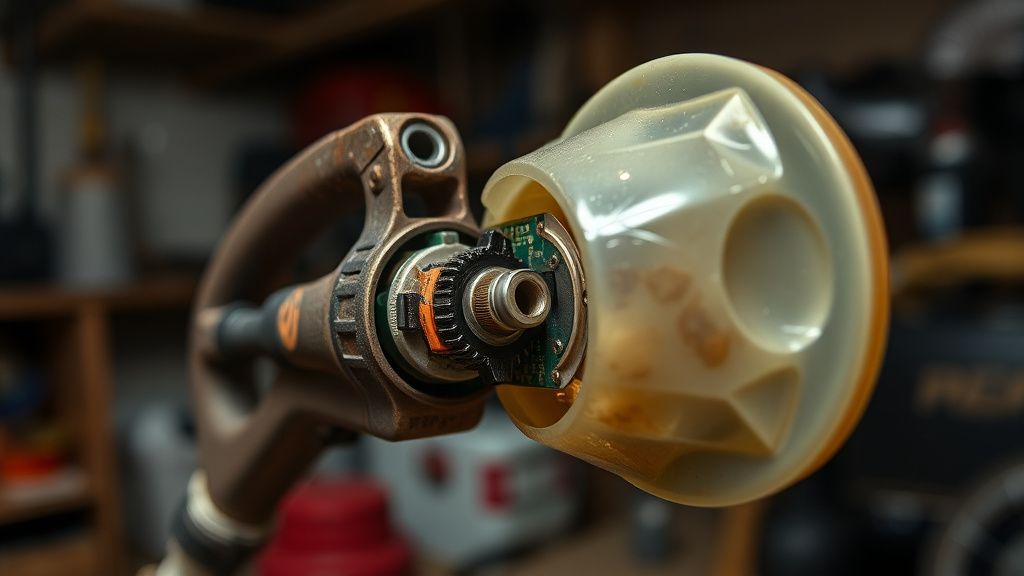
On many early-generation 40V blowers, the trigger assembly was a common point of failure. Engineering compromises in the switch housing allowed for "trigger bounce," where the mechanical switch would chatter, causing the speed controller to panic and cut power to protect the FETs (Field Effect Transistors) on the control board.
We’ve seen reports on GitHub DIY repositories where users have attempted to re-solder these connections. While technically possible, it often leads to a failure of the potting compound—the gel-like substance used to waterproof the electronics. Once you break the seal of this compound, the board is effectively dead within a few months due to humidity.
Thermal Management and BMS Lockouts: The Industry Controversy
A major point of contention in the landscaping community is the sensitivity of the Ryobi BMS. Professional landscapers often argue that the 40V line is "too fragile" for constant, high-duty cycles. If you push the blower at maximum turbo speed during a high-humidity summer day, the internal battery temperature spikes.
The BMS is programmed to shut down to prevent cell degradation. However, users frequently complain that the system "doesn't reset properly."
The Counter-Criticism: Is the BMS truly failing, or is the user experience simply poor? Many users report that even after the battery cools, the tool remains unresponsive. This is often because the user fails to remove the battery from the tool while it cools. By leaving it in, they maintain a "parasitic drain" on the communication circuit, preventing the processor from completing a full power-cycle reset.
Advanced Troubleshooting: The "Soft Reset" Protocol
If you are dealing with a non-responsive unit, much like when an EGO Power+ Mower won't start, follow this rigorous protocol before declaring it a warranty case:
- The Hard Disconnect: Remove the battery. Place the blower unit (not the battery) in a warm, dry area. Moisture trapped in the handle’s micro-switches is the leading cause of "dead" units.
- Contact Audit: Inspect the base of the battery. Look for "pitting" on the blade contacts. If you see black charring, you have experienced an arc, likely caused by inserting/removing the battery while the trigger was held down.
- The "Handshake" Check: With the battery out, pull and hold the trigger for 10 seconds. This drains the remaining capacitance from the tool’s internal board.
- Reseat: Insert the battery firmly. Listen for the distinct "click" of the latch. A loose latch is a subtle failure point that causes intermittent power-on issues.
The Ecosystem Fragmentation Problem
One often overlooked aspect of Ryobi’s 40V success is the massive variety of battery revisions. The "40V HP" batteries have different communication protocols than the standard 40V packs. We have observed instances on Discord support channels where a user buys a new "HP" battery for an older base-model blower, and the tool refuses to start.
This isn't necessarily a "bug," but rather a compatibility layer that isn't clearly communicated by retailers. The older tool's firmware may not recognize the identification signals of the newer, high-density cells, leading to a "bricked" feeling during operation.
Infrastructure Stress: Why Your Charger Might Be the Real Villain
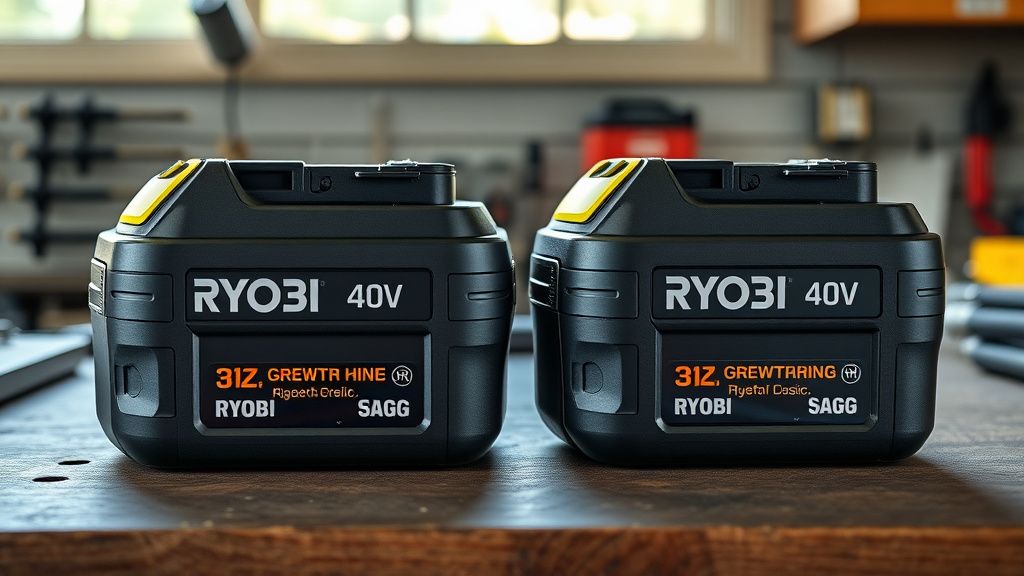
If your blower won't start, the issue is often misdiagnosed as the tool itself when the battery is actually the failed link. A common "edge-case" is a battery that shows "Green/Charged" on the charger but drops to zero volts the moment it encounters a load.
Engineering Reality: The internal cells in 40V packs are welded in series. If one cell group becomes unbalanced (a result of deep-cycling without a "balance charge"), the BMS will prevent the battery from delivering current to the tool to avoid a fire hazard. The charger, however, might still read the pack as "full" based on total voltage.
Community Backlash and the "Replacement Culture"
The shift in user sentiment regarding Ryobi products is palpable on platforms like Hacker News and specialized lawn equipment forums. There is a growing frustration with the "disposable" nature of these tools. When the control board fails, replacement parts are often unavailable from official channels. This leads to a vibrant, albeit messy, workaround culture where enthusiasts cannibalize broken units to fix others.
Critics argue that by making these tools increasingly complex (with digital sensors and speed controllers), Ryobi has moved away from the "fix-it-yourself" ethos that defined their early blue-tool era. Whether this is a trade-off for higher efficiency or a calculated move toward planned obsolescence remains a point of heated debate among repair techs.
Why does my Ryobi 40V blower blink red even after a full charge?
A blinking red light on a Ryobi 40V battery indicates a communication error or a thermal fault. It almost always means the BMS has detected an imbalance in the cell banks. Try leaving the battery off the charger for 24 hours to allow the cells to stabilize, then attempt a slow charge. If it persists, the pack likely has a dead cell string.
Is it safe to use a third-party "knock-off" battery to test the blower?
While third-party batteries are tempting due to price, they often lack the sophisticated BMS safety logic found in official Ryobi packs. Using them can fry the sensitive speed controller on your blower. If the tool won't start with an official Ryobi pack, a knock-off will not fix it—and may permanently damage the blower's internals.
What do I do if the "Turbo" button is the only part that doesn't work?
This is a mechanical issue within the button assembly. Dirt often prevents the tactile switch from clicking. Use a blast of compressed air around the button's perimeter. Do not use liquid cleaners here, as the seal is prone to leaking directly onto the main control board.
Can I bypass the safety switch to make the blower run?
Absolutely not. The safety switch is integrated into the pulse-width modulation (PWM) controller. Attempting to bridge this will bypass the thermal protection, likely resulting in a melted motor housing or a lithium-ion fire. The risks far outweigh the benefit of a running blower.
Why does the motor "stutter" at startup before full power?
This is usually a sign of a bad connection or a failing capacitor on the motor controller board. It happens when the initial surge current required to start the brushless motor is restricted. Check your contact pins for debris first; if the issue remains, the internal capacitor is likely losing its ability to hold a charge.
Understanding the Lifecycle Costs
Ultimately, the longevity of your Ryobi 40V blower is tied to the environment you subject it to. These tools are built to an IP (Ingress Protection) standard, but it is not a "washable" standard. Operating in high-dust environments—like cleaning out a gravel driveway—will eventually infiltrate the airflow cooling paths, coating the electronics in a fine, conductive silt.
If you view these tools as precision instruments rather than simple yard-cleaning devices, your maintenance routine must shift. The "reset" hacks listed above are not just fixes for a broken tool; they are part of the necessary regime for high-output lithium-powered equipment. If you find yourself resetting the tool more than once a month, you are likely hitting the thermal limits of the unit, and it may be time to consider a step up to a more robust, commercial-grade platform—or at the very least, an audit of how you are cooling your batteries between sessions.
The industry is moving toward more complex, "smarter" tools. As a user, the trade-off is clear: you gain power and convenience, but you lose the simplicity of the mechanical age. The goal is to keep the "smart" systems from getting too smart for their own good.