
If your Ring Video Doorbell Pro 2 has gone offline, the most immediate fix is a power cycle by flipping the circuit breaker for 30 seconds. If that fails, the issue usually stems from signal attenuation through exterior walls or a 2.4GHz interference clash. Always verify your RSSI (Received Signal Strength Indicator) in the Device Health menu before assuming a hardware failure.
The Ring Video Doorbell Pro 2 represents a specific inflection point in consumer-grade home security. It is a device that balances the high-bandwidth requirements of 3D Motion Detection and "Bird’s Eye View" with the inherent physical limitations of being bolted to an exterior wall. When it drops off your Wi-Fi, you aren't just dealing with a "broken" internet connection; you are witnessing the collision between sophisticated packet-heavy processing and the reality of home infrastructure.
Decoding the Signal: RSSI and Wi-Fi Throughput Metrics
Most users view Wi-Fi connectivity as binary: it works, or it doesn't. However, the Pro 2—a device that thrives on consistent upload speeds—operates in a spectrum of signal health. The Received Signal Strength Indicator (RSSI) is your primary diagnostic tool. In the Ring app, an RSSI value of -40 is excellent, while anything beyond -65 is the "danger zone" where streaming jitter, dropped frames, and "Device Offline" status errors become the norm.
The irony of the Pro 2 is that its hardware is often "too good" for its environment. The 1536p HD+ sensor requires significant upload bandwidth. If your home network is congested with other IoT devices or has high Channel Congestion, the doorbell's heartbeat signal—the tiny data packet it sends to keep the connection "alive"—is often the first casualty.
The 2.4GHz vs 5GHz Dilemma
A common point of contention on community forums like Reddit’s r/Ring is the doorbell's handling of dual-band networks. The Pro 2 supports 5GHz, which offers higher throughput, but 5GHz struggles to penetrate brick, stucco, or heavy wood frames common in front porch construction.
- The Conflict: Many routers use "Band Steering" to automatically switch devices between frequencies. If your router pushes the doorbell to 5GHz for speed, but the door is closed or the signal degrades, the device may hang in an "attempting to reconnect" loop rather than gracefully failing over to the more stable, yet slower, 2.4GHz band.
Operational Reality: Why Power Cycles are Often Not Enough
When a support agent tells you to "reboot the device," they are asking you to clear the volatile memory (RAM) where the network handshake keys are stored. But if your doorbell is wired to a transformer that is failing, much like a Nest thermostat showing an E74 power wire error, no amount of software rebooting will solve the issue.
I’ve seen dozens of cases on GitHub and local ISP support forums where the doorbell appears "online" during the day but drops at night. The culprit? Voltage drop due to thermal stress. The Pro 2 uses infrared LEDs for night vision. When these activate, the power draw increases. If your mechanical chime transformer is an older 16V 10VA unit, it may provide just enough juice for the doorbell to operate during the day, but the additional load of the infrared array causes a voltage sag that forces the Wi-Fi chip to power down.
Analyzing the "Offline" Ecosystem: Field Reports and Failure Modes
Engineering a doorbell that is both a constant streamer and a weather-resistant node is a game of compromises. Users on Hacker News often point out that Ring’s proprietary protocol for streaming—which prioritizes connectivity—can lead to "zombie states" where the app reports the device as online, but the feed refuses to initialize.
Case Study: The Mesh Network Handshake Failure
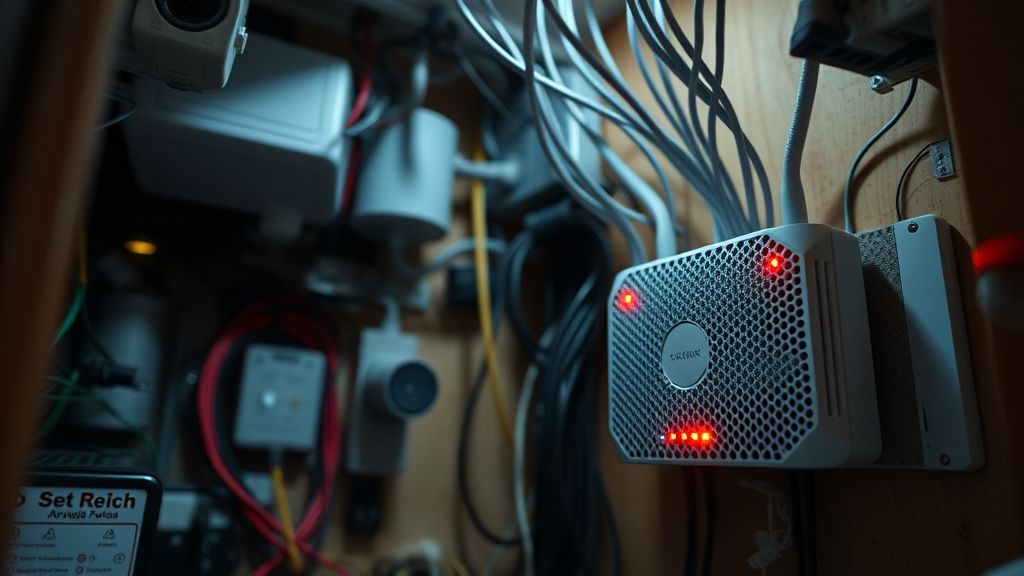
One of the most persistent issues reported in the last 18 months involves users with mesh Wi-Fi systems (e.g., Eero, Orbi, Google Nest). Because mesh nodes rotate clients to balance load, the Ring Pro 2 sometimes perceives this as a de-authentication attack or a network drop.
"My doorbell kept hitting the floor every time my Eero decided to optimize the channel. It would take 15 minutes to reconnect because the Pro 2's power-on self-test (POST) is so slow. It's not a connection issue; it's a handshake timeout policy in the firmware." — A frustration expressed in a long-running thread on the official Ring Community Forums.
This points to a significant Scaling Problem. As our homes become saturated with dozens of connected devices, the traditional DHCP lease process often causes the doorbell to lag. Assigning a Static IP address via your router’s DHCP reservation table is a "pro-tip" that essentially bypasses this negotiation struggle, providing a much more stable environment.
Counter-Criticism: Is the Hardware Actually At Fault?
There is a loud contingent of users who argue that the "offline" problem is a deliberate byproduct of Ring’s Cloud Infrastructure reliance. Unlike local-storage doorbells (like those using HomeKit Secure Video or RTSP), the Pro 2 requires an constant uplink to Ring’s AWS-hosted servers.
- The Argument: If your ISP has even a minor "micro-outage" (a blip lasting 2-3 seconds), a local-only camera would simply buffer or reconnect locally. The Pro 2, however, must perform a full TLS handshake with the Amazon cloud. This makes the device feel significantly more fragile than it actually is.
- The Counter-Argument: Centralization allows for the advanced features that make the Pro 2 popular—AI motion detection, bird's-eye view, and ecosystem integration. You are effectively trading network resilience for feature density.
Deep-Dive: Troubleshooting Workflow for the Frustrated User
If you are currently staring at an offline device, don't just jump to a factory reset (which is a massive headache to re-configure). Follow this logical tier of troubleshooting based on the most common point-of-failure vectors:
1. The Physical Power Validation
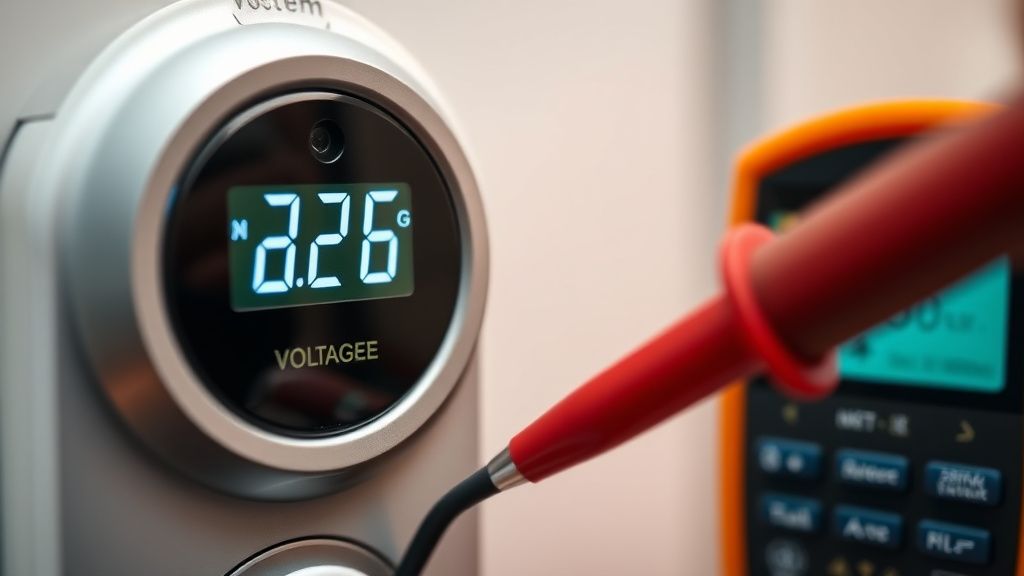
Measure the voltage at the doorbell terminals using a multimeter. If it’s reading below 16V AC while the system is under load, you have a transformer capacity issue. This is an Operational Friction point; most users don't own a multimeter, making this a hidden cost of maintenance.
2. The Wi-Fi Interference Audit
Use a Wi-Fi analyzer app on your phone. Stand exactly where the doorbell is mounted. Check the "noise floor." If you see four different networks on Channel 1 or 6, your doorbell is fighting for air. Changing your router’s channel to a less congested one is often more effective than buying a mesh extender.
3. The "Soft" Migration Workaround
If the device frequently loses connection after an OTA (Over-the-Air) firmware update, the common community workaround is to force a "soft reset" by holding the side button for 15 seconds—not until it flashes for a factory reset, but just long enough to force the Wi-Fi radio to re-scan for access points.
The Future of Connectivity: Why This Problem Persists
As we move toward Wi-Fi 6 and 6E, the expectation is that these connectivity "dead-zones" will vanish. However, the Ring Pro 2 hardware is inherently limited by its physical radio. The device, by design, has to be small and weather-sealed, which limits the size and placement of internal Wi-Fi antennas. This is a classic Hardware/Software Gap.
We are seeing a trend where users are moving toward Power over Ethernet (PoE) doorbells to solve these exact frustrations. By moving away from the "wireless-only" paradigm, they eliminate the 2.4GHz interference variable entirely. The Pro 2, however, remains a bridge-technology—a high-end camera trying to act like a low-power IoT device.
FAQ
Why does my Ring Pro 2 go offline at night?
Does a Wi-Fi Chime Pro extender actually help?
Can I fix the "Offline" status without resetting?
Is the Ring Pro 2 prone to overheating?
Should I use a Static IP for my Ring?
Bu makale affiliate linkleri içermektedir.