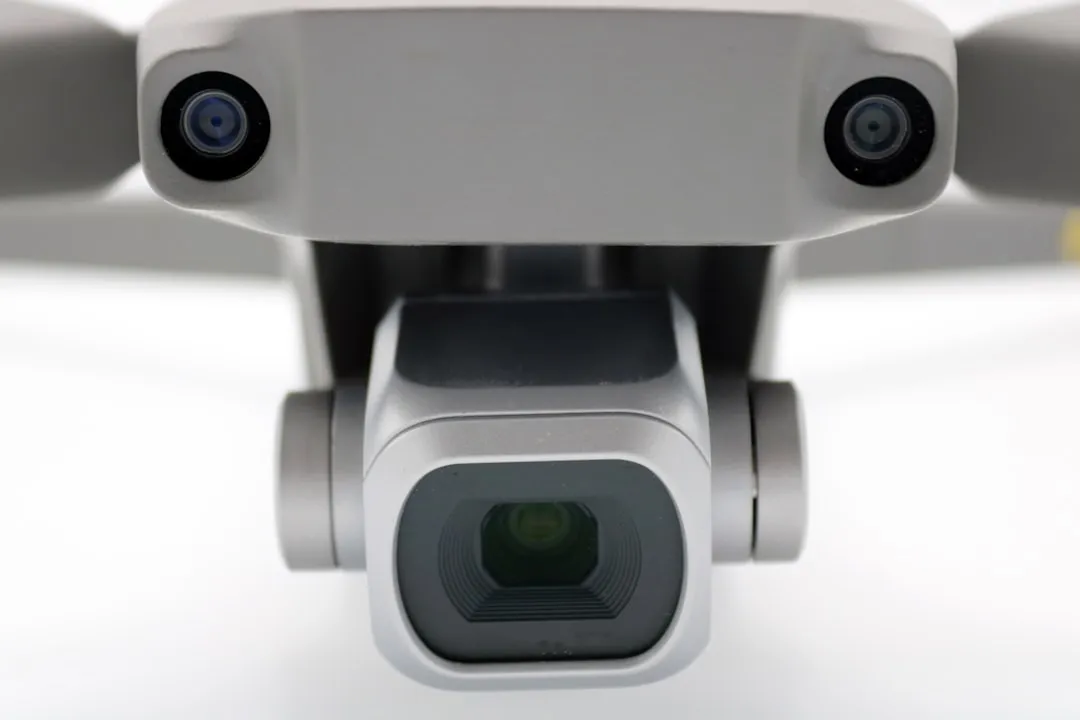
If your DJI Mini 4 Pro gimbal is stuck, tilting, or throwing a constant "Gimbal Calibration Failed" error, it's crucial to stop rebooting the drone immediately and consider a methodical troubleshooting approach. Most calibration errors are not software glitches; they are warnings that the delicate ribbon cables—which carry both power and high-bandwidth video data—are snagged, obstructed by micro-debris, or physically fatigued from thermal expansion.
Understanding the Mechanics of the Mini 4 Pro Stabilization System
The Mini 4 Pro utilizes a sophisticated 3-axis brushless motor gimbal system, a feat of miniaturized engineering that balances weight against performance. Unlike the heavier, more robust gimbals on the Mavic 3 series, the Mini series is designed with thin, flexible printed circuits (FPC) that are notorious for failure points. When you receive a calibration error, the internal IMU (Inertial Measurement Unit) is communicating a simple truth: the motors are experiencing resistance that exceeds their pre-set torque threshold.
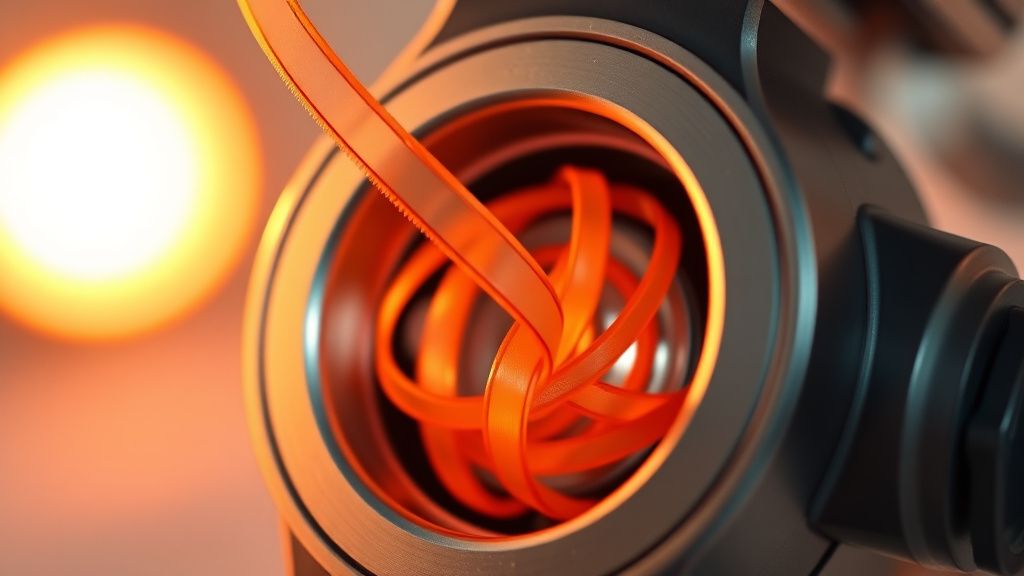
The "calibration" process is essentially a handshake between the flight controller and the gimbal’s individual motor drivers. It measures the "center" of the gimbal’s rotation by pushing the motors against their physical stops. If there is even a microscopic piece of grit, a displaced lens filter, or a slightly deformed plastic housing, the calibration will time out.
Why "Resting" Your Drone Isn't Always a Solution
Many users report that "letting the drone sit for a few hours" resolves the issue. This isn't magic; it is often thermal dissipation. In high-ambient temperature environments, the plastic gimbal housing can expand, shifting the tolerances just enough to cause a "soft" obstruction. Once the temperature drops, the housing contracts, and the calibration succeeds. However, relying on this is a precursor to a total failure, where the FPC cable snaps under the constant strain of a motor trying to compensate for the imbalance.
The Operational Reality of Gimbal Fatigue
When we analyze threads from the DJI Developer Forum and Hacker News drone sub-channels, a clear pattern emerges. Owners who frequently transport the Mini 4 Pro without the official gimbal protector, or those who fly in high-wind conditions near sandy terrain, report significantly higher rates of "stuck motor" errors.
The gimbal motor driver is not just a driver; it is a sensor. If the motor draws too much current, the DJI proprietary firmware forces a shutdown to prevent a fire or permanent electronic failure, similar to issues found when a DeWalt 20V Max Drill Won't Spin. This is why you shouldn't keep hitting "Calibrate" in the DJI Fly app. Each failed attempt is effectively a "stress test" on a part that is already signaling distress.
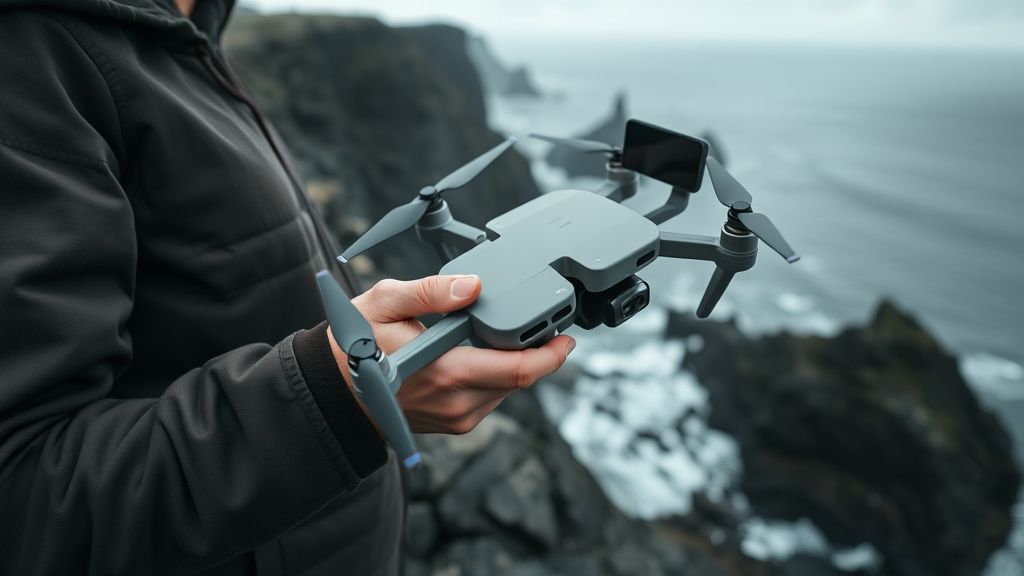
Step-by-Step Diagnostic Protocol for Gimbal Obstruction
Before resorting to a factory reset or shipping your unit to a service center, perform this manual inspection.
- The Visual Sweep: Use a high-intensity LED torch. Inspect the gaps between the pitch (up/down) and roll (side-to-side) motors. Use a clean, non-conductive plastic pick (never a metal screwdriver) to check for sand, salt crystals, or fibers.
- The "No-Filter" Test: If you are using a third-party ND filter, remove it immediately. Even if the manufacturer claims the filter is "ultra-light," the weight distribution is often off by a fraction of a gram, which the Mini 4 Pro’s extremely sensitive gimbal will interpret as a calibration error.
- The Motor Impedance Check: Gently nudge each axis. If you feel "notched" or crunchy resistance rather than smooth, fluid travel, there is physical damage or debris deep inside the motor casing.
Real Field Reports: When Engineering Meets Reality
In the DJI Support Community forums, user DroneOps_82 documented a recurring gimbal failure that was later identified as a result of "vibration-induced ribbon fatigue." The user had logged over 400 flight hours in high-wind conditions. The constant oscillation caused the ribbon cable to rub against the internal housing, eventually causing intermittent video signal loss before the full calibration failure.
The Counter-Criticism: Critics of the Mini 4 Pro design argue that the, while technically brilliant, is "disposable." Unlike the Inspire series, which allows for modular gimbal repairs, the Mini 4 Pro’s gimbal assembly is essentially a monolithic unit. When a ribbon cable breaks, DJI service centers—and most independent repair shops—often refuse to perform micro-soldering, opting instead for a full gimbal assembly replacement. This creates an economic incentive for the manufacturer to push replacement rather than repair, a point of constant contention on forums like r/drones.
Scaling Issues and Firmware Controversies
There has been a vocal minority of users claiming that "firmware updates broke their gimbal." While software-driven hardware failure is rare, it is possible for a firmware update to change the torque thresholds of the gimbal motors. If your drone was already operating at the edge of its physical tolerance, a stricter firmware check post-update might cause an error that wasn't there before.
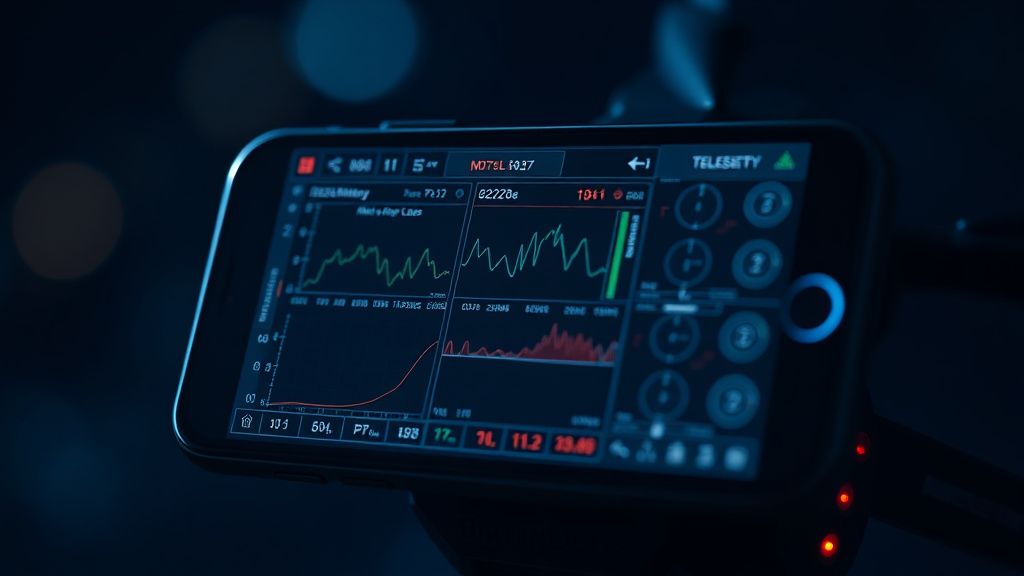
If you find yourself stuck in a "calibration loop," check your GitHub-hosted flight logs using a tool like AirData UAV. Look for spikes in "Gimbal Load" or "Motor Current" immediately before the failure occurs. If the load is spiking even when the drone is stationary, it is a hardware failure, not a software bug.
Troubleshooting Deep-Dive: When the "Calibration Failed" Error Persists
If you have performed the physical check and the firmware refresh via DJI Assistant 2, but the error remains, consider these edge-case scenarios:
- The IMU Calibration Link: Many users overlook the IMU calibration. If the drone thinks it is tilted, it will fight the gimbal to keep the horizon straight. Always perform a full IMU and Compass calibration on a perfectly level, non-metallic surface before recalibrating the gimbal.
- The "Held Together by Tape" Reality: Some users have resorted to using specialized tweezers to reset pinched ribbon cables. This is an extremely high-risk maneuver. If you tear the FPC, your drone is effectively grounded until you pay for a full assembly replacement.
- Magnetic Interference: Never calibrate your gimbal near large metal objects, power lines, or active speakers. The gimbal uses hall effect sensors that are sensitive to magnetic distortion. A calibration performed next to a laptop or a metal desk is doomed to fail.
The Ecosystem of Repair: Independent vs. Official
The gap between official service and the "workaround culture" of the community is widening. While official channels emphasize the safety and integrity of a factory-calibrated unit, the community has pushed back with DIY ribbon-cable kits available on sites like AliExpress and eBay.
Operational Truth: If you decide to go the DIY route, you are entering a world of immense frustration. The internal screws on the Mini 4 Pro are JIS (Japanese Industrial Standard), not Phillips. Using a standard Phillips screwdriver will strip them instantly, turning a 30-minute repair into an permanent disassembly nightmare.
Why does my gimbal "jitter" only when I am flying at high speeds?
This is often caused by an aerodynamic oscillation—often called "jello" or "vibration hum." Even if the gimbal passes a stationary calibration, it cannot compensate for airframe resonance caused by loose propellers or a slightly bent motor arm. Check your props for microscopic nicks.
Can I calibrate the gimbal while the drone is in the air?
Absolutely not. The DJI Fly app will block this function for safety reasons, but attempting to force a calibration via hidden command sequences is a recipe for a catastrophic flight failure. Always calibrate on a stable, flat surface.
Is it normal for the gimbal to get hot?
Yes, but within limits. The motors are constantly working to stabilize the camera. However, if the gimbal is too hot to touch after five minutes of indoor flight, you have a short-circuit in your FPC cable or a failing motor driver.
Does a "Gimbal Calibration Failed" error always mean I need a new gimbal?
Not always. It often means you need to clear the gimbal axis of debris or perform a soft reset. If the error code remains after you’ve cleaned the axis and done a factory reset via DJI Assistant, then the hardware is physically compromised.
Why do some third-party repair shops refuse to fix the Mini 4 Pro?
The Mini 4 Pro is packed tighter than a watch. Accessing the internal components requires removing the top casing, which is glued in certain sections. The risk of breaking the plastic shell during disassembly is high, making the labor cost often equal to the cost of a replacement unit.
Final Thoughts on the Future of Gimbal Reliability
As drone manufacturers push for smaller, lighter, and "more portable" designs, we are approaching the physical limits of materials science. The ribbon cables in the Mini 4 Pro are near their fatigue limit. If you operate this device in harsh environments—salty, sandy, or sub-zero—you are operating outside the ideal design envelope. Maintain your gear with extreme precision, prioritize airflow, and keep that gimbal protector on whenever the drone is not actively in the air. The "calibration error" is not just a software prompt; it is a mechanical warning that your flight time is coming to an abrupt end unless you intervene.