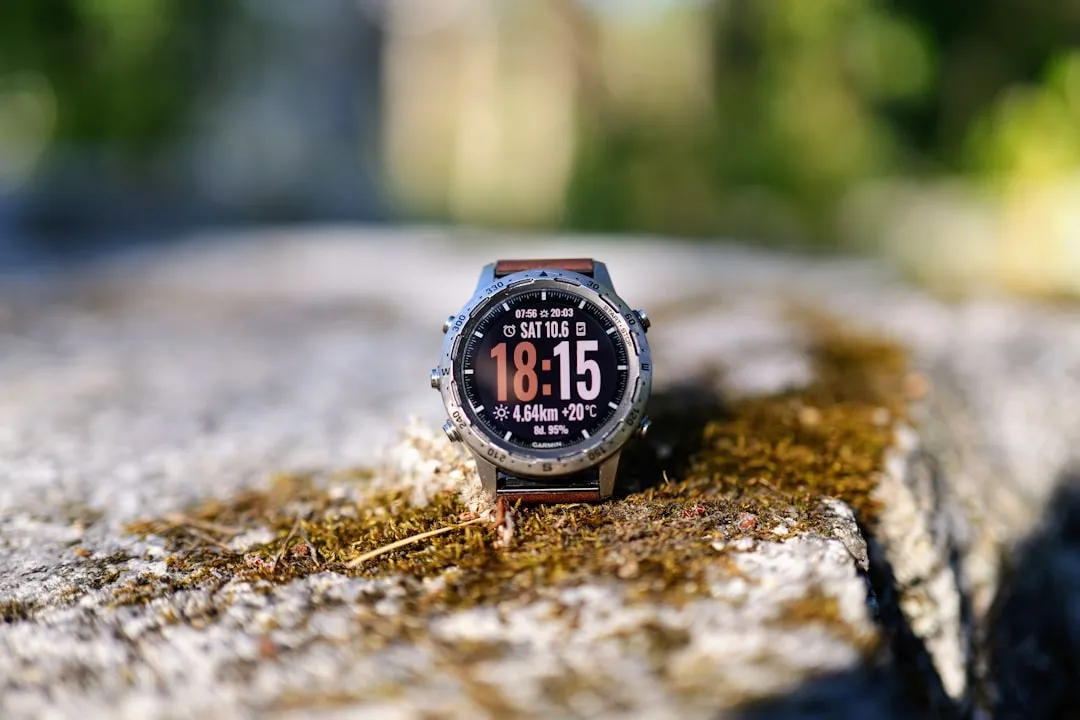
If your Forerunner 965 is struggling to lock onto a signal, the most effective immediate fix is a "soak" procedure: leave the watch outdoors with a clear view of the sky for 15–20 minutes before initiating an activity. This allows the device to refresh its satellite ephemeris data cache, which is often the silent culprit behind sluggish acquisition or track drift.
The Garmin Forerunner 965 represents a high-water mark for mid-to-high-end wearable technology, but its reliance on Multi-Band GNSS (Global Navigation Satellite System) is both its greatest strength and its most frequent point of failure. When you strap a $600 watch to your wrist, you expect sub-meter accuracy. When that watch starts reporting that you ran through a river that doesn't exist or adds an extra mile to your marathon PR, the frustration isn't just about the data—it's about the betrayal of the ecosystem.
The Anatomy of a GNSS Failure: Why "Signal Lost" is Often a Software Mirage
To understand why the 965 fails to lock, we have to move past the marketing jargon of "SatIQ" and "Multi-Band" and look at the operational reality. Your Forerunner 965 doesn't just listen for satellites; it actively manages a library of orbital predictions known as EPO (Extended Prediction Orbit) files.
These files, usually downloaded via Garmin Connect during your morning sync, tell the watch exactly where each satellite in the GPS, GLONASS, Galileo, and BeiDou constellations should be. If your EPO file is expired or corrupted—a common occurrence if you haven't synced your watch in a few days—the watch enters a "cold start" state. It essentially has to scan the entire sky, blind, waiting for a signal handshake that takes significantly longer than the few seconds you’re used to.
The "Soak" Protocol: Technical Why and How
When a user on the Garmin Forums or a r/Garmin subreddit complains that their 965 is "drifting all over the place," the issue is often not the antenna, but the lack of a stable base-lock. The soak method forces the GNSS chipset to download the full navigation message directly from the satellites, bypassing any potentially stale data cache.
- Step 1: Select your preferred outdoor activity (e.g., Run).
- Step 2: Wait on the pre-activity screen—do not start the timer.
- Step 3: Place the watch on a flat, non-metallic surface (not your wrist, initially) with an unobstructed view of the sky.
- Step 4: Walk away for 15 minutes.
This isn't superstition; it is a fundamental requirement for the Sony GNSS chipset inside the 965 to rebuild its internal mapping.
SatIQ and the Fragmentation of Accuracy
Garmin introduced SatIQ (Satellite Integration) to manage the battery-drain vs. accuracy trade-off. In theory, it automatically toggles between "All Systems" (GPS only) and "Multi-Band/Dual-Frequency" (GPS + Glonass + Galileo + BeiDou on multiple frequencies). In practice, this is where the system often gets confused.
The 965’s firmware logic has to make a split-second decision based on signal-to-noise ratio. In urban canyons, where signal multipath (reflections off buildings) is rampant, SatIQ sometimes stays in "All Systems" mode for too long, refusing to trigger the energy-intensive Multi-Band mode until it’s already too late. This creates the "jumping" effect, where your track looks like a jagged sawtooth pattern.
Real Field Reports: The Reality of "Perfect" Tracking
On forums like Hacker News and technical enthusiast threads, the consensus is split. A thread titled "Forerunner 965 Multi-Band Performance" highlighted a persistent issue where users in high-density high-rise areas reported a 5–10 meter deviation.
One user noted: "I thought the AMOLED screen was the only sacrifice for battery, but the antenna placement seems to suffer when I have a heavy long-sleeve winter jacket covering the bezel."
This brings up a crucial, often ignored point: Human Interference. The 965’s antenna isn't omnidirectional in the way a cell tower is. It is tuned to work when the watch is on your wrist, utilizing your body as part of the ground plane. If you are wearing a conductive material, or if your wrist is flexed in a way that shields the antenna from the open sky, you are intentionally crippling your GNSS signal reception.
Troubleshooting the "Hard" Failures: Buggy Firmware and Corrupted Cache
Sometimes the issue is not the signal, but the internal stack that parses it. If you’ve done the soak and the watch still fails to lock, you are likely looking at a corrupted .fit file or a stale EPO cache.
The Nuclear Option: A Forced Filesystem Clean
- Connect the 965 to a PC/Mac.
- Locate the
GARMIN/REMOTESWfolder. - Delete the
EPO.BINfile (if present). - Synchronize via Garmin Express. This forces a fresh pull of the satellite prediction data, which is far more reliable than the mobile sync protocol.
Counter-Criticism: Why Garmin Doesn't Automate This Industry critics have pointed out that Garmin’s reliance on user-led maintenance (deleting files, manual syncing) is an artifact of its legacy architecture. Unlike an Apple Watch, which effectively manages GPS as a background system process, the Forerunner is a "bare metal" device designed for extreme battery efficiency. Forcing a refresh every time a lock is slow would kill the battery—a design compromise that power-users hate, but one that is strictly necessary for the 14-day battery life the 965 promises.
Environmental Factors and Edge Cases
Beyond the software, there is the raw physics of GNSS. There are specific "GPS Dead Zones" created by topography. If you are running in a narrow valley, your watch only sees a fraction of the constellation.
- The Multipath Problem: In cities, signals bounce off glass and steel. The 965 tries to filter these "echoes," but if the reflection is strong enough, the watch may think you are on the other side of the street.
- The Cold Start Delay: If you move 100+ miles away from your last run location, the watch will inherently take longer to lock. This is by design. The EPO file it holds is only valid for your current regional vicinity.
The "Buggy" Update Cycle: A Case Study in Rollout Anxiety
We have seen, in various developer mailing lists and enthusiast Discord servers, a pattern of "regression bias." After major firmware updates (like the migration to the x.xx software cycle), users often report a sudden degradation in GPS lock time.
The industry reality is that engineers often "tune" the GNSS filtering parameters in these updates. Sometimes, they prioritize accuracy over lock-speed. Users notice this as a "broken" GPS, but it is often just a change in the signal rejection algorithm. If you find your watch suddenly struggling after an update, wait for the secondary "bug fix" release—they are almost always in the pipeline within two weeks of major feature drops.
When to Contact Support (And When Not To)
If you are seeing "GPS Ready" but the activity logs show your distance is off by more than 10-15% consistently across multiple days, you have a hardware issue. This usually involves:
- The Internal Antenna Desoldering: A known (though rare) issue in high-impact sports where the internal antenna contact pads become loose.
- Liquid Intrusion: Even with a 5ATM rating, a microscopic breach in the seal can cause the internal GPS chipset to oxidize, leading to degraded signal-to-noise ratios.
Don't waste time on support tickets until you have performed the "Soak" and the "EPO Refresh" (the file-deletion method). Garmin Support will ask you to do these regardless, and doing them beforehand allows you to skip to the warranty request phase immediately.
Why does my Garmin Forerunner 965 take longer to lock in the city than in the open country?
Urban canyons create a signal-cluttered environment. Your watch must isolate direct satellite signals from those reflected off buildings. This computational overhead increases lock time significantly compared to an open field where the sky is 100% visible and signal interference is near zero.
Does the "SatIQ" mode actually help or should I just use "All Systems"?
SatIQ is excellent for battery management, but it is reactive, not proactive. If you are racing and need the most precise data, skip SatIQ and manually set your GNSS mode to "All Systems + Multi-Band." It is a higher battery drain, but it forces the receiver to maintain the most robust data stream possible regardless of environment.
Is the GPS accuracy of the 965 comparable to a dedicated handheld unit?
No. Dedicated handhelds (like the Garmin GPSMAP series) use larger, higher-gain antennas. The 965 is constrained by its wrist-worn form factor. While it is class-leading for a sports watch, it cannot physically compete with the signal-gathering capabilities of a device designed specifically for topographical surveying.
If I update my firmware, do I lose my GPS settings?
Generally, no. However, firmware updates can reset the "EPO cache" status. If you experience slow locks immediately after an update, perform a full power cycle (hold the power button for 15 seconds until the screen goes blank) and then leave it for a 20-minute "soak" to rebuild the cache.
Does a screen protector or a metal case impact GPS reception?
Absolutely. Metal cases act as a Faraday cage, blocking the radio waves necessary for GNSS lock. Even heavy-duty screen protectors with metallic frames can cause unexpected signal drift or "ghosting" on your recorded GPS track.
Final Thoughts: Living with the Tech
The Garmin Forerunner 965 is an elite tool, but it is not a "magic" one. Its failure to lock onto a signal is rarely a sign of a broken device; it is almost always a failure of the user-device interaction—whether that’s stale orbital data, environmental occlusion, or the physical positioning of the watch.
The internet-wide frustration with "bad GPS" often stems from a lack of transparency from the manufacturers regarding how these chips actually work. They are not simply "on." They are constantly performing complex mathematical approximations based on predictive data. Treat your watch with the care a miniature radio receiver deserves—sync it often, keep your firmware updated, and give it the time it needs to "see" the sky—and you will find that the "error" you’re experiencing is just a temporary state of a complex, high-precision system.
Bu makale affiliate linkleri içermektedir.