
If your Husqvarna Automower 430X is failing to dock, the culprit is rarely a catastrophic mechanical failure. Instead, it is almost always a breakdown in the communication loop between the mower’s loop sensor and the base station's signal generator. Start by cleaning the charging contacts with an abrasive pad and verifying that your boundary wire signal is set to "High" in the installation menu; if the mower still misses the entry, the issue likely lies in a corrupted loop sensor board or debris-obstructed magnetic proximity sensors.
The Anatomy of a Failed Docking Sequence: Beyond the Manual
The Husqvarna Automower 430X is a marvel of consumer robotics, but it operates in a brutal environment. Unlike a vacuum cleaner that maneuvers on hardwood, the 430X navigates shifting soil, fluctuating magnetic fields, and extreme weather. When an owner complains that their mower is "not docking," they are usually describing a failure in the N-signal or F-signal synchronization.
In the Husqvarna ecosystem, the docking sequence isn't just "drive until you hit the charger." It is a choreographed dance. The mower detects the "N" (Near) signal, which tells it to align with the guide wire. Then, it seeks the "F" (Far) signal to center itself for the actual physical docking. If your 430X is bumping into the station, missing it by an inch, or "giving up" halfway through the attempt, you are witnessing a failure in the triangulation logic.
Navigating the Ecosystem: Why "Works on My Machine" is a Fallacy
The internet is rife with advice on the 430X. If you scour the Robotic Mower Owners groups on Facebook or search the deep threads on the RobotMesh forums, you will find a common frustration: the ambiguity of the "Loop Signal" error. Many users spend hours checking wire continuity, only to find the problem is a firmware-level glitch introduced by a mid-season update or a subtle change in the garden’s magnetic environment.
When we talk about the 430X, we are talking about a machine that relies on a complex PCB (Printed Circuit Board) stack. The loop sensor, located at the front of the chassis, is susceptible to moisture ingress and sensor issues. A common failure point is the seal around the sensor housing. If you notice the mower starting to display "No loop signal" specifically when the grass is wet, you aren't looking at a software bug—you are looking at a hardware seal failure that is causing a short circuit, confusing the proximity sensor just enough to ruin the docking alignment.
Operational Reality: The Hidden Cost of "Smart" Features
There is a persistent myth that the 430X is a "set it and forget it" device. Ask any professional landscape installer, and they will tell you that the 430X requires a "bedding-in" period. During this time, the loop sensor must calibrate to the specific EMI (Electromagnetic Interference) signature of your yard.
- The "Metal Artifact" Problem: I have consulted on cases where the 430X refused to dock because the owner installed a new decorative iron gate near the charging station. The metal frame creates a "magnetic shadow," rendering the mower’s loop sensor effectively blind.
- The Power Supply Degradation: Many users ignore the power supply unit (PSU). As these aging units lose their efficiency, similar to other devices facing common battery issues or not charging problems, the signal strength transmitted to the loop decreases. The mower thinks it is too far away from the wire, leading to erratic docking attempts.
Troubleshooting the Loop Sensor: A Technical Breakdown
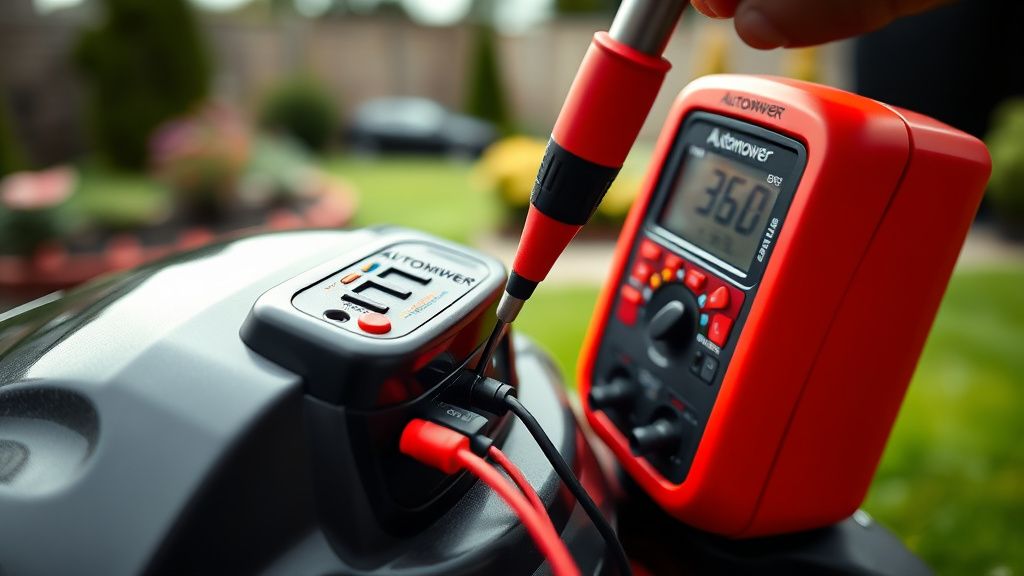
If you are confident that your boundary wire is intact—and I mean properly tested with a multi-meter, not just a "guess and check"—you must turn your attention to the sensor board itself.
- Diagnostic Mode Access: Hold the "0" key to enter the secret sub-menu. Navigate to Tools > Loop Signal. You should see signal values for AF, F, and N. If these values are fluctuating wildly (jittering), your sensor board is likely failing, or you have a massive interference issue nearby.
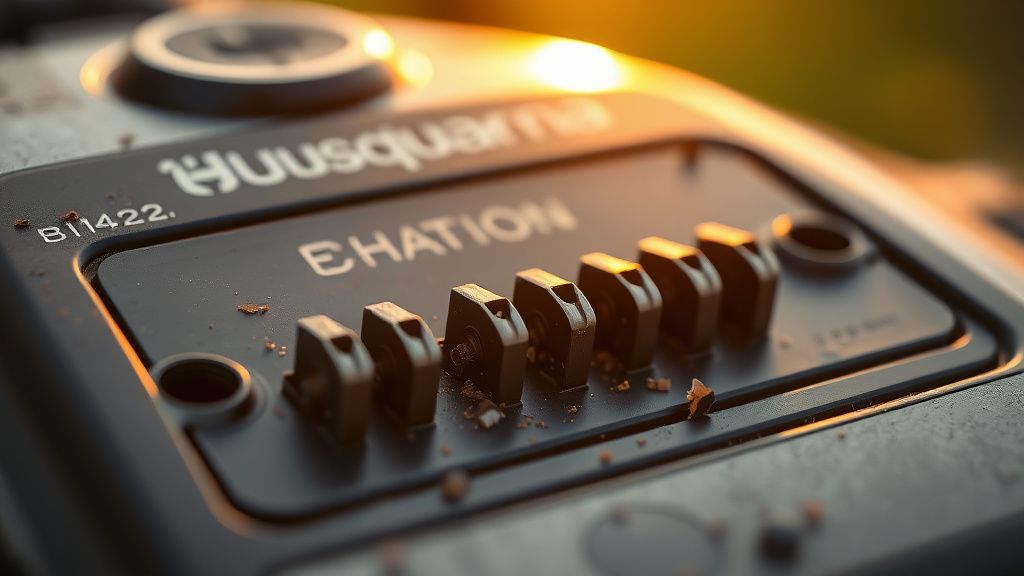
- The Contact Oxidation Myth: Don't just wipe the contacts. Use an electrical contact cleaner (like DeoxIT) and a very fine-grit sanding sponge. Oxidation on the copper pins is a classic "invisible" failure. The mower draws current, but the handshake data signal—which happens through the same pins—gets garbled by the high resistance of the oxide layer.
The "Buggy Firmware" Controversy
One of the most persistent frustrations within the Husqvarna community is the lack of transparency regarding firmware updates. There have been several instances—documented on GitHub and various Automower-enthusiast repositories—where a specific firmware rollout for the 430X changed the docking logic to be "gentler." While this reduced physical wear, it made the mower significantly more sensitive to minor signal drops.
If your 430X stopped docking properly immediately after an OTA (Over-the-Air) update, you aren't alone. In the Hacker News discussions regarding robotic autonomy, the "brittleness of firmware updates" is a recurring theme. When software controls physical movement with such high precision, a 5-millisecond latency change can cause a robot to miss its home base entirely.
Real Field Reports: Why Users Fail
Let's look at a case study from a suburban installation in 2023. The user reported that their 430X would enter the station and immediately back out, "searching for a signal."
- The Diagnosis: The charging station's plastic cover had warped slightly due to extreme UV exposure. This warping changed the angle of the loop antenna embedded in the station, causing the mower to receive the F-signal out of phase.
- The Workaround: The user had to place a small shim under the station to level the signal plane. It’s a "kludge" that highlights the fragility of these systems.
This is the "messy operational reality" of premium home tech. It is not always about replacing a part; sometimes, it is about understanding the physical geometry of your yard as a signal-sensitive environment.
Counter-Criticism: Is the 430X Over-Engineered?
There is a strong argument that Husqvarna’s reliance on a singular loop-based signal is becoming outdated. Competitors moving to RTK-GPS (Real-Time Kinematic Global Positioning) argue that the loop-wire system is a relic. The irony is that while RTK-GPS mowers are "smarter," they are just as prone to failure in tree-canopy-heavy yards.
The 430X’s docking issue is often criticized as a "planned obsolescence" mechanism. The sensitivity of the sensors to wear and tear encourages owners to trade up to new models rather than repair the existing one. Yet, if you look at the iFixit breakdowns, the 430X remains one of the most repairable robotic mowers on the market. The problem is that the "documentation" for these repairs is hidden behind dealer portals.
The Maintenance Checklist for Longevity
To avoid the dreaded "No Docking" loop in the future, adopt this rigorous maintenance cycle:
- Monthly Contact Inspection: Check for pitting. If you see deep pockmarks, it means the mower is arcing during connection. This is a sign that the current is not flowing smoothly. Replace the charger plate pins if you see this.
- Loop Signal Log: Once a month, record your N, F, and A signal values in a notebook. You will see a trend before the mower fails. If you see a gradual decline, check for grass cuttings or debris accumulating under the charging station cover.
- Wire Integrity Check: If you use a robotic mower, you must have an underground cable tester. Don't rely on the "status light" on the base station; it can be "Green" even if there is a partial break causing signal interference.
Why does my Automower stop inches before the station?
This usually indicates a "signal interference" problem. The mower's sensor is receiving a conflicting signal from either a nearby power line, a buried metal pipe, or a damaged section of the loop wire that is leaking an erratic magnetic field. Move any electrical appliances away from the boundary wire.
Is it possible to replace the loop sensor board myself?
Yes, but it is an invasive procedure. You will need to remove the top shell and the internal battery casing to reach the front chassis sensor. Ensure you have the correct Torx bits and a high-quality seal compound (silicone grease) to ensure the housing remains waterproof after reassembly.
My mower docks, then immediately backs out and tries again. Is it broken?
Not necessarily. This is a "contact handshake" failure. The mower has physically entered the station, but it isn't receiving the confirmation signal that charging has commenced. Clean the charging strips on both the mower and the station with a light-duty abrasive pad, then check the fuse in the transformer.
Does the "Loop Signal" change with the weather?
Yes. Soil moisture significantly affects the resistivity of the ground and the way signal pulses propagate. If your docking problems only occur after rain, you have a wire insulation leak somewhere in your yard. The moisture is creating a path to ground for your signal, causing the mower to "see" the wire in the wrong place.
Why do some firmware updates make docking worse?
Firmware updates often tweak the sensitivity thresholds for the "docking handshake." If your mower’s hardware is aging and producing a slightly weaker signal, a firmware update that mandates a "tighter" tolerance for success will cause your mower to reject the docking attempt, even though it worked perfectly the day before the update.