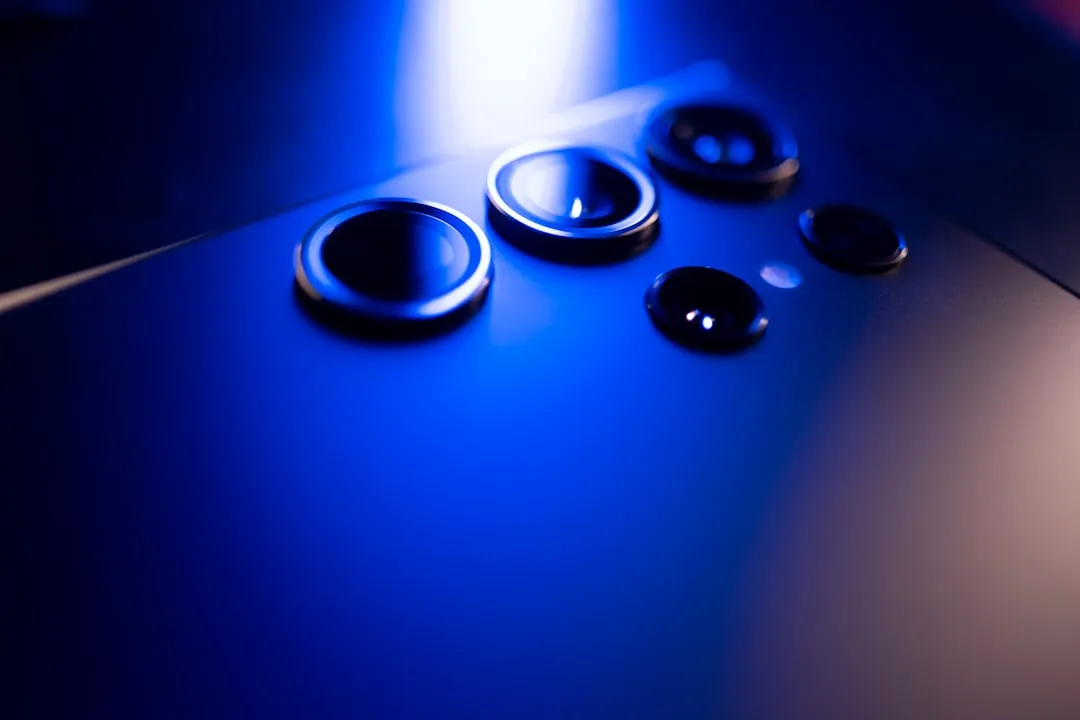
The Samsung Galaxy S24 Ultra is a marvel of mobile optics, packing a 200MP ISOCELL HP2 sensor and a sophisticated computational photography pipeline powered by the Snapdragon 8 Gen 3 for Galaxy. Yet, beneath this hardware prowess lies an operational paradox: users frequently report stuttering shutters and post-processing lag, a common concern across advanced mobile cameras. This isn't just "slow software"—it is a byproduct of high-resolution sensor bottlenecks, aggressive HDR stacking, and the sheer overhead of running real-time generative AI features alongside standard image processing. To resolve this, you must treat the device not just as a point-and-shoot camera, but as a mini-workstation struggling to manage heavy data throughput.
The Anatomy of the Shutter Lag: Computational Overload and Processing Pipelines
The "lag" experienced on the S24 Ultra is rarely a single point of failure. It is a cascading event. When you press the shutter button, the camera isn't simply capturing one image; it is dumping raw data from a massive sensor into an Image Signal Processor (ISP). If you are shooting in 200MP or 50MP modes, the device is simultaneously performing multi-frame exposure stacking, noise reduction, and AI-driven detail enhancement.
On platforms like Reddit’s r/GalaxyS24Ultra and various XDA-Developers forums, the discourse has moved from "Is this a bug?" to "How do I optimize this workflow?" reflecting a broader user need for performance troubleshooting. The consensus among advanced users is that the Camera Assistant app—a Good Lock module—is the primary lever for control. By toggling the "Quick Tap Shutter" feature, you effectively force the system to prioritize capturing the frame at the moment of contact rather than waiting for the autofocus to "perfectly" lock in every micro-detail. This creates a trade-off: you lose that split-second of focus accuracy for the sake of immediacy.
Managing Storage Throughput and File System Bottlenecks
A frequently overlooked factor is the UFS 4.0 storage write speed. While theoretically lightning-fast, high-burst photography in Pro Mode or Expert RAW can saturate the write buffers. If your internal storage is nearing capacity, or if you have thousands of files in the DCIM folder—which forces the Android MediaStore to constantly re-index your gallery—the camera app will experience observable frame drops during the transition from the viewfinder to the gallery preview.
- Pro-tip: Clearing the system cache partition via Recovery Mode is not just an old Android myth; for the S24 Ultra, it periodically clears the temp files accumulated by the Camera app’s buffer, which can resolve persistent jitter.
Optimization Strategies for High-Resolution Sensor Performance and ISP Throughput
To truly tame the shutter lag, you need to understand how the Snapdragon 8 Gen 3 handles computational photography. Samsung’s processing philosophy is deeply layered. Even when you aren't using "AI" features, the phone is constantly analyzing light levels.
1. The Camera Assistant Modus Operandi
The Camera Assistant module is essentially the "tuning knob" for the internal software.
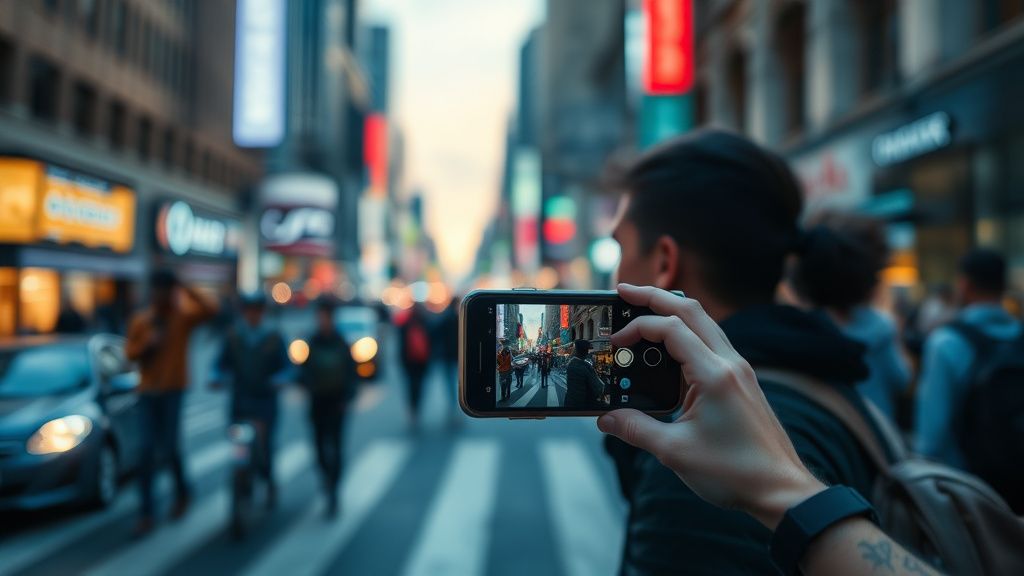
- Quick Tap Shutter: Enables the capture when your finger touches the button, not when it releases. This is critical for street photography.
- Prioritize Speed vs. Quality: Under the "Picture Softening" or "Auto HDR" settings, choose the balance that favors shutter speed. If you are shooting moving subjects, "Prioritize Speed" is non-negotiable.
2. The Expert RAW Conflict
Using the native Samsung Camera app for standard shots and reserving Expert RAW for controlled, static environments is a strategy many seasoned mobile photographers use to avoid the "lag-to-process" cycle. Expert RAW is significantly more resource-intensive, and running it for casual snapshots is an operational error that results in a sluggish UX.
The "Broken Promises" of Computational Photography: A Field Report
There is a distinct tension between Samsung’s marketing of a "Pro-grade camera" and the reality of an automated software stack that refuses to let the user have full control. In various community threads on GitHub and Discord, developers have pointed out that the shutter delay is a deliberate design choice intended to prevent blurry photos from reaching the user's gallery. The "lag" is effectively a safety net.
"The phone isn't broken. It’s just trying to save you from your own shaky hands. By the time the shutter opens, it has already taken three underexposed shots and three overexposed shots and is busy stitching them into one. If it fired instantly, everyone would complain about blurry, noisy photos. It's a lose-lose." — User comment from a r/GalaxyS24Ultra thread.
Debating the "Quick Tap" Solution: Is Precision Worth the Sacrifice?
Critics argue that by enabling "Quick Tap Shutter," you are essentially bypassing the device's main selling point: its sophisticated, AI-driven auto-focus and exposure stack. If you choose speed, you are accepting that the resulting photo will not have the same dynamic range as a "processed" shot. This is the central contradiction of the S24 Ultra camera experience. You are forced to choose between being a "shooter" (speed) and a "processor" (quality).
Troubleshooting Common System-Level Issues: Thermal Throttling and RAM Overhead
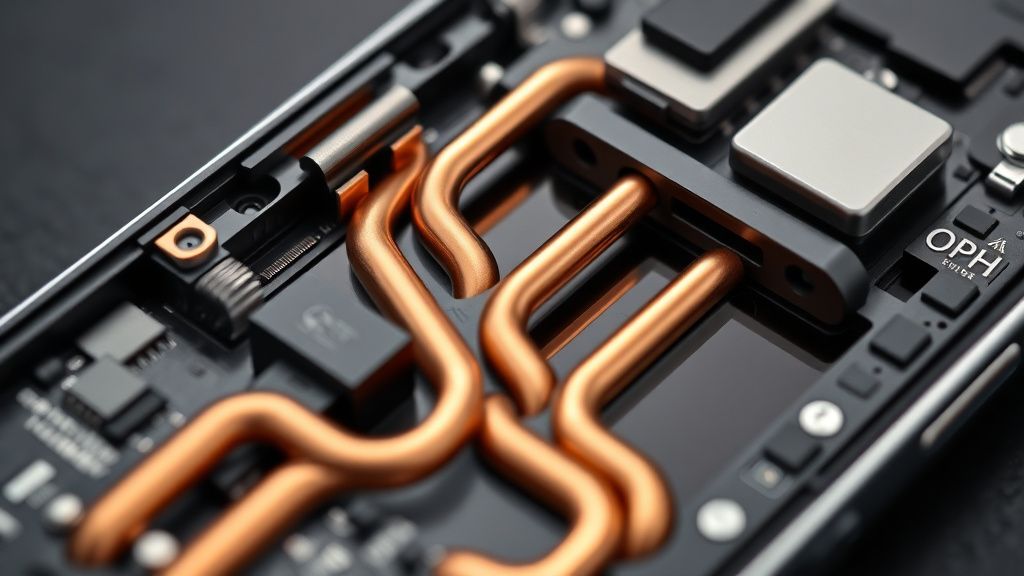
When your S24 Ultra heats up—perhaps because you’ve been browsing social media or gaming—the thermal management software throttles the CPU/GPU clock speeds to protect the battery. The camera app is one of the most power-hungry processes. If the system detects heat, it will intentionally delay the shutter speed to lower the processing load.
- Check the background processes: Ensure that apps with "Camera" permissions aren't sitting in the background.
- Monitor RAM usage: If you are a power user with 20+ apps open, the S24 Ultra’s 12GB of RAM—while impressive—can still struggle to prioritize the camera’s massive memory buffer.
Deep Dive: The Role of Samsung's 'Scene Optimizer' and Auto HDR
Many users fail to realize that the 'Scene Optimizer' is an active AI agent analyzing every frame. In low-light conditions, the camera will automatically extend the shutter speed—a process known as 'Nightography'—regardless of your settings. If you’re experiencing lag in dim environments, it’s not a malfunction; it’s the physical limitation of the sensor requiring more light.
Essential Workflow for Instant Response
To ensure your camera reacts like a professional tool rather than a consumer toy, implement these institutional changes:
- Disable "Scene Optimizer": This removes the AI’s overhead from the immediate processing chain.
- Toggle "Auto HDR" to Off (Pro Mode only): HDR requires multiple exposures. By shooting in a single exposure mode (Pro Mode), you eliminate the stacking lag entirely.
- Lock your Focus and Exposure (AE/AF Lock): By locking these settings, you stop the camera from "hunting" for focus, which is a massive contributor to the perceived delay.
The Ecosystem Fragmentation: Why Some Units Feel Faster
There is a documented discrepancy between S24 Ultra units using the base firmware and those that have been updated through several iterations. Some users report that after specific One UI updates, the camera behavior changes. This points to Samsung’s policy of "Rolling Updates" where different regions or carrier-locked devices receive optimizations at different times. If your device feels particularly sluggish compared to benchmarks seen on YouTube, check your "Software Information" for pending security patches—sometimes a fix for the camera buffer is buried in a standard monthly update.
Why does my camera lag more in low light?
The S24 Ultra’s camera employs 'Nightography' algorithms, which require the sensor to remain open longer to gather more light. This physical requirement for exposure, combined with the AI-based multi-frame noise reduction, naturally creates a longer "wait time" between clicking the shutter and the image appearing in your gallery. It is a trade-off for light sensitivity.
Does the 200MP mode actually cause more lag?
Yes. Processing 200MP of raw data places a significant strain on the ISP and the device's internal storage write speed. In this mode, the camera disables many of the standard multi-frame stacking features to handle the sheer volume of data, but the time required to write such a large file to the UFS storage is inherently longer than a standard 12MP binned shot.
Is 'Camera Assistant' safe to use?
Camera Assistant is an official Samsung tool from the Good Lock suite. It is developed by the same engineering team that builds the core OS, so it is fully compatible. However, it is an advanced tool that allows you to override default safety settings. Using it effectively means you are choosing custom performance over the manufacturer’s "safe" baseline.
Should I clear my Cache Partition to fix lag?
Clearing the system cache partition is a standard procedure that removes temporary system files that might be corrupted or bloated. It does not delete your personal data (photos, contacts, etc.). If your camera has become progressively slower over several months of OS updates, this is the first step any technician would recommend to ensure the camera’s buffer is operating on a clean slate.
Why do some people say the lag is "fixed" while I still have it?
This often comes down to individual usage patterns. A user who shoots in bright daylight with "Quick Tap Shutter" on will have a vastly different experience than a user shooting in a dimly lit room with "Scene Optimizer" enabled. The "fix" is often just an adjustment of expectations and settings to match your specific shooting environment.
Final Thoughts on the Future of Mobile Optics
The S24 Ultra represents the peak of what can be achieved with current sensor technology. However, we are reaching a point of diminishing returns where adding more computational power only increases the complexity of the processing pipeline. The "lag" we see today is the symptom of a device trying to do too much at once. As we look toward future hardware iterations, the solution will likely not come from faster processors, but from more efficient, dedicated NPU (Neural Processing Unit) tasks that offload the camera processing from the main system pipeline. Until then, mastering your manual settings remains the most reliable "instant" fix for any shutter delay.
Bu makale affiliate linkleri içermektedir.