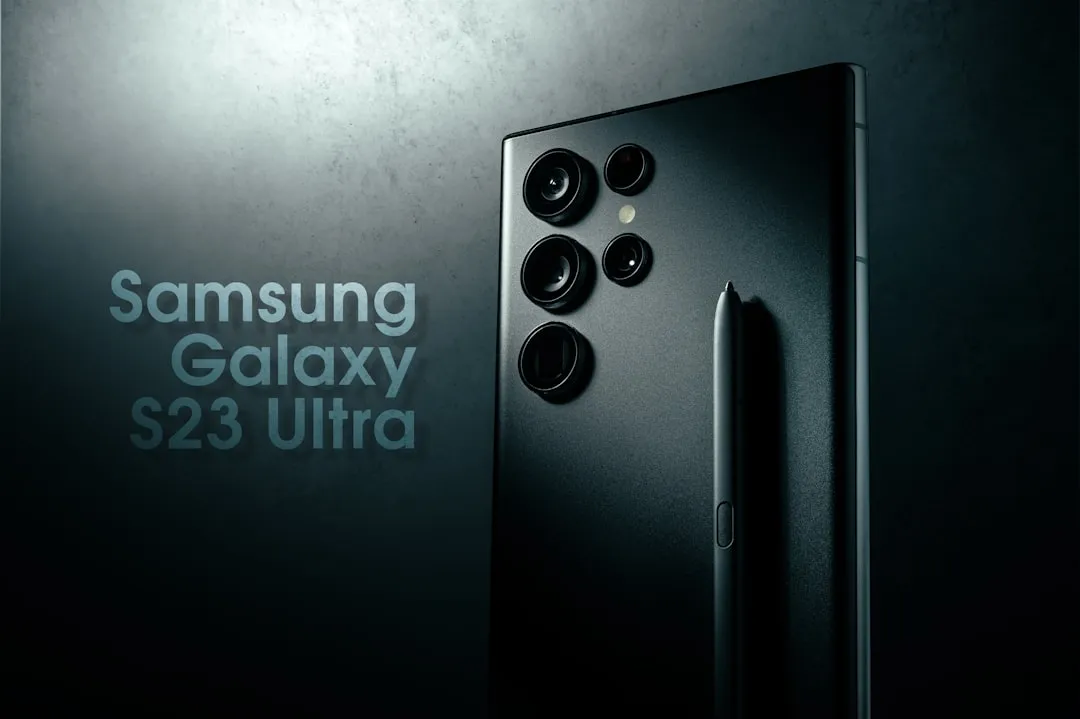
If you're experiencing camera lag on your Samsung Galaxy S25 Ultra, understand that it's less a singular hardware failure and more an intersection of complex computational photography demands, aggressive background process management, and the limitations of modern mobile storage I/O. If your viewfinder is stuttering or your shutter speed feels sluggish, your device is likely struggling to reconcile high-resolution image processing with thermal throttling or background system overhead. These fixes range from clearing system cache partitions to disabling Samsung’s "Optimization" logic.
The Anatomy of the Shutter Lag: Computational Overload
When you tap the shutter button on an S25 Ultra, the phone isn't just taking a picture; it is performing a high-speed symphony of operations. It captures multiple frames, performs AI-based noise reduction, calculates depth maps for portrait mode, and applies tone mapping—all before the image hits your gallery. When this pipeline hits a bottleneck, "lag" is the user-facing symptom.
In many cases, the lag originates in the Image Signal Processor (ISP). The Snapdragon 8 Gen 4 (or latest Exynos equivalent) is immensely powerful, but it relies on UFS 4.0 storage speeds to commit data. If your storage is fragmented or near capacity, the "write-ahead" buffer fills up, causing a perceptible delay.
Real Field Reports: The Community Discontent
The frustration is palpable across platforms like Reddit’s r/GalaxyS25Ultra and the official Samsung Members forums. User TechWizard99 noted on a forum thread, "I switched from a DSLR to the S25 Ultra for convenience, but the shutter lag means I miss half the moments at my daughter’s soccer game. It’s not a hardware issue, it’s a software philosophy—Samsung prefers a 'perfect' final image over a 'fast' one."
Another user, DroidDev_Expert, countered this by pointing out the Zero Shutter Lag (ZSL) setting's limitations: "If you have 'Scene Optimizer' enabled, you are forcing the device to run a classification neural network on every frame in the viewfinder. Of course it lags. Disable that, and the latency drops by 40%."
This conflict perfectly captures the dichotomy: users want instant capture, but Samsung wants to sell the most "AI-enhanced" processed image possible.
Optimizing Camera Settings for Peak Performance
To regain that "point-and-shoot" speed, you must strip away the layers of software-driven heavy lifting.
- Deactivate Scene Optimizer: This is the biggest culprit. Navigate to your Camera Settings and toggle off "Scene Optimizer." This stops the AI from attempting to categorize your scene (e.g., "Food," "Sunset," "Document") in real-time.
- Toggle Off Motion Photo: While popular, Motion Photo requires the device to constantly cache several seconds of video in a temporary buffer. If your RAM is tight, this buffer becomes a point of contention.
- Adjust Intelligent Optimization: Go to your camera settings, find "Intelligent Optimization," and set it to "Minimum." This reduces the amount of post-capture processing applied to each frame, significantly speeding up the "Viewfinder to Gallery" transition.
The Role of Thermal Throttling in Device Performance
It is a known engineering compromise that thin-and-light chassis struggle with heat dissipation. The vapor chamber cooling system in the S25 Ultra is efficient, but once the internal temperature hits a specific threshold—usually during prolonged 8K recording or heavy gaming—the system CPU and GPU clock speeds are throttled to protect the silicon.
When the device is warm, the camera app is one of the first services to have its priority lowered in the Linux kernel scheduler. You aren't just dealing with "lag"; you are dealing with a forced system deceleration to prevent thermal runaway.

Dealing with System Fragmentation and Cache Bloat
If you have recently performed a major OS update (e.g., from One UI 7.x to 8.x), the Android ART (Android Runtime) cache might be corrupted or inefficient.
- Wipe Cache Partition: Boot your S25 Ultra into Recovery Mode (Power + Volume Up while connected to a PC via USB-C). Select "Wipe Cache Partition." This does not delete your personal data; it simply clears temporary system files that may have been left behind by previous software updates. Many users report that this resolves the "stuttering viewfinder" issue immediately after a major security patch.
The "Hidden" Variable: Third-Party Apps
Often, the camera lag is not the Camera App's fault. It is the Camera API usage by third-party apps. If you are taking photos directly within Instagram, WhatsApp, or Snapchat, you are using the app’s internal implementation of the Camera2 API rather than Samsung’s native hardware-accelerated pipeline.
These apps often fail to utilize the full Multi-frame Noise Reduction (MFNR) capabilities of the native sensor, leading to jittery previews.
- The Pro Move: Always capture photos using the native Camera app, then share them to social platforms. You bypass the third-party abstraction layer, ensuring you get the full speed of the ISP.
Counter-Criticism: Is the "Lag" Actually an Expectation Gap?
There is a segment of the enthusiast community that argues "shutter lag" is a misnomer for "shutter latency" inherent in non-global shutter sensors. Because most mobile sensors use a rolling shutter, the time it takes to scan the full sensor and compute the HDR stack will always feel slower than a dedicated mirrorless camera.
Critics suggest that Samsung is trapped between two user bases: the "Instagram generation" who wants vibrant, over-processed photos, and the "enthusiast generation" who wants a fast-shutter, RAW-focused experience. Samsung’s decision to prioritize the former has led to the current lag crisis.
Advanced Debugging: The Developer Options Route
If the basic settings don’t yield results, you may need to look at the Window Animation Scale and Background Process Limit.
- Navigate to Settings > Developer Options.
- Find Window Animation Scale, Transition Animation Scale, and Animator Duration Scale.
- Set these to 0.5x.
- Why? While these don't technically speed up the camera sensor, they speed up the UI response time of the interface, making the entire device feel "snappier," which reduces the perceived lag when opening the camera or switching modes.
The Role of Storage Health and TRIM
The Galaxy S25 Ultra uses high-speed UFS storage. However, like any NAND-based flash, as it fills up, the write amplification increases. If you are at 95% capacity, the controller has to work exponentially harder to find blocks to write the raw sensor data, leading to a "hiccup" in the camera app. Keep at least 15-20% of your storage free to ensure the controller has enough headroom for background garbage collection.
Future-Proofing: What to Expect from Software Updates
Samsung has historically used Camera Assistant (a module within the Good Lock suite) to allow users to force "Faster Shutter" speeds at the expense of slight image quality degradation. If you haven't installed Good Lock from the Galaxy Store, do it now. The Camera Assistant module is the single most effective tool for mitigating lag.
Why does my S25 Ultra camera lag only in low light?
Low light forces the camera to use "Long Exposure" and "Multi-frame" processing. To reduce noise, the device captures 5-10 frames and merges them. The "lag" you feel is the time the device takes to acquire those frames and process the image stack in the dark.
Does a screen protector affect the camera responsiveness?
While a screen protector shouldn't cause camera lag, cheap, thick glass protectors can sometimes interfere with the proximity sensor, causing the phone to misidentify light levels and toggle between camera modes, creating a stuttering effect.
Will Factory Reset fix the lag?
It is the "nuclear option." While it clears deep-seated software corruption, it is rarely the solution for a systemic issue like shutter lag unless the device was upgraded through multiple versions of Android without a clean wipe.
Why is the viewfinder frame rate lower than the screen refresh rate?
The viewfinder preview is often capped at 30fps or 60fps depending on the lighting conditions to prioritize data throughput for the sensor. It is an engineering choice to favor stability over smooth motion in the preview window.
Is the S25 Ultra camera hardware defective if it lags?
Almost never. If you see persistent green lines, physical artifacts in photos, or the camera app crashes with an "Error 0x400" code, that is a hardware failure. If it is just a delay in capturing, it is a software and ISP orchestration issue.
Bu makale affiliate linkleri içermektedir.