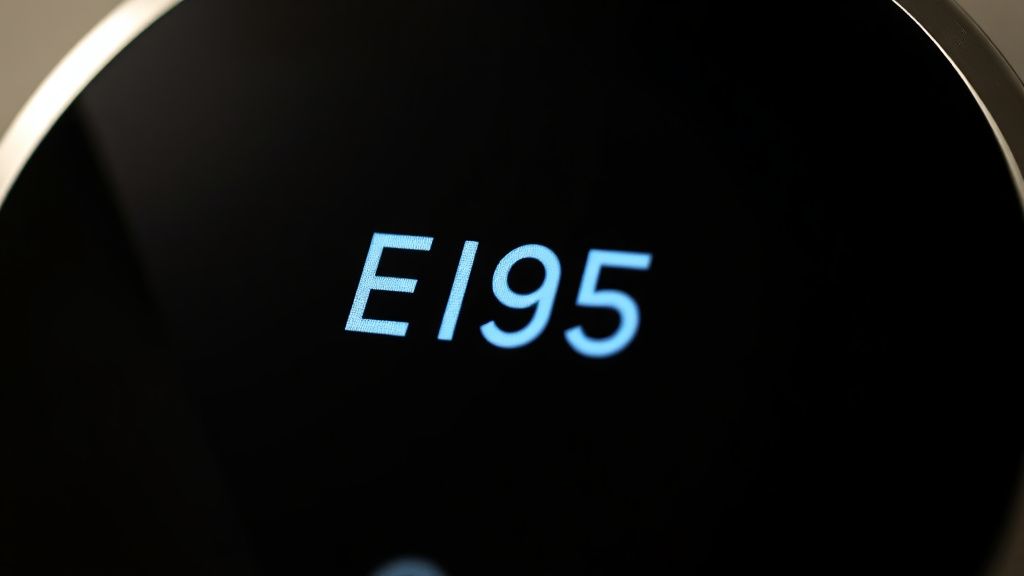
The E195 error on a Google Nest Learning Thermostat is not merely a "notification"—it is a diagnostic crisis. It represents a fundamental breakdown in the handshake between your HVAC controller and the thermostat’s power management system, much like the Nest Thermostat E74 Error which also signals critical power issues. In plain English, the Nest is failing to receive a consistent 24V AC signal through the R-wire (power wire), typically due to a blown fuse, a tripped float switch, or a failing C-wire connection.
The Power Architecture: Why "Low Voltage" is a Misnomer
To understand the E195, you must stop thinking of your thermostat as a smart device and start thinking of it as an end-node in a legacy electrical loop. Your HVAC system operates on 24V AC—a standard that has remained largely unchanged since the mid-20th century. The Nest, unlike old mechanical mercury-switch thermostats, needs to keep a battery charged. It does this by "power stealing" (power cycling) or by pulling a constant feed from the Common (C) wire, similar to how other smart devices might encounter issues when a MacBook Pro isn't charging due to power supply problems.
When you see an E195 error, the system is reporting that it has lost its primary AC power source. In the world of HVAC engineering, this is a "No Power" alert. Users often search for "software fixes," but you cannot patch a physical power circuit with a firmware update. The disconnect is almost always mechanical or infrastructural.
Operational Reality: The Float Switch Conundrum
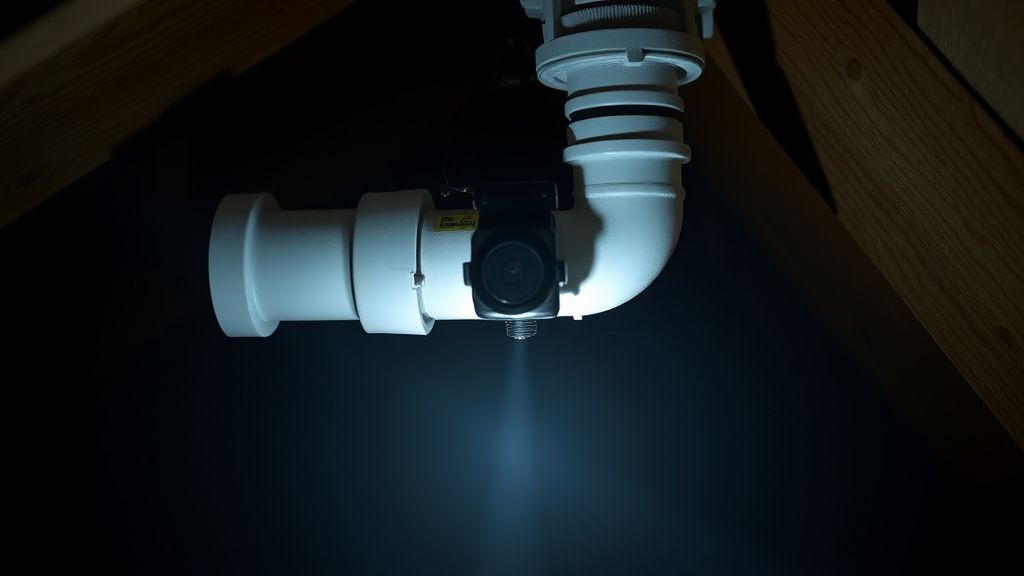
One of the most common, yet overlooked, causes of the E195 error is the secondary drain pan float switch. Modern HVAC systems in attics or crawlspaces are equipped with safety switches designed to cut power to the thermostat if the AC drip pan fills with water, preventing a ceiling collapse.
If your evaporator coil is freezing up or your drain line is clogged with algae, the float switch will physically break the circuit on your R-wire.
- The Symptom: The E195 appears suddenly on a humid, hot afternoon.
- The Reality: The system isn't "broken"; it’s doing exactly what it was designed to do—shutting down to save your house from water damage.
- The Workaround Trap: Many homeowners, frustrated by the "nuisance" of a safety cut-off, bypass these switches. This is a catastrophic long-term strategy that leads to thousands of dollars in water damage. Do not bypass the switch; clear the drain line.
Voltage Drift and the C-Wire Necessity
The Nest's move away from purely "power stealing" toward a robust C-wire architecture is a response to years of reliability complaints. Without a C-wire, the Nest relies on a tiny internal lithium-ion battery. When the HVAC system is idle, the Nest "steals" a tiny amount of power. If your HVAC board doesn't provide a clean, consistent sine wave, or if your furnace has a "pulsing" control board, the Nest will eventually fail to maintain its charge, much like how other smart devices can experience issues if an Oura Ring Gen 3 battery is draining fast.
Assessing Your Transformer Integrity
If you have a multimeter, the fix is straightforward:
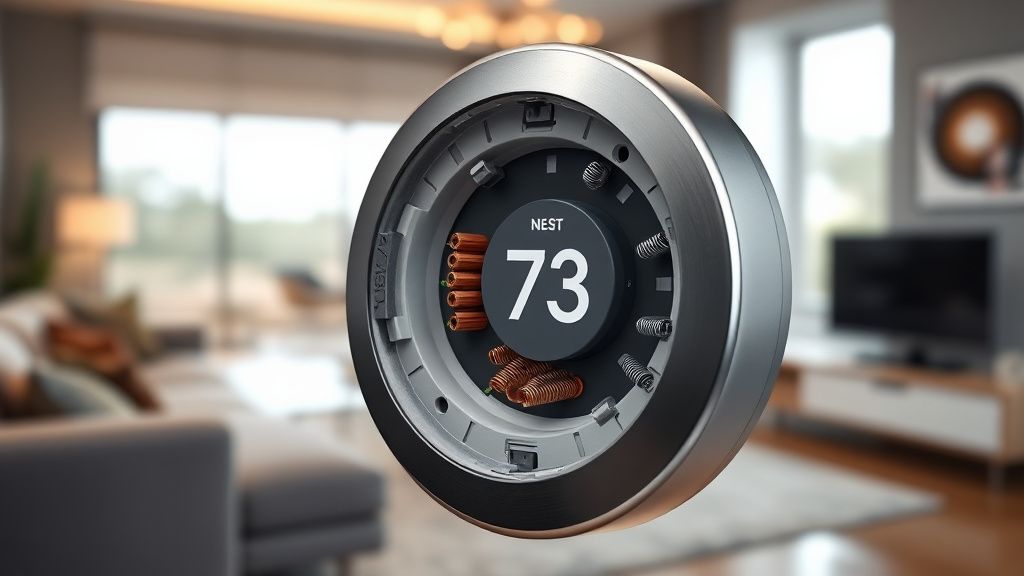
- Measure the Voltage: Pull the Nest display off the base. Set your meter to AC Voltage. Touch the probes to the Rh (or Rc) and C wires.
- The Expectation: You should see 24V-28V AC.
- The Conflict: If you see 0V, move to the furnace control board. Check the board fuse—usually a 3-amp or 5-amp automotive-style blade fuse. If that fuse is blown, the E195 is the least of your problems; you likely have a short in the thermostat wiring bundle (the "stat wire") running through your walls.
Real Field Reports: The "Ghost in the Wall"
A recurring theme in Reddit’s r/Nest and various HVAC forums involves the "intermittent E195." Users report that the error disappears at night and returns during the day.
"I spent three weeks assuming my Nest was dying. Turns out, the vibration from the blower motor was causing a frayed wire in the basement to lose contact only when the fan was running at high speed. It was a mechanical vibration issue, not a smart home issue." — Comment from a frustrated homeowner on a DIY automation forum.
This highlights a critical failure point: Wire degradation. In homes older than 20 years, the original thermostat wiring is often brittle. The act of clicking the Nest onto its base plate can be enough to snap a copper wire that is already hanging by a thread inside the drywall.
Engineering Compromise: Why the Nest is "Pickier" than a Honeywell
Old mercury-switch thermostats were essentially dumb circuits. They didn't care about voltage drops or signal noise. The Nest is a computer. It monitors the "power-in" signal for quality. If the signal is "noisy" (often caused by old, unshielded transformers or localized interference), the Nest will flag an E195.
Industry critics argue that the Nest is too sensitive. By design, it opts for a safety shutdown rather than operating under marginal power conditions that might cause the relay to "chatter," which could inadvertently weld your AC contactor shut—leading to a system that refuses to turn off.
Troubleshooting Workflow: A Systematic Approach
When the E195 hits, do not reset the device until you have completed these steps. A factory reset on a dead-power unit is a recipe for a "bricked" loop where the device cannot finish the Wi-Fi setup process.
- Check the Breaker: It sounds remedial, but it is the number one cause. Ensure the furnace/air handler breaker hasn't tripped.
- Inspect the Condensate Pan: If you see standing water, you've found your culprit.
- The Fuse Test: Open the HVAC blower compartment. Look for the automotive-style fuse. If it's translucent and the internal wire is broken, replace it with the exact same amperage.
- Wiring Continuity: If the fuse is fine, check the wire terminals at the thermostat. Are they seated? Is there oxidation on the copper?
- The Bypass (Diagnostic Only): Take a small jumper wire and bridge the R and W (heating) terminals on the HVAC board. If the furnace starts, the problem is in your thermostat wiring or the Nest base. If it doesn't start, the problem is your furnace board or a safety limit switch.
The Problem with "Smart" Upgrades in Dumb Systems
A massive point of contention in the HVAC community is the "Nest compatibility" marketing. Google claims the Nest works with 95% of systems. While mathematically true, it ignores the state of those systems. A system with a 30-year-old, aging transformer may struggle to provide the current required by the Nest’s Wi-Fi radio and display during peak load. When the system turns on the compressor, the voltage dips, and the Nest throws an E195.
You aren't dealing with a software bug; you are dealing with a power budget deficit. The solution is often adding a "Power Extender Kit" (PEK) or installing a dedicated 24V transformer to power the thermostat independently.
Q: Does an E195 error mean my Nest Thermostat is broken?
Not necessarily. In 90% of cases, the error is an external signal: the thermostat is reporting that it isn't receiving power from the furnace. It is a messenger, not the source of the fault. Only replace the Nest if you have confirmed stable 24V AC at the wires.
Q: Why does my E195 error go away on its own?
This usually points to a loose connection or a safety switch that is right on the edge of triggering. When the house cools or vibration stops, the connection settles back into place. This is a "latent" failure and should be addressed immediately to prevent a permanent shutdown on the coldest or hottest day of the year.
Q: Can I just leave the E195 screen on?
No. The battery will eventually deplete to zero. Once the battery hits 0%, the internal memory may become unstable, and you will lose your Wi-Fi settings and heating/cooling schedules. It is a critical fault.
Q: Is this a common issue with Nest?
Yes. Because Nest units require a consistent power draw to run their processors and displays, they are significantly more sensitive to voltage drops than traditional "dumb" thermostats. It is the cost of having a smart, connected device on a legacy electrical grid.
Q: I replaced the fuse and it blew again immediately. What now?
Stop. Do not replace it again. You have a "hard short." One of your thermostat wires is touching a metal chassis or another wire somewhere in the walls. You need to pull the wire out from the wall or use a tone generator to find the short. Continuing to replace fuses will eventually damage your HVAC control board, which is a significantly more expensive repair.
Final Thoughts on System Integrity
The E195 is a reminder that we are plugging high-intelligence devices into low-intelligence infrastructure. The "smart home" ecosystem often glosses over the fact that our houses are built on physical, aging copper and mechanical relays. When the Nest throws an E195, it is forcing you to confront the reality of your HVAC system’s maintenance state. Treat the error as an audit, not a nuisance, and you will likely find that your heating and cooling system has been trying to tell you something was wrong for quite some time.