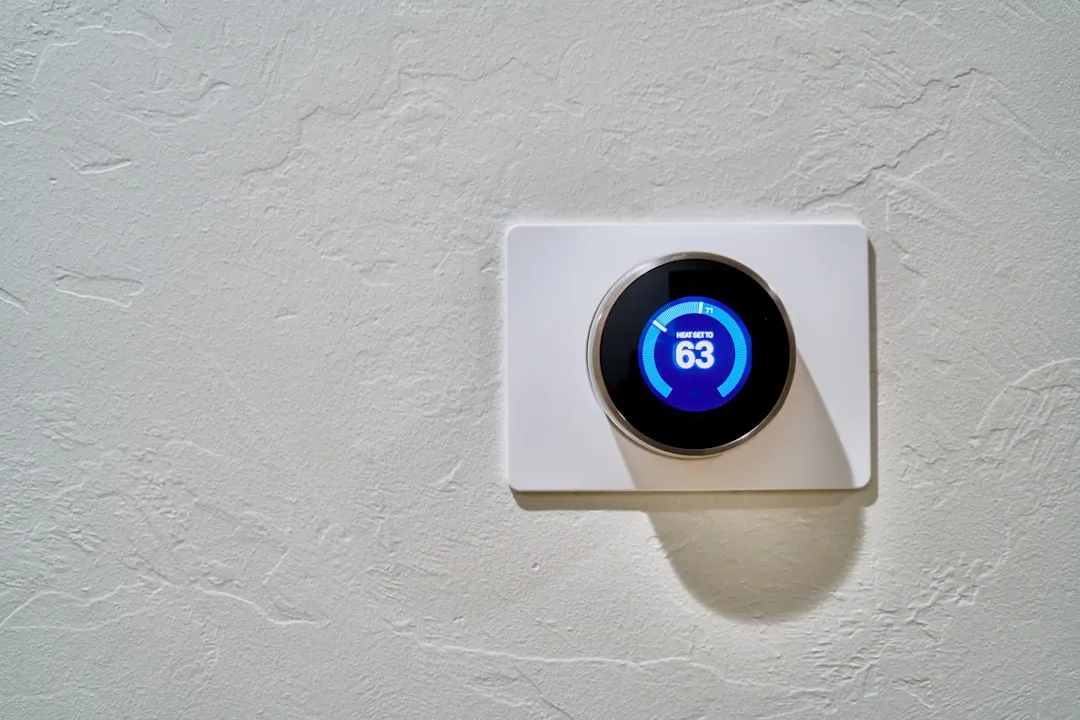
Just as a Bosch Dishwasher E24 error signals a problem with the drain pump, the Nest E74 error code is fundamentally a "no power" notification signaling that your thermostat has lost its communication link with the Rh (heating) or Rc (cooling) power wire. In most residential installations, this is not a catastrophic hardware failure, but rather an electrical continuity interruption caused by a blown furnace fuse, a tripped float switch, or oxidized wire ends. To resolve it, verify your 24V supply at the furnace control board and ensure the terminal connectors on the Nest backplate are making physical contact.
The Anatomy of an E74 Failure: Why Your Smart Home Loses Its Way
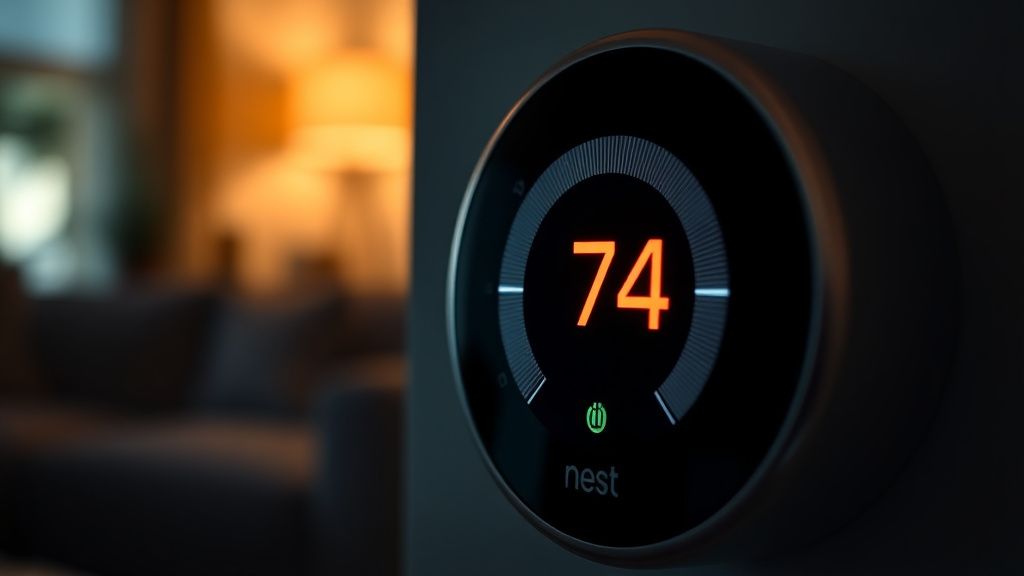
When you see the E74 error flash on your Nest display, you are looking at a system that has effectively gone blind. The Nest thermostat, unlike traditional mercury-switch analogs, is a power-stealing device. It relies on the "common" wire (C-wire) or power-stealing through the transformer to maintain its internal battery. When the E74 code appears, the internal circuit is sensing a voltage drop below the required threshold to maintain the relay logic, much like how a Ryobi 40V battery might fail to charge due to power delivery issues.
In professional HVAC circles, the E74 isn't just an "error"—it’s a diagnostic shorthand for an open circuit. It forces the technician to backtrack through the low-voltage loop (usually 24V AC) to find where the signal died. Often, the issue isn't the Nest at all; it is a downstream safety switch cutting power to the air handler to prevent flooding or fire, similar to how Shark IQ Robot Error 6 points to navigation or sensor issues rather than a fundamental robot failure, yet the user perceives it as a "glitchy" smart thermostat.
Analyzing the HVAC Control Board: The Point of Failure
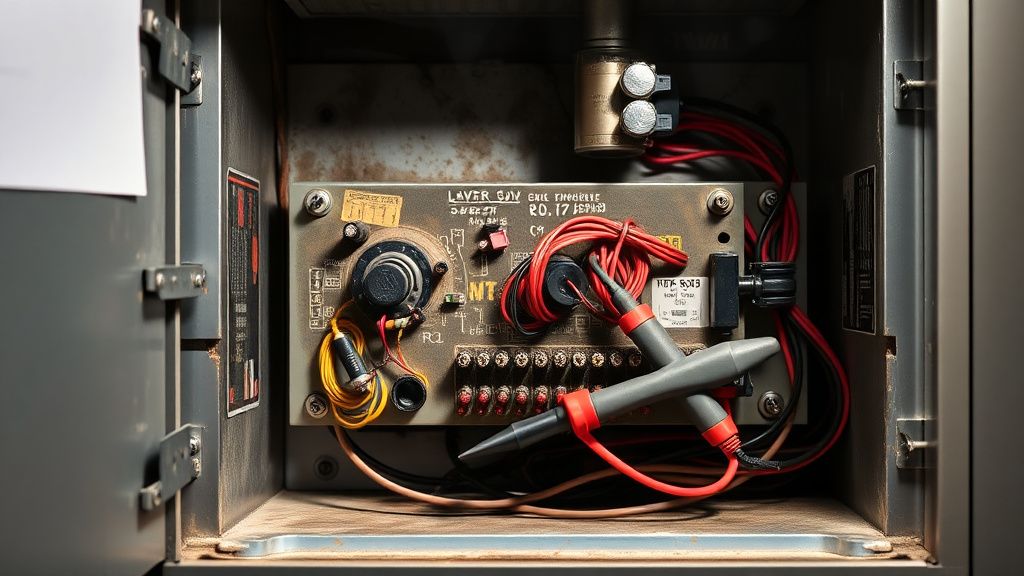
The furnace control board is the heartbeat of your climate control system. Before you pull the Nest off the wall, you must perform a "triage" at the source. If your HVAC unit has an integrated condensate float switch—a common safety device in modern builds—it is designed to kill power to the thermostat if the AC drain line clogs.
Operational Reality Check: Many homeowners assume their Nest unit is failing because of a firmware update or a software bug. In reality, 80% of E74 reports trace back to the physical safety switches. If your drain line is backed up, the float switch creates an open circuit. The Nest, sensing the loss of the R-wire power, triggers the E74. You aren't fighting code; you’re fighting physics.
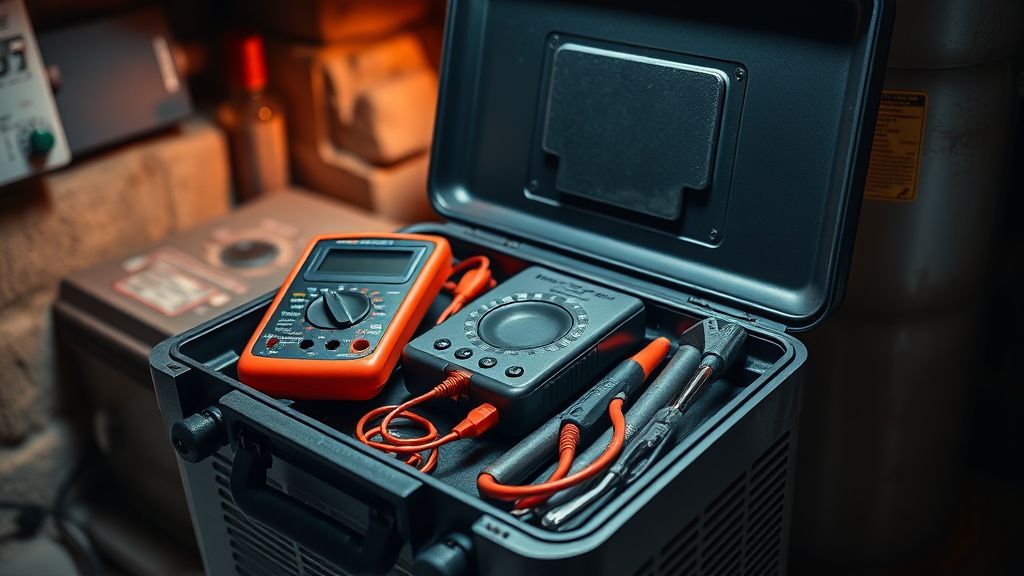
Essential Diagnostic Tools for Voltage Continuity
To move past the guessing game, you need:
- A Digital Multimeter (DMM): Set to AC voltage, not DC.
- Needle-Nose Pliers: For reseating loose spade connectors on the control board.
- Sandpaper or Abrasive Pad: To clean oxidized thermostat wiring.
Decoding the C-Wire Conflict: Power Stealing vs. Dedicated Ground
The "power-stealing" architecture of the original Nest is a constant source of controversy in the HVAC industry. Engineers at major furnace manufacturers (like Carrier or Lennox) often look at smart thermostats with suspicion. Why? Because the Nest attempts to draw power through the heating and cooling calls when a C-wire is absent.
If you are seeing E74 intermittently, it is likely that your furnace transformer cannot provide enough amperage to keep the Nest charged while simultaneously operating the relay. This is common in older homes with outdated wiring.
- The Workaround: If you lack a dedicated C-wire, the Nest Power Connector is the industry-standard "band-aid." It splits the power delivery at the furnace board, providing a stable 24V source that doesn't rely on the "flicker" method of power-stealing.
- The Risk: Installing an aftermarket power extender incorrectly can lead to "ghost" calls where the heat kicks on randomly for milliseconds, damaging relay contacts over time.
Step-by-Step Troubleshooting Protocol
- The Hard Power Cycle: Often dismissed as "too simple," flipping the breaker for the furnace for 60 seconds forces the thermostat to re-handshake with the system. If it fails to re-establish the connection, proceed to step two.
- Float Switch Inspection: Locate the PVC pipe exiting your AC unit. Look for a small device wired into the low-voltage line. Check the water level. If it’s high, you have an E74 because your system is protecting your home from water damage. Clearing the drain will clear the error instantly.
- Terminal Strip Audit: Remove the Nest backplate. Inspect the R wire. Is it frayed? Does it have a "green" crust? If so, strip the wire back to clean copper. The 24V signal is very low current; even a thin layer of oxidation creates enough resistance to cause a drop-out.
- Control Board Fuse Check: Modern control boards use automotive-style 3A or 5A blade fuses. If you accidentally shorted the R and C wires while installing the Nest, that fuse is toast. It is a microscopic failure that results in total system silence.
Counter-Criticism: Is the Nest Too Fragile for Real-World Basements?
There is a long-standing debate on forums like r/HVAC and Hacker News regarding whether Nest hardware is actually "smart" or just "delicate." HVAC technicians often argue that the Nest’s tolerance for voltage fluctuations is too tight.
"The Nest complains about voltage drops that an old-school Honeywell round thermostat would never even register," says one veteran contractor in a widely cited thread on HVAC Talk. "We end up getting service calls for 'broken' thermostats where the only problem is that the homeowner’s transformer is 20 years old and has a slight voltage ripple. The Nest treats this like a critical error; the user treats it like a product defect."
This creates a "Support Nightmare" scenario: The end user buys a premium product, it fails due to a pre-existing condition in their home’s infrastructure, and they blame the product rather than the plumbing or electrical system.
The "Ghost in the Machine" – Software vs. Hardware Reality
Another layer of the E74 problem is the "soft-brick" phenomenon. In rare, highly specific firmware versions, the Nest’s radio module can hang, causing a loop of E74 errors that appear even when the wiring is perfectly healthy.
- How to spot it: If your multimeter confirms 27V AC at the baseplate, but the Nest still shows E74, the issue is internal.
- The Fix: Perform a factory reset (not just a restart). Hold the dial down for 10+ seconds. If it still persists after a factory reset, you are likely looking at a failing capacitor inside the unit.
Scaling and Infrastructure Stresses
If you live in a multi-story home with a zoned system, your Nest is likely connected to a zone control board. These boards are notoriously fickle with smart thermostats. If you have a damper stuck closed, the system might overheat the heat exchanger, triggering a high-limit switch. When that switch trips, it cuts power. The Nest then reports E74.
This is the "Scaling Problem." One Nest on a single furnace is predictable. Four Nests on a zoned system with five dampers, two transformers, and a global thermostat controller is a system-integration project that exceeds the design intent of a retail "DIY" product.
Why does my Nest work perfectly for months and then suddenly show E74?
This usually indicates a progressive failure, such as a clogged condensate line slowly filling up a safety switch pan, or the slow oxidation of a wire connector. It is rarely a "sudden" electronics failure; it is usually an external component hitting a tolerance limit.
Can I bypass the E74 error by just joining the wires together?
Never attempt to bypass a safety switch (like the float switch or high-limit switch) to "fix" the error. You are bypassing a safety mechanism designed to prevent fire or water damage to your property. If you find a switch that is open, find out why it is open rather than bridging it.
Does the E74 error mean I need a new HVAC system?
Almost never. The E74 error is a communication bridge issue. The most expensive fix is typically a new transformer or a control board relay, both of which are minor repairs compared to replacing an HVAC system. If a technician tells you that you need a new furnace because of an E74, seek a second opinion.
Why do I keep seeing "Low Power" warnings before the E74 appears?
This is the warning shot. Your unit is struggling to keep the battery charged. This happens if you lack a C-wire and the "power stealing" is insufficient. The E74 is the final stage where the unit finally gives up on maintaining the connection.
Is the E74 error related to Wi-Fi connectivity?
No. E74 is strictly a low-voltage electrical error. Wi-Fi issues will typically display as a different set of codes (usually related to 'offline' status). Do not reset your router if you have an E74 error; focus entirely on the physical wiring.
Final Considerations for the Homeowner
When you are staring at the E74 screen, remind yourself: you are the system administrator of your home's most expensive piece of machinery. The Nest is just an interface. When it fails, it is an invitation to inspect the "invisible" parts of your house—the conduits, the drain lines, and the electrical connections.
If you find yourself deep in the weeds of GitHub issue threads or Reddit threads regarding "nest common wire compatibility," remember that your infrastructure—the home’s wiring—is the primary variable. Most E74 errors are not the result of poor product design, but of a mismatch between modern smart-home power requirements and legacy copper wiring infrastructure. Take your time, test your voltages, and never force a wire into a terminal that feels loose; the physical integrity of that connection is the only thing standing between you and a functioning climate system.
Bu makale affiliate linkleri içermektedir.