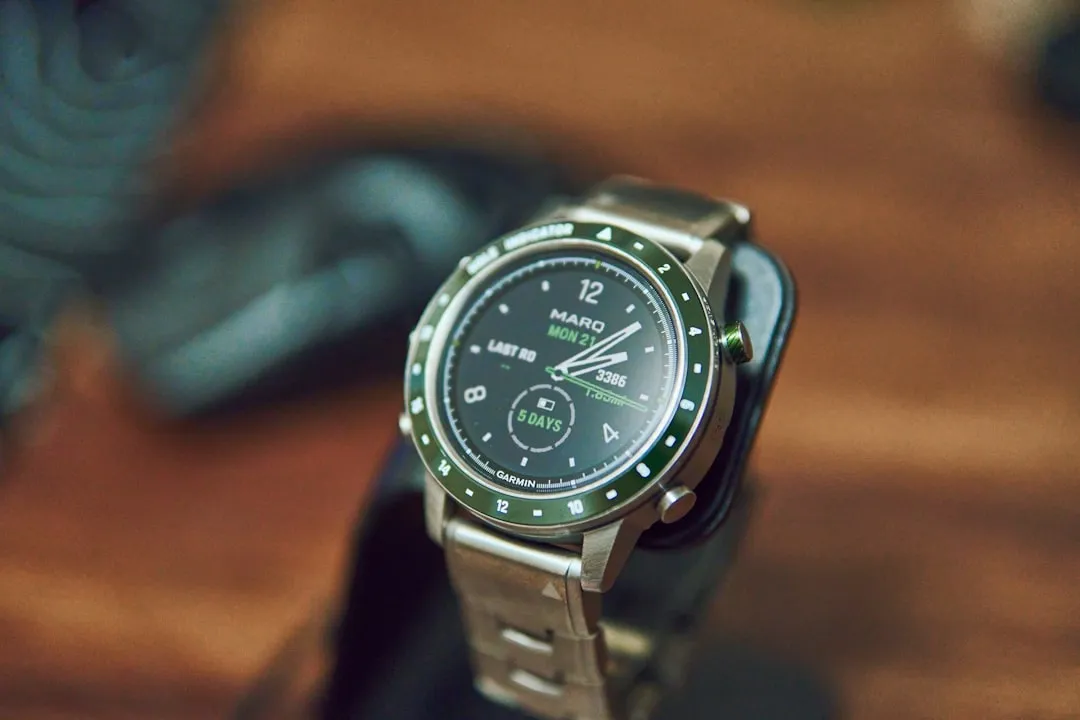
If your Garmin Fenix 8 heart rate sensor stops providing data or displays erratic spikes, the culprit is rarely a hardware failure. Most often, the issue lies in sensor occlusion—either by sweat, improper fit, or software state. Start by performing a hard reset (hold the top-left button for 20 seconds), clean the sensor array with warm water, and ensure the strap is snug—not tight—two finger-widths above your wrist bone. If the sensor LED lights are not flashing green, the issue is likely a firmware hang or a power-management conflict that a simple factory reset or a cross-platform sync will resolve, much like troubleshooting an Oura Ring Gen 4 not syncing.
The Physics of Optical Heart Rate (OHR) and Why It Fails
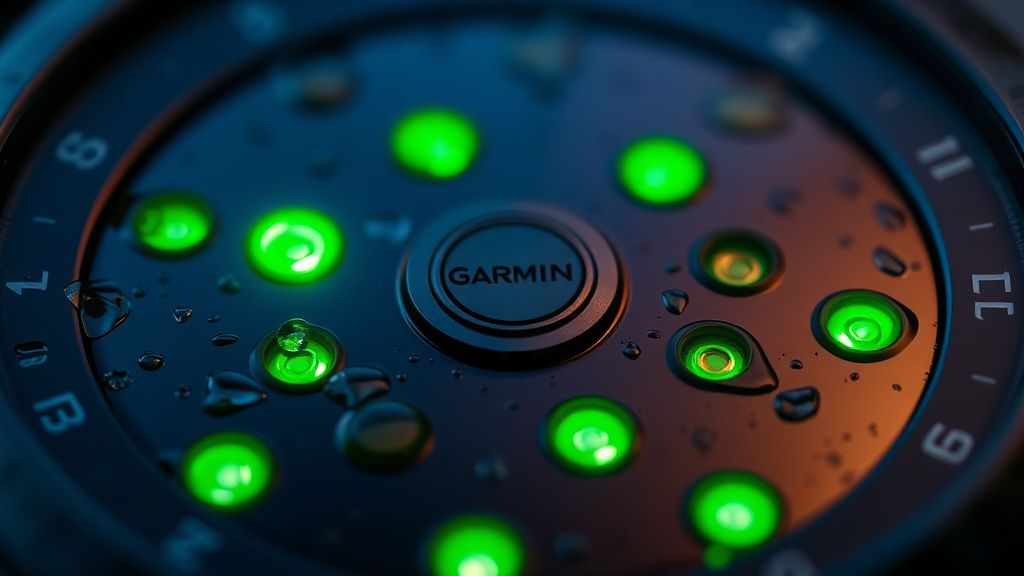
To understand why your Fenix 8 might be failing you mid-run, we have to look past the marketing. The "Elevate V5" sensor array on the Fenix 8 uses photoplethysmography (PPG). It shines green LEDs into your skin and measures the light reflected back as blood flows through your capillaries.
The operational reality of this is a constant battle against noise. When you run, your arm swings, your skin stretches, and your blood volume shifts. The Fenix 8’s onboard algorithm (Firstbeat Analytics) is effectively a DSP (Digital Signal Processor) trying to subtract the "motion noise" from the "cardiac signal." When the sensor reports a flat line or wild "cadence lock"—where the watch tracks your running cadence instead of your heart rate—the algorithm has failed to filter the noise, a problem not unlike when a Garmin Forerunner is losing GPS accuracy.
Field Report: The "Cadence Lock" Phenomenon
In the ultra-running community, specifically on platforms like the r/GarminFenix subreddit and various Strava athlete forums, "cadence lock" remains the most cited grievance. Users report that when their running cadence hits around 160–170 steps per minute, the Fenix 8 displays a heart rate perfectly mirrored to that cadence.
- The User Perspective: One user noted, "I’m clearly at a zone 2 effort, but my Fenix 8 is telling me my heart rate is 170. It’s impossible."
- The Technical Reality: This happens because the watch perceives the repetitive thumping of your arm as the pulse. If your strap is too loose, the watch shifts slightly with each stride, allowing ambient light to leak into the sensor. This light leakage overwhelms the weak reflected signal from your capillaries.
Troubleshooting the Firmware/Hardware Divide
When the sensor refuses to light up at all, we move from signal interference to system instability. The Fenix 8, like its predecessors, runs a complex multi-threaded RTOS (Real-Time Operating System). Updates occasionally break sensor-driver handshake protocols.
Step 1: The Hard Power Cycle
Do not just restart the watch via the menu. Force a shutdown.
- Hold the top-left (Light) button.
- Keep holding it through the assistance alert screen.
- Wait for the screen to go completely black.
- Leave it off for 30 seconds before powering back on. This clears the cache in the peripheral controller that manages the sensor array.
Step 2: The "Ghost" Sensor Conflict
If you have recently paired a chest strap (like the HRM-Pro Plus), the Fenix 8 might be "looking" for that strap even if you aren't wearing it. This creates a state of perpetual searching that can prevent the optical sensor from engaging correctly, similar to common Peloton heart rate sync issues.
- Action: Go to Settings > Sensors & Accessories and toggle your external HRM to "Disable" rather than just disconnecting it. This forces the Fenix 8 to fallback to its internal PPG sensor.
When the Hardware Truly Fails: The Adhesive Breakdown
There is a less discussed but critical operational reality regarding the Fenix 8: the integrity of the lens cover. If you have had the watch for a significant time and subjected it to extreme thermal cycling—like shifting from a freezing trail run to a hot sauna—the adhesive holding the sensor glass can degrade.
When the seal is compromised, moisture (sweat or water) enters the sensor housing. This causes "fogging" inside the sensor, which acts as a diffuser, scattering the green light before it reaches your skin.
- How to test: Take a flashlight and shine it directly into the sensor array. Do you see any cloudiness behind the glass? If yes, this is a hardware failure. No amount of software updates will fix a diffusion problem caused by internal moisture. This is a warranty-claim scenario.
Analyzing the "Workaround Culture"
Users in communities like Hacker News and the Garmin Forums often discuss the "tightening of the strap" strategy. The conventional wisdom is "make it tighter." However, engineers point out that this is counter-productive. A strap that is too tight restricts blood flow in the capillaries directly under the sensor. You want the watch to be "snug," meaning it doesn't move when you shake your arm, but not so tight that it leaves a deep indentation in your skin.
"The paradox of optical heart rate is that to get a good reading, you need blood flow, but to keep the sensor stable, you need to apply pressure. If you compress the tissue too much, the very blood flow you’re trying to measure is restricted, leading to an artificially lower or inconsistent HR reading." — Independent Wearable Tech Researcher
Comparison with Chest Straps: The Gold Standard
It is vital to acknowledge the limitations of the Fenix 8’s optical sensor. It is an estimation engine, not a medical-grade ECG. During high-intensity interval training (HIIT), the Fenix 8 will almost always lag behind a chest strap. The physiological lag (the time it takes for heart rate to increase and for the peripheral blood volume to change) is inherent. If you are training based on specific zones, do not rely on the Fenix 8 sensor for short, 30-second bursts. It will miss the peaks every single time.
The Impact of Skin Temperature and Pigmentation
There is a silent debate in the industry regarding sensor performance on different skin tones and temperatures. Melanin absorbs green light differently, and cold weather causes peripheral vasoconstriction. In cold climates, blood flow to the wrist decreases as the body prioritizes the core.
- Field Evidence: Nordic skiers frequently report that the Fenix 8 stops reading their HR in temperatures below -10°C. This is not a bug; it is biology. The sensor cannot read what isn't there. If your wrist is cold, the sensor will struggle. The solution? Wear the watch under your base layer. Your body heat will keep the wrist surface warm, maintaining enough capillary perfusion for the sensor to work.
When to Contact Support (And What to Expect)
If you have reset, cleaned, adjusted, and tested in warm conditions, and the sensor still reports a heart rate of 72 bpm while you are sprinting, you have a hardware defect.
- Prepare your logs: Garmin support will ask for your device logs. Sync your watch with Garmin Connect and ensure it is updated to the latest firmware.
- The "Replace vs. Repair" trap: Garmin rarely repairs individual sensors. They will almost always initiate an RMA (Return Merchandise Authorization) to replace the unit. Be aware that factory-refurbished units are often what you will receive.
Why does my Fenix 8 display "---" during a workout?
The watch has lost the signal lock. This usually occurs because of sweat bridging between the sensor and skin, or the sensor has slid away from the flat part of your wrist. Stop, clean the back of the watch and your skin, and reposition it slightly further up your forearm.
Does the screen protector affect heart rate?
If you are using a screen protector on the watch face, no. However, if you have applied some sort of third-party sticker or protector over the back of the watch, remove it immediately. The sensor relies on precise optical clearance.
Is the Fenix 8 sensor better than the Fenix 7?
The Elevate V5 array includes more LEDs and a more advanced chipset, theoretically allowing for better multi-path signal processing. However, the physical constraints of light physics remain. It is more accurate at rest, but the performance gap during high-intensity exercise is narrower than marketing materials suggest.
Should I turn off "Wrist-Based Heart Rate" to save battery?
Only if you are using an external chest strap for 100% of your activities. Turning the sensor off completely stops the watch from tracking daily health metrics like Stress, Body Battery, and Sleep. Most users find the battery savings are negligible compared to the loss of data quality.
Why is my HR reading 180 when I’m standing still?
This is a classic "stuck" sensor reading. It happens when the algorithm interprets ambient light flickering (e.g., from a fluorescent light bulb) as a pulse. Move away from the light source and initiate a fresh activity scan to "reset" the LED intensity.
Final Thoughts on System Integrity
The Garmin Fenix 8 is an engineering marvel, but it is not infallible. It operates at the edge of physics, relying on the quality of the interface between hardware and biology. When it fails, it is usually a reminder that we are trying to measure a chaotic biological system with a rigid, light-based tool. Treat the device as a guide, not a medical authority, and always prioritize how you feel over what the watch says when the data feels erratic. If you see the green lights flashing but get no data, it is a processing failure. If you see no lights, it is a power failure. Knowing the difference is the first step to mastering your gear.