
The "Black Screen of Death" on a Nintendo Switch is rarely just a single mechanical failure. It is, more often than not, a silent collision between Nintendo’s proprietary hardware orchestration and the volatile nature of over-the-air (OTA) firmware updates. When you see nothing but a backlit void, you aren’t just looking at a broken console; you are looking at a system in the middle of a kernel panic, a failed bootloader sequence, or, in more mundane cases, a simple power management state machine that has entered a "zombie" mode from which it cannot independently recover, much like when a PS5 keeps crashing due to critical errors.
For most users, the panic sets in when the console refuses to wake from Sleep Mode. The battery might be fully charged, the AC adapter might be official, yet the screen remains stubbornly dark. This guide navigates the reality of this failure, stripping away the "have you tried turning it off and on again" platitudes to explore the actual operational friction occurring inside the Nvidia Tegra X1 chipset and the system’s NAND memory.
The Anatomy of the Frozen Bootloader and Hard Reset Mechanics
The Nintendo Switch architecture relies on a highly specific boot chain. When the power button is pressed, the bootloader (Boot0/Boot1) initializes. If there is a corrupted patch in the Horizon OS—often caused by an interrupted background download or a file system error within the eMMC—the system hangs.
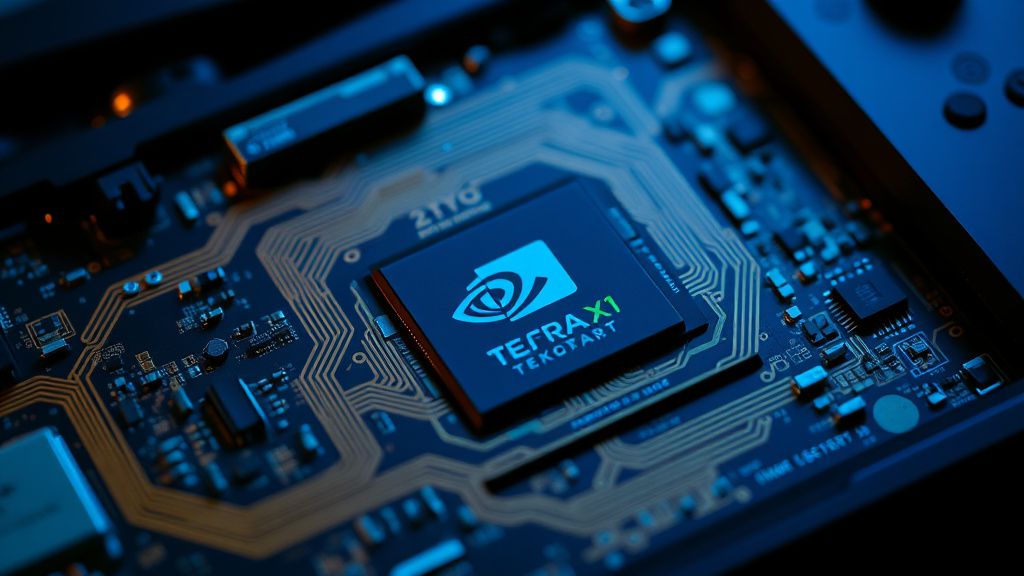
The "Hard Reset" is not a software restart; it is a physical interruption of the power supply to the main SoC (System on a Chip). You must hold the power button for at least 15 to 20 seconds. This is not a suggestion—it is a requirement to drain the residual capacitance in the power delivery components. If you release the button after five seconds, you are merely toggling the display state, not forcing the bootloader to clear its volatile memory.
Analyzing the Update Loop and NAND Corruption Issues
Update loops often manifest as the console powering on to the Nintendo logo, then fading to black, or hanging indefinitely on the boot screen, similar to a Windows 11 boot loop or persistent startup crash. This is a common failure point that Reddit communities like r/NintendoSwitch have documented extensively. The root cause is frequently a "corrupted partition flag."
When the console attempts to apply a firmware update, it writes to a system partition. If the power fluctuates or the user docks the device during the write process, the partition table can become misaligned. The system, in its effort to ensure security and prevent unauthorized code execution, will lock down the boot sequence to prevent further data corruption.
"The issue isn't that the Switch is broken," says a lead hardware technician from a third-party repair shop specializing in board-level diagnostics. "It's that the system is too protective. It encounters a single checksum mismatch in the eMMC and decides that the safest path is to do absolutely nothing. It’s a design philosophy of 'brick rather than allow a glitch to run.'"
The USB-C Power Delivery and Charging Conflict
One of the most persistent frustrations for users is the interplay between the Switch's USB-C implementation and generic third-party chargers. While the Switch uses USB-C, it does not strictly adhere to the USB Power Delivery (PD) standard in the way a modern laptop does.
- The Charging Myth: Many users believe that if the LED on the bottom of the console or the dock is dark, the device is "dead." However, the charging circuit often enters a protective lockout state if it detects a voltage mismatch.
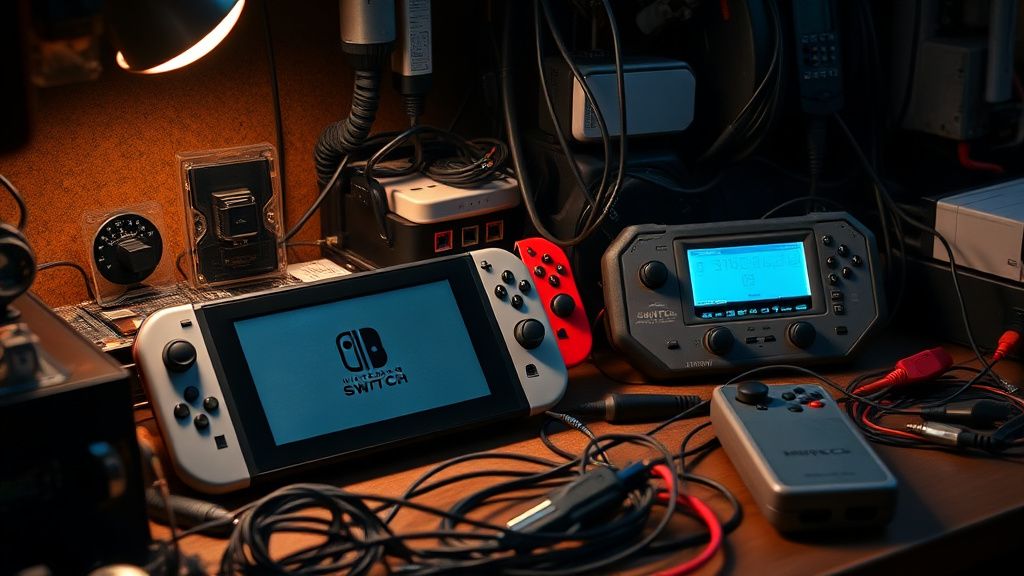
- The Workaround: If your Switch is stuck in a black screen state, plug the official Nintendo AC adapter directly into the console—not the dock—and leave it for a minimum of four hours. Do not attempt to turn it on during this period. The system needs to perform a "trickle charge" to stabilize the voltage across the battery management system (BMS).
Troubleshooting Guide: Beyond the Standard Manual
If you are currently experiencing the "Black Screen" error, follow this rigorous diagnostic path before assuming internal component failure.
- The Forced Cold Boot: Hold the power button for exactly 20 seconds. Connect it to the official AC adapter. Observe the screen for any flickers. If the screen shows a faint backlight but remains black, you have a software/OS initialization error.
- Docking Isolation: Remove the console from the dock entirely. The dock’s USB-C port is often a source of communication errors between the console’s video output chip (the M92T36 power delivery chip) and the monitor. If you get a picture while in handheld mode but not in the dock, your problem is not the console; it’s the dock’s handshake protocol.
- The "M92" Failure Case: If the console remains unresponsive despite a long charge, you may be dealing with a blown M92T36 IC chip. This chip handles power delivery and, when it fails, it prevents the console from waking up. This is a common hardware failure point in the original V1 and V2 models, usually triggered by cheap third-party docks that send incorrect voltage through the USB-C pins.
Why "Update Loops" Persist Despite Software Patches
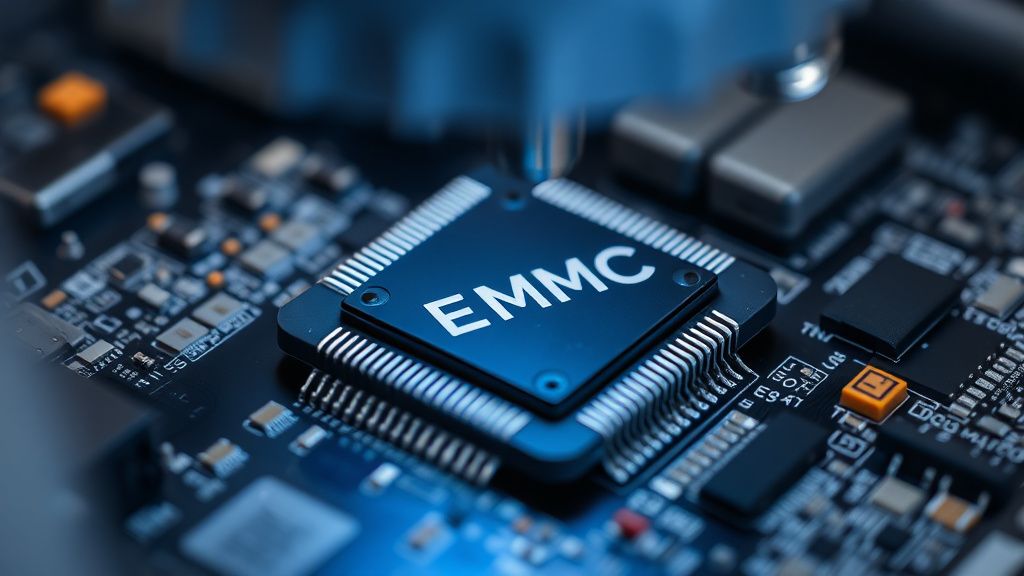
Industry observers and data miners on sites like 404 Media have often noted that Nintendo’s OS updates are notoriously opaque. When a user experiences an "Update Loop," it’s often because the console’s internal eMMC (embedded MultiMediaCard) has reached its read/write cycle limit or has developed bad blocks.
Just like an SSD in a PC, the eMMC in the Switch degrades over time. When the OS tries to move a critical firmware update file onto a bad sector, the system stalls. This isn't a software "fix" that can be patched away; it is a hardware limitation. You cannot "update" your way out of a physical hardware defect in the storage medium.
The Social Dynamics of Support and Community Backlash
On forums like Hacker News and the Nintendo support Discord servers, there is a recurring theme of user frustration: the "Repair or Replace" ultimatum. Because Nintendo’s repair policy often involves replacing the entire motherboard rather than performing component-level repairs, the cost of fixing a simple black screen issue can exceed the market value of a refurbished console.
This leads to a pervasive "workaround culture." Users are forced to become hobbyist technicians, buying cheap heat guns and replacement USB-C ports on eBay, hoping to revive their consoles. The irony is that the most common fixes—resoldering a port or replacing a battery—are technically trivial but effectively criminalized by the lack of official support for DIY repairs.
FAQ: Addressing the Persistent Unknowns
How can I tell if my Switch screen is actually broken or if it’s a system hang?
A broken screen typically shows signs of physical damage, like internal lines or localized discoloration. A "Black Screen of Death" caused by an update loop or system freeze will either have a faint backlight (the screen looks "greyish" or "on") or be completely unresponsive to all inputs, including the Joy-Con sync buttons.
Is it safe to use a non-Nintendo charging brick for my Switch?
Proceed with extreme caution. The Switch's USB-C port is notoriously sensitive to voltage spikes. Many third-party chargers marketed for "Switch" lack the necessary circuitry to handle the handshaking protocols, which can fry the M92T36 chip. If you have an expensive laptop charger, it might work, but it is always safer to use the brick provided in the box.
Will a factory reset fix a black screen caused by an update?
A true factory reset requires access to the system settings or the Recovery Mode menu. If you cannot reach the Recovery Mode (by holding Vol + and Vol - while powering on), you cannot trigger a software-level reset. In these cases, the OS has likely failed to load the Recovery partition entirely.
What should I do if the console shows the "Error 2162-0002" code?
This is a kernel error. It usually means a crash occurred while the OS was performing a process. If this happens consistently during an update, it suggests that the downloaded update file is corrupted. Your only option is to hold the power button for 20 seconds to clear the cache and retry. If it persists, you may need to initiate a factory reset via the maintenance mode.
Why does my console feel hot even when it's stuck on a black screen?
This is a major warning sign. It means the CPU is actively processing a loop or is trapped in a state where it cannot transition to sleep. Immediately disconnect the battery if possible, or keep it away from flammable surfaces, as this can lead to battery swelling or further damage to the motherboard's voltage regulators.
The Economic Impact of "Disposable" Consoles
The reality of the Switch's design is that it sits at the intersection of portable convenience and high-density engineering. The trade-off is repairability. When the black screen occurs, the platform holder—Nintendo—operates under a model that favors replacement over repair. This creates a massive amount of electronic waste and, more importantly, a breakdown in user trust.
When a system update causes a hardware failure—even a minor one—it creates a "fragile ecosystem" where users fear updating their devices. This is evident in the current tech landscape, where users postpone system updates for weeks, waiting to see if others report bricking issues. This behavior reflects a loss of confidence in the platform's reliability.
The black screen isn't just an "error." It’s a physical manifestation of the tension between a company wanting to lock down their software and the reality of hardware that eventually, through heat, time, and wear, will deviate from the perfect state the engineers envisioned. Whether you manage to revive your device through a forced reset or end up visiting a repair shop, remember that you are navigating the limitations of a machine that was never intended to last a lifetime.
Bu makale affiliate linkleri içermektedir.