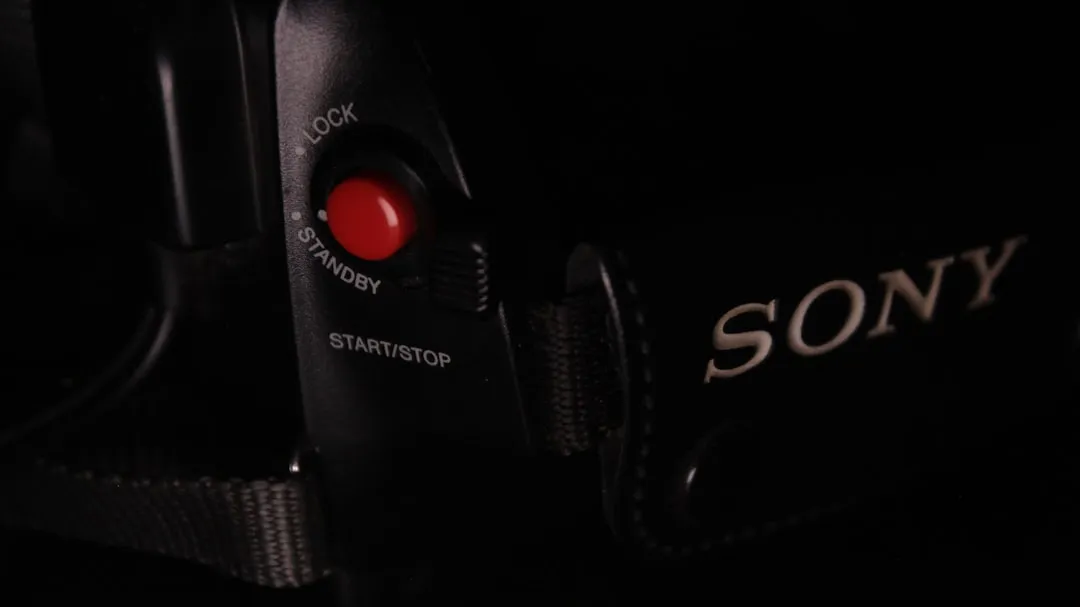
The "Red Blinking Light" on a Sony Bravia XR OLED is not a mere error message; it is the television’s internal watchdog signaling a systemic failure. When the diagnostic LED blinks in a recurring pattern—typically 2, 4, 6, or 8 times—the OS has essentially halted its boot sequence to prevent hardware destruction, much like when a PS5 keeps crashing due to an error. In most cases, a hard power reset (unplugging for 60 seconds) clears a temporary firmware hang. If the blinking persists, you are likely dealing with a power supply unit (PSU) transient fault or a thermal protection trigger on the T-CON board.
The Anatomy of a Protection Circuit: Why Sony Bravia XR OLEDs Fail
Modern Sony OLED panels, particularly those utilizing the Cognitive Processor XR, are marvels of engineering but are notoriously intolerant of voltage fluctuations. Unlike traditional LED-backlit LCDs, OLEDs require precise power management for their organic light-emitting diodes. When you see a red blinking light, the TV’s Power Management IC (PMIC) has detected an "out-of-range" current draw.
From a systems engineering perspective, this is a "fail-safe" state. The TV detects that if it continues to push current through the panel or the SoC, it risks permanent substrate damage. However, users on forums like Reddit’s r/bravia often confuse this protection mode with a "bricked" device. The reality is that the TV is behaving exactly as it was programmed to—refusing to run because the operating environment is compromised.
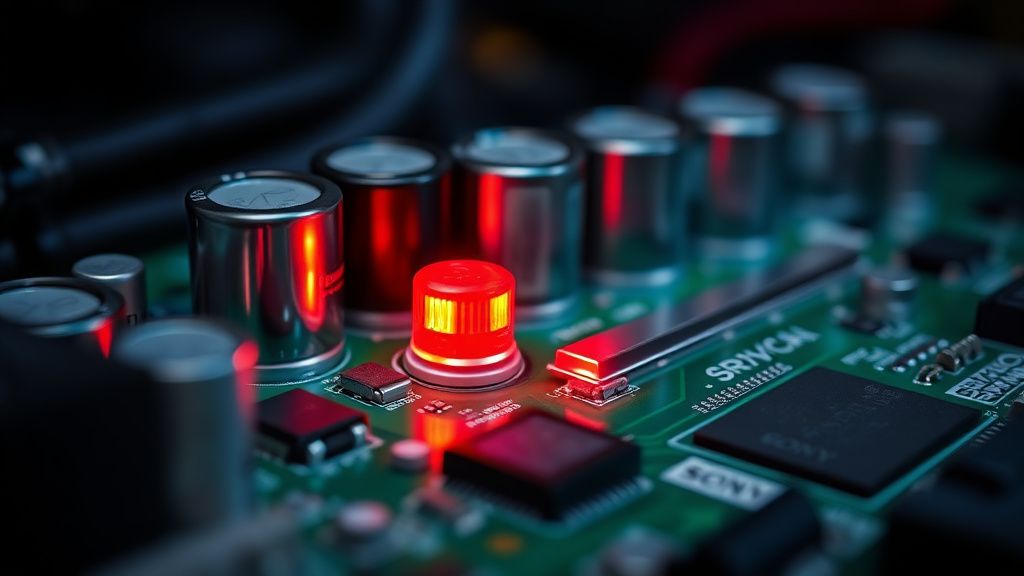
Decoding the Blink Codes: A Technical Breakdown
The frequency and repetition of the red light serve as a specific error diagnostic. Sony engineers programmed these codes to help service technicians identify the root cause without fully disassembling the chassis.
- 2 Blinks: Power supply issue. This usually points to a failing capacitor on the main power board or a short in the backlight inverter—though, interestingly, OLED panels don't have backlights. This error in an OLED context often refers to a voltage rail failure to the T-CON board.
- 4 Blinks: Often related to the inverter/backlight, but in the context of XR OLEDs, this is frequently a "Panel Communication Error."
- 6 Blinks: This is the dreaded "Inverter/Backlight" error, which in newer A80K or A95K models, often points to a malfunction in the panel’s temperature sensor or the T-CON board failing to communicate with the XR processor.
- 8 Blinks: System software crash or a boot loop failure. This is sometimes fixable via a forced factory reset using the physical power/volume buttons on the chassis.
Field Report: The "Power Strip Dependency" Paradox
A recurring trend identified in various AV enthusiast communities—specifically on AVSForum and various Discord support servers—is the correlation between high-end surge protectors and the 2-blink error. Many users assume that by plugging their expensive XR OLED into a complex, "smart" power strip, they are protecting it.
The technical reality? Sony’s internal power supply is already highly regulated. Introducing a secondary surge protector with "smart" interference filtering can cause the power supply’s "soft start" sequence to trigger a fault.
"I spent three hours on the phone with Sony support trying to RMA my A90J," says a user on an AVSForum thread regarding power cycles. "They insisted I use a direct wall outlet. I thought it was a script, but the moment I plugged the TV directly into the wall, the 2-blink error stopped appearing after the daily auto-calibration cycle. The TV's PSU literally didn't like the noise on the line from my battery backup."
This reflects a fundamental tension in consumer electronics: our obsession with protecting high-end hardware often interferes with the delicate, nuanced power-on sequence the manufacturer designed.
Operational Reality: Thermal Throttling and Dust
One of the most ignored causes of the red blinking light is thermal management. Sony Bravia XR OLEDs utilize internal cooling heat sinks (especially in the A95K/A95L QD-OLED series) to manage the massive heat generated by the panel’s peak brightness.
If your TV is mounted flush against a wall with zero airflow, the XR processor will register high temperatures during operation. Upon entering standby, the TV attempts a "Panel Refresh" (a mandatory maintenance cycle). If the sensors detect that the ambient temperature or the panel temperature is outside the safe threshold, the TV will abort the process and potentially trigger a blinking light error the next time you try to turn it on.
Addressing the Ecosystem Fragmentation: Firmware vs. Hardware
The transition to Google TV (formerly Android TV) on Bravia XR models has introduced a new class of "software-hardware" conflicts. Because the TV is essentially a sophisticated computer, "bricked" states are more common than in the CCFL-lit TV era.
If your TV is stuck in a loop, you must distinguish between a hard hardware failure and a "stuck" kernel.
- The Hard Reset: Unplug from the wall. Wait 60 seconds. Hold the power button on the TV chassis (not the remote) while plugging it back in. Keep holding for 20-30 seconds until the LED turns green or white.
- The USB Reflash: If the TV is in a boot loop, you can often download the official firmware from the Sony Support site to a FAT32-formatted USB drive. Insert it into the USB port, and hold the power button during the power-on cycle.
This process is rarely documented clearly by Sony, and the community has had to reverse-engineer the "force update" process. The lack of transparency here leads to significant consumer frustration; many users are told by service centers that they need a $1,200 panel replacement when a simple $0 firmware reflash would have sufficed.
Counter-Criticism: The "Right to Repair" Gap
Industry critics, including those from groups like iFixit, have long argued that Sony’s diagnostic blink codes are intentionally obscure to push consumers toward authorized service centers. By keeping the specific definition of these blinks somewhat guarded (Sony’s official docs often provide generic "contact an authorized technician" advice rather than precise component-level troubleshooting), the company maintains a monopoly on repair.
However, the counter-argument from Sony’s engineering side is valid: OLED panels are high-voltage, delicate components. An improper attempt to measure a voltage rail on an OLED T-CON board can result in a catastrophic discharge, potentially destroying the panel or, in a worst-case scenario, causing electrical injury. The "red blinking light" is an institutional response to the reality that the average consumer should not be probing the internals of a high-voltage display.
Scaling and Infrastructure: Why the XR Processor is Different
The XR processor is not just a scaler; it’s a heavy-duty compute engine. Unlike standard TV processors that simply upscale pixels, the XR processor maps depth, color volume, and contrast in real-time. This requires consistent, stable power.
When you see widespread reports of "red light" errors after a major firmware update, it is usually because the update process pushed the hardware into a high-load state, causing a marginal power supply component to finally fail. It’s an "operational fatigue" issue. The software update is the catalyst, not the cause. The component was already at the end of its functional life; the compute-intensive installation process just exposed the weakness.
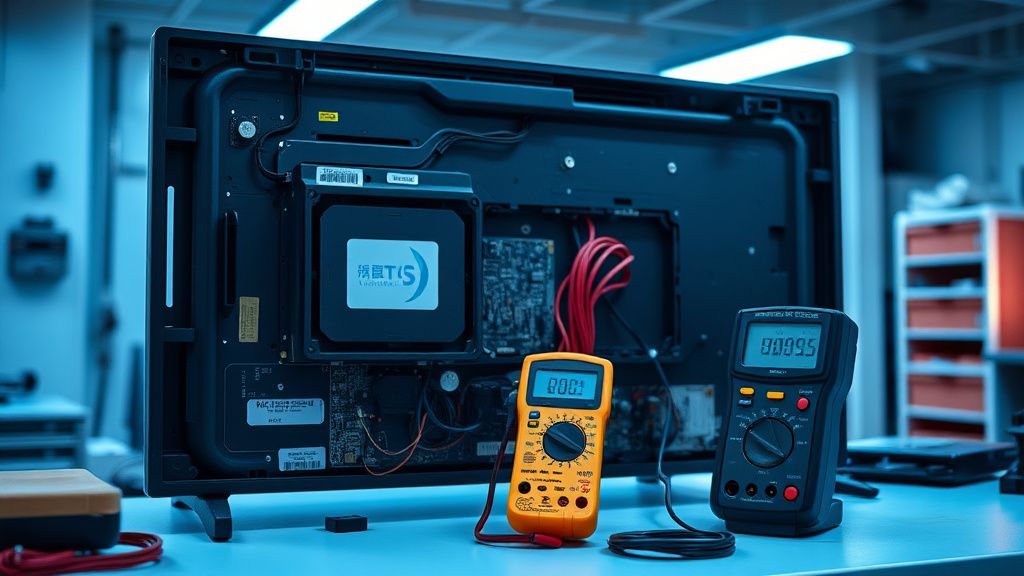
Troubleshooting Steps: A Checklist for the Frustrated
If you are currently staring at a blinking red light, follow this diagnostic hierarchy before calling a technician:
- Step 1: The Total Power Purge. Do not just turn it off. Disconnect the AC plug from the wall. Disconnect all HDMI cables. This isolates the TV from any CEC (Consumer Electronics Control) interference—a common, often ignored cause of boot-up hangs. Wait 5 minutes.
- Step 2: Thermal Check. Ensure the vents are clear. If you have been using the TV in a closed cabinet, remove it. Allow it to sit in a cool room for at least an hour.
- Step 3: The "Cold" Boot. Connect only the power cord. Do not connect HDMI or Ethernet. If it boots to the home screen, you have an external device (likely an Apple TV, PS5, or soundbar) sending a "wake" command or a bad handshake signal that is crashing the TV’s boot-up sequence.
- Step 4: The Factory Reset (Blind). If you have an image for a few seconds before the blink, use the remote to go to Settings > System > About > Reset. If it blinks immediately upon power-on, you are forced to use the physical button combination (Vol Down + Power) while plugging it in.
The Human Element: When to Give Up
Sometimes, the system is simply dead. When you reach a point where the board-level components have failed, the "fix" becomes a decision about economic viability. Replacing a Main Board (the "A" board) is often feasible, but replacing a T-CON or an OLED panel is usually the price of a new unit.
The community sentiment on Reddit and Hacker News is clear: If the TV is under warranty, never touch the screws. Once you break the tamper-evident seals or the internal stickers, Sony will deny the claim, and you will be left with a very expensive, very heavy, and very broken piece of glass.
What does it mean if my Sony Bravia XR blinks red 2 times?
This is a classic power supply protection trigger. The TV’s internal diagnostic system has detected a voltage irregularity. It is most often caused by a power surge or a failing capacitor on the power supply unit (PSU). Before calling support, try a complete hard power reset by unplugging the TV for 5 minutes and removing all HDMI connections.
Why does my TV blink red when I connect my PS5?
This is often an HDMI-CEC handshaking issue. Your console is attempting to "wake" the TV, but the TV’s OS is struggling to handle the signal during its boot phase. Try disabling "Bravia Sync" in the TV settings, or test the PS5 in a different HDMI port to see if the port itself is the root of the communication error.
Is the "Red Blinking Light" always a sign of a hardware failure?
No. While it is a "failure" state, it is often a software-driven "hang" caused by a corrupt firmware update or an incompatible device handshake. However, if the blinking persists after a factory reset and with zero devices connected, you are almost certainly looking at a physical component failure that requires an authorized service visit.
Should I try to replace the power supply board myself?
Only if you have experience with electronics repair. Sony Bravia OLED power supplies are high-voltage boards. There is a significant risk of electrical shock, and because the TV requires precise "calibration data" stored in the EEPROM for the OLED panel, simply swapping the board might result in a "Panel Mismatch" error, leaving you with a screen that displays distorted colors or incorrect brightness levels.
Why isn't there a "reset" button on the outside?
Sony relies on a "key combination" (Vol Down + Power) to act as a hidden reset. The lack of a dedicated, physical button is a design choice to maintain the sleek aesthetic of the Bravia XR line and to prevent accidental factory resets by children or users. It is an example of design-over-function, which prioritizes the clean look of the chassis over ease of maintenance.
Bu makale affiliate linkleri içermektedir.