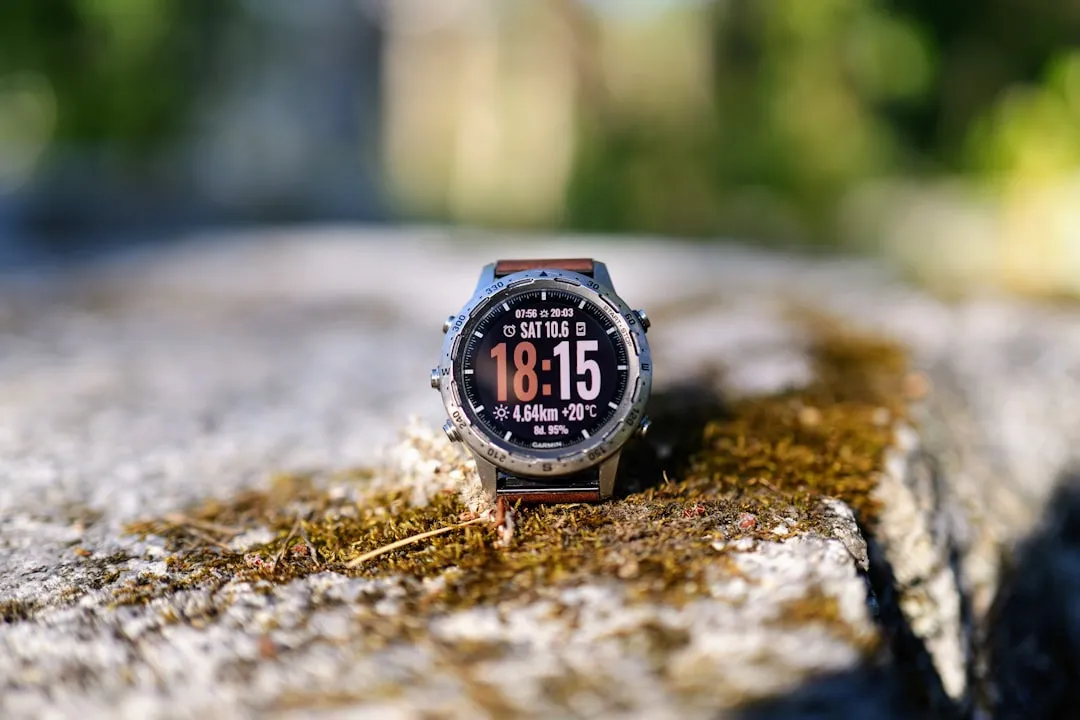
When you drop $1,000 on a flagship adventure watch like the Garmin Fenix 8, you expect an extension of your own physiology. You expect the Elevate Gen 5 optical heart rate sensor to be a precision instrument, not a source of digital existential dread. Yet, the forums—specifically the Garmin subreddits and the Garmin Forums (Beta and Stable channels)—are currently echoing with a familiar, frustrated chorus: "The sensor went flatline," "It’s stuck on 80 bpm during a threshold run," or the dreaded "sensor reading erratic."
The reality of these high-end wearables is that they are not just silicon and sapphire; they are complex biological-mechanical interfaces. When that sensor fails, it isn't just a tech support ticket; it’s a breakdown of the feedback loop between the athlete and their data. This guide moves past the "have you tried restarting it" advice to examine the systemic, environmental, and mechanical factors causing sensor drift on the Fenix 8, providing you with a rigorous, step-by-step diagnostic framework.
The Anatomy of Failure: Why Precision Optical Sensors Drift
To troubleshoot the Fenix 8 effectively, we have to acknowledge that the optical heart rate (OHR) sensor is essentially a miniature medical-grade pulse oximeter. It uses light-emitting diodes (LEDs) to project light into your skin and photodiodes to measure the changes in light absorption caused by blood flow.
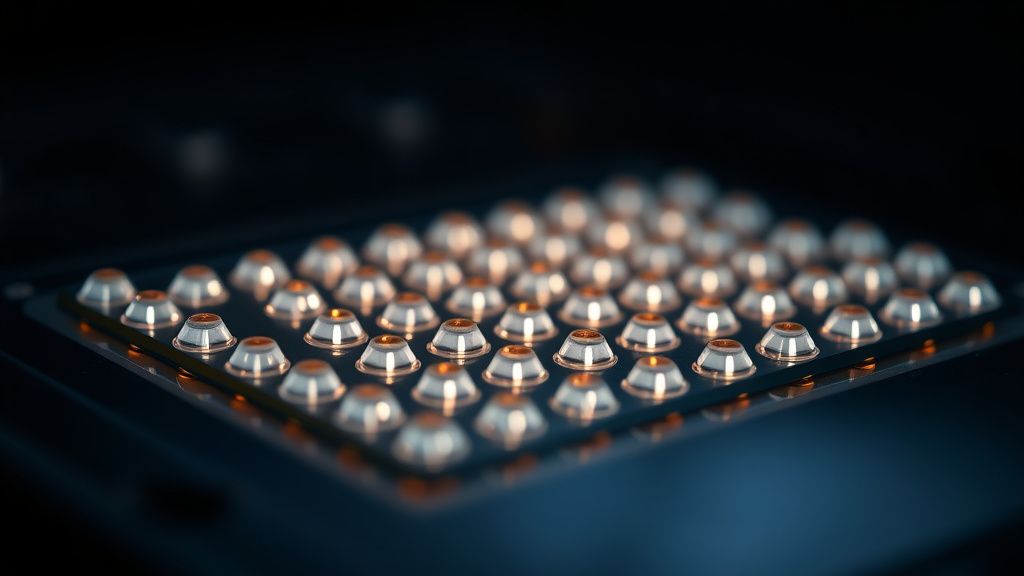
The operational reality here is "signal-to-noise ratio." When you sweat, move your arm, or have a loose strap, you are introducing massive amounts of "noise" into an incredibly delicate measurement system. Garmin’s algorithms are world-class at filtering this, but they are not infallible. If your Fenix 8 is reporting erratic data, it is rarely a "broken" sensor; it is almost always a "compromised input" problem.
1. The Physical Interface: Strap Tension and Wrist Placement
The most common point of failure for the Fenix 8 isn't the firmware—it’s the physics of the band. If you are a high-intensity athlete, your wrist diameter changes as you heat up.
- The "Two-Finger Rule" Fallacy: You’ve read it in every manual. It’s misleading. During high-intensity intervals, the Fenix 8 needs to be tight enough to prevent "light leakage" (external light hitting the sensor) but not so tight that it restricts blood flow.
- The Bone Interference: If you wear your watch directly on the ulnar styloid (that bony bump on your wrist), you are creating a gap for light to leak in every time your wrist flexes. Move the watch up by one finger-width toward your elbow.
"I spent three weeks fighting with my Fenix 8's heart rate lag. I thought the sensor was fried because it kept stalling at 100 bpm. I moved the strap two notches tighter and moved it an inch up my arm. Everything fixed itself. It wasn't a bug; it was just bad fitment." — User on Garmin Forums, thread: 'Sensor accuracy during Z2 training'
2. Sensor Cleanliness and Micro-Scratching
The Elevate Gen 5 sensor on the Fenix 8 features a slightly different glass composition compared to the Fenix 7. While durable, it is a magnet for sunscreen, sweat-salt buildup, and skin oils. These substances act as light diffusers, causing the LEDs to scatter light rather than focusing it into your capillary bed.
- The Protocol: Clean the sensor back with a microfiber cloth and a tiny drop of isopropyl alcohol every 48 hours if you train daily. Do not use soap—soap residues can leave a microscopic film that ruins the photodiode sensitivity.
- Micro-abrasions: If you have been doing "dirty" activities—mountain biking, trail running through brush—check the sensor glass under a loupe or your phone camera’s macro mode. Micro-scratches effectively "blind" the sensor.
3. Firmware Fragmentation and Cache Bloat
Garmin's firmware rollout for the Fenix 8 series has been aggressive, often pushing complex feature updates that rely on the same internal registers as the OHR sensor. Users on GitHub and Hacker News have noted that massive syncs via Garmin Connect can sometimes trigger a cache bloat that interferes with real-time sensor processing.
If you have updated your firmware and suddenly notice battery drain and erratic heart rate, you are likely dealing with a stalled background process.
- The Hard Reset: Hold the power button for 15 seconds until the screen goes blank. Then leave it off for a full minute. This isn't just a reboot; it forces the memory controller to flush the temporary buffers that might be holding onto corrupted sensor data.
4. Optical Artifacts and the "Cadence Lock"
This is the most notorious edge-case in optical heart rate monitoring. "Cadence Lock" occurs when the heart rate algorithm locks onto your step frequency instead of your pulse. This usually happens when the watch bounces in rhythm with your gait.
- The Technical Fix: Tighten the band specifically before your workout starts.
- The Reality: If you are a runner with a high-impact cadence (170+ spm), you might be vibrating the watch at a frequency that mimics a heart beat. If you face this, the only real-world solution is an external chest strap (like the HRM-Pro Plus). The Fenix 8’s internal sensor is excellent, but it is still fighting a physics battle against your own limb movement.
5. The Factory Default Reset (The Last Resort)
If you have cleaned the glass, verified the placement, and cleared the cache, but the heart rate data remains skewed (showing flatlines or impossible heart rates like 40 bpm during a sprint), your configuration file might be corrupted.
- Step 1: Sync your watch to Garmin Connect.
- Step 2: Go to Menu > System > Reset > Reset Default Settings.
- Step 3: Re-pair with the app. This forces the watch to re-calibrate its sensor-gain settings against your specific skin tone and baseline pulse.
Real-World Case Studies: When the System Fails
In the wild, the Fenix 8 has been scrutinized for its performance in cold-weather endurance events. A specific discussion on the Garmin subreddit highlighted a phenomenon where in sub-zero temperatures, the watch’s OHR sensor becomes sluggish due to peripheral vasoconstriction. Your blood vessels literally constrict away from the surface of the skin, making it physically harder for the light to detect a pulse.
The Counter-Criticism: Is the Fenix 8 sensor actually "worse" than its predecessor? Most reviewers suggest that the sensor itself is technically superior, but the increased complexity of the data (HRV tracking, stress monitoring, oxygen saturation) means the firmware is doing much heavier lifting. This creates more opportunities for "soft" failures—errors that look like hardware defects but are actually just the system failing to synthesize too much data at once.
FAQ
Why does my heart rate stay flat at 80 bpm during a workout?
Is the Elevate Gen 5 sensor worse than the Gen 4?
Should I trust the Fenix 8 for high-intensity interval training (HIIT)?
Will a screen protector damage the heart rate sensor?
What if I've done all five steps and it still fails?

The Operational Reality: Trust, but Verify
The Fenix 8 is a miracle of miniaturized engineering, but it is not a laboratory-grade EKG machine. The "error" you see on your screen is often a reflection of the gap between the marketing promise of "always-on precision" and the messy, sweaty reality of human biology in motion. By treating your watch as a peripheral that requires maintenance—not just a static tool—you can mitigate the majority of these "sensor errors."
However, always remember the golden rule of fitness tech: if your data doesn't match how you feel, trust your body over the screen. If the watch says your heart rate is 180 but you feel comfortable, it’s a tech error. If the watch says 100 but you feel like you're dying, it’s probably correct—and you should stop. The best wearable is the one that forces you to listen to yourself, not just the pixels.