
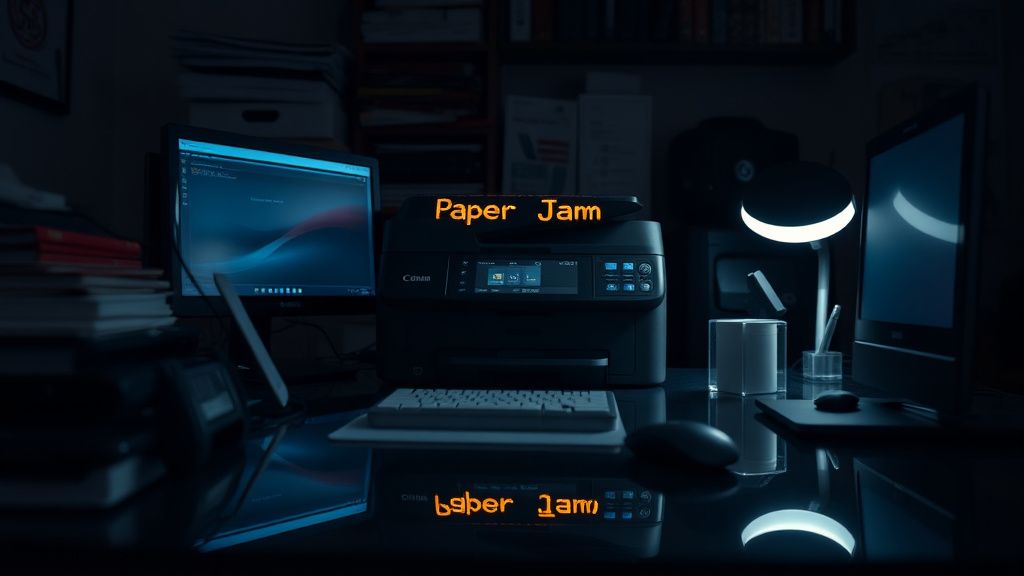
The Canon Pixma TR8620 is a masterclass in modern consumer-grade engineering compromise. It sits in that uncomfortable "prosumer" purgatory where it is complex enough to offer legitimate utility—duplex printing, ADF scanning, photo-quality ink systems—but cheap enough to be manufactured with tolerances that feel, frankly, alarming once you actually open the chassis. If you are reading this, you are likely staring at a blinking orange light and a "Paper Jam" error on a touchscreen that suddenly feels less like a feature and more like a taunt.
Before diving into the mechanical autopsy, understand the reality of the TR8620 architecture: it is a high-density inkjet system. To keep the footprint small, Canon utilizes a convoluted "U-turn" paper path. This design is the primary culprit behind nearly 90% of jam incidents. The physical path the paper must traverse—from the rear tray or cassette, through the print engine, around the duplexer, and out the front—is a delicate mechanical ballet. One stray grain of dust, a slightly curled edge on a sheet of 80gsm copy paper, or a worn-out rubber feed roller, and the system halts to protect its own delicate printhead.
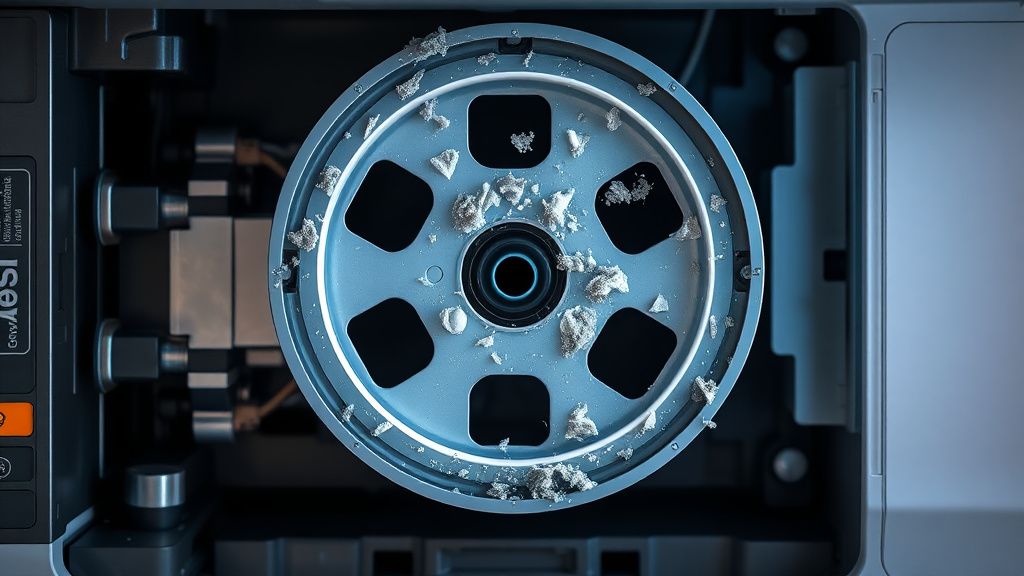
Phase 1: The Anatomy of a Feed Failure
To fix a jam, you must stop thinking like a user and start thinking like a technician. The TR8620 doesn't "know" where the paper is; it knows that a sensor has been obstructed or a motor current has spiked. When the paper feed motor encounters unexpected resistance—caused by a piece of scrap paper or a drying ink film on the platen—it triggers an immediate "Safe Stop."
The 5-Step Operational Protocol:
- Hard Power Cycle & Sensor Reset: Do not pull the plug while the carriage is moving. Turn it off via the power button. If the carriage is locked, wait for the mechanical reset to finish. Pulling the power mid-cycle can cause the carriage motor to lose its "home" position, leading to a "B200" error later.
- Rear Tray Clearing: The rear tray is often the site of "invisible" debris. Use a bright LED flashlight. Look for small triangular scraps—the remnants of a torn header—lodged in the entrance sensor.
- The Cassette Logic Check: If the jam is detected here, check the alignment guides. A common user error is over-tightening the guide against the paper. If the guides are too tight, the paper buckles upon ingestion, triggering an edge-sensor failure.
- The Duplexer Access Point: This is the "hidden" failure point. The rear panel of the TR8620 pulls off. Users often ignore this because it isn't documented clearly in the Quick Start Guide. Behind this plastic door, paper paths often become cluttered with dust-saturated ink.
- Roller Debridement: Using a lint-free cloth dampened with distilled water (never alcohol, which dries out the rubber), wipe the feed rollers. If they are slick with paper dust, they cannot provide the friction needed to pull the sheet.
The Engineering Contradiction: Why Modern Printers Fail
There is a profound disconnect between the "Set it and forget it" marketing of the TR8620 and its actual operational reality. On forums like Reddit’s r/printers or the Canon community support boards, a recurring theme appears: the Paper Feed Roller (the primary rubber intake component) is rated for a lifespan that assumes a "perfect" environment.
Industry analysts often point out that consumer inkjets are built to survive until the warranty expires, but they are rarely built for the dust-heavy reality of a home office. When you read comments like "everything worked until I used recycled paper," you are seeing a real-world edge case. Recycled paper contains more loose fibers (lint). These fibers accumulate on the rollers, creating a "glazing" effect. Once glazed, the roller loses its coefficient of friction. The printer thinks the paper has jammed because it couldn't move it 2mm in the expected time frame, but in reality, the roller is just spinning on a dusty surface.
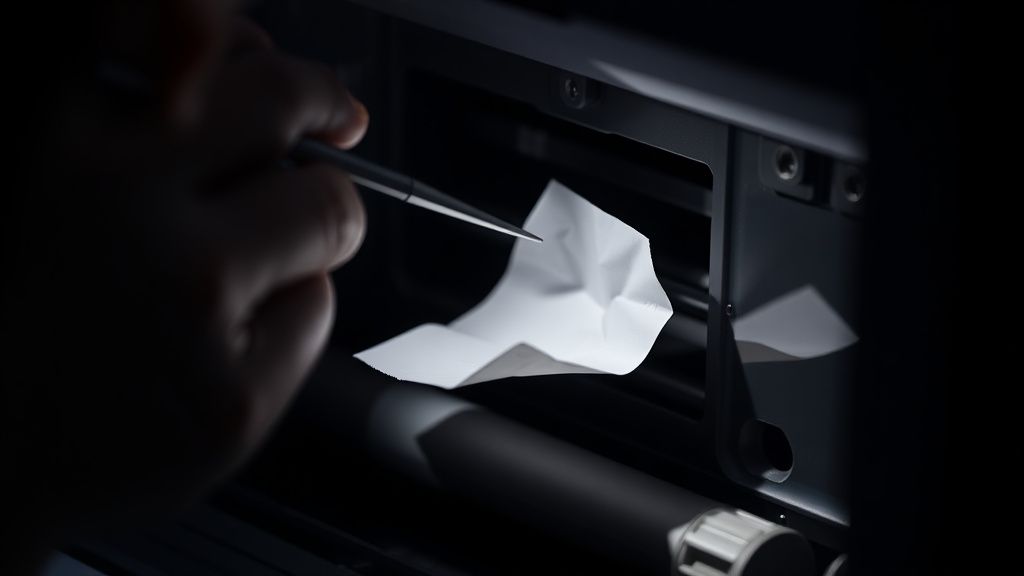
Field Report: The "Ghost Jam" Phenomenon
In high-volume use cases, the TR8620 occasionally reports a paper jam when there is, in fact, absolutely no paper present. This is the most frustrating failure state. It happens when the optical sensor—a tiny infrared emitter/receiver pair—gets coated in ink mist.
In a study of printer failure modes conducted by independent repair shops, it was noted that the TR8620’s "purge unit" (the waste ink collection station) occasionally sprays microscopic ink particles onto the surrounding sensors during the head cleaning cycle. If your printer reports a jam immediately upon powering on, before any mechanical movement, the sensor is dirty.
Workaround Culture: Veteran users on specialized forums recommend using a can of compressed air from an angle to clear the sensor path, but there is a risk. If you blow too hard, you might displace the sensor housing entirely. The official support line will tell you to send it in for repair, which costs nearly as much as a new unit—a classic "planned obsolescence" economic squeeze that fuels the secondary market for third-party parts.
The Economics of Support vs. Replacement
Why is there no "Reset" button for the internal counter? Because the manufacturer wants you to treat a jam as a failure of the machine, not a maintenance event. The TR8620 is part of a razor-and-blades model where the hardware is subsidized by ink sales. If the hardware is too reliable, the cycle breaks.
Consider the "Firmware Trap." Sometimes, after a jam is cleared, the firmware refuses to "clear" the flag. Users often report, "I pulled out the paper, why is it still yelling at me?" This is because the internal state machine has been locked by a specific hardware interrupt. You have to perform a factory reset via the Service Mode (a hidden, undocumented button combination) to wipe the error flag. This isn't documented for the average user because it carries the risk of bricking the unit.
Debating the "Home Office" Reality
Is the TR8620 actually fit for purpose? The answer is nuanced.
- The Pro-Argument: For a student or a home-based professional printing 50 pages a month, the TR8620 is a miracle of efficiency. It produces vibrant photos and crisp text on a footprint that fits a bookshelf.
- The Anti-Argument: Critics argue that the machine is "over-engineered and under-built." The complexity of having a 5-color ink system, an ADF (Automatic Document Feeder), and an auto-duplexer means there are simply too many points of failure. Every moving part is a future repair bill.
Technical Analysis: The Duplexer Bottleneck
The duplexer in the TR8620 is a complex assembly that flips the paper 180 degrees within a space the size of a paperback book. If you use heavy cardstock or envelopes, the radius of the turn is too tight. The paper doesn't just jam; it "crimps."
If you find yourself clearing jams daily, you are likely violating the "Paper Path Geometry" the engineers intended.
- Stop using anything over 200gsm.
- Check for "Curling." If the paper has been sitting in the tray for a week, it picks up humidity. This slight bow is enough to cause the lead edge to miss the entrance sensor.
- Manage the humidity. Inkjet printers are essentially climate-sensitive machines.
Why does my TR8620 say "Paper Jam" when there is no paper inside?
This is a classic false positive caused by a dirty optical sensor or a "flag" sensor that has become stuck due to debris. The optical sensor, which detects the leading edge of the paper, may be covered in "ink mist" or fine dust. You can attempt to clean the sensor area with a very gentle, dry pressurized air blast, but avoid touching the sensor lens with physical objects as it is extremely delicate.
Is it safe to pull paper out by force?
Absolutely not. The internal mechanics of the TR8620 are driven by delicate plastic gears and a timing strip (the thin, translucent plastic strip running behind the printhead). If you pull the paper against the natural direction of the feed, you risk stripping the gears or misaligning the print carriage, which will lead to a permanent, non-fixable mechanical failure.
My printer says 'Paper Jam' every time I use the ADF, but not the glass. Why?
The ADF (Automatic Document Feeder) uses a completely different set of rollers and sensors than the main platen. If you are getting jams here, it is almost certainly a worn 'pickup roller' or a dirty 'separator pad.' The separator pad is designed to create friction so that only one sheet enters at a time; if it becomes slick with dust, the machine tries to pull three or four sheets simultaneously, causing a mechanical stall.
Can I fix a 'B200' error by clearing paper jams?
No. The B200 error is a hardware-level power circuit or printhead failure, distinct from a mechanical paper jam. Many users confuse the two because the printer stops working in both cases, but a paper jam is a physical obstruction, whereas a B200 indicates that the printer’s controller board has detected an electrical short. Do not attempt to force paper out if a B200 error is displayed, as the machine is already in an electronic fault state.
How often should I clean the feed rollers to prevent future jams?
If you print more than 100 pages a month, perform a "Roller Maintenance" cycle every six months. Using a clean cloth slightly dampened with distilled water, rotate the rollers manually (if possible) or hold the cloth against them while they spin (in a controlled maintenance mode if your firmware allows). Never use solvents or household cleaners, as these degrade the rubber compound, leading to permanent loss of traction.
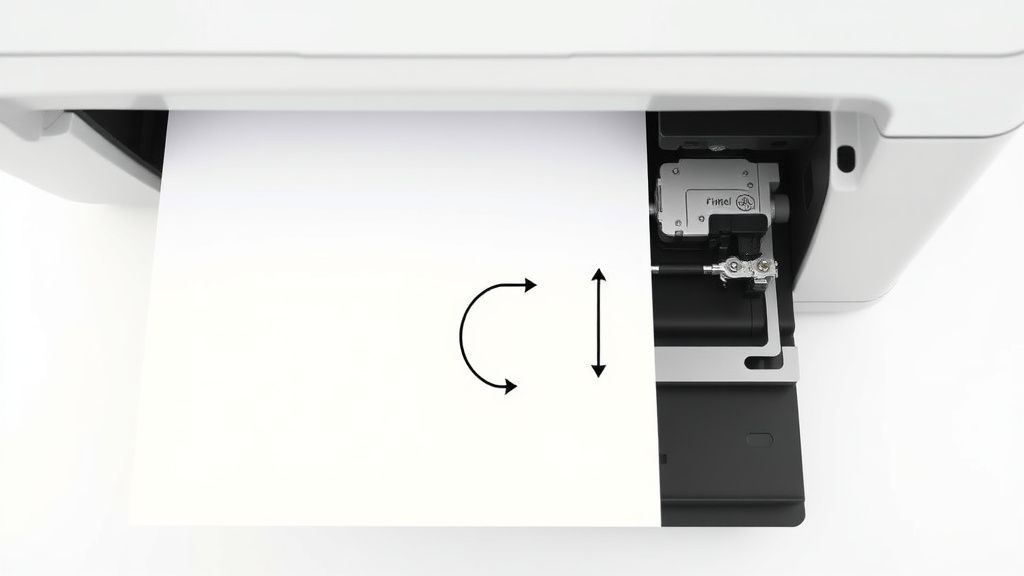
The reality of the Canon Pixma TR8620 is that it functions perfectly until it doesn't. Its "fail-safe" mechanisms are aggressive because, in a world of sub-$200 hardware, the manufacturer would rather have you stop printing than have the printhead crash into a crumpled mess of paper. Maintenance isn't just about cleaning; it’s about understanding the mechanical limitations of the hardware you’ve invited into your workspace. When the light starts blinking, don't panic. Treat it as a routine mechanical inspection, clear the obstruction, and—most importantly—check your paper stock and humidity levels. Your printer is not broken; it is merely reminding you that it is a physical machine living in a dusty, humid, and unpredictable world.