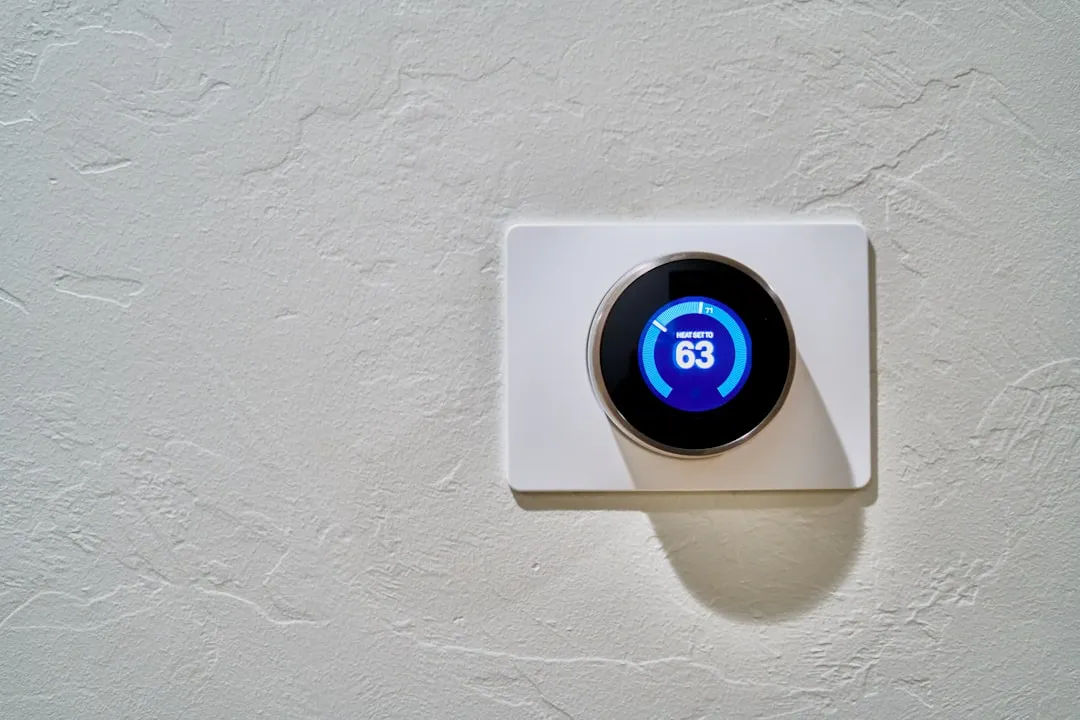
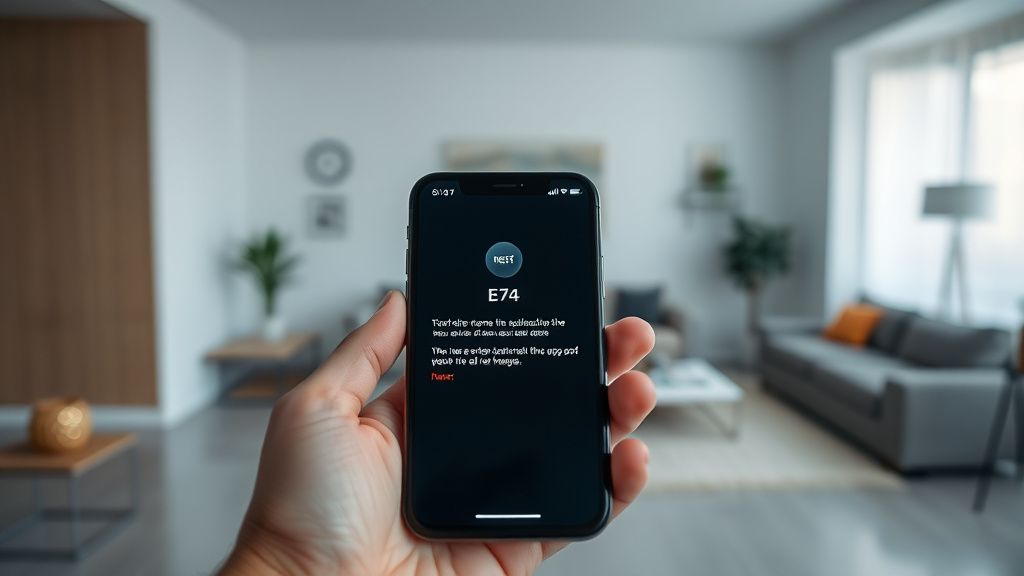
The E74 error code on a Nest Learning Thermostat is the digital equivalent of a "check engine" light blinking on your dashboard while you are driving through the middle of nowhere. Similar to how you might troubleshoot a Nest Thermostat E195 Error, the E74 signifies that your thermostat is no longer detecting a signal from the power wire (typically the Rh or Rc wire). Unlike a simple connectivity glitch, this error often unearths deep-seated issues within your HVAC ecosystem: aging infrastructure, faulty wiring connections, blown fuses, or even incompatible system configurations that have been simmering beneath the surface for months.
The Anatomy of the Power Failure: Why the Nest Struggles
At its core, the Nest Learning Thermostat is a power-hungry device compared to the vintage "dumb" bimetallic strips it replaced. Those older units operated on simple loops; the Nest requires a constant, steady stream of electricity to power its Wi-Fi antenna, high-resolution LCD, and internal sensors. When faced with such power-related issues, whether with a smart thermostat or a device like a Surface Laptop 7 that won't wake up, a systematic approach to troubleshooting power failures is essential.
When you see an E74 error, the device is essentially saying it has been "starved." It isn't just about whether there is electricity; it is about whether that electricity is reaching the Rh/Rc terminals with the correct voltage. Understanding this power delivery failure is key, much like diagnosing why a Ryobi 40V battery stops charging requires expert diagnostics into its power circuit. Often, this isn't an issue with the Nest itself, but a failure of the "power stealing" mechanism—a proprietary way Nest devices draw power from the HVAC equipment's control board—or a failure in the Common (C) wire circuit.
Deep-Dive: Investigating the HVAC Control Board and Fuse
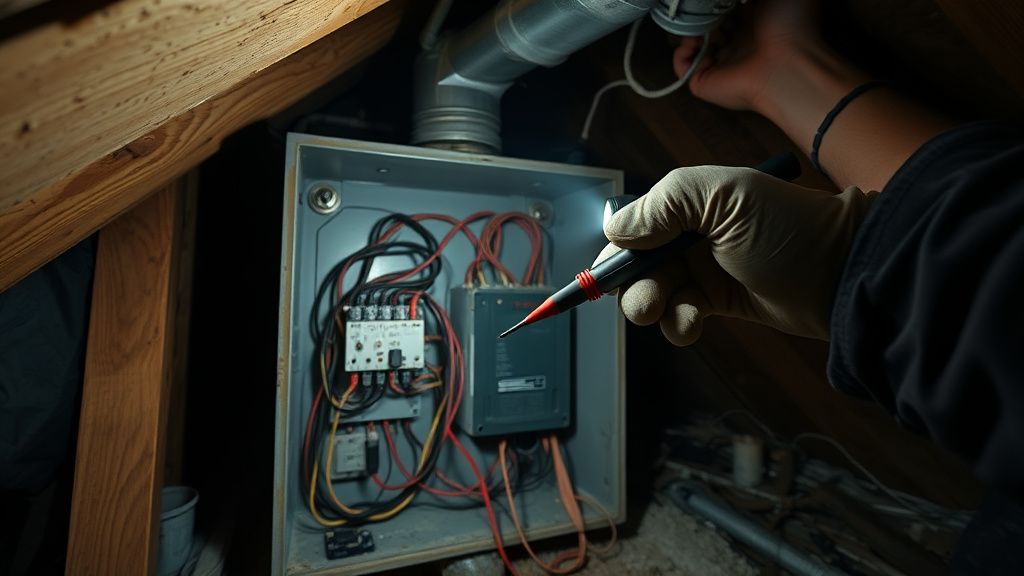
Before you dismantle the thermostat, the real investigation happens in the basement or attic. Most residential HVAC systems use a 3-amp or 5-amp automotive-style fuse on the control board to protect the low-voltage circuitry. If your E74 error appeared suddenly after a power flicker or a minor maintenance project, your first stop should be the furnace or air handler’s control board.
Look for a small, usually purple or yellow, plastic fuse. If it is blown, the Nest will lose all power at the Rh/Rc wire. However, ask yourself why it blew. Was it a stray wire strand touching a metal cabinet during the last filter change? Or is a contactor coil in the outdoor unit shorting out, drawing too much current and popping the fuse?
The Reality of "Power Stealing": Nest’s "power stealing" technology relies on the thermostat's ability to pull a tiny amount of current through the heating/cooling equipment even when the system is idle. On older, high-impedance systems, this works flawlessly. On modern, high-efficiency equipment with sensitive digital control boards, this "leaked" current can occasionally cause ghosting—the furnace blower might chatter, or the AC relay might flicker, leading to the E74 error.
When the C-Wire is Not a Luxury
The industry consensus, especially among seasoned HVAC technicians on platforms like r/HVAC and various professional mailing lists, is that the C-wire (Common wire) is no longer optional. While early marketing materials for smart thermostats often touted "no C-wire required," the reality of long-term stability tells a different story.
If your E74 error is intermittent—disappearing during the day and returning at night—you are likely experiencing a "voltage drop" scenario. When your Wi-Fi activity spikes or the display backlight brightens, the power demand exceeds the threshold the "power stealing" circuit can provide without a dedicated ground loop.
- Case Study: The "Intermittent Flicker" Syndrome One user on a popular home-automation forum reported the E74 error appearing only when the furnace blower kicked into high speed. After three service calls, they discovered that the vibration from the blower motor was causing a slightly loose wire at the thermostat base to lose physical contact for a microsecond. The Nest, being highly sensitive to voltage drops, would instantly register the E74. This highlights the importance of mechanical integrity over mere digital troubleshooting.
Troubleshooting Steps: A Logical Workflow
To resolve the E74 error, follow this methodical path. Do not skip steps, as the root cause is frequently a "hidden" physical fault.
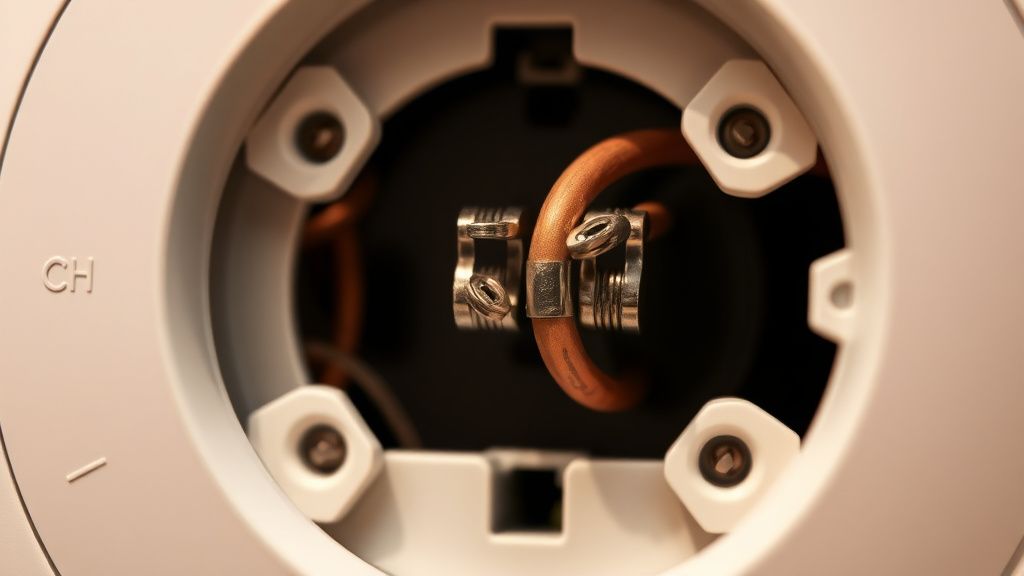
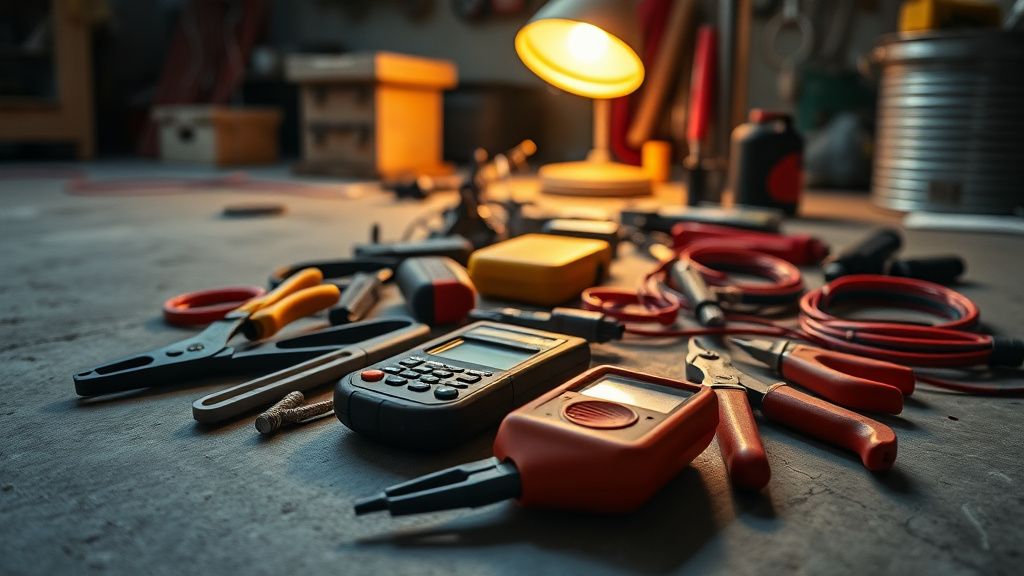
- The "Voltage Check" at the Base: Remove the Nest display and use a digital multimeter to check the voltage between the Rh/Rc terminal and the C terminal. You should see between 24V and 28V AC. If you see 0V, the problem is back at the furnace/air handler (fuses, power switch, or control board).
- Inspect the Wiring Integrity: Are the wires straight? A "J-hook" or a bent end that has been shoved into the terminal can create a high-resistance connection. Trim the wire back to expose fresh, clean copper, and ensure it is inserted fully until you feel the spring-loaded terminal "bite" into the metal.
- The "C-Wire" Mitigation: If you have an unused wire in your wall bundle (often the blue or black wire), connect it to the C-terminal at both the thermostat and the control board. If you do not have an extra wire, consider installing a power extender kit (PEK) or, better yet, pulling a new 18/5 thermostat wire. Relying on power-stealing on a system prone to E74 errors is a losing battle.
- Resetting the Handshake: Sometimes, the Nest’s internal software loses track of the power cycle. Simply pulling the display off the wall for 10 minutes and performing a hard reset can force the device to re-poll the HVAC control board, often clearing phantom E74 flags.
Counter-Criticism and Industry Debate
There is a persistent, heated debate in the engineering community regarding Google/Nest’s design philosophy. Critics often argue that the "power stealing" method is inherently flawed, as it forces the thermostat to act as a parasite on the heating/cooling equipment. Some HVAC contractors flatly refuse to install Nest devices without a mandatory C-wire installation, citing "callback fatigue"—the reality that they are forced to return to the job site for free to fix a "smart" device that isn't actually getting enough power.
Furthermore, some argue that the E74 error message is too vague. A truly diagnostic system would specify "Low Voltage detected" versus "No Circuit Continuity." By grouping these under a single E74 code, the user is forced into a guessing game, which leads to unnecessary hardware replacements.
When the Problem is Actually the Wall-Bundle
A frequent, overlooked edge case involves the physical wire itself. Over decades, copper wire inside walls can become brittle, especially if it was bent sharply during installation. If the wire is partially broken inside the wall—making contact only when the house is warm (thermal expansion) and failing when the house cools—you will experience maddeningly intermittent E74 errors.
If you have performed the multimeter tests and the voltage is fluctuating, but the wire looks fine at the thermostat and the furnace, check the "splices." Many homes have a splice point near the furnace or in a utility closet where the thermostat wire connects to the main control board bundle. These are often made with cheap wire nuts or, worse, electrical tape. These connections corrode over time, creating high-resistance points that appear as power errors to the Nest’s sensitive diagnostic software.
Navigating the "Community Support" Maze
If you dive into the Nest support community or Reddit, you will find a graveyard of unresolved E74 threads. The common sentiment is: "It worked for three years, why now?"
The answer usually lies in the degradation of the relay components in the HVAC unit itself. As the contactors in your furnace or AC unit age, they draw slightly more current to engage. This reduces the "headroom" available for the Nest to steal power. What was once a functioning system is now an ecosystem at its breaking point.
Pro-Tip for Advanced Users: Check your logs using the Nest app’s history feature. If the E74 error consistently correlates with the AC compressor starting, you have a classic "inrush current" issue. Your compressor is pulling so much power to start that the voltage dip is triggering the Nest’s safety protocol. This isn't a Nest error; it's a symptom that your compressor's start capacitor is failing.
Final Thoughts: Beyond the Error Code
The E74 error is a diagnostic window into the health of your home’s climate control system. While it is easy to blame the software, the error is almost always a physical reality of the hardware. Treat it not as a "bug" to be cleared, but as a signal that your HVAC system’s low-voltage circuit needs maintenance.
When you finally clear the error, don't just put the cover back on. Document the wiring, label your terminals at the control board, and ensure the path from the transformer to the wall is robust. In the world of smart home infrastructure, reliability is never a feature; it is an installation standard.
FAQ
What does "E74" specifically mean on a Nest thermostat?
If I see E74, does it mean my Nest is broken?
Will the E74 error cause my house to freeze or overheat?
Is it safe to just "re-seat" the wire to fix E74?
Do I really need a C-wire?
Can a dirty air filter cause an E74 error?
Checklist for Field Diagnostics:
- Visual Inspection: Are the Rh/Rc wires stripped and seated properly?
- Voltage Test: Use a multimeter; are you getting 24V-28V AC at the wall?
- Fuse Check: Did the 3A/5A fuse on the furnace control board pop?
- Connection Splices: Is the wire junction between the wall and the unit corroded?
- System Demand: Does the error occur specifically when the compressor starts (potential capacitor failure)?