If your Fitbit Charge 6 has gone dark, it is rarely a sign of hardware death. In most cases, it is a firmware hang or a power-state synchronization failure. If you're encountering similar difficulties where your Fitbit Charge 6 won't sync, there are advanced fixes you can try. To fix it, you must bypass the standard charging loop by holding the inductive button (haptic side strip) for 10–15 seconds while connected to a power source. If that fails, the issue likely stems from a corrupted cache or a deep-cycle battery depletion error.
The Mechanics of the "Black Screen of Death"
The Fitbit Charge 6, like its predecessors, relies on an ARM-based microcontroller that manages everything from PPG (photoplethysmography) sensors to the Always-On Display (AOD). When the device enters a "black screen" state, it is essentially stuck in a kernel panic or a low-power interrupt loop. From an engineering perspective, this isn't a "broken" screen; it’s a non-responsive OS, much like when a Surface Laptop won't wake up due to firmware power state failures.
Users often mistake a drained battery for a hardware failure. However, when the lithium-polymer cell drops below a critical voltage, the internal PMIC (Power Management Integrated Circuit) enters a protection mode. This is a common issue across wearables; for example, if your Apple Watch Series 10 battery is draining fast, here are some fixes that might share similar diagnostic principles. If the device is removed from the charger too early or if the contact points on the proprietary charger are oxidized, the device cannot initiate the "handshake" required to wake up the screen.
Understanding the Hard Reset Protocol
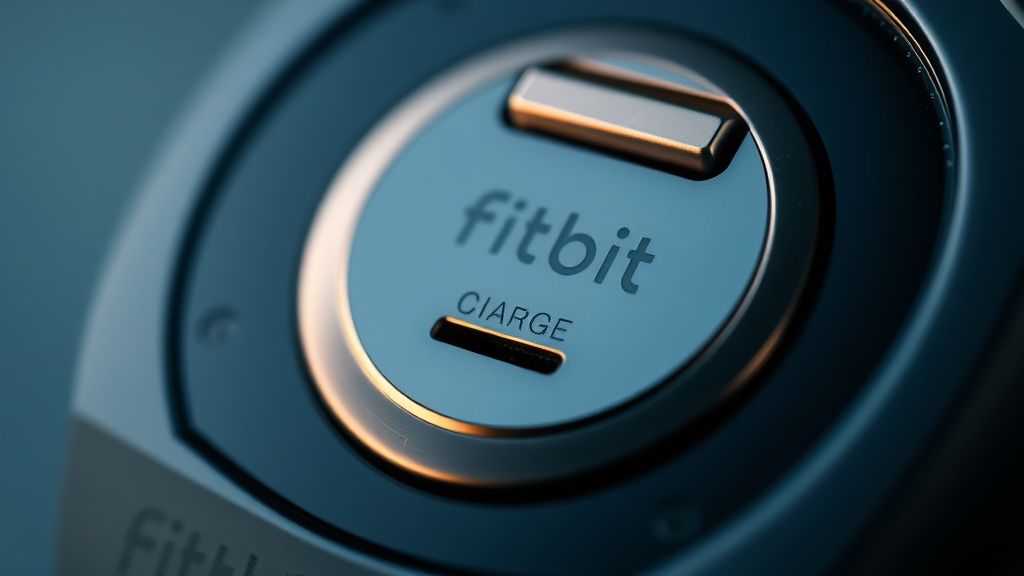
The standard "restart" procedure—holding the side button—is often misunderstood. It is not just a button; it is a capacitive sensor that sends an interrupt signal to the CPU. If the software is completely frozen, the signal may be ignored.
- Verify the Source: Ensure you are using the original magnetic puck. Third-party chargers, frequently found on Amazon or AliExpress, often use thinner-gauge wiring that fails to deliver the steady 5V required to jumpstart a deep-discharged battery.
- The 15-Second Rule: Plug the device into a wall adapter (not a laptop USB port, which often has power-saving sleep states) and hold the button for exactly 15 seconds. Do not let go until you see the Fitbit logo or a battery icon.
- The "Clean Contact" Variable: If the device vibrates but stays black, you are dealing with a display driver failure. If it does not vibrate, the issue is power delivery.
Real Field Reports: The Community vs. The Software
Looking at various subreddits like r/Fitbit and the official Google Help Community, a pattern emerges. Users reporting the "Black Screen" often mention it happening immediately after a firmware update (specifically the v200.x iterations).
- Case Study A (Hacker News Discussion): A user reported that their Charge 6 went dark after a night of sleep tracking. After 48 hours of it being "dead," they wiped the contact pins with 99% isopropyl alcohol and switched from a USB-C hub to a dedicated 5W wall brick. It recovered instantly. The consensus? The device was likely in a boot loop caused by a failed sensor poll.
- The "Held Together with Tape" Sentiment: There is a recurring frustration in the developer community regarding the transition of Fitbit’s firmware to Google’s infrastructure. Many long-time users feel that the software stability has regressed, citing "ghost vibrations" and "black screens" as symptoms of a rushed codebase that struggles with memory leaks.
Troubleshooting Beyond the Basics: Power Management and Firmware
If the standard reset fails, you are entering the territory of "operational friction." Most users reach for the support chat here, only to be told to "try a different cable." This is a standard tier-one response, but it obscures the deeper problem: battery aging.
Fitbit batteries are not designed to be replaced. They are soldered onto the logic board. As the chemical composition degrades over 18–24 months, the internal resistance increases. This makes the device significantly more sensitive to voltage drops during the charging handshake. If your screen is black, try this "Cold Charge" method:
- Leave the device on the charger for a full 4 hours, regardless of whether the screen turns on.
- After 4 hours, remove the charger for 30 seconds.
- Reconnect it and hold the button for 20 seconds.
The Economic and Policy Reality
Why does this happen so frequently? The Fitbit Charge 6 is a mass-produced consumer electronic device. Its BOM (Bill of Materials) is optimized for cost. This means the display ribbon cable and the inductive charging pins are common failure points.
We must also consider the Platform Policy factor. Google has signaled a shift toward the Pixel Watch ecosystem. There is a palpable sense in the community that the Charge line is being treated as a "legacy" product, leading to slower bug fixes and thinner support resources. When you search for "Charge 6 blank screen," the sheer volume of threads suggests this is an endemic design flaw, not an edge case.
When to Accept the Device is Failed
There is a point where the "workaround culture" must give way to hardware acceptance. If you see a flickering display, vertical lines, or if the device gets excessively hot while charging, you are likely looking at a short circuit on the motherboard.
- The "Heat Test": If the device burns to the touch when plugged in, unplug it immediately. This is a sign of a failing battery cell (thermal runaway). Do not try to "force" it to reset. This is a safety hazard.
- The "Sync Test": If the Fitbit app on your phone still sees the tracker (even if the screen is black), the logic board is alive. The problem is isolated to the OLED panel or its ribbon connector. In this case, there is no "hard reset" that can fix a broken hardware connection.
Counter-Criticism: Why the Hype Doesn't Match the Stability
Marketing material for the Charge 6 emphasizes its ECG and EDA sensors—highly advanced features for a tracker. However, these require significant processing power and frequent data writes to the internal flash memory.
Critics argue that the device's storage architecture cannot handle the write-heavy workload of constant biometric tracking. When the storage becomes fragmented or full, the device struggles to boot, leading to the dreaded black screen. This is a classic "scaling problem." When you pack high-end sensor suites into a chassis with minimal RAM, you are asking for system instability.
My screen is black, but I feel a buzz when I tap the button. Is it broken?
Usually, no. If the haptic motor fires, the battery is alive and the main processor (MCU) is responding. This almost always indicates that the OLED display driver has hung or the cable has loosened. Try a "blind reset"—connect it to a charger and hold the side button for 20 seconds. If it still doesn't light up, the display panel itself is likely dead.
Can I fix a "Black Screen" by letting the battery die completely?
Sometimes. Allowing the device to drain until it is completely unresponsive can force the PMIC to perform a "cold boot" when it eventually receives power. However, be aware that if the battery is already struggling with low voltage, this might push it into a state where it can no longer hold a charge at all. Use this as a last resort.
Does the Fitbit app update fix the black screen bug?
Google pushes updates to fix "general stability issues," which often include the code for handling sleep cycles. If you have been avoiding updates, you may be stuck on a known buggy firmware version. If the screen is black, try keeping it on the charger for 24 hours to ensure it finishes a background update.
Are third-party chargers responsible for the black screen?
They are a significant contributing factor. Many cheap chargers lack the necessary current regulation circuitry. Using an unregulated charger can cause the device to enter an "Over-Voltage Protection" mode, effectively disabling the screen to prevent damage to the motherboard.
If my device is under warranty, should I open it?
Absolutely not. Opening a Charge 6 voids the warranty immediately. Because the unit is glued shut, you will destroy the water-resistance seals. If you are experiencing a black screen that doesn't resolve with the 15-second reset, contact Google Support to initiate an RMA (Return Merchandise Authorization) process.
Final Thoughts on Hardware Longevity
In the world of wearables, we have traded longevity for functionality. The Charge 6 is a marvel of sensor engineering, but it is physically fragile. If you find yourself frequently resetting your device, keep a digital log of the dates. If the frequency of "black screens" increases, it is not a software quirk—it is a sign that your device’s internal hardware is entering a state of terminal decline. In the ecosystem of 2026, where hardware is often treated as disposable, your best defense is understanding the limitations of the silicon on your wrist.