
Quick Answer: The Dyson V15 Detect "Pulse" issue typically signals a partial blockage, filter restriction, or motor thermal cutout — not a full motor failure. In most cases, a deep filter clean, blockage audit of the cyclone shroud and wand, and a 24-hour filter dry cycle resolves the pulsing within an hour of hands-on work, much like how you might use a technical troubleshooting guide to resolve other household appliance errors. Full motor replacement is rarely necessary.
There's a particular kind of dread that comes when a £600 cordless vacuum starts behaving erratically. The Dyson V15 Detect is the kind of machine people buy to solve problems, not create new ones — and when it begins that unmistakable rhythmic pulsing, cutting in and out every second or two on full suction, the immediate assumption is always the worst: the motor is dying.
That assumption is almost always wrong.
But understanding why it's wrong requires understanding how the V15 Detect actually behaves under load, how its onboard intelligence misreads certain conditions, and why Dyson's own customer service pipeline tends to funnel users toward replacement parts before trying the obvious fixes. This is partly an engineering story, partly a design story, and partly a story about how premium consumer electronics companies structure their support to create revenue rather than solve problems.
Let's be direct about that last part, because it matters to how you approach this.
What the Pulsing Actually Means: Decoding the V15 Detect's Airflow Protection Logic
The V15 Detect uses what Dyson markets as "intelligent suction management." In practical terms, this means the motor control board monitors airflow rate continuously. When airflow drops below a threshold — due to a blockage, a saturated filter, or a motor struggling to maintain RPM — the firmware interprets this as an imminent overheating scenario and begins a protective duty cycle. The motor pulses: on for roughly half a second, off for half a second, on again.
This is not motor failure. This is the motor protection circuit doing exactly what it was designed to do.
The distinction matters enormously because the pulsing behavior feels catastrophic, similar to the frustration of troubleshooting a Sony Bravia XR black screen or other persistent hardware glitches. The machine sounds damaged. Users on Reddit's r/dyson thread frequently describe it as "the motor dying in real time" — and a significant portion of them have already ordered replacement motors before anyone pointed out the filter was grey with accumulated fine dust.
"Bought a new motor, swapped it, still pulsed. Then cleaned the filter. Fixed instantly. Spent £89 for nothing." — u/VacuumRegret, r/dyson, 2023
This is a recurring pattern. The symptom looks like a motor fault, yet much like a Nespresso Vertuo orange light descaling error, the solution is often simpler than replacing the unit itself. The root cause is almost always upstream.
The Hierarchy of Causes: Where to Look Before Touching the Motor
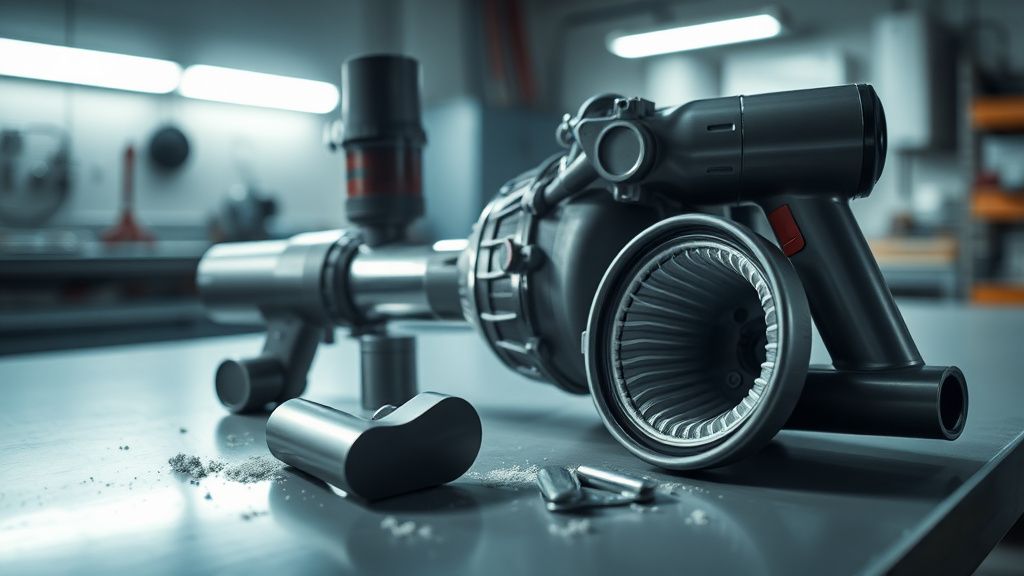
The Dyson V15 Detect pulsing issue has a fairly predictable fault hierarchy. Experienced repair technicians — not Dyson-certified, but the independent repair community that's grown around cordless vacuum maintenance — generally work through it in this order:
1. Filter Saturation: The Most Common and Most Overlooked Culprit
The V15 Detect uses a single washable HEPA filter at the rear of the motor housing. Dyson's official guidance says wash it monthly. In practice, most users wash it every three to six months, if at all. The filter is white when new. By the time pulsing starts, it is often a uniform grey or brown.
What makes this tricky is that a dirty filter doesn't always produce obvious suction loss. The machine can run at apparently normal power for months with a progressively restricted filter — until it can't, and then the pulsing starts suddenly. Users experience this as "it just stopped working one day" rather than as a gradual decline, which makes the filter less intuitive as a first suspect.
The correct remediation is not a quick rinse, and following a methodical repair process is just as crucial here as it is when fixing Roomba i7 Error 31 docking station communication failures. It requires:
- Removing the filter entirely from the rear cap
- Tapping it firmly over a bin to dislodge compacted fine particles before wetting
- Cold water only — running warm or hot water through a HEPA filter damages the electrostatic filtration medium and can cause future performance issues
- Washing until the water runs completely clear — this often takes three to five minutes of active rinsing, not thirty seconds
- Drying horizontally for a minimum of 24 hours — this is the step most users skip, and it is arguably the most critical
A partially wet filter reinstalled in the machine will cause the pulsing to persist or worsen. The moisture dramatically increases airflow resistance. If you've cleaned your filter and the machine still pulses, there is a meaningful probability the filter simply wasn't dry. Leave it another 24 hours. This sounds absurd for a premium product, but it's the operational reality.
2. Partial Blockages in the Cyclone Assembly and Wand
The V15 Detect's cyclone shroud — the grey conical section above the main bin — is a blockage trap that Dyson's product videos consistently underemphasize. Long-fiber debris (hair, string, fabric threads) wraps around the cyclone inlets and creates a restriction that doesn't show up as a visible blockage at the nozzle or in the bin, but meaningfully reduces the airflow the motor can pull.
Similarly, the metal wand section and the flexible hose connecting the main body to the motorized floorhead are common blockage points. A single dense hairball lodged at the bend in the hose can trigger pulsing immediately.
The blockage audit procedure:
- Detach all accessories and the wand. Run the motor body alone. If pulsing stops, the blockage is downstream.
- If it still pulses with nothing attached, the issue is in the main body or filter.
- Check the cyclone inlet with a flashlight — look for debris wrapped around the fins.
- On the wand: drop a coin through it. If it doesn't pass freely, there's a blockage.
This is basic, but the number of people who skip it and go straight to motor diagnosis is striking. Hacker News had a thread in late 2023 where a user described disassembling their motor assembly before anyone pointed out they hadn't checked the wand. Several responses were variations of "same thing happened to me, felt like an idiot."
3. Thermal Cutout and Battery Voltage Drop
The V15 Detect's motor controller also triggers pulsing behavior when battery voltage drops under heavy load — this manifests toward the end of a charge cycle or with an aging battery that can no longer maintain stable output voltage. This is distinct from the airflow-protection pulsing but looks identical to the user.
The diagnostic is simple: charge the battery to full and test immediately. If pulsing doesn't occur on a freshly charged battery but reappears after a few minutes of use, the battery is the more likely culprit — not the motor, and not a blockage.
Battery degradation in the V15 Detect follows a pattern that the community has documented fairly extensively. Dyson's own battery replacement program has faced criticism for being priced close to the cost of competitor machines, which creates genuine economic tension for users deciding whether to repair or replace.
The Motor Itself: When It Actually Does Fail, and What That Looks Like
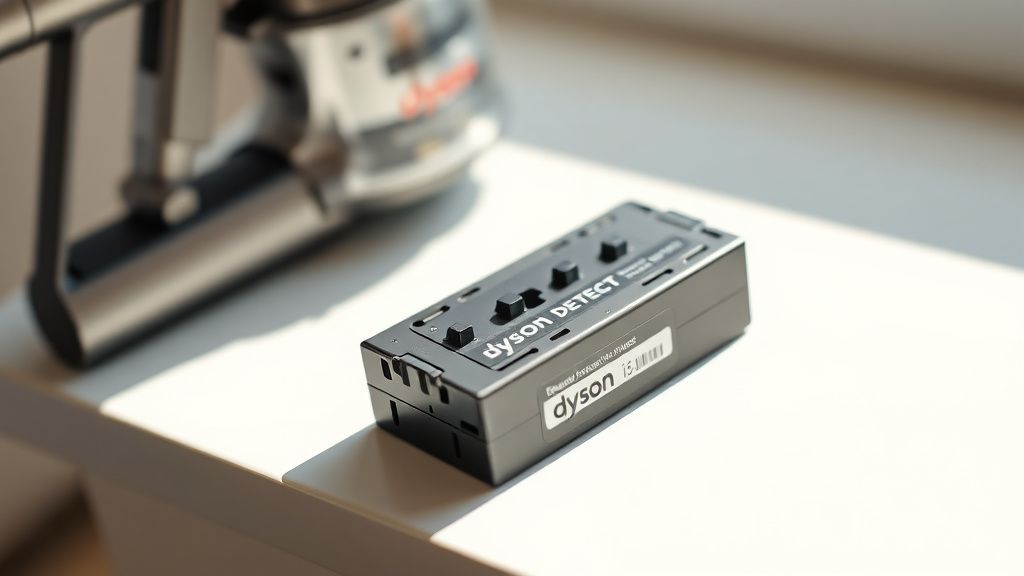
The Dyson V15 Detect uses a Dyson-designed digital motor — the Hyperdymium motor, running at up to 125,000 RPM. It's a brushless DC motor with a ceramic bearing system. These motors are genuinely well-engineered and have a substantially longer service life than the brush motors in older Dyson models.
Actual motor failure in the V15 Detect is relatively rare under normal use and typically presents differently from the pulsing:
- A burning smell during operation
- High-pitched whining that changes pitch unexpectedly
- The machine running for 3-5 seconds then shutting off completely (not pulsing — complete cutoff)
- Visible damage to the motor housing (melting, discoloration)
If you are experiencing rhythmic pulsing with no burning smell, no sudden shutoffs, and no pitch anomalies, the motor is probably fine. The pulsing is the protection circuit. The motor is the thing being protected.
There's a community-maintained diagnostic thread on the Dyson subreddit (pinned post from u/VacuumEngineer_Dan, updated through 2024) that walks through the distinction in reasonable technical detail. It's more useful than Dyson's official troubleshooting page, which tends to funnel users toward MyDyson app diagnostics that often just return a "contact support" recommendation.
"The app told me to contact support. Reddit told me to clean my filter. Reddit was right." — comment in r/dyson, 2024
This is not a knock on Dyson's engineering. It's an observation about how the support infrastructure is structured. The MyDyson app's diagnostic logic appears optimized to route users toward service visits and part replacement rather than self-resolution — an economic incentive that exists in tension with users' best interests.
The Repair vs. Replace Calculation: Economic Reality for V15 Detect Owners
At the time of writing, a genuine Dyson replacement motor for the V15 Detect retails around £89-£120 depending on supplier. Third-party motors from Chinese OEM manufacturers appear on eBay and Amazon for considerably less, but the compatibility is inconsistent and the failure rate in community reports is high enough to make them a questionable investment.
A replacement filter costs approximately £25-£35 for genuine Dyson. A thorough cleaning of the existing filter costs nothing.
The economic reality of most V15 Detect pulsing cases is that the actual repair cost is zero — if you're willing to do the diagnostic work properly. The expensive mistake is skipping that work.
For machines out of warranty with genuine motor failure confirmed, the calculation is harder. The V15 Detect's retail price makes it worth repairing — the motor is accessible and replacement is within DIY capability for someone comfortable with basic disassembly. But the cost of a genuine motor brings the total investment closer to a mid-range replacement machine, which creates a real decision point.
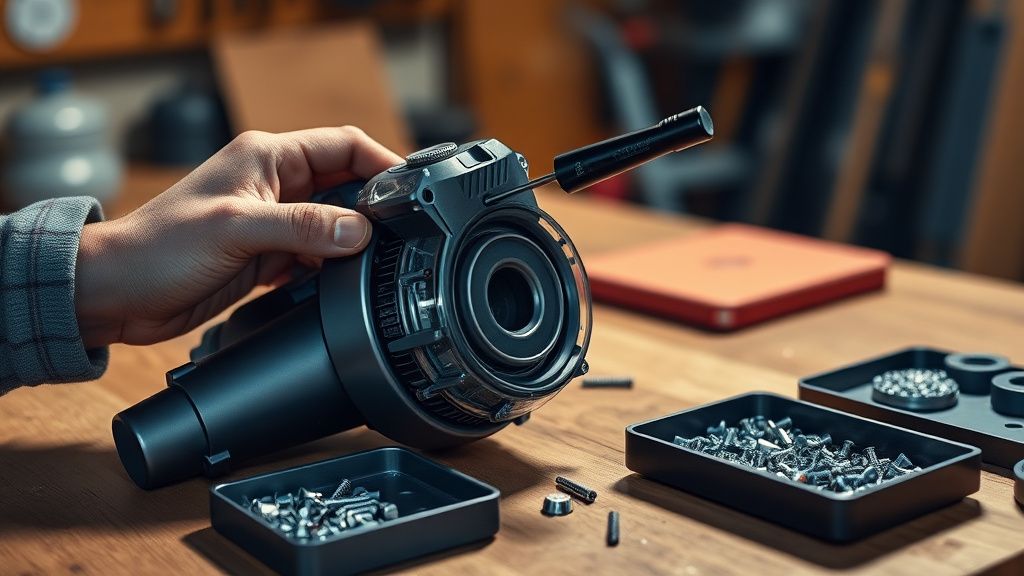
There's an emerging independent repair ecosystem for Dyson cordless vacuums — iFixit has published partial teardown documentation for the V15, and several YouTube channels (particularly in the UK market) have produced motor replacement guides with genuine utility. The repair difficulty is moderate: the machine requires T6 and T8 Torx drivers, careful handling of the motor wiring harness, and attention to the seal gasket around the motor housing.
Real Field Reports: What Actually Happens in Practice
The community record on this issue is extensive enough to draw some patterns from.
A recurring scenario reported across the Dyson subreddit, MoneySavingExpert forums, and Which? community threads: user buys V15 Detect, uses it for 12-18 months, never cleans the filter, pulsing starts. User contacts Dyson support. Support runs remote diagnostic via MyDyson app. App returns "motor fault" code. Support recommends £89 motor replacement or a paid service visit. User buys motor. Installs it. Machine still pulses. User cleans filter. Machine works perfectly. User is £89 lighter for no reason.
A variant: user cleans filter but reinstalls it after only a few hours of drying. Machine still pulses (because wet filter). User concludes filter wasn't the problem. Orders motor. Motor arrives, installs, machine still pulses (because filter still damp). User now concludes the motor fault is deeper and contacts Dyson again.
There are also genuine edge cases. One report from a user who runs a dog grooming business described a V15 that pulsed despite a clean, dry filter and no detectable blockages. In this case, the machine was being used in short intensive bursts multiple times daily, and the thermal cutout was triggering from genuine motor heat buildup — not a blockage. The solution was operational rather than mechanical: allowing the motor 5-10 minutes of cool-down between heavy-use sessions. The motor itself was fine.
Another category of field reports involves users who purchased the V15 Detect secondhand and inherited maintenance debt — a dirty filter, degraded battery, and possibly a partially blocked cyclone simultaneously. These cases require working through the full fault hierarchy methodically rather than assuming any single cause.
Counter-Criticism: What Dyson Gets Right (and Where the Community Narrative Oversimplifies)
It's worth applying some pressure to the prevailing community narrative, which tends toward "Dyson support is useless, just clean your filter."
That narrative is largely accurate for the pulsing issue specifically, but it can lead users to delay addressing real faults. Not every pulsing case is a dirty filter. The MyDyson app's diagnostic tools, while imperfect, have improved with firmware updates and do catch genuine electrical faults that visual inspection misses. The app's battery health diagnostic, specifically, provides data that's difficult to assess without it.
Dyson's filter design — the single-filter HEPA system on the V15 — has also faced legitimate engineering criticism. Competing platforms from Miele, Bosch, and newer entrants in the cordless space use multi-stage filtration with clearer visual indicators of saturation. The V15's filter gives users almost no signal of its condition until it fails. A filter with a color-change indicator or a saturation alarm would prevent a significant proportion of pulsing cases. That this feature doesn't exist on a machine in this price bracket is a genuine design gap that some users reasonably resent.
There's also a softer critique worth acknowledging: the V15 Detect is marketed heavily on its LCD screen, laser dust detection, and intelligent auto-mode. These features work well. But they create a mismatch between the machine's perceived sophistication and its actual maintenance requirements, which are identical to far less expensive machines. You still need to manually monitor and clean a filter that gives you no feedback. The technology hasn't automated the maintenance. It's a psychological tension that shows up in one-star reviews with a notable frequency: "expensive machine, basic problem."
The Full Diagnostic Protocol: Step-by-Step
This is the operational sequence that resolves the majority of V15 Detect pulsing cases. Work through it in order before considering parts replacement.
Phase 1: Filter
- Remove and inspect the rear HEPA filter
- Tap firmly over a bin to remove dry debris
- Rinse under cold running water until water is clear — this should take several minutes
- Shake out excess water
- Leave flat in a warm room (not in sunlight, not near direct heat) for a minimum of 24 hours
- Reinstall only when completely dry
Phase 2: Blockage Audit
- Detach all accessories
- Run the main body alone — note whether pulsing occurs
- Visually inspect the cyclone shroud with a flashlight
- Check the bin inlet for wrapped fiber debris
- Check the flexible hose with a coin-drop test
- Check the motorized floorhead for hair wrap on the brush bar and channel blockages
Phase 3: Battery Assessment
- Charge fully (at least 3.5 hours)
- Test immediately after full charge
- If pulsing occurs only after several minutes of use, battery health is the suspect
Phase 4: Firmware
- Ensure the MyDyson app is connected and the machine has the latest firmware
- Known bugs in earlier firmware versions caused false pulsing triggers in cold temperatures (below approximately 10°C ambient)
- A firmware update resolved this in several reported cases
Phase 5: Genuine Motor Assessment
- Only after ruling out all of the above
- Look for burning smell, complete shutoff (not pulsing), pitch anomalies
- If confirmed motor fault: weigh genuine Dyson replacement vs. machine age and battery condition before committing to repair cost
Maintenance Patterns That Prevent the Problem Entirely
The most reliable way to avoid the V15 Detect pulsing issue is to establish a maintenance rhythm that the machine's design doesn't prompt you toward.
- Filter wash every 30 days of regular domestic use (Dyson's stated guidance). For households with pets, more frequently.
- Cyclone shroud check every 60 days — a flashlight and a piece of folded paper towel can clear most wrapped fiber debris in under two minutes.
- Brush bar hair removal every 10 uses — the V15's anti-tangle technology reduces hair wrap but doesn't eliminate it, despite marketing language that implies otherwise.
- Battery storage — if the machine is stored for more than a few weeks, store it at approximately 50% charge rather than fully charged or fully depleted. This extends battery chemistry longevity.
These are straightforward tasks. The problem is that the V15 Detect's premium