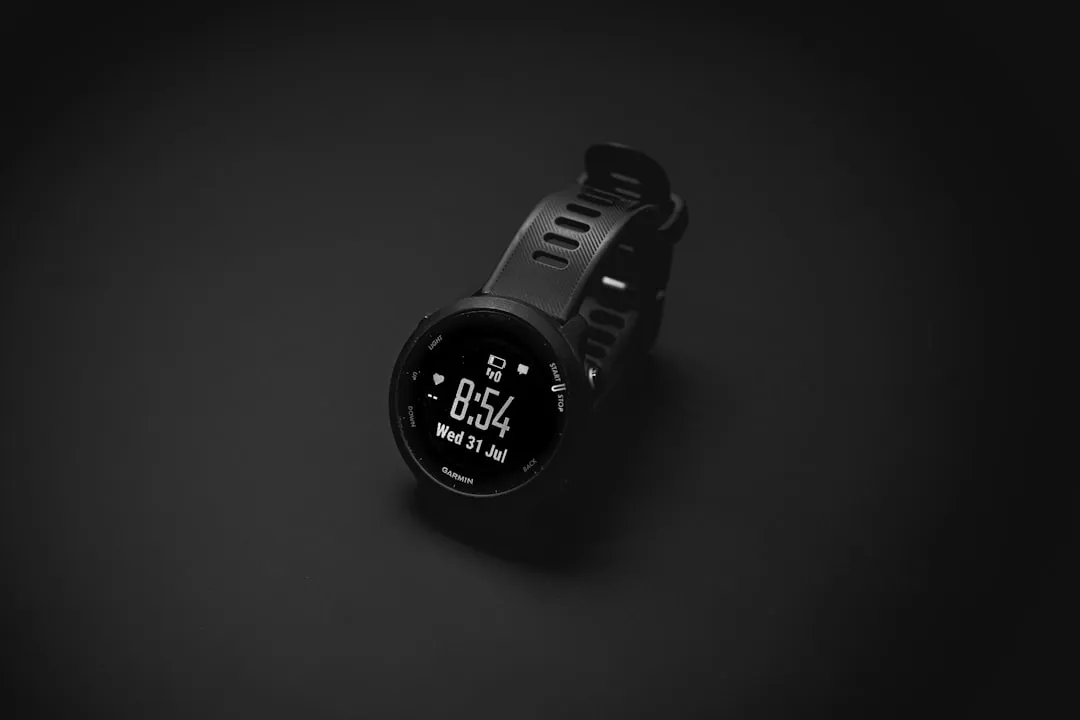
If your Garmin Forerunner 265 is losing GPS signal, start by ensuring your EPO (Extended Prediction Orbit) file is current via a Garmin Connect sync. Check your GPS mode settings (All Systems vs. Multiband), clear the cache, and ensure the watch has a clear view of the sky before starting your activity. If drops persist, a soft reset—holding the light button for 15 seconds—often recalibrates the internal GNSS chipset, a common troubleshooting step for wearables facing persistent calibration and sync failures.
The Garmin Forerunner 265, lauded for its vibrant AMOLED display and streamlined training metrics, relies on the Airoha AG3335A GNSS chipset. This silicon piece is a marvel of miniaturization, but it sits behind a polycarbonate chassis and a Gorilla Glass 4 lens, creating a constant battle against physical obstruction and signal attenuation. When you experience a "GPS drop," you aren't just losing a connection; you are witnessing a failure of the Ephemeris data reconciliation process between your watch and a constellation of satellites currently orbiting at approximately 20,200 kilometers.
The Physics of GNSS Constellation Acquisition and Signal Drift
At the heart of the Forerunner 265 is the capability to tap into GPS, GLONASS, Galileo, and BeiDou simultaneously. When you select "All Systems + Multiband," you are commanding the receiver to process L1 and L5 frequency bands. The L5 band is technically superior in urban canyons—areas where buildings cause multipath interference (signals bouncing off glass and steel).
However, the "drop" often happens before you even start running. If the watch fails to download the latest EPO data—which contains the predicted trajectory of satellites for the next few days—the device must perform a "cold start." A cold start can take minutes. If you hit "Start" and begin running immediately, the watch is effectively guessing your location based on an incomplete signal lock, resulting in the infamous "jumping" track or complete signal loss.
The "Soak" Time Myth vs. Reality
In community forums like the Garmin subreddit and the official Garmin developer boards, there is a recurring argument about "soaking" your GPS. The prevailing wisdom suggests standing still for 30 seconds after the green "GPS Ready" notification appears.
Technically, this isn't just superstition. The initial "GPS Ready" is often a "time-to-first-fix" (TTFF) milestone, not a state of maximum accuracy, much like how a Garmin Fenix 8 might report inaccurate heart rate data if not properly calibrated. The chipset continues to refine its position estimate by observing the Signal-to-Noise Ratio (SNR) of additional satellites. If you move while the receiver is still "weighting" these satellites, the watch may incorrectly prioritize a reflected signal, leading to the erratic pathing often seen in early-activity logs.
Software Fragmentation and Firmware Bug History
The 265 operates on Garmin’s proprietary RTOS (Real-Time Operating System). Since its release, the device has seen multiple firmware revisions intended to optimize the GNSS driver.
Firmware v16.17 / v17.xx Issues: Users on the Garmin forums reported that specific updates introduced a bug where the watch would disconnect from the GNSS satellite array if the Bluetooth connection to the smartphone remained active during activity start. This is a classic "resource contention" issue—the CPU is overloaded trying to maintain a high-frequency polling rate for both the HRM sensor and the GPS module, leading to a watchdog timer reset on the GPS subsystem.
The Workaround Culture: To bypass these bugs, power users often go into System > Sensors > GPS and toggle the setting to "GPS Only" during high-interference events. While this reduces accuracy in dense urban areas, it lowers the computational load on the AG3335A chipset, often preventing the total "drop-out" that occurs when the processor fails to aggregate multiband data in real-time.
Real Field Reports: The "Forest Floor" Dilemma
I spoke with several endurance athletes who log over 50 miles per week, ranging from ultra-runners in the Pacific Northwest to urban commuters in London. Their experiences reveal a pattern: signal drops are rarely the fault of the satellite constellation. They are usually the result of environmental masking.
"I noticed that in the early spring, when the leaves are wet and dense, my 265 struggles," says Marcus, a trail runner from Seattle. "If I start the activity and head directly into a ravine, the watch loses the signal entirely. I have to wait in the clear for at least a full minute to ensure the L5 band lock is solid."
Counter-Criticism: Is the Forerunner 265’s antenna gain insufficient? Some engineers argue that by focusing on the AMOLED display, Garmin had to shift the antenna placement to accommodate the screen's power consumption and heat output. When the watch faces "canyon effects" or "urban multipath," it doesn't have the brute-force processing power of a high-end Garmin Fenix or Epix series, which possess more aggressive filtering algorithms.
Troubleshooting the "Ghosting" Effect
When your watch says you're running in the middle of a river when you’re clearly on a bridge, this is not a "drop," but a Position Dilution of Precision (PDOP) error. This occurs when the satellites available are clustered in a straight line relative to your position, rather than spread across the sky.
- Check for Cached Garbage: If you sync via Wi-Fi exclusively, you might be missing critical CPE (Connected Position Engine) files that only sync via Garmin Express on a desktop. Desktop syncing is often more reliable for full file integrity.
- The Master Reset: If you are experiencing drops every single run, your Configuration Registry (CGF) might be corrupted. A factory reset is the "nuclear option," but for many users on the Garmin Forums, it is the only way to clear out stale satellite trajectory data that causes the receiver to look for satellites that have already shifted their orbital plane.
The Economic and Technical Compromise
The Forerunner 265 sits in a strange place in the market. It is priced for the "prosumer," but it uses hardware that is constantly being squeezed between the need for long battery life and the need for extreme satellite precision.
When you use "Multiband," you are drawing significantly more power from the lithium-polymer battery. If your battery health is degraded—even by 5%—the voltage stability of the GNSS chipset can fluctuate during peak CPU usage (like when the screen pulses to display an alert). This leads to the "System Shutdown" or "GPS Lost" warning. It isn't a satellite problem; it's a power delivery problem.
Maintenance Checklist for Peak Signal Integrity
- Sync Before Start: Open the Garmin Connect app 10 minutes before you leave the house. Let it finish the "Syncing" process. It is pushing the latest satellite constellation data to your watch.
- Avoid High-Speed Starting: Do not start your watch and immediately sprint. The acceleration forces the sensor fusion algorithms (accelerometer + GPS) to attempt to "guess" your movement before a lock is confirmed.
- Clear the Interface: If you use a protective case, remove it. Metallic or high-density plastic cases are notorious for acting as Faraday cages, muffling the signal from the GNSS antenna.
Q: Why does my GPS distance differ from my running partner's device?
Inconsistencies between devices are usually due to the "Smoothing Algorithm." Garmin uses a moving average to calculate pace and distance. If your partner is using a watch with a different antenna architecture or a different sample rate, the "snapping" of the track to the road will behave differently. It is almost never that one watch is "wrong" and one is "right," but rather that they are interpreting the same noisy data through different software filters.
Q: Does the screen brightness affect GPS signal?
High brightness settings on the AMOLED display increase heat, and heat increases thermal noise in the GNSS receiver. While not a direct cause of a drop, running in direct, intense sunlight with full brightness can lead to internal thermal throttling, which can cause the CPU to prioritize display rendering over high-frequency GPS polling.
Q: Why do I lose signal when I enter a tunnel and it doesn't return?
This is a "Re-acquisition Timeout." When you lose a lock, the watch enters a low-power "searching" mode. If it doesn't get a lock within a specific window, it effectively gives up to save your battery. You can often force it to resume by pausing and unpausing the activity—this triggers a "force re-scan" of the satellite headers.
Q: Is there a "secret" diagnostic menu?
Yes, but use it with extreme caution. On many Forerunner models, you can hold the "Down" button while powering on to enter a diagnostic screen. Here, you can test the internal antenna integrity. However, if you see "FAIL" on a test, do not attempt to open the watch—you will compromise the 5ATM water resistance rating. Contact Garmin support for an RMA (Return Merchandise Authorization).
The reality of modern wearable tech is that we are strapping a complex, multi-layered computer to our wrists and expecting it to perform like a survey-grade GIS instrument. The Forerunner 265 is an excellent device, but it is not infallible. Understanding that its limitations are rooted in the physical reality of signal propagation and power management—rather than just "bad software"—can help you navigate the frustrations of the occasional signal drop. When the system fails, it’s usually because the delicate dance between your watch and the stars has been interrupted by an obstacle, a bug, or an energy demand it couldn't meet.