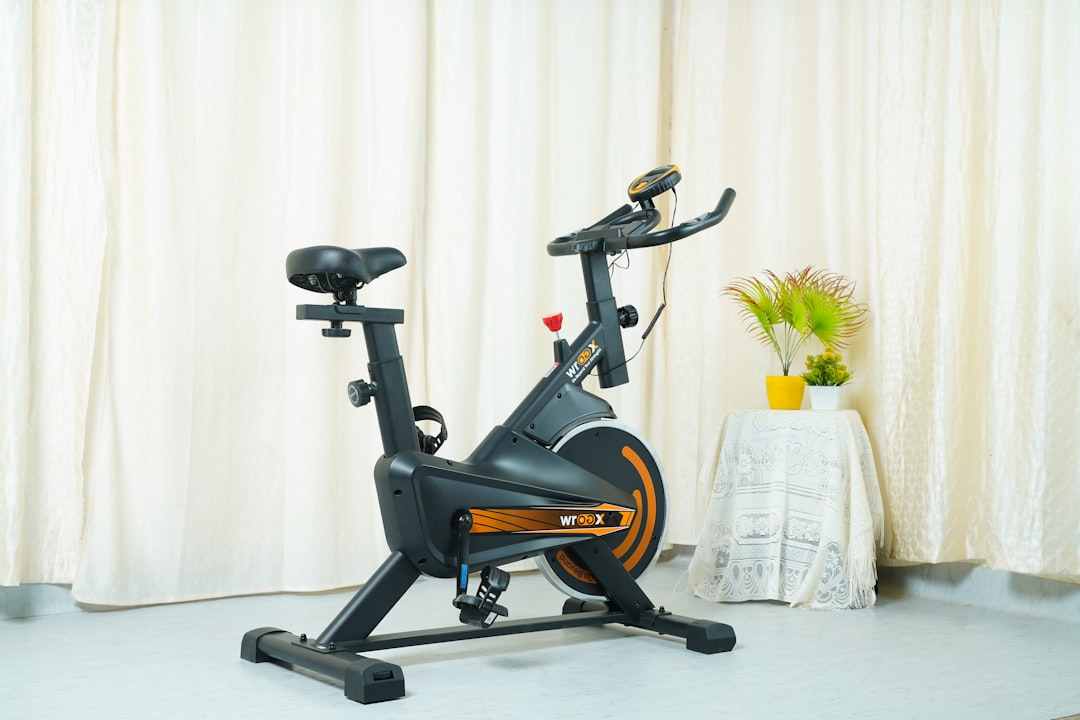
Quick Answer: Peloton bike heart rate sync issues are almost always caused by Bluetooth interference, a depleted sensor battery, incorrect pairing sequence, or ANT+ vs. Bluetooth protocol mismatch. The fastest fix: remove the HRM from your device list, replace the battery, move away from Wi-Fi routers, and re-pair in a clean Bluetooth environment. Most issues resolve in under five minutes.
There's a particular kind of frustration that only Peloton riders know. You're three minutes into a twenty-minute HIIT ride, sweat starting to pool on the handlebars, and the heart rate display reads "—". Or worse, it reads 47 BPM while you're clearly approaching cardiac distress. You tap the screen. You press the sensor strap harder against your chest. Nothing. The instructor is calling a "push" and you have no idea if your body is actually responding.
This isn't a niche edge case. Heart rate sync failures are arguably the most complained-about technical issue in Peloton's ecosystem — not because the hardware is uniquely bad, but because the intersection of Bluetooth Low Energy (BLE), ANT+, proprietary wearable protocols, and a touchscreen tablet running a locked-down Android build creates an environment where failure modes multiply in ways that aren't immediately obvious to the user. The system looks simple. It isn't.
What follows is a real operational breakdown of why Peloton heart rate sync fails, what's actually happening at the protocol level, and how to fix it — not the five-second version from Peloton's support FAQ, but the version that accounts for the actual complexity of what's going wrong.
Why Heart Rate Sync Fails: The Protocol Reality Behind the Frustration
Bluetooth Low Energy, ANT+, and the Compatibility Trap
Peloton's tablet supports two wireless protocols for heart rate data: Bluetooth Low Energy (BLE) and ANT+. This sounds like redundancy, like having two paths to the same destination. In practice, they behave completely differently and serve different device ecosystems.
ANT+ is what older fitness hardware uses — Garmin chest straps, older Wahoo sensors, and many gym-grade HRMs manufactured before 2018. It's a low-power mesh protocol developed by Dynastream (acquired by Garmin in 2006), optimized for one-to-many broadcast scenarios in fitness environments. BLE is what modern wearables use — Apple Watch, newer Polar straps, Garmin's recent wrist-based sensors, the Peloton-branded heart rate band.
The problem isn't that Peloton supports both. The problem is that the pairing flow in the tablet UI doesn't explicitly tell you which protocol it's attempting, and it doesn't always fail gracefully when there's a mismatch. A device broadcasting over ANT+ will sometimes appear in the BLE scan list — partially, incompletely — creating the illusion of compatibility right up until the point where data transmission actually needs to happen.
On the Hacker News thread from early 2023 titled "Why does fitness hardware Bluetooth still feel like 2009?", several embedded systems engineers described this exact failure mode: partial device visibility without functional data transfer. One commenter with a Garmin background noted that "ANT+ and BLE are not interchangeable, but device discovery UIs almost never communicate this clearly, which leads users to assume pairing equals connection."
This isn't unique to Peloton. It's a structural problem in how consumer fitness hardware communicates protocol requirements.
The Crowded Spectrum Problem
Home gym environments — or even commercial gym floors — are electromagnetically hostile, much like the interference that can cause issues if you're trying to resolve why your Wi-Fi 7 mesh nodes keep dropping. Your 2.4GHz Wi-Fi router, your neighbor's router bleeding through walls, your phone's active Bluetooth connections, smart home hubs, cordless keyboards, baby monitors: all of these compete in the same radio frequency band.
Bluetooth operates across 79 channels in the 2.4GHz spectrum, hopping between them to avoid interference. BLE uses 40 channels. When channel congestion is high, packet loss increases. A heart rate monitor that's successfully paired might still drop data intermittently because the connection keeps fragmenting. From the user's perspective, this looks like "the sensor keeps disconnecting." From a signal perspective, it's more like the sensor is shouting in a crowded room and only some words are getting through.
In dense apartment buildings, this problem scales dramatically. Several r/pelotoncycle threads from 2022-2023 document users in New York City high-rises experiencing consistent BLE failures that disappeared immediately when they moved the bike to a less RF-dense room or upgraded from 2.4GHz to a 5GHz Wi-Fi setup on their router — not because 5GHz affects Bluetooth directly, but because moving the tablet's Wi-Fi connection to 5GHz reduces coexistence interference in the 2.4GHz band.
Diagnosing the Actual Failure Mode Before You Fix Anything
Most support guides jump straight to "restart your tablet." This is the advice equivalent of turning it off and on again — sometimes it works, but it tells you nothing about why it works, which means the problem will return.
Before touching anything, observe the failure pattern:
Pattern 1: HRM appears in device list but won't confirm pairing This typically indicates a protocol mismatch (you're trying to pair an ANT+ device over BLE), a firmware version incompatibility, or a device that's already "bonded" to another host (your phone, your smartwatch, another Peloton bike at a commercial gym).
Pattern 2: HRM pairs successfully but shows no data or wildly incorrect data This is almost always a sensor-to-body contact issue (the electrode pads are dry), a battery issue (not dead, but below optimal voltage — sensors become unreliable well before the battery reaches zero), or firmware on the HRM itself needing an update.
Pattern 3: HRM shows data intermittently, drops every few minutes Classic RF interference pattern. Also consistent with a chest strap that's slipping due to improper sizing — a looser strap loses skin contact during intense effort, when the body is most mobile.
Pattern 4: HRM never appears in the scan list at all The device isn't broadcasting. Battery is likely dead, the device is in a non-pairing mode, or there's a hardware failure. Less common, but occasionally caused by the Peloton tablet's Bluetooth radio being in a bad state requiring a full reboot.
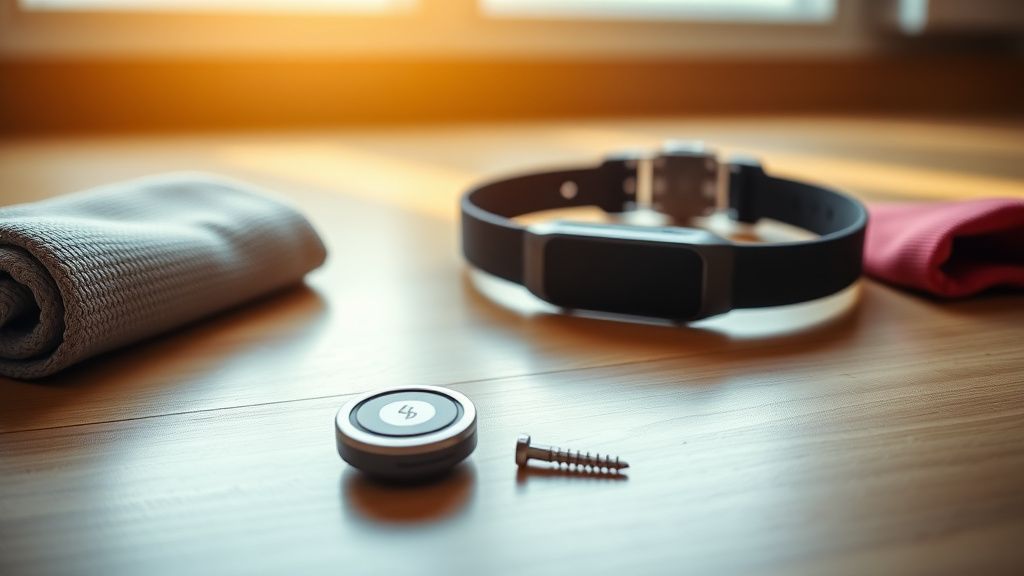
The Fix: A Layered Approach That Actually Works
Layer 1: Hardware First — Don't Skip This
The most common root cause of Peloton heart rate sync failure is a dying battery. Not dead — dying. A CR2032 or similar coin cell battery in a BLE HRM can show 80% life on a battery tester while still performing inconsistently as a Bluetooth transmitter, because radio transmission is the most power-demanding function and the battery's ability to deliver peak current degrades before its average voltage does.
Replace the battery. Even if you "just replaced it." Batteries from off-brand multipacks have notoriously variable quality. Use a name-brand CR2032 (Panasonic, Energizer, Duracell) and note the difference.
For the chest strap specifically:
- Moisten the electrode contacts before wearing. Dry electrodes are the single most underdiagnosed cause of noisy or absent HR data. Saliva works. Water works. The dedicated electrode gel works better.
- Position the strap correctly: the transmitter pod should sit at the center of the sternum, with the strap sitting just below the chest. For women, the fit is often tighter and more variable due to bra interference — this is a real and underacknowledged fit issue.
- Check for electrode pad degradation. After 12-18 months of regular use, the rubber electrode contacts can crack or harden, losing their ability to maintain consistent skin contact. This is a hardware failure that no amount of re-pairing will fix.
Layer 2: Clear the Pairing State
Peloton's tablet maintains a bonding table — a list of devices it has previously paired with, stored at the Bluetooth stack level. This bonding state can become corrupted, stale, or conflict with a new pairing attempt if the device's identity has changed (e.g., after an HRM firmware update).
To clear this properly:
- On the Peloton tablet, navigate to Settings > Device Bluetooth Settings
- Find your HRM in the "Connected Devices" or "Previously Connected" list
- Select it and choose Forget This Device (not just disconnect)
- Power cycle your HRM completely — remove the battery, wait 30 seconds, reinsert
- Move at least 10 feet away from any other active Bluetooth devices (phones, headphones, speakers)
- Begin a fresh pairing from the Peloton's Heart Rate Monitor settings, not the general Bluetooth settings
This sequence matters. The mistake most users make is starting a new pairing without first removing the old bonding entry, which causes the tablet to try to reconnect using the old authentication keys — which no longer match after the device was reset.
Layer 3: Address the RF Environment
If hardware and pairing are clean but drops persist, the environment is the problem.
- Relocate the router or at minimum ensure your Peloton tablet is connecting on a 5GHz band (check via Settings > Wi-Fi)
- Disable Bluetooth on nearby phones and tablets during your workout — especially if they've previously paired with your HRM, as they may be attempting to establish their own connection
- Check for Bluetooth coexistence settings on your router if it has a 2.4GHz Wi-Fi band — some routers allow you to shift Wi-Fi channel assignments away from channels that overlap most aggressively with BLE operation (channels 1, 6, and 11 in 802.11 terms map roughly to BLE channels 37, 38, and 39)
Layer 4: Tablet-Level Troubleshooting
Sometimes the problem is genuinely in the Peloton tablet's Bluetooth subsystem. The tablet runs a locked Android build, and like all Android devices, its Bluetooth stack can accumulate state issues over weeks of operation.
A proper tablet restart isn't just pressing the power button. It's a full power cycle: hold the power button until the device completely powers off, wait 60 seconds, then restart. This clears the Bluetooth cache in RAM and resets the radio state.
If this doesn't resolve the issue, the next step is clearing the Bluetooth cache at the Android system level — which Peloton's locked interface doesn't expose directly. Some users in the r/pelotoncycle community have documented workarounds involving Peloton's hidden diagnostic menu (accessible via specific touchscreen gesture sequences on older firmware versions), but these paths close with each software update and aren't officially supported.
The nuclear option: factory reset the tablet via Settings > Device > Factory Reset. This is rarely necessary for Bluetooth issues alone, but it's the only way to fully clear a corrupted Bluetooth bonding database at the OS level if all other methods fail.
Device-Specific Failure Patterns: The Hardware That Causes the Most Problems
Apple Watch
The Apple Watch heart rate integration with Peloton is the most complicated relationship in the ecosystem, and it's worth understanding why.
Apple Watch can broadcast heart rate data over Bluetooth to third-party devices, but it does so through GymKit — Apple's proprietary gym equipment protocol — rather than standard BLE heart rate profile. Peloton supports GymKit on bikes with the GymKit-enabled display (check for the NFC sensor under the handlebars), but only on those specific units. On non-GymKit Pelotons, the Apple Watch will not transmit heart rate to the bike at all, regardless of how many times you attempt pairing.
This creates significant user confusion because the Apple Watch appears in the Bluetooth scan on some firmware versions, raising false hope. The Peloton app on iPhone can display Apple Watch heart rate data pulled from HealthKit, but that's a completely different data path — it's the phone reading HealthKit, not the bike reading the watch directly.
Several r/pelotoncycle threads from 2022 and 2023 contain frustrated users who spent significant time troubleshooting what they thought was a pairing issue, when the fundamental architecture simply doesn't support their desired use case.
Polar H10
The Polar H10 is widely considered the most reliable third-party HRM for Peloton, and for good reason: it broadcasts simultaneously over both BLE and ANT+, has dual electrode technology that minimizes contact issues, and uses a well-implemented standard BLE heart rate profile that Peloton's tablet handles cleanly.
But even the H10 has documented failure modes with Peloton. A known issue: if the H10 is connected to the Polar Flow app on your phone via BLE at the same time you're trying to pair it with the Peloton, the bike will fail to establish a stable connection because the H10's BLE radio is already in a bonded session with the phone. The fix is to force-close the Polar Flow app (or disable Bluetooth on your phone entirely) before pairing with the Peloton.
This isn't a bug, exactly — it's a limitation of BLE's connection model. BLE peripherals can only maintain one connection to one central device at a time. But it's operationally invisible to most users, who don't understand why closing an app on their phone would have any bearing on their bike.
Wahoo TICKR
The TICKR series has a known firmware issue documented in Wahoo's own support forums (and surfaced repeatedly in r/wahoofitness) where dual-mode broadcasting — BLE and ANT+ simultaneously — can cause the device to become "confused" about which connection is primary, leading to dropped data on whichever device connected second.
The workaround documented by the community: disable ANT+ on the TICKR by connecting to the Wahoo app and toggling the ANT+ broadcast off if you're exclusively using it with a Peloton. This doesn't affect BLE performance and eliminates the protocol conflict.
Real Field Reports: When the System Breaks Down in Ways Support Can't Explain
The Commercial Gym Problem
Peloton commercial installations — hotels, corporate fitness centers, apartment gyms — introduce a failure mode that home users never encounter: multiple Peloton bikes in proximity, all scanning for BLE devices simultaneously.
Each bike's Bluetooth radio is scanning and attempting to maintain connections, creating a dense RF environment where a single HRM can be seen by multiple bikes simultaneously. The bonding model means that whichever bike establishes the connection first "wins," and subsequent connection attempts from other bikes — or the original bike after you move to it — fail silently.
Users at commercial locations frequently report that their HRM "worked fine at home but won't work here." The hardware and software are identical. The environment is what changed.
Some commercial gym operators have attempted to manage this by assigning specific HRMs to specific bikes, but this creates its own operational burden and doesn't survive guest usage patterns.
The Post-Update Breakage Pattern
Peloton's OTA (over-the-air) update system pushes software updates to the tablet without user control. This is a deliberate product decision — Peloton wants all bikes on the latest firmware for content and safety reasons — but it creates a recurring frustration pattern when updates break Bluetooth behavior.
The most documented example: a 2021 firmware update changed how the tablet handled BLE device scanning, causing a subset of Polar and Garmin HRMs to appear in the scan list but fail to complete pairing. The issue was logged by multiple users in Peloton's official community forum under the thread "HR Monitor Not Connecting After Update" (which accumulated hundreds of replies before Peloton acknowledged it officially).
The fix took approximately three weeks to arrive as a patch. During that time, Peloton's support responses — according to community members — consistently directed users to re-pair their devices and replace batteries, which didn't address the actual firmware-level bug. This is a recurring support pattern: first-line support scripts are written for common causes, and they don't adapt quickly when the root cause is in Peloton's own software.
The Wrist-Based HRM Accuracy Problem (That Nobody Officially Acknowledges)
Wrist-based optical heart rate monitors — including Garmin's Forerunner series and Fitbit devices — are increasingly paired with Peloton bikes by users who don't own a chest strap. These devices broadcast BLE heart rate data, and many pair successfully with the Peloton.
The issue isn't pairing. It's accuracy.
Optical wrist HRMs measure HR through photoplethysmography — shining light into the skin and measuring blood volume
Bu makale affiliate linkleri içermektedir.