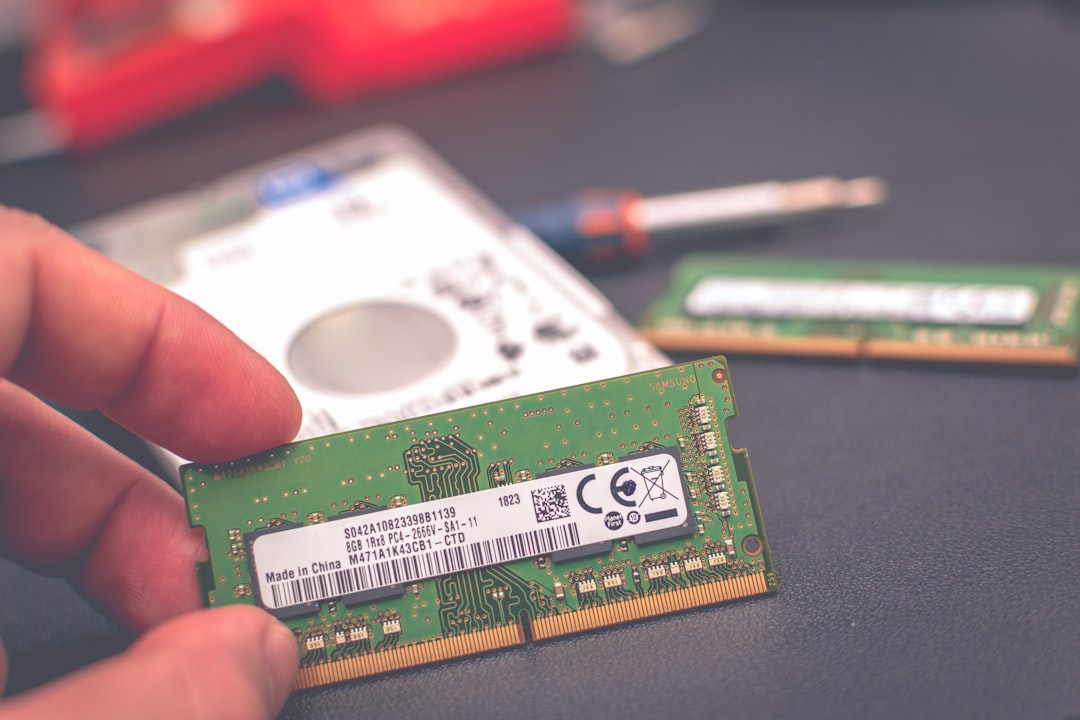
The hardware upgrade business is a lesson in managing the tension between user autonomy and manufacturer control. For a technician or a small shop, the model is straightforward: you are charging for the mitigation of “planned obsolescence.” You aren’t just selling 16GB of DDR4; you are selling the professional assurance that a $1,500 machine doesn’t need to be replaced after three years.
However, the operational reality is significantly more complex than swapping an SO-DIMM module. Success in this niche requires navigating the murky legal landscape of warranty stickers, the physical fragility of modern ultra-thin chassis, and the growing trend of soldered components.
The Economics of the "Upgrade Tax"
To understand why this service remains viable, you must look at the BOM (Bill of Materials) pricing manufacturers impose on consumers at the point of sale. Apple, Dell, and Lenovo often charge a 300% to 500% premium for RAM and storage upgrades at the factory level. A $200 upgrade for 32GB of RAM that costs the manufacturer $60 creates an artificial gap. Your business sits exactly in that gap.
The math, however, has shifted. Five years ago, it was about adding capacity. Today, it is about salvaging performance from hardware that is increasingly hostile to user serviceability. You aren’t just a parts swapper; you are a consultant helping users navigate the "Soldered Reality" and learning how to build a high-margin tech repair business by mastering CMOS battery replacement.
The "Warranty Void" Myth vs. Reality
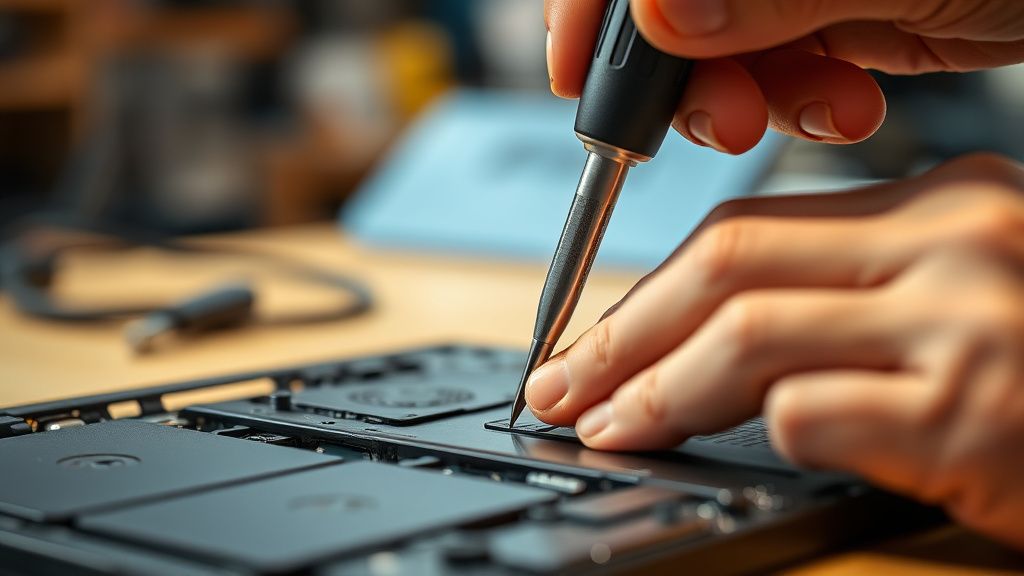
One of the most persistent hurdles in this business is the consumer's paralyzing fear of "voiding the warranty." In the United States, the Magnuson-Moss Warranty Act ostensibly protects consumers from losing their warranty just because they opened a device. Yet, in practice, manufacturers play a psychological game.
Many laptops feature a "Warranty Void if Removed" sticker over a chassis screw. Legally, in many jurisdictions, this sticker is often unenforceable nonsense—a "dark pattern" designed to discourage DIY intervention. But as a service provider, you face the operational fallout:
- Physical Damage: If you strip a proprietary screw or break a plastic clip, you are liable.
- Component Failure: If the original motherboard fails three months after you upgraded the RAM, the manufacturer’s support team will look for any excuse to deny the claim. If they see your "unauthorized" work, they will leverage that to deny service.
Operational Strategy: You must document every state of the device before you touch it. Use a time-stamped checklist. If a chassis is already bent or a screen hinge is loose, record it. This isn't just for your records; it’s your leverage when a customer inevitably blames your upgrade for a non-related component failure.
Real Field Report: The "Apple Silicon" Bottleneck
I recently spoke with a lead tech at a boutique repair shop in Seattle. They noted a significant drop in upgrade volume due to the Apple M-series transition. "We used to have a constant stream of MacBook Pro 2015-era machines coming in for SSD swaps," the tech explained. "Now? We’re essentially restricted to the rare PC laptop that still uses standard slots. The architecture has moved from 'repairable' to 'disposable'."
The field reality is this: your addressable market is shrinking for premium-tier devices, so consider mining the data center to profit from retired server hardware while maintaining your hold on mid-range enterprise and gaming hardware. Gaming laptops, specifically, are the "gold mine." They are designed to be opened, they have thermal profiles that require frequent maintenance, and users are obsessive about performance metrics.
The Workflow of a High-Margin Upgrade
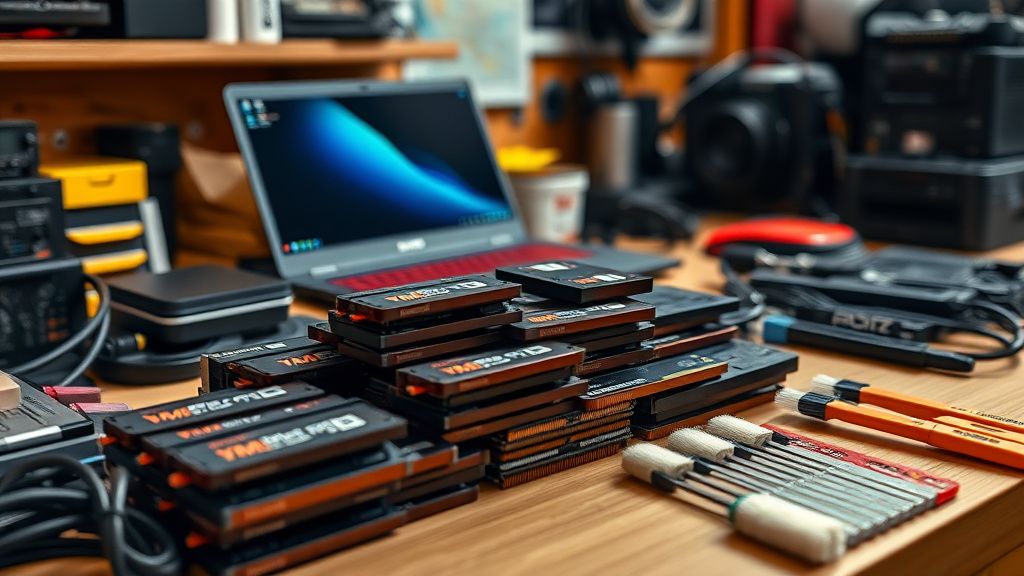
To build a sustainable business, you cannot just charge for labor. You must charge for the ecosystem. To diversify your revenue, you might look into scaling an AI automation agency and navigating payment system integration as you design a typical high-margin engagement like this:
- The Diagnostic Pre-Check: Test the system. Run a stress test (Prime95 or similar). Confirm the machine is stable before you open it. If it crashes during the "before" test, you save yourself the liability of a future "it broke because you touched it" argument.
- Component Sourcing: Don't buy cheap, rebranded SSDs from Amazon. Buy from reputable suppliers (Western Digital Black, Samsung Pro, Crucial). Your margin is built into the part, but your reputation is built on the part's reliability. If an SSD dies, you are the one the customer calls.
- The "Clean-Up" Upsell: Always offer to clean the fans and re-paste the CPU/GPU while the laptop is open. This is high-value for the customer (better thermal performance) and easy for you, as the device is already disassembled.
Counter-Criticism: The "Component Hostility" Argument
There is a growing school of thought among industry analysts that providing hardware upgrade services is a losing battle. The critics point to:
- Soldered RAM: The move to LPDDR5X, which is almost exclusively soldered to the logic board to reduce latency and physical footprint.
- Encrypted Storage: Modern machines with T2 or M-series security chips sometimes tie the SSD controller to the motherboard, making third-party drive upgrades physically impossible without risking catastrophic data loss or OS instability.
- Firmware Locking: Some manufacturers are beginning to implement "whitelist" hardware checks in the BIOS. If you install an SSD that isn't on their list, the machine may refuse to boot or throw constant thermal/compatibility warnings.
Is it worth fighting this trend? Only if you pivot from "upgrader" to "performance consultant." If you can't upgrade the hardware, you optimize the software (bloatware removal, clean OS installs, thermal management).

Scaling and the "Edge Case" Trap
The most common point of failure for new businesses in this sector is the "Edge Case." A user brings in a high-end laptop with a "weird" proprietary SSD form factor or a hidden screw underneath a rubber foot that shreds when removed.
The Golden Rules of Survival:
- Never rush the chassis opening. Modern laptops use adhesive-bonded battery packs and fragile ribbon cables (ZIF connectors). One slip of a spudger can tear a track on a ribbon cable, turning a $50 upgrade service into a $500 motherboard replacement liability.
- Always maintain a "screw map." If you take apart a chassis, draw a grid on a piece of paper and place the screws in their respective spots. Nothing destroys customer trust faster than a laptop returned with a mismatched screw sticking out of the bottom.
- Manage Expectations on Software: An upgrade is only as good as the drivers. If you swap an SSD, you need a robust cloning process (Macrium Reflect or Clonezilla) that handles sector-level alignment. If you simply copy-paste data, you leave the user with a sluggish machine and an unhappy experience.
The Human Element: Building Trust in a Skeptical Market
Why do people choose a local shop over buying a new machine? Usually, it's not just the money. It's the data. They are terrified of migrating their digital lives. When you offer an upgrade, you aren't just selling hardware; you are offering a "Data Migration Concierge" service.
Your marketing shouldn't be "We upgrade RAM." It should be "We keep your laptop fast and your data safe."

Economic Realities: Dealing with Margin Compression
As hardware becomes more commoditized, your margins on the parts themselves will shrink. In 2015, you could make a $100 profit on a 500GB SSD. Today, that same SSD costs $40. You must shift your business model to value-added services:
- The "Fresh Start" Service: Full OS deployment, driver optimization, and security hardening after an upgrade.
- Thermal Maintenance Packages: Replacing aging thermal pads and paste. This is labor-intensive but requires no expensive parts, making it high-margin.
- The Legacy Recovery: Helping users keep older, expensive enterprise hardware (like Dell Precision or ThinkPad P-series) alive for an extra two years.
The Future of Upgradability
We are entering a period where modularity is becoming a luxury feature (e.g., Framework laptops). For the rest of the market, the hardware is becoming a closed black box. As a technician, your role is to be the bridge between the manufacturer’s desire to sell you a new device and the user's desire to keep what they own.
The business model is not dead, but it has evolved. It is no longer about the "swap." It is about the preservation of utility.