The global workforce is suffering from a silent, largely ignored pandemic of digital visual fatigue. Building a high-ticket "Digital Ergonomics" consulting business—similar to how entrepreneurs are scaling a metabolic coaching business by turning CGM data into real client results—is not about selling monitor arms; it is about auditing the biological friction points of the knowledge worker. Success requires moving beyond superficial fixes to address lighting, focal distance, flicker-rate synchronization, and the neuro-muscular toll of continuous near-field focus.
The Anatomy of the Digital Ergonomics Market
We are living in an era of "pseudo-efficiency." Corporations optimize for uptime, not biological sustainability, often ignoring how their systemic processes—much like the ones discussed in The 2026 AI Employment Crisis: Why UBI Is Moving From Theory to Necessity—are fundamentally shifting the labor landscape. The modern developer, trader, or writer spends 10 to 14 hours a day in a fixed-focal-distance state, trapped in a feedback loop of high-contrast pixel arrays and circadian misalignment.
Most "wellness" solutions in this space are relegated to HR-department-mandated "ergonomic checklists"—sterile, generic PDFs that employees ignore. A high-ticket consulting practice thrives precisely because it ignores these checklists. Instead, it provides granular, environment-specific engineering. You aren't selling comfort; you are selling the remediation of performance bottlenecks caused by oculomotor dysfunction.
Identifying the Pain Points: The "Why" behind the "How"
When you pitch a high-ticket audit, you are talking to professionals who understand that "brain fog" is costly, just as high-frequency traders realize when asking is the copy-trading agency model the future of algorithmic investing?
The primary issues are rarely what the client thinks they are, much like how business owners often misidentify financial bottlenecks, as detailed in The Debt-as-a-Service Trap: How P2P Platforms Could Trigger a 2026 Liquidity Crisis.
- Focal Locking: The constant accommodation of the ciliary muscle to a fixed distance leads to pseudo-myopia.
- Blink Rate Collapse: Under digital concentration, the average blink rate drops by 60-70%, leading to evaporative dry eye—a primary driver of "headaches" that people misattribute to stress.
- Spectral Mismatch: Using 6500K color temperatures in a room lit by 2700K ambient bulbs causes the visual system to constantly re-calibrate, creating "visual noise."
Operationalizing the Audit
To move into the high-ticket bracket, your service must be diagnostic. You don't just "advise"; you measure.
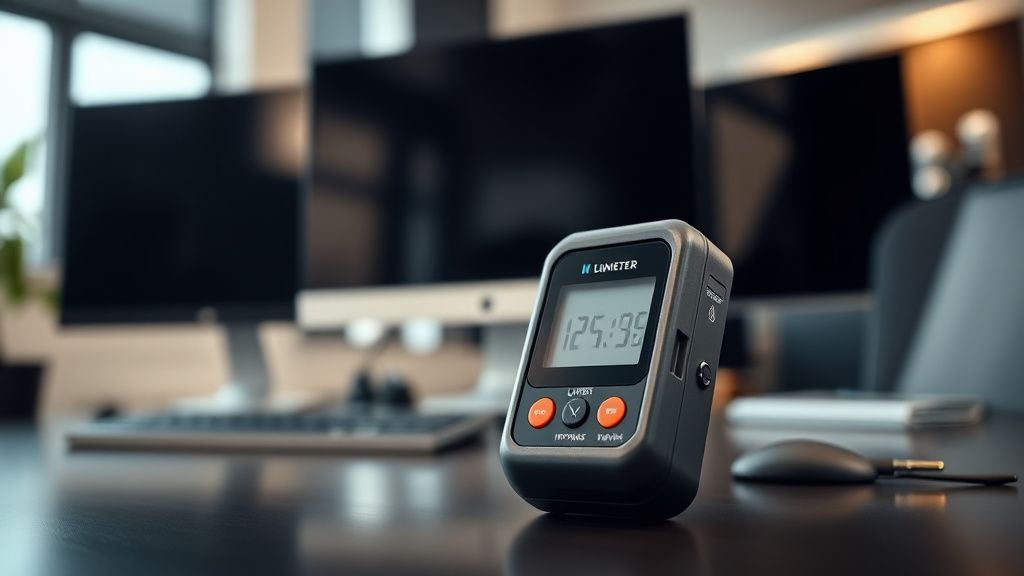
- Luminance Mapping: Use professional light meters to measure the contrast ratio between the screen and the wall behind it. If the screen is 300 nits and the wall is 5 nits, you have an ocular disaster.
- The 20-20-20 Protocol Reality: While everyone quotes this, few analyze the compliance failure. Suggesting it is useless. Engineering an environment that forces it (e.g., placing the monitor to look out a window or into a larger room space) is the service.
- Refresh Rate Sync: Analyzing the pulse-width modulation (PWM) of user monitors. Some panels flicker at frequencies that are invisible to the conscious mind but induce nausea in sensitive users.
Real Field Report: The "Dark Mode" Fallacy
In a recent project with a high-growth fintech firm, the leadership pushed for "Dark Mode everything" to improve ergonomics. The reality was a catastrophic increase in "halation"—the blooming of light around white text on black backgrounds.
For many users, particularly those with slight astigmatism, white-on-black text creates a perceived "ghosting" effect that forces the brain to work twice as hard to parse characters. We found that after shifting the firm to a "light-gray background, dark-charcoal text" palette (a variation of the Solarized theme), reported eye fatigue dropped by 40% in two weeks.
The Lesson: Never trust the "common sense" of software UI. Trust the physiology of the eye. Your value-add is knowing when industry standards fail, which is a critical skill whether you are designing ergonomic workflows, optimizing high-margin hardware upgrade services, or analyzing global market shifts.
Counter-Criticism: The "Hardware vs. Biology" Debate
There is a segment of the ergonomics community that argues high-ticket consulting is snake oil because the hardware is already "good enough." They point to modern display technology, IPS panels, and macOS font rendering as sufficient.
They are missing the environmental context. You can buy a $2,000 monitor, but if you sit it under a flickering fluorescent tube with a direct glare source behind you, that $2,000 investment is negated. The debate isn't about the screen; it's about the Display Environment.
Furthermore, critics argue that "digital eye strain" is just code for "burnout." While burnout is real, the physiological strain of the oculomotor system is a distinct, measurable medical phenomenon. If you focus only on the mental aspect, you ignore the physical mechanism that triggers the sympathetic nervous system to go into "fight or flight" mode due to perceived visual discomfort.
Building the Business: Beyond the Audit
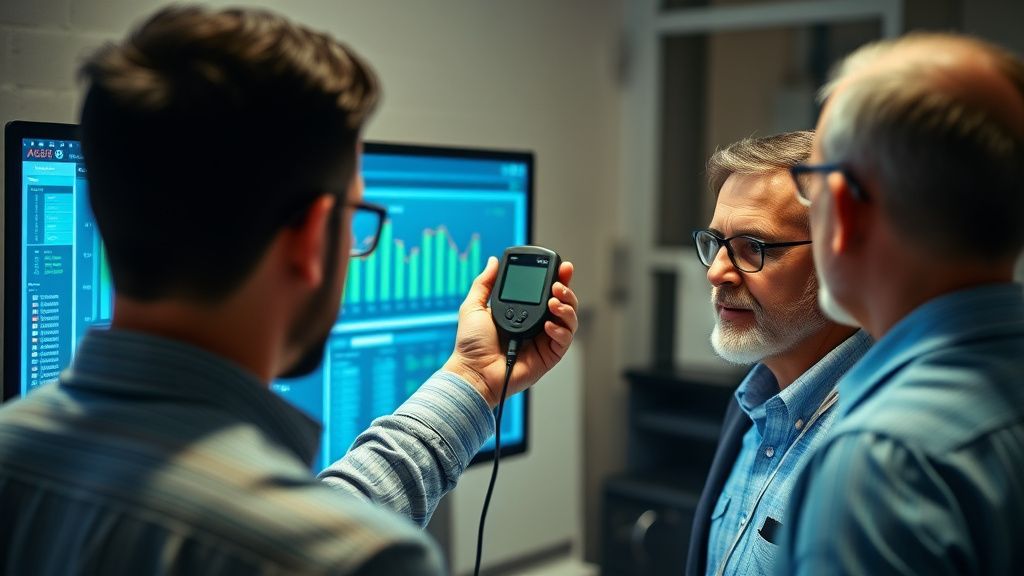
A $5,000 to $10,000 engagement isn't a one-off report. It is a transformation project.
- The Setup (Implementation): You don't just provide a list of gear; you oversee the installation. This includes calibrating monitor heights, installing bias lighting strips, and setting up blue-light filtering software (like f.lux or specialized hardware filters) at the kernel level if necessary.
- The Feedback Loop: Track subjective eye-strain scores via a weekly survey. If the scores don't drop, you iterate. This "accountability loop" is why you can charge high-ticket prices. You aren't just selling a recommendation; you are selling a guaranteed outcome.
- The "Workaround" Audit: Observe how the user actually works. Are they hunching? Are they using a phone while typing? Many issues are not caused by the monitor, but by the "triangulation" of devices—switching focus between a laptop, a tablet, and a phone.
The Infrastructure of Failure: Why Projects Collapse
You will face pushback. Scaling these services is difficult because you are dealing with User Resistance.
- The "I like it this way" bias: Users often prefer setups that are objectively harmful because they are habituated to them. Transitioning to a proper setup feels "weird" for the first 72 hours.
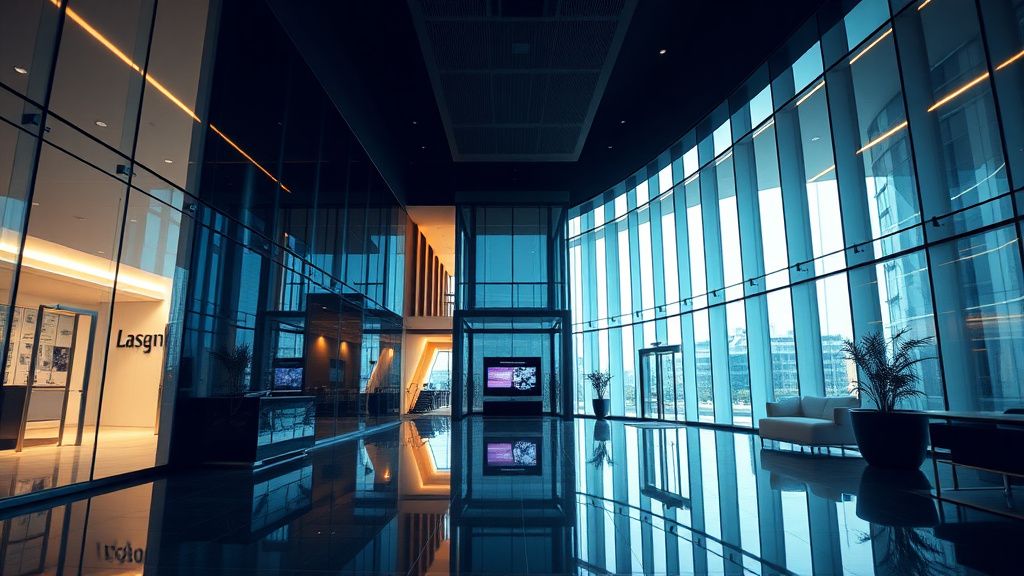
- The Aesthetics Battle: Many high-end, minimalist office designs are ergonomically atrocious—glass desks that reflect everything, non-adjustable lighting, or monitors mounted on walls that are too far away. You will have to fight architects and interior designers.
- The "Broken Promise" Risk: If you change a user’s environment and they suddenly find they can't perform their specific workflows (e.g., they need a super-bright screen for color grading), your credibility vanishes. Always perform a deep audit of the professional necessity before altering the display parameters.
Navigating the Ecosystem: The Politics of Modern Work
If you are working with larger firms, you are walking into a minefield of departmental politics. HR wants "employee wellness," IT wants "standardized hardware," and Facilities wants "aesthetic consistency."
You must navigate this by becoming the bridge. Speak the language of productivity, not just health. When you frame your work as "increasing the usable hours of the top 5% of performers," you gain a budget that HR simply doesn't have.
Technical Reality Check: Avoid the trap of becoming a "lighting consultant." You are an integrator. If you only talk about lumens and Kelvin, you lose the client. If you talk about "reducing the cognitive load of the visual system," you win.
Scaling the Practice: The "Productized" Service
To move beyond manual labor, document your processes. Create an "Ergonomic Audit Kit" for your clients.
- The Audit Protocol: Create a standard set of steps: Light measurement, posture mapping, focal distance verification, and peripheral glare analysis.
- The Hardware Matrix: Don't be a reseller, but build a list of "validated" equipment—monitor arms that don't sag, bias lighting that doesn't flicker, and high-quality optical gear.
- The Education Layer: Provide training for the team on why they are changing their habits. The "buy-in" is 80% of the battle. If they don't understand the physiological basis of the change, they will revert to their old habits the moment you leave the building.
Final Thoughts on Professional Integrity
The biggest risk in this industry is "solutionism"—selling products instead of solving problems. If you walk into a client's office and your first instinct is to sell them an expensive monitor arm, you have already failed.
The highest-paid consultants are those who can tell a client, "You don't need new hardware; you need to move your desk three feet to the left and adjust your screen brightness to 40%." When you prioritize the client's biology over your commission, the referrals will follow. The digital landscape is becoming increasingly hostile to human physiology; your role is to act as the interface that makes the digital world survivable, and eventually, comfortable.