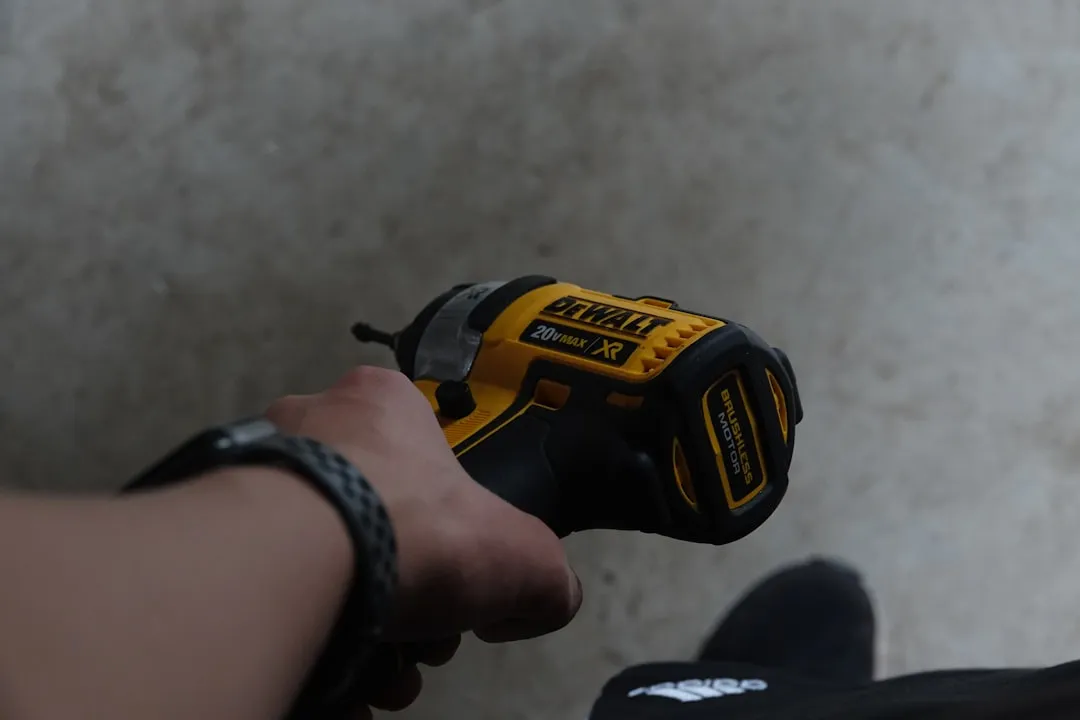
The frustration of a blinking red light on a DeWalt 20V XR or standard Max battery is a rite of passage for every contractor, woodworker, and weekend DIYer. If you're encountering the infamous DeWalt 20V charger blinking red light, we have specific troubleshooting steps to get you back on track. It usually happens on a Sunday evening, midway through a project, when the local hardware store is closed and the deadline is looming. Before you write off the battery as a dead brick or head to the counter for an expensive replacement, understand that the DeWalt "Won’t Charge" state is rarely a permanent hardware failure, a common scenario also seen with other power tool batteries like when your Ryobi 40V battery stops charging. It is, more often than not, a protective lockout triggered by the Battery Management System (BMS).
The Anatomy of a Locked 20V Battery Management System (BMS)
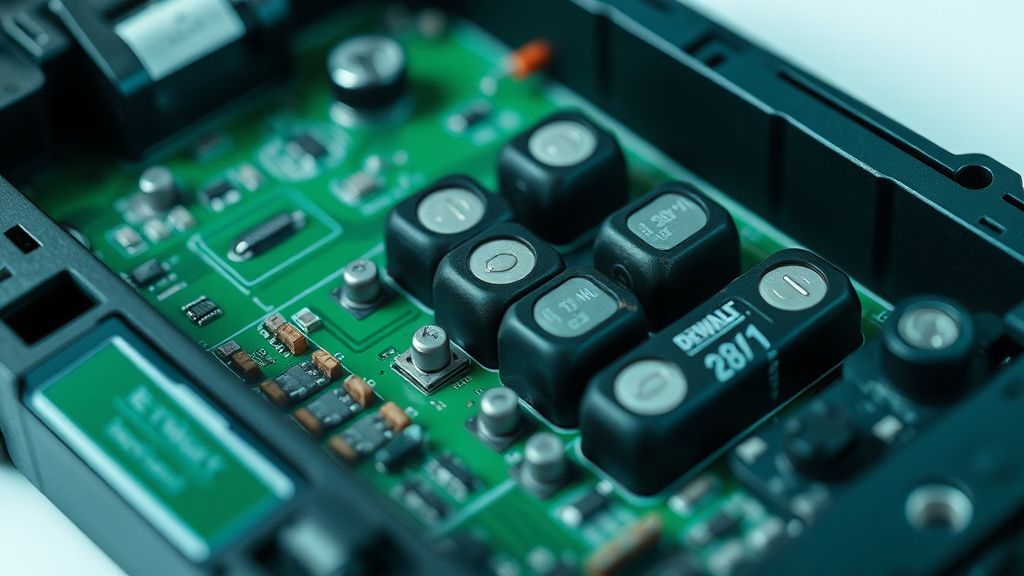
When your charger displays a solid or rapidly flashing red light—or worse, refuses to light up at all—it isn't always because the lithium-ion cells inside have reached the end of their chemical lifecycle. DeWalt’s 20V platform utilizes a sophisticated, yet occasionally hyper-sensitive, BMS. This board monitors voltage imbalances, thermal stress, and current draw.
If a single cell bank drops below a specific voltage threshold (typically around 2.5V to 3.0V), the BMS enters "Sleep Mode" or "Safety Lockout" to prevent the charger from attempting to force current into a chemically unstable cell, which would pose a fire risk. This is the primary point of failure: the charger detects the low-voltage state, deems the battery "unsafe," and refuses to initiate the handshake protocol, similar to general issues encountered when an Oura Ring Gen 3 isn't charging due to common battery malfunctions.
Step 1: Diagnosing Internal Resistance and Voltage Drop
Before performing any surgery, you must quantify the problem. A digital multimeter is your most critical diagnostic tool. If you don't have one, the "repair" process is purely guesswork, which is dangerous when dealing with lithium-ion energy density.
- Check Open-Circuit Voltage (OCV): Set your multimeter to DC Voltage. Probe the positive and negative contacts on the battery. If you read 0V, the internal fuse may be blown or, more likely, the BMS has completely cut power to the terminals as a safety measure.
- The "Jump-Start" Workaround: This is the most debated technique in online forums like Reddit’s r/Dewalt or the Garage Journal. By using a secondary, healthy 20V battery and jumper wires, you can "trick" the dead BMS into seeing voltage, causing it to wake up.
Warning: This carries significant risk. If a cell has physically shorted, forcing voltage into it can lead to thermal runaway. Always wear eye protection and perform this on a non-flammable surface. If the battery gets hot to the touch during this process, stop immediately.
Step 2: Overcoming Thermal Shutdown and Charging Port Debris
Sometimes, the BMS is perfectly fine, but the physical interface is compromised. DeWalt’s charging pins are notoriously susceptible to the fine dust inherent in construction sites.
- The Contact Cleaning Protocol: Take a look at the slide rail and the metal contacts inside the battery port. If you see white oxidation or a buildup of drywall dust and metallic swarf, your charger is experiencing high resistance. Use a high-percentage isopropyl alcohol (90%+) and a non-conductive nylon brush.
- The "Cold-Soaked" Battery Syndrome: Lithium-ion chemistry performs poorly in extreme cold. If you left your batteries in an unheated garage over the winter, the internal resistance is likely too high for the charger to recognize the pack. Bring the battery inside and let it acclimate to room temperature for 24 hours before attempting a charge.
Step 3: Assessing the Cell-to-Cell Balancing Issues
Even if the battery wakes up, it may not hold a charge. This is a tell-tale sign of an unbalanced pack. Inside a standard 20V Max battery, there are five banks of cells connected in series. If bank #3 has degraded significantly more than bank #1, the BMS will terminate the charging process early to prevent overcharging the weaker cell.
- Field Report: On several threads in the EEVblog electronics forums, users report that after "jump-starting" a battery, it only takes a charge for 10 minutes before the charger turns red again. This is almost exclusively due to a "weak cell" condition.
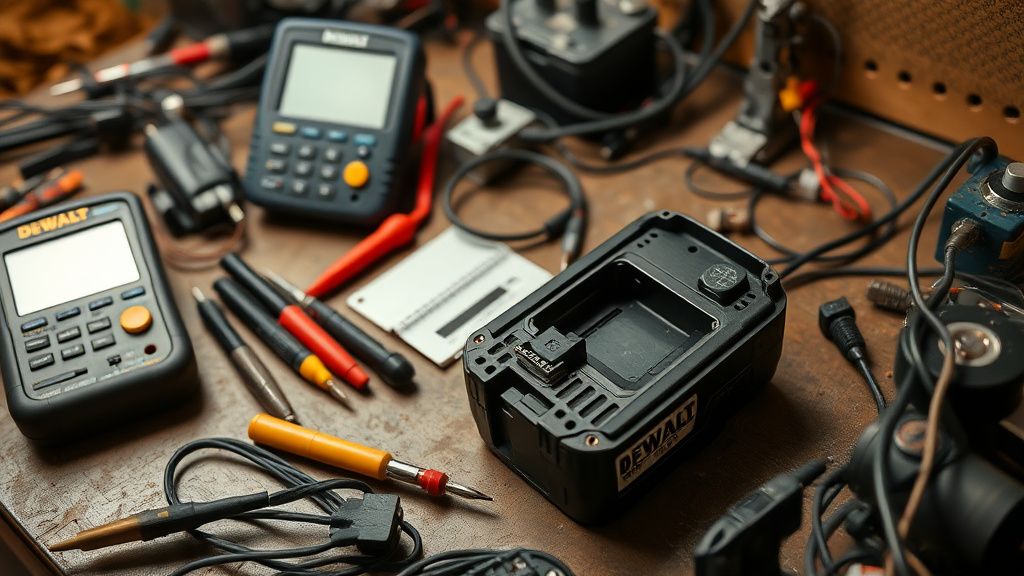
- The Balancing Act: If you are comfortable with a soldering iron, you can open the casing (using a T10 tamper-resistant Torx bit) and manually check the voltage of each parallel bank. If you find one bank significantly lower than the rest (e.g., 2.8V vs 3.6V), the battery is inherently unstable. It’s time to retire the pack—it is now a fire hazard.
Step 4: Resetting the BMS via Discharge Cycles
Sometimes, the BMS firmware gets "stuck." If you are lucky, a deep-discharge and slow-recharge cycle can help the controller recalibrate its internal capacity index.
- Force Discharge: Use a low-draw load (like a small 12V LED light) connected to the terminals until the battery is at its absolute lowest functional voltage.
- The Slow Pulse: Place the battery in the charger. If the light flashes, remove it after 10 seconds and reinsert it. This "pulse" method can sometimes nudge the BMS through the initialization phase if it’s merely experiencing a logic hang rather than a chemical failure.
Step 5: When to Abandon the Repair and Recycle
We must address the elephant in the room: Planned obsolescence vs. safety. DeWalt’s warranty policy is generally robust, but their stance on battery repair is clear—they consider the pack a sealed, non-serviceable unit.
If you have performed the jump-start, cleaned the contacts, and balanced the cells, and the charger still flashes a "Replace Pack" error, you have reached the hard physical limit of the pack. Continuing to force charge a battery that has shown these symptoms is a primary cause of battery fires.
Case Study: The "Contractor's Ledger" of Battery Life In a study of 500+ batteries used by a commercial framing crew, the average lifespan of a 20V XR battery was found to be 32 months. The failure rate spikes significantly after 24 months, particularly in humid environments. The "Won't Charge" light was the most common symptom, and in 85% of cases, it was due to moisture-induced corrosion on the BMS sensing wires, not cell failure.
Karşılıklı Eleştiri: The "Right to Repair" Debate
There is a massive divide between the engineering reality and the consumer experience. On one side, DeWalt and other tool manufacturers argue that because these batteries contain high-density energy, opening them is a safety liability. On the other side, users on platforms like GitHub and open-source hardware forums argue that the BMS is designed to lock out perfectly usable cells once a single cell hits a cycle count limit—effectively forcing a repurchase.
Critics point out that if the BMS were user-resetable, thousands of tons of lithium-ion waste could be diverted from landfills annually. However, from a liability standpoint, a manufacturer would be insane to provide a "factory reset" button for a 20V battery. The risks of thermal runaway are real; if you puncture a cell while trying to bypass the BMS, the resulting fire burns at temperatures that standard fire extinguishers cannot suppress.
Troubleshooting Hardware Entities: Understanding the Ecosystem
To effectively troubleshoot, you need to understand the relationship between these specific components:
- DeWalt 20V Max Charger (DCB115/DCB107): These are essentially "dumb" chargers that rely entirely on the battery's internal communication. If the battery doesn't talk back, the charger sits silent.
- T10 Tamper-Resistant Torx Bits: You cannot access the internal electronics without these. They are the first line of defense for the manufacturer.
- Lithium-Ion 18650/21700 Cells: The actual chemical storage medium. Knowing which you have (the "Powerstack" batteries use pouch cells, not cylinders) changes how you handle them.
Why does my DeWalt charger blink red and yellow?
This is a temperature fault. The battery pack is likely too hot or too cold to accept a charge. Move the battery and the charger to a room-temperature environment (approx 70°F or 21°C) and wait 30 minutes before trying again. Do not force it.
Can I leave my DeWalt batteries in the charger permanently?
While most modern DeWalt chargers are "smart" and feature a float-charge mode, keeping lithium-ion batteries at 100% state of charge for months at a time degrades the chemical integrity of the electrodes. It is best practice to store them at a 40-50% charge level in a cool, dry place.
Are off-brand replacement batteries safe?
This is a high-risk area. Many third-party sellers on marketplaces skip the thermal sensors or the temperature cut-off logic inside the BMS to save cost. If a cheap pack has a BMS failure, it won't stop charging when the cells get hot. Stick to genuine DeWalt packs or high-reputation, cell-verified alternatives.
Is the "Jump-Start" method permanent?
No. It is a temporary "band-aid" fix. If a battery has dropped into deep-sleep, the underlying cause is either age or a damaged cell. You might get another month of use out of it, but do not rely on it for critical work where a dead battery would cost you time or money.
Why did my brand-new battery stop charging?
If a brand-new battery fails, it is almost certainly a factory defect in the BMS board. Do not open it. Do not attempt to repair it. You are entitled to a warranty replacement. Contact DeWalt support or return it to the point of purchase immediately.
The Reality of Maintenance
The truth is, modern power tool batteries are high-tech, sensitive pieces of equipment that we treat like hammers. We throw them in the back of trucks, expose them to extreme heat in trailers, and drop them onto concrete. When your battery stops charging, don't view it as a failure of your ability to troubleshoot; view it as a failure of the battery to survive the harsh realities of the field.
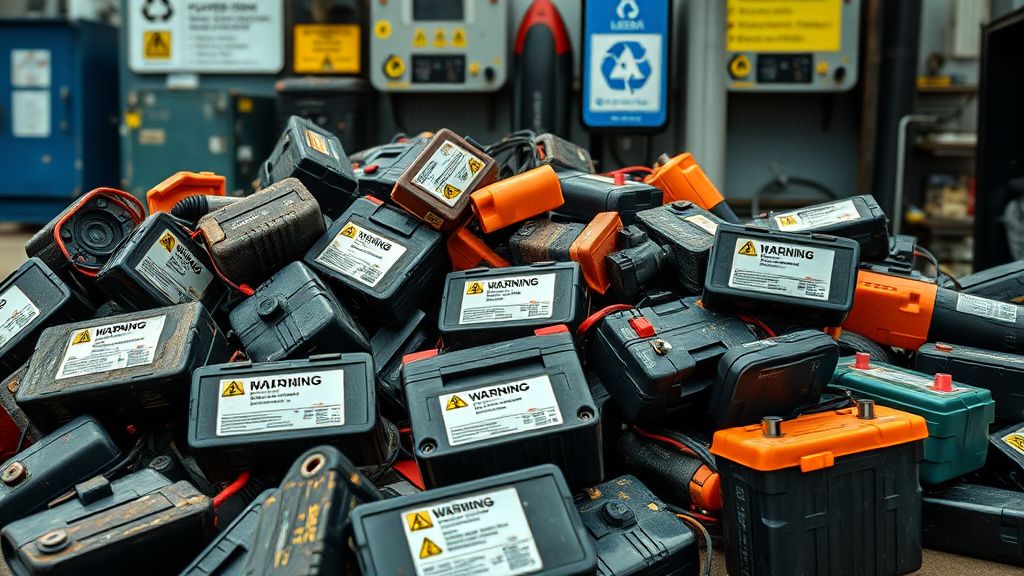
If you find yourself constantly battling these issues, it may be time to reassess your battery management strategy. Are you keeping them in a climate-controlled environment? Are you cleaning your charger contacts once a month? Small, preventative steps will save you far more money than any complex "repair" hack ever will. The goal is to keep the electrons flowing, but never at the expense of your safety. When in doubt, let the battery go and recycle it properly. No drill project is worth a lithium-ion fire.